Show HN: Repro – the time-travel web inspector
repro.devHi HN! I'm Gary, the creator of Repro (https://repro.dev), the time-travel web inspector for replayable, shareable bug reports. It is available as a free Chrome extension today (support for other browsers is coming soon).
I started building Repro as I was frustrated by the state of tools and processes for sharing feedback and bug reports during web development. Screenshots, videos and written bug reports can certainly be helpful, but they are inconsistently used and often do not give clear steps to reproduction.
Repro is an experiment in how far session recording can be an effective way for team members to communicate their feedback, both during development and on issues in production.
It's at an early stage right now - the recording includes DOM mutations, styling and user interactions, but there is much more coming: console messages, network requests, performance reporting, commenting/discussion, etc.
How it works:
When the Repro extension is running, your browsing session in the current tab is recorded into a fixed-size, in-memory buffer (no data leaves your browser until you are ready to share). When you open the Repro inspector, the recorded events are replayed - and you can pause, rewind and inspect at any time!
If you want to save and share a recording, you can upload it to Repro's cloud storage. Your recording is end-to-end encrypted and a unique URL is generated for you to share.
For more detail or to download the Repro extension, go to https://repro.dev. I would love to hear your feedback.
PS. Repro is free to use and no sign-up is required, but if you would like to be more involved in shaping the future of the product and its roadmap, please consider joining our early adopter program: https://forms.gle/CTGhWiyekU4sdCyB9. Or feel free to email me directly - gary [at] repro [dot] dev.
Thanks!
Some screenshots of Repro in action...
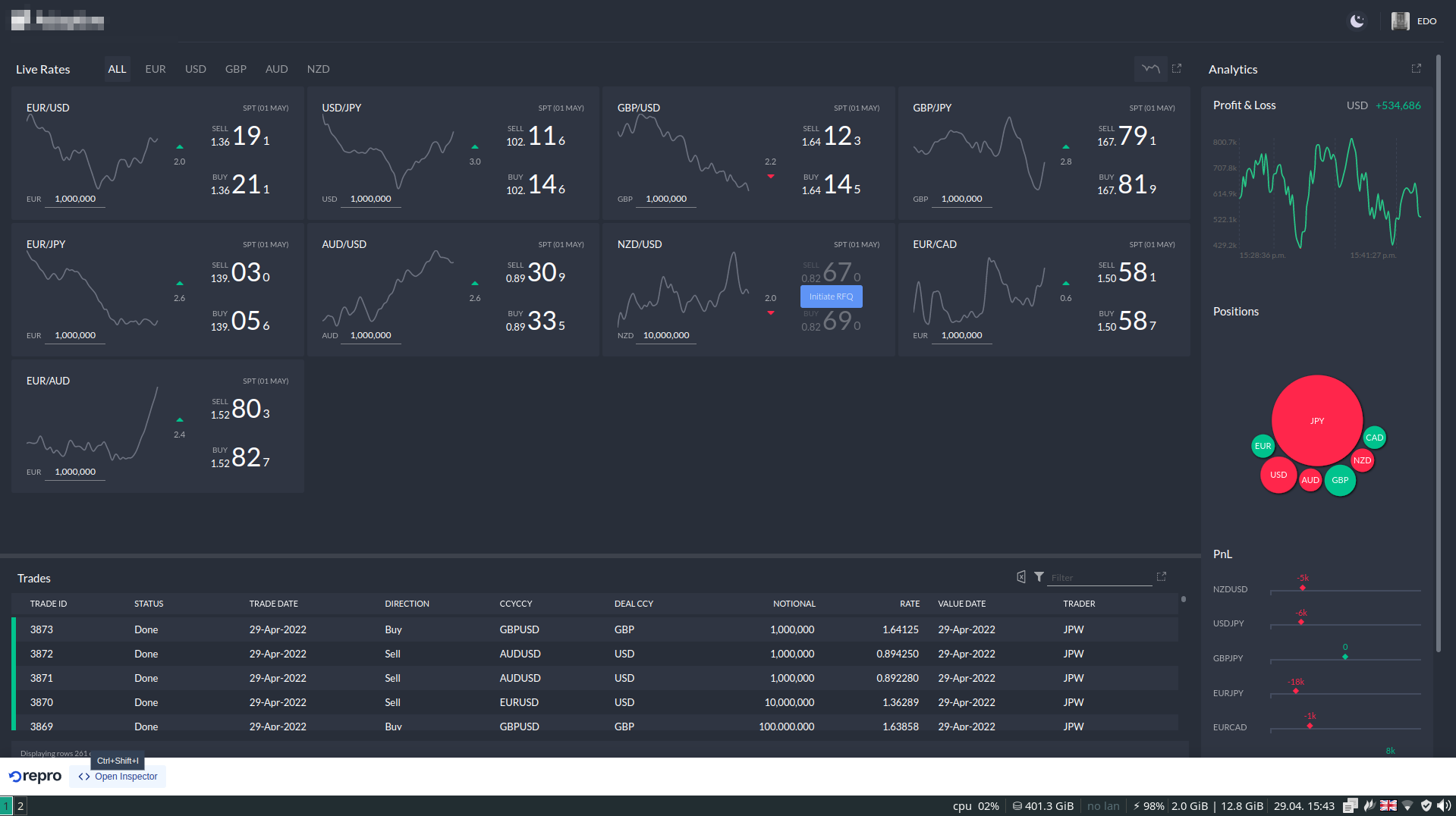
The Repro toolbar: https://repro.dev/screenshots/repro-toolbar-closed.png
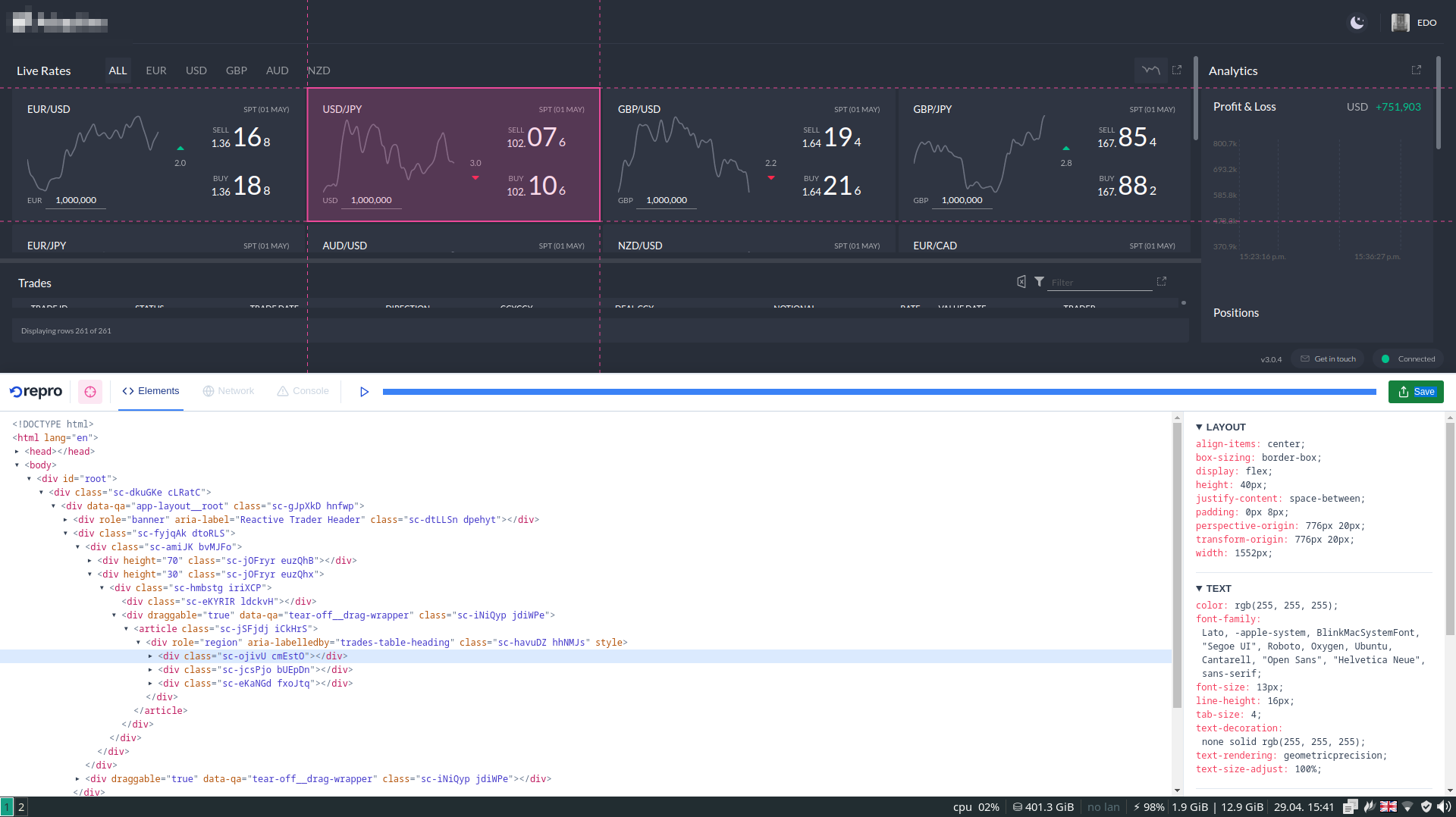
Element picker: https://repro.dev/screenshots/repro-picker.png
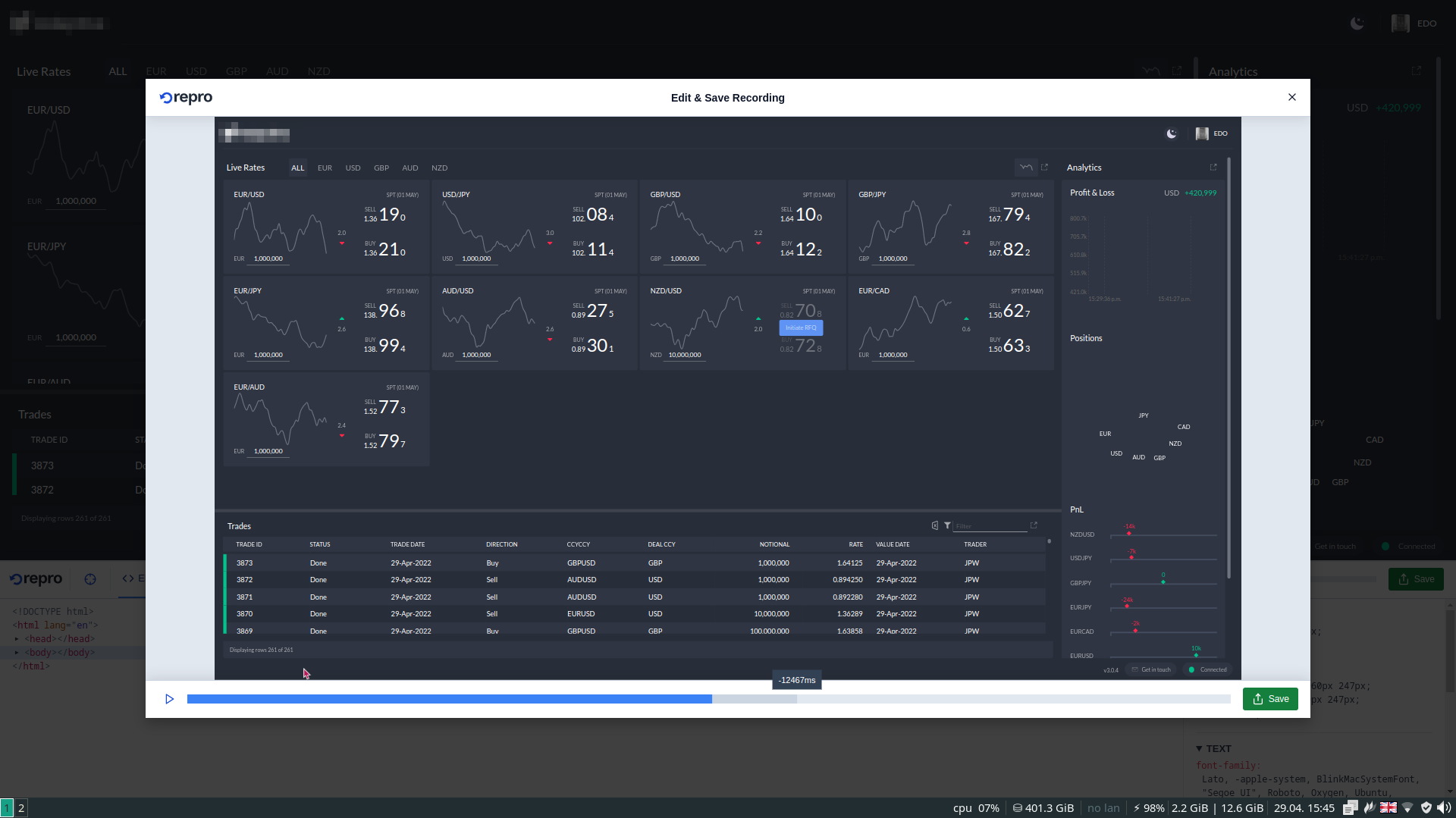
Saving a recording: https://repro.dev/screenshots/repro-export.png
A example of a recording: https://share.repro.dev/ZESo4eZ7ZUf279k7RazOZ/#GLsenWjJJPxXY.... Clicking the "Devtools" tab in the header will take you to a web inspector view where you can interact with the recorded DOM.
Consider a demo video. I have a hard time understanding what this does and what the output might look like without having to download it.
That's a very fair point - thank you!
I don't have a demo video to hand (I will make one soon!), but this is an example of a saved recording: https://share.repro.dev/ZESo4eZ7ZUf279k7RazOZ/#GLsenWjJJPxXY.... If you click the "Devtools" tab in the header, you are taken to an inspector view when you can interact with the recorded DOM.