One-line drawings
schollz.comThis one-line AI could be of interest: https://clipasso.github.io/clipasso/
Brilliant! Thanks for that link. I'm definitely going to incorporate that.
Didn't know about autotrace. I was supposing it would just trace the bitmap into a compound path, sort of what like potrace does, but the animation suggests it traces into a single path - which is absolutely great, as afterwards you can adjust the stroke width, linecaps and more thingies. Amazing!
Yeah potrace can do the same thing - trace a path of a bitmap. (Imagemagick can too). In my tests (with lots of line drawings) I felt autotrace generally had better results. Wish I kept the side-by-side comparisons to show...
This is awesome. For some reason when I'm on Chrome, I can't see the animated gif the article references. Which is the most interesting part.
It works on Safari. But here's a direct link that works on chrome. https://schollz.com/img/oneline/person.webm
Cool project, very inspiring!
I'm wondering if this could be used to generate drawings using line weight by using a brush tip and adjusting the Z coordinates. The "dessins abrégés" (abridged drawings) are a great historical antecedant by master artist Keisai would be a perfect match for this.
That's a great idea! I think you're absolutely right - in the video of the plotter I used a pen that has a more flexible nib and pressing it down (especially at an angle) will add more line weight. I'll have to encode the line width along the line now :)
There is a Posca with a brush tip and good ink flow. The easiest to find is the Pentel, but does not flow that fast so you'd have to adjust the speed. So it might not be that easy, and require some experimentation...
Reminds me of Fourier Series [1] although this just works for closed curves AFAIK.
For an “open curve” (parametric function from a segment) the analogous tool is the Chebyshev series.
https://people.maths.ox.ac.uk/trefethen/ATAP/ATAPfirst6chapt...
This reminds me somehow of Haiku/senryu poems: https://en.m.wikipedia.org/wiki/Haiku
Cool project, nice work. FWIW, Inkscape has an extension called "Gcodetools" which can turn SVG paths into Gcode for you. But I totally get the desire to do it for yourself.
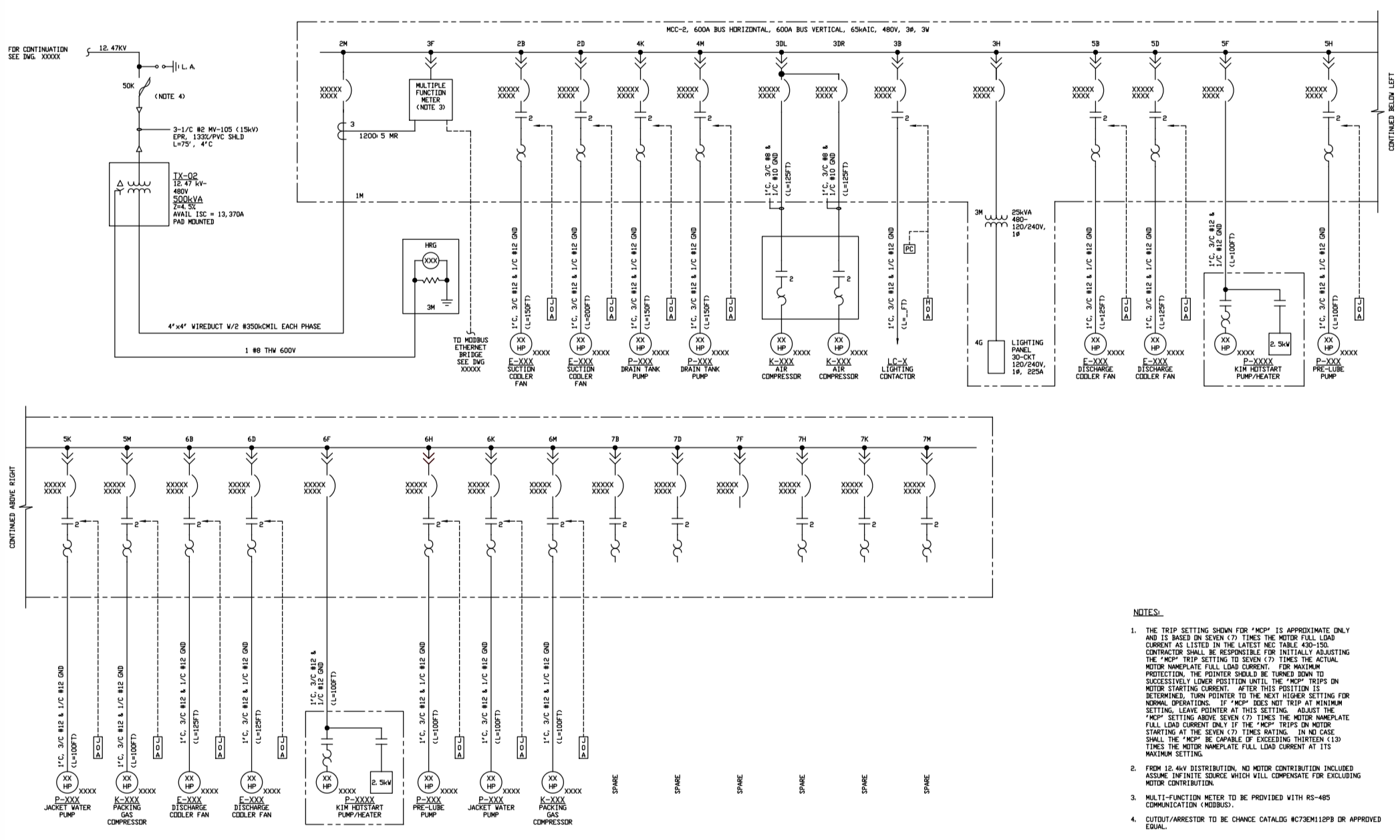
And here I was expecting to see how the power station is wired.
https://www.piping-designer.com/images/disciplines/electrica...
I was trying to do a similar-ish thing. Autotools looks useful. Parsing the SVG path was a bit of a nightmare.
For traversing the path, I considered the Chinese postman problem. There might be easier ways.
That one reminded me about inkscape and the path simplify feature (not specific to one line drawings, but that was a loose association seeing the animated drawings)
If that’s a line the canvas is very non Euclidean.
This would be a great way to build those videos that draw a picture. Currently done by hand.
You might find excalidraw-animate[0] easier for that.
Thanks.
What is that tweet even saying?
One line drawings? Open the website and very first picture is multiple lines, same goes at least for dove and didn't study others. False advertising.
Ctrl+F: "sometimes"