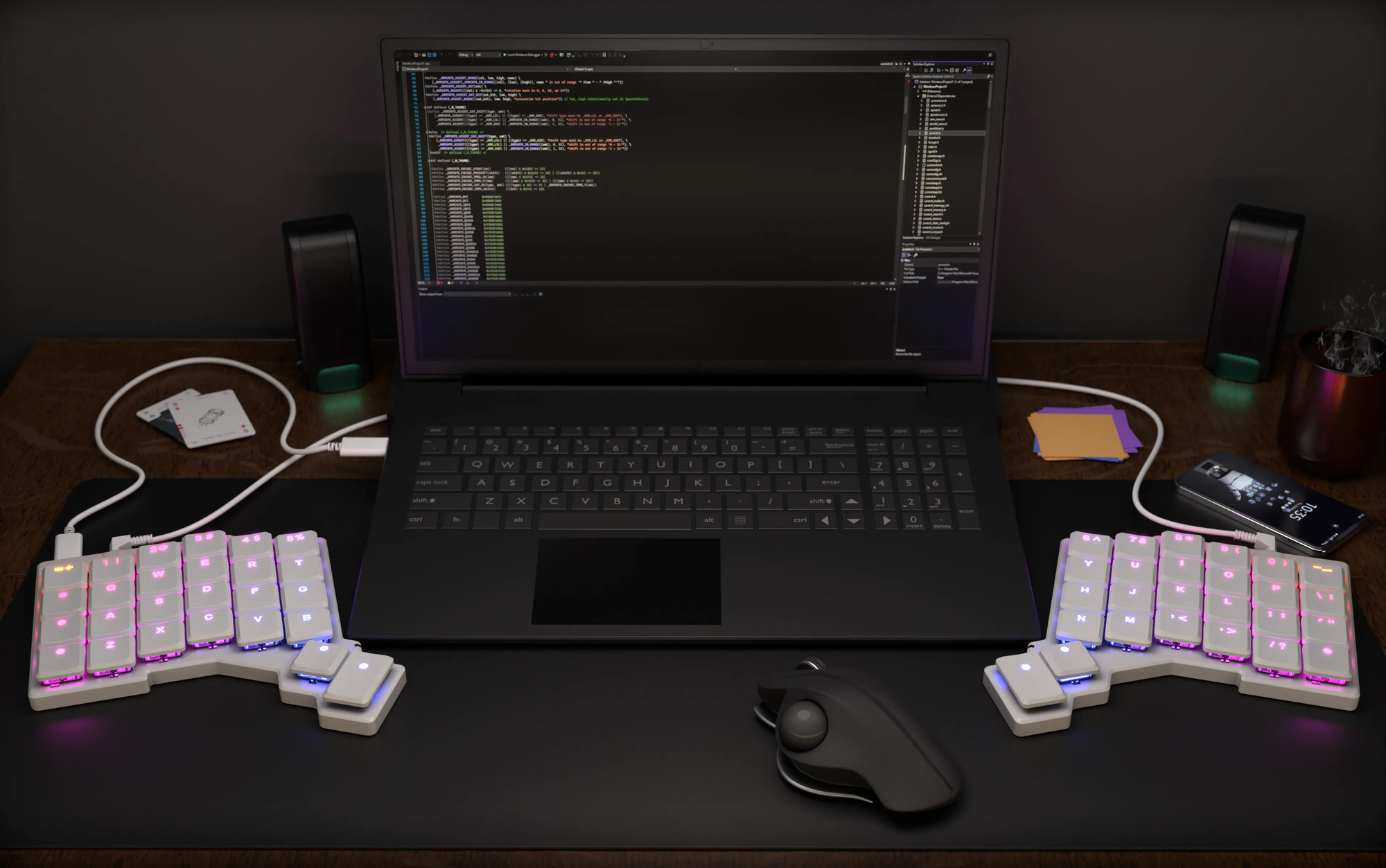
Designed with a laptop in mind
The Voyager makes your laptop better.
It offers a personalized and productive typing experience
while not taking up a ton of space.
Ergonomics, anywhere.
At home on your desk
The Voyager works just as well as part of a permanent desktop setup. Build your entire workstation around it and enjoy great ergonomics while leaving lots of room for a pointing device, a cup of coffee, and your favorite cat.
The Voyager can do much more than your typical keyboard. Customize it for your personal typing style and pack it full of handy shortcuts for the apps you use most.
Oryx is a free, simple, and powerful keyboard layout editor that you can use right now, in your browser. Point-and-click your way to the ultimate in comfort and productivity.
See firmware features ↓
It glows
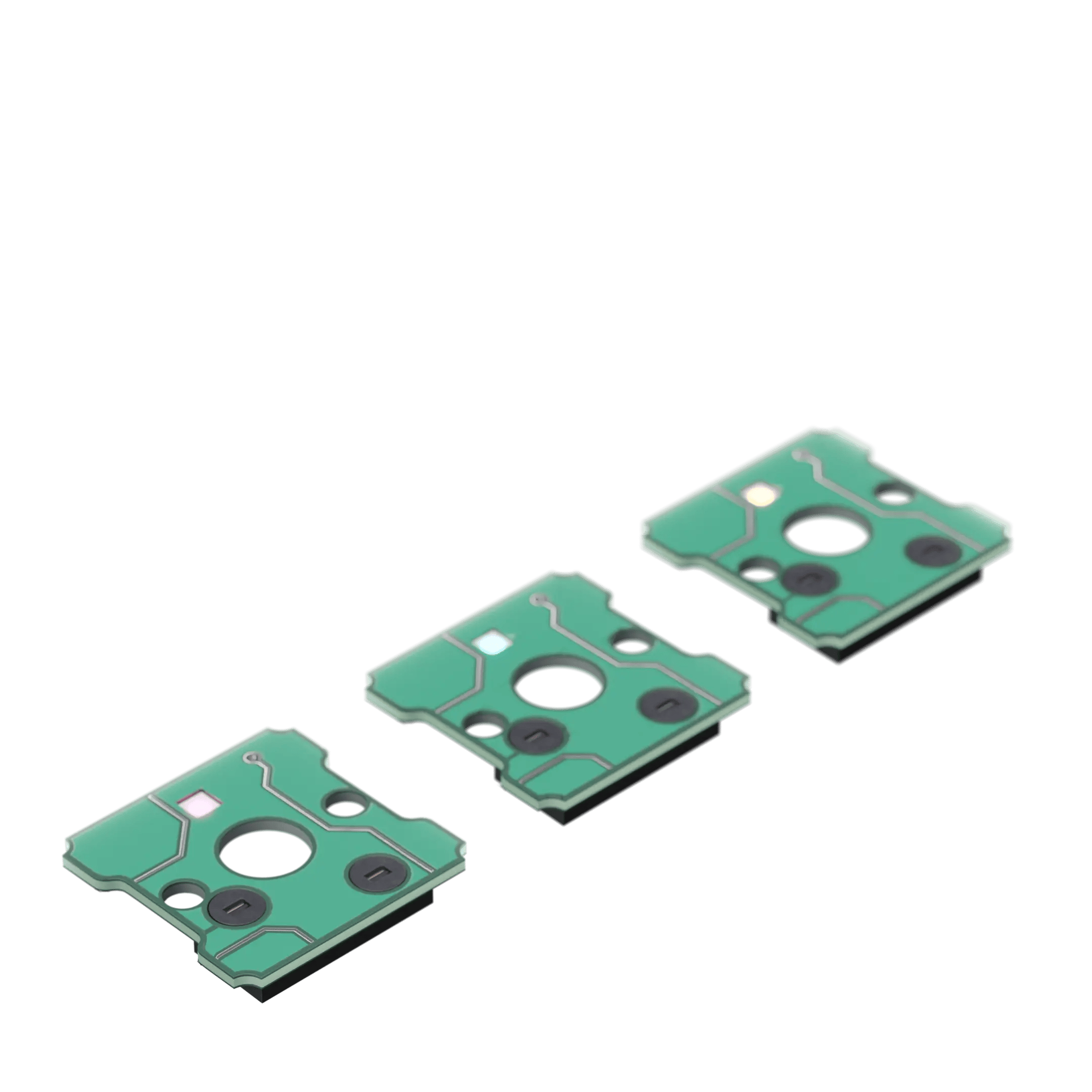
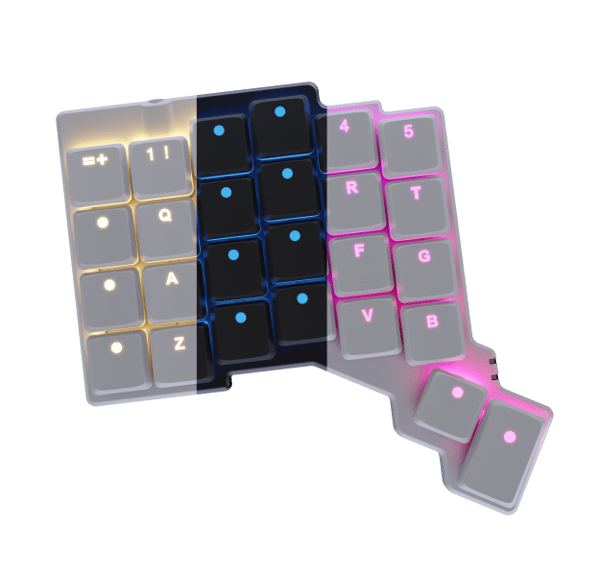
The Voyager has a bright and colorful LED under every key: These LEDs can dance across the surface of the keyboard using a variety of included animations.
You can also use them to highlight specific keys, and it’s easy to make them dimmer or turn them off entirely.
INTRODUCING THE

Add mousing superpowers to your Voyager
Trackball module available now
Learn moreSmart Layers
Switch to Photoshop, and the "Photoshop" layer on your ZSA keyboard automatically activates. Click into Fortnite, and now your "Game" layer is suddenly active.
Comes from a great family
We've been making high-end keyboards since 2015.
Here's our lineup.
Features an articulating thumb cluster. Over 40,000 units sold.
Learn MoreOur first keyboard, going strong for years. An ergonomic classic with a big community.
Learn MoreI really didn't have to remap my brain. That was super helpful.
I’ve come to really like the layout, it doesn’t hurt as much, its really nice to use.
I didn’t think about my typing improving, it just was very natural, so that was kinda a nice surprise.
It felt really good to have my wrists at whichever angle I wanted.
In terms of the build quality, customization experience, this is usually the best of any of the keyboards that I’ve used.
Using the layers for punctuation and for numbers is just so comfortable. It's the most useful thing.
Really they are just amazing keyboards, and they are comfortable, and I love them.
I don't think I could really live without it comfortably.
Having all the different shortcuts and macros programmed into the actual piece of hardware so I could take it with me, go to a facility, plug it in, and have it work out of the box was key.
The keyboard is the tool I touch the most throughout the day, so being excited by touching and looking at it is an important element of my keyboard.
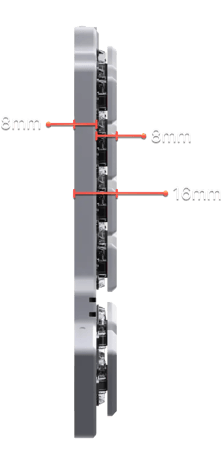
Oh, so thin
How do you make a keyboard that’s even thinner than the Moonlander while keeping the level of comfort people have come to expect from ZSA?
By combining great build quality with low-profile Choc keyswitches made by Kailh.
Our thinnest board yet, and just as comfy.

Oryx
It’s your keyboard: Set it up just the way you want it. You can play with the full version of Oryx right now, even before buying a ZSA keyboard.

Keymapp
See your layout update on your screen as you type. Remember where your keys are without straining your neck. Entirely optional; your layout is always saved to the keyboard itself.

typ.ing
Practice your custom layout until it becomes second nature. Includes modes to focus on standard text, numbers and symbols, programming syntax, and unlabeled keys within layers.
See your layout in real time
Our native app, Keymapp, displays your entire layout right in front of you. It updates as you use your board, so you'll never get lost while navigating layers. Pin Keymapp to the corner of your screen and you'll always know what each key does at a glance, even while working in other windows.
Keymapp's "heatmap" feature gives you personalized, always-local data about which keys you use most to help optimize your layout for your own particular workload.
Most important, Keymapp is entirely optional. Take your keyboard from one computer to another and all your customizations come with you — not locked in an app sitting in your system tray.
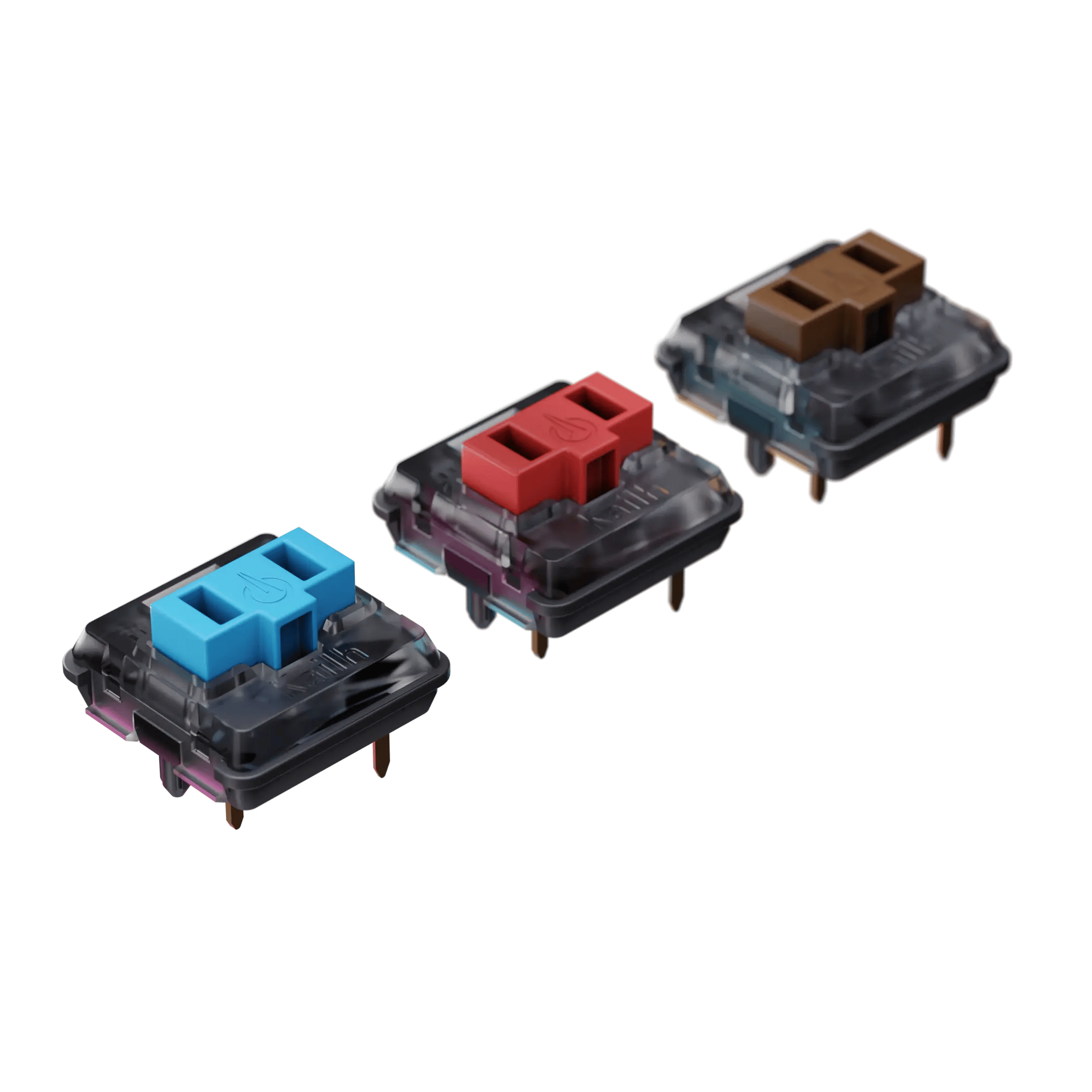
Hot swappable
Just like all our other boards, it’s easy to pull a keyswitch out and pop a new one in. Customize the board over time or swap out a switch as needed.
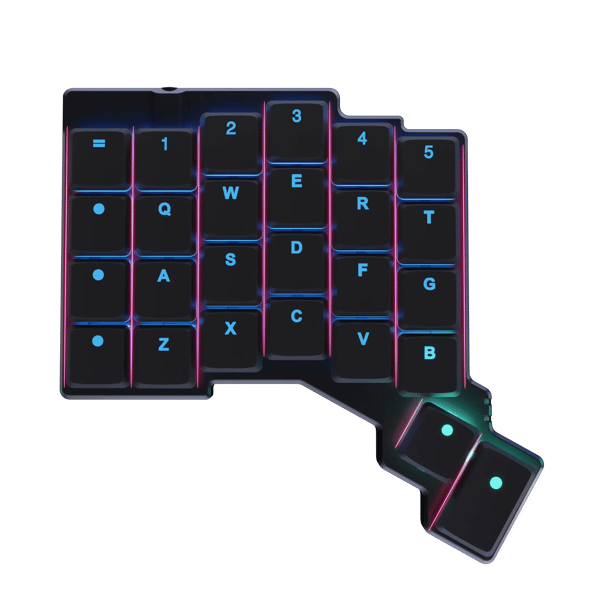
Columnar
Because when you extend a finger, it doesn‘t go sideways.
Columnar keyboards make it easier to reach above and below the home row. Stretch less, type more.
Thoughtful Keycaps
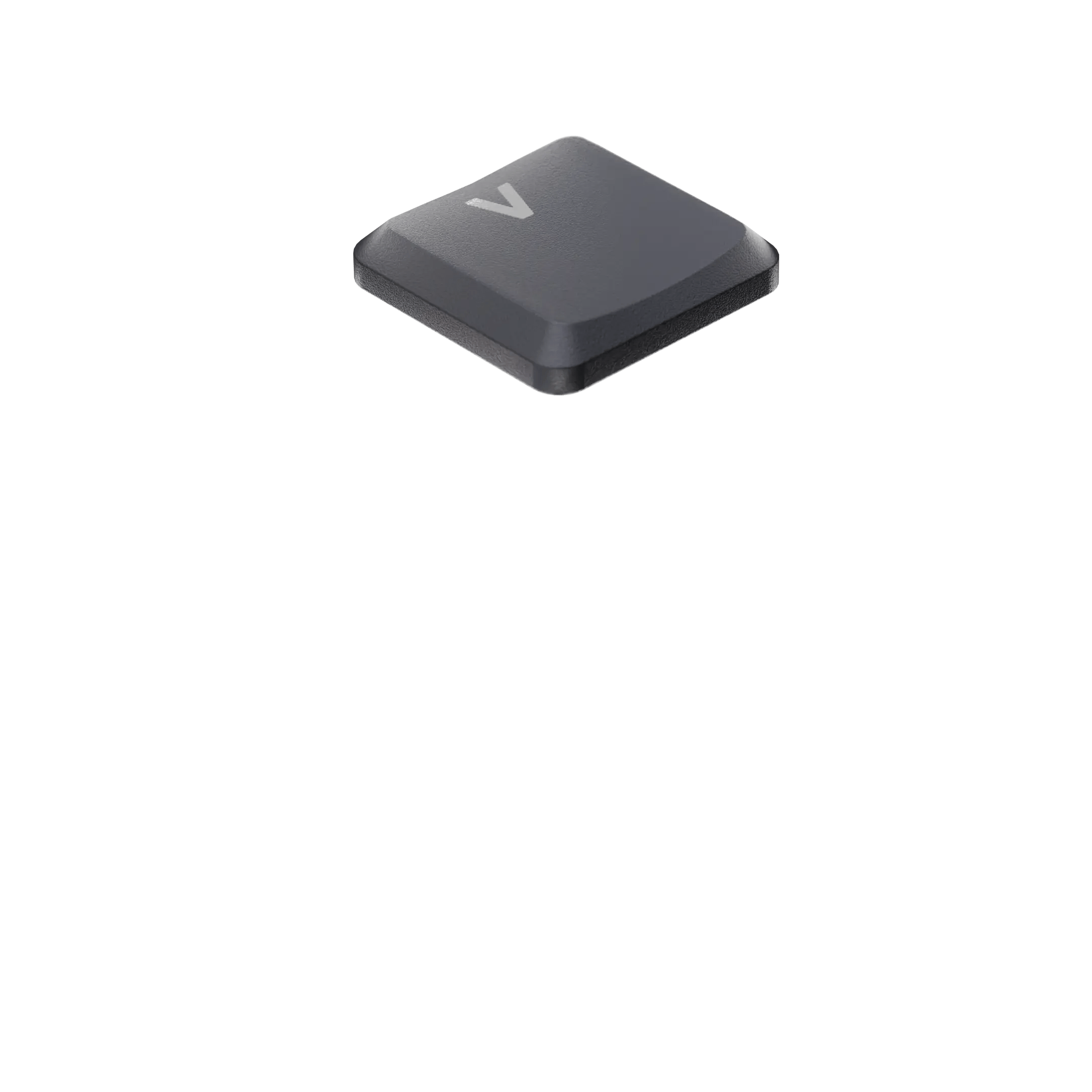
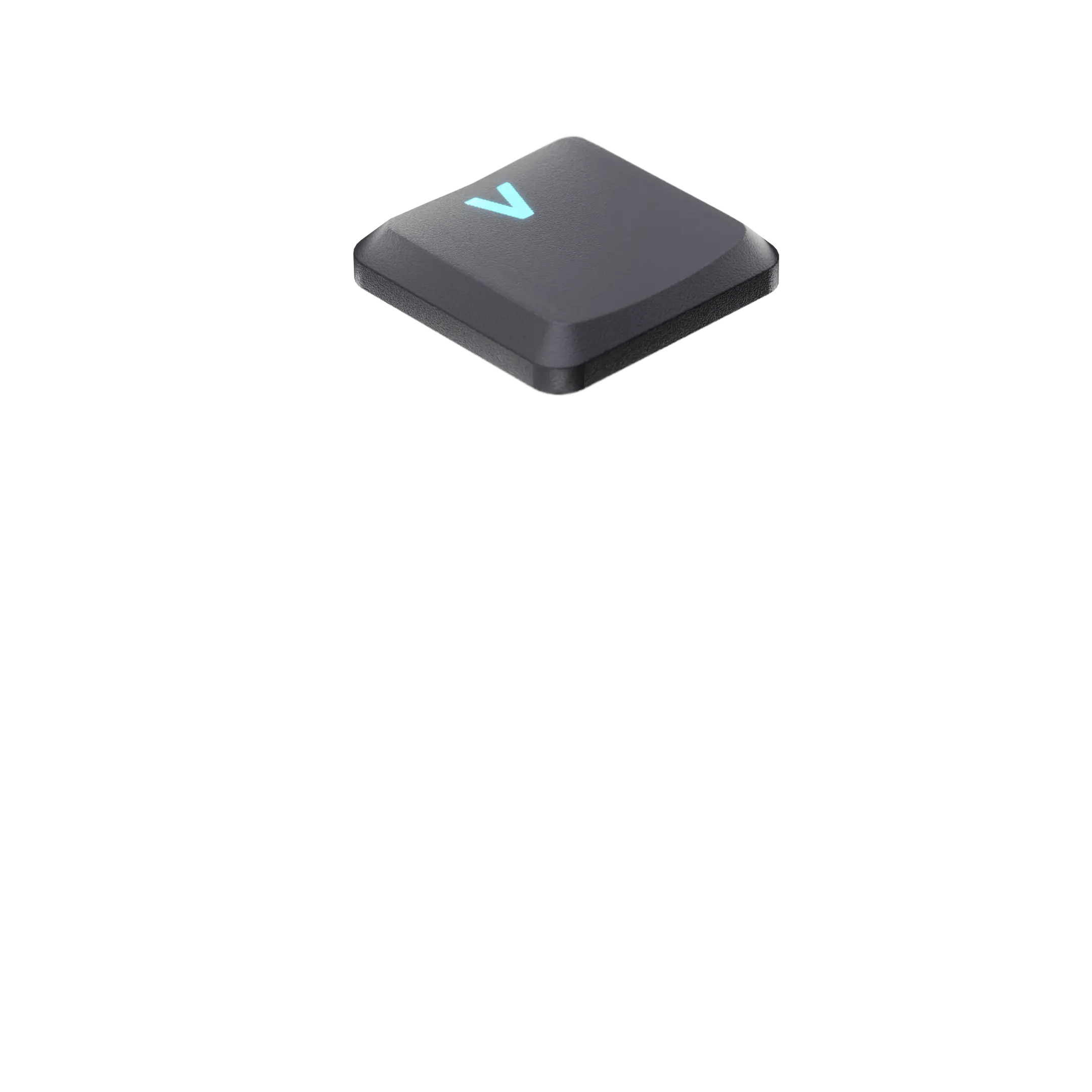
We’ve created three high-quality keycap sets specifically for the Voyager. There’s one for US-English, one that’s locale-neutral, and a third option with blank “circle glow” keycaps for a minimal, striking look.
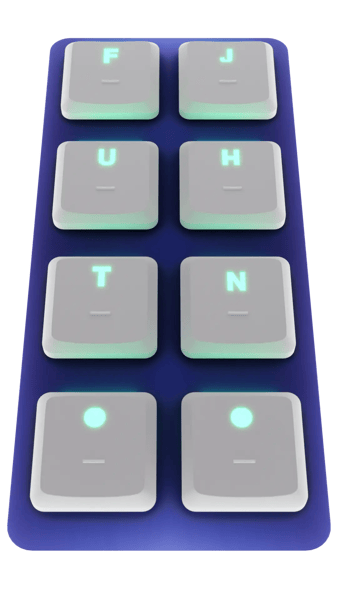
Embraces better typing
Most keyboards include tactile homing bumps for the QWERTY layout. We’ve included those, of course — but we’ve also added homing bumps for a couple of layouts that are better than QWERTY.
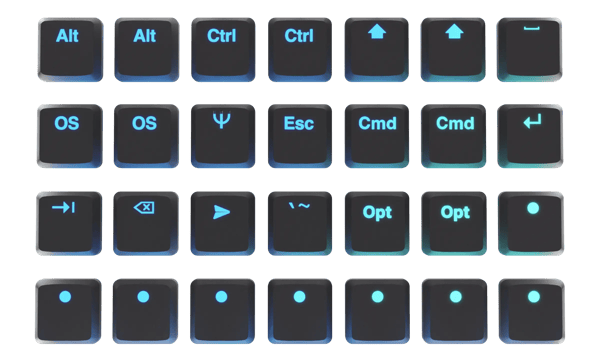
Even More Keycaps
The Voyager comes with a large assortment of extra keycaps. Put these right where you want them to create your own look and fit your personal layout. This helps with mastering the board, too.
It's comfy
We carefully designed the Voyager’s geometry, balancing comfort with power. It has just enough keys.
Download a life-size printable PDF to try it out on your desk.
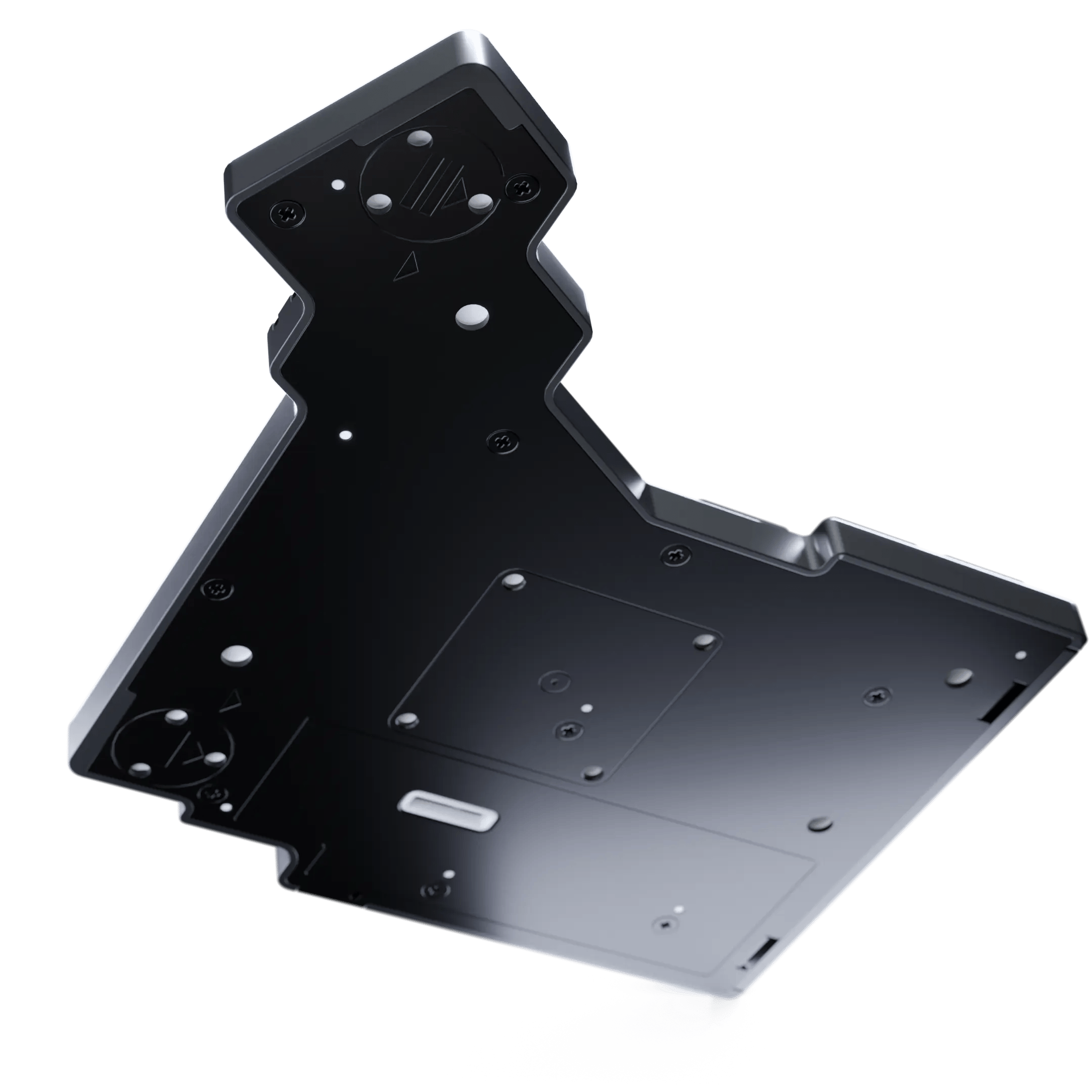
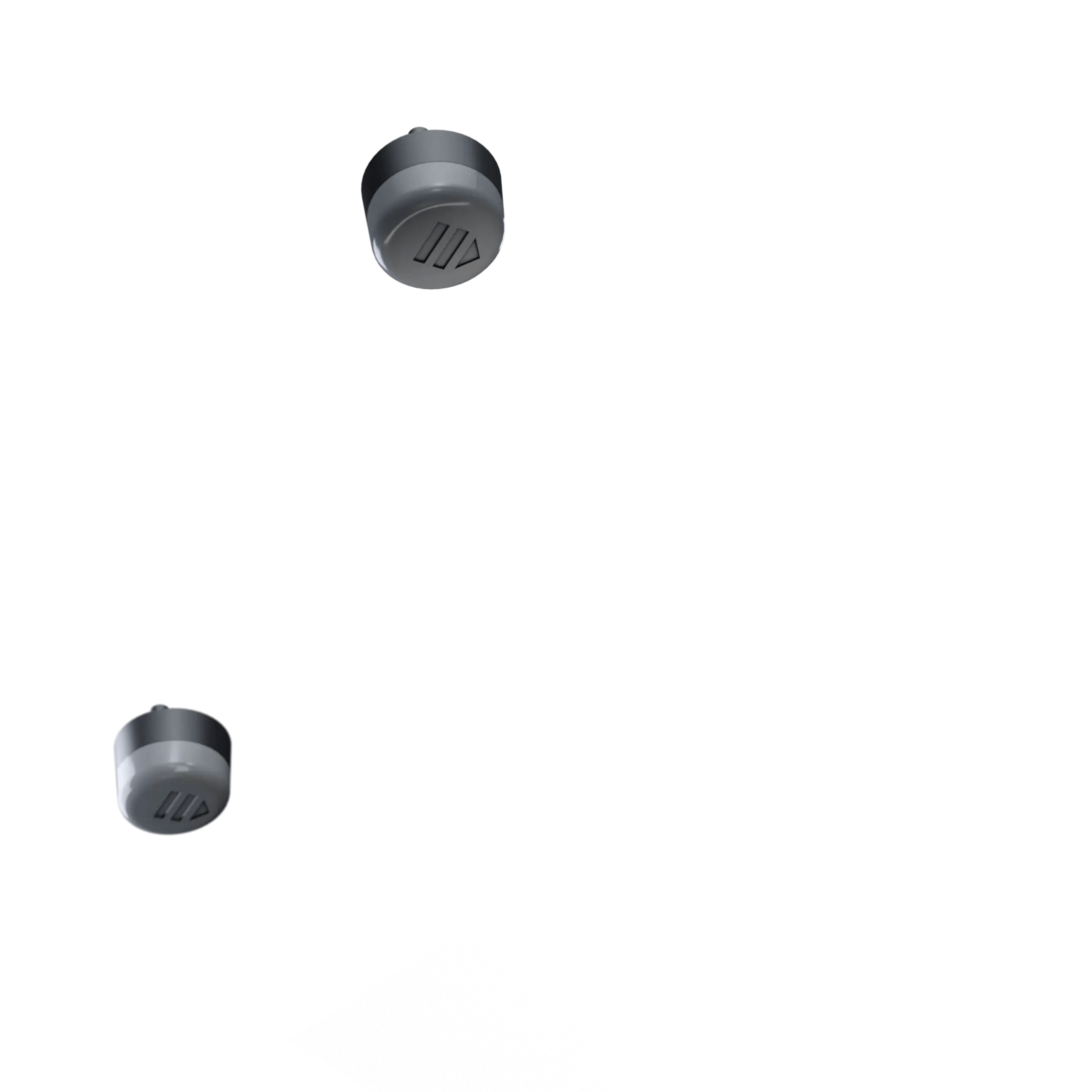
Accessories that snap on
The bottom plate of the Voyager is made of steel. Not only does it ensure this extra-thin board feels solid, it also happens to be magnetic.
Accessories click into place using a combination of magnets and orientation pins, making for a secure and satisfying grip.
Smart legs
Every Voyager comes with a set of four high-quality tenting legs that magnetically snap onto the board. Click!
We took care to design these legs in a way that allows you to easily harvest the included magnets in case you want to create your own tenting accessories.
Included carrying case
We put so much thought into the Voyager’s carrying case. It’s sized precisely for the unit and includes two inner zipper pockets for securely storing your accessories. We’ve reinforced its spine to protect the Voyager and included a custom-made laser-engraved steel bar to hold the magnetic legs in transport.
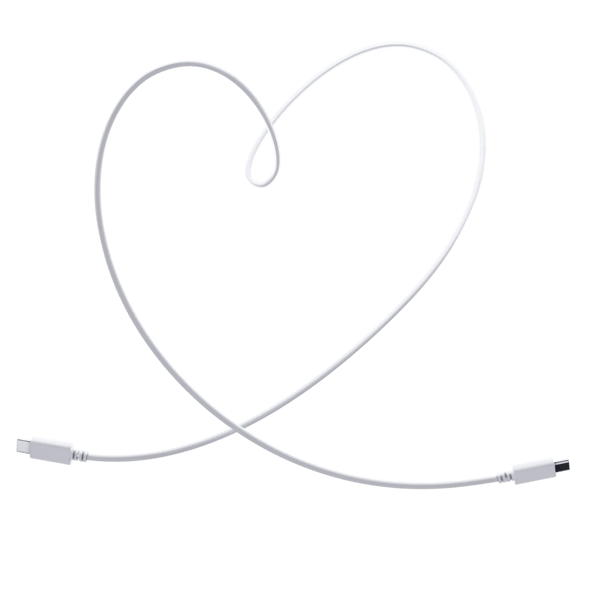
A selection of cables
We felt it was crucial for the Voyager to fit into your particular workspace and curated the cables accordingly.
The Voyager comes with an interconnect cable and three different USB-C cables, allowing for extreme flexibility in positioning your board while maintaining the reliability, repairability, and responsiveness that wired connections are known for.
Optional magnetic tripod mount
Add a standard tripod thread to your Voyager, unlocking endless mounting options.
Position and angle each half exactly the way you want it — no desk required. Like every Voyager accessory, the tripod mount magnetically clips on with a satisfying snap.
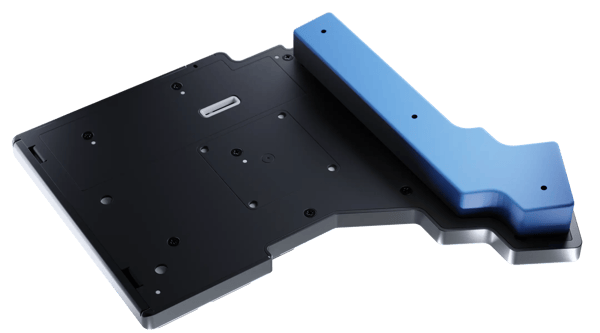
Beautiful community
add-ons
With a rich library of free 3D-printable accessories, docks, wrist rests and more, you can customize your Voyager setup to your heart's content anytime.
Add magnets, and the accessories will hug the Voyager like they were made for it. New designs are regularly added.
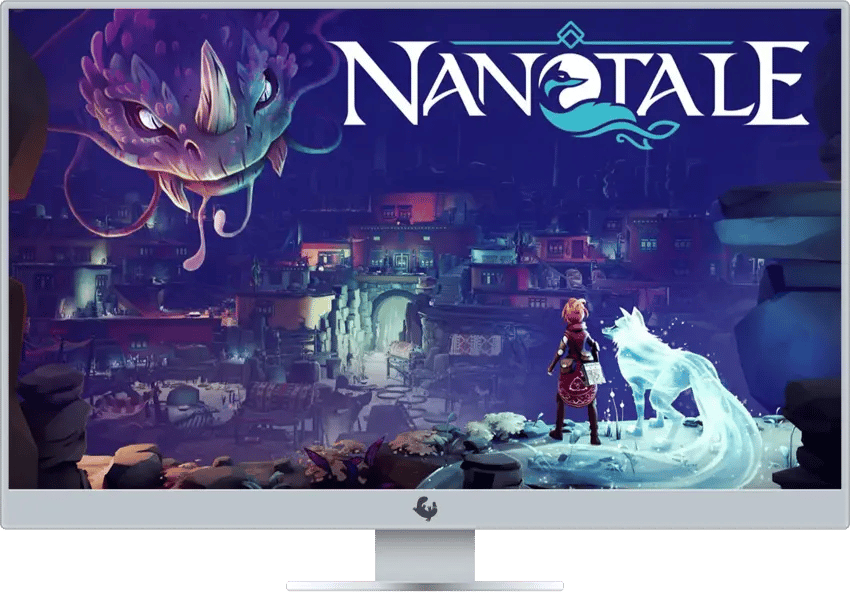
Learn by playing
Nanotale is a beautiful game that will make you a better typist without you even noticing. Every Voyager sold comes with a free, full license for Nanotale.
A fully-customizable typing experience
Make your keyboard work just like you want it
You don't have to code to customize the Voyager. Oryx is a free, simple, and powerful keyboard layout editor. Point-and-click your way to the ultimate in comfort and productivity.
Remap any key
Don't like where something is? Move it. All keys can be remapped and reassigned, and most people iterate over their layouts until they're just right.
Tap for A, hold for Ctrl
One key can do two, three, or even four things. Tap-dance and dual-function keys make it easy to hold a key for Ctrl (for example) and tap it to get the letter “A”. All the power you need, within easy reach.
One-touch shortcuts
Want to set up a single key to send Cmd+S? Easy peasy.
Works with Mac, Linux and Windows
All the “smarts” live on the board. No software or drivers required.
Unlock the power of system-wide hotkeys
Hyper is Ctrl+Shift+Alt+Win/Cmd, while Meh is Ctrl+Shift+Alt. No sane application on your machine uses these, which means you get free system-wide shortcuts.
Use multiple layers
With up to 32 layers, you can make a layer dedicated to your favorite game or app and get single-key access to helpful combos and shortcuts.
Open-source firmware
The powerful firmware that runs on the Voyager is called QMK, and it’s open-source, available on GitHub. While you can use our configurator to quickly put together a layout, having complete access to the firmware source code means you can dig as deep as you’d like.
A thriving community
With thousands of people using our keyboards for all sorts of interesting things, there is never a lack of layouts to learn from. Some people even create layout tours to explain things better.
There’s more: A galaxy of firmware features for you to explore and experiment with.
Made by people
you can trust
Makers of


We’ve been making high-end keyboards for years.
People seem to like them.

Uncompromising
2-year warranty
The Voyager is a serious investment in your future well being, and our warranty policy reflects this. We proudly offer a two-year, no-BS, no fine-print warranty on our keyboards.
We also fully support the Right to Repair, and offer parts for all of our keyboards.