
Even if you haven't written a line of code before, I would simply not believe you if you tell me you haven’t heard of Claude Code. I'd go as far as saying it's today’s version of what ChatGPT was when it first launched — the thing everyone’s talking about, whether they fully understand it or not.
Claude Code is Anthropic's agentic coding tool that lives in the terminal. It can write, test, and ship code, all with you talking to it in plain English, just like you would with any AI chatbot. What a lot of people know about Claude Code is how it actually came about. It began as a side project by Boris Cherny, a former Meta engineer, during his very first month at Anthropic.
When the tool was shared internally, Anthropic's engineers quickly adopted it. Eventually, the company decided to launch it publicly in May 2025, by which point over 80% of the company's engineers were using it daily. A couple of days ago, I watched a podcast where Boris Cherny discussed his Claude Code setup. Naturally, my next step was setting it up the way he does.
Not every point of Boris's setup applies to everyone. He works on a large codebase at Anthropic with a full engineering team, and some of his practices reflect that context. I've focused on parts that I found transferable to my own workflow as an individual. That said, I think most people can benefit from these tips regardless of their setup.
Cherny describes his setup as surprisingly vanilla
His vanilla is not the same as everyone else's vanilla
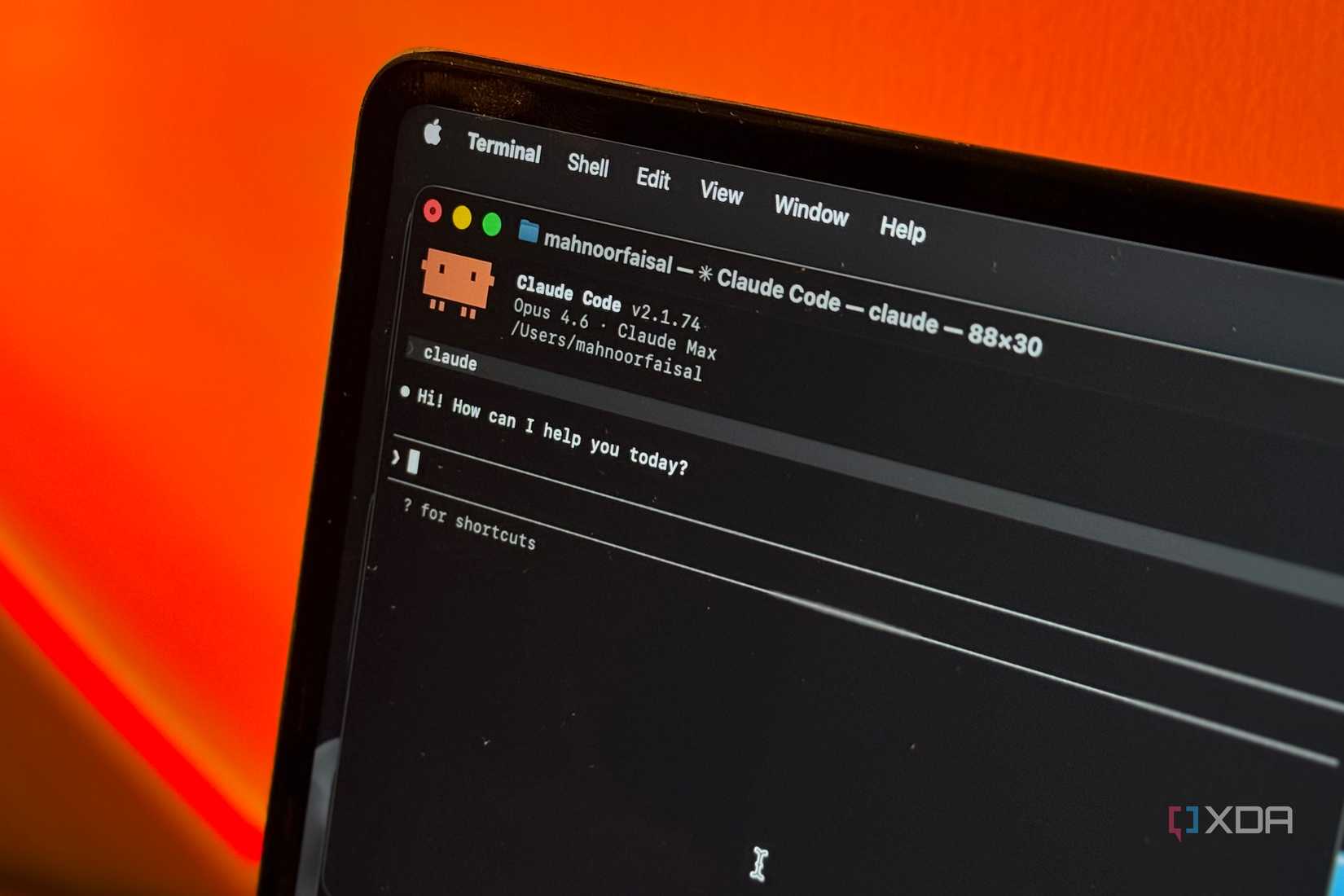
Boris Cherny has previously broken down his Claude Code setup in different podcasts, including the Pragmatic Engineer podcast, which I watched recently. He also shared it in January via an X post, and what's interesting is that he describes his setup as surprisingly vanilla. Despite that, I think most people (myself included) would find that even his vanilla setup is miles ahead of how they're actually using Claude Code.
Before diving into his setup, though, I'd like to highlight a point he made in his X post and has mentioned multiple times: Boris Cherny emphasizes that there isn’t a single correct way to use Claude Code, and it was "intentionally buil[t] in a way that you can use it, customize it, and hack it however you like." That said, when the person who created the tool shares how they use it, it’s worth paying attention.
He runs many sessions in parallel
Why run one when you can run fifteen?

Most of us, myself included, are used to running a single AI session at a time. Whether it's ChatGPT, Gemini, Perplexity or Claude, you typically open one chat, give it a task, wait for its response, and move on. I had been treating Claude Code the same way, too. I run one session in the terminal and wait for its output before moving on to the next thing.
Boris Cherny, though, does something completely different. He runs 10 to 15 sessions at a single time! He explains that he runs 5 Claudes in parallel within his terminal, numbering his tabs from 1 to 5. If you're thinking, "How does he know when one of them needs his attention?" he's got that covered too. He uses iTerm2 system notifications that ping him whenever a session finishes or needs input.
Interestingly, his parallel tab workflow doesn’t end there. In addition to the five terminal tabs he runs, he also runs 5 to 10 Claudes on the website. He explains that as he codes in his terminal, he often hands off local sessions to the web. He can then pick them back up from his browser or use --teleport to pull them back to his local machine. Finally, you can also begin Claude Code sessions right from your phone, which is exactly what Cherny does.
He explains that he starts a "few" sessions from his phone every morning and throughout the day, and checks in on them later. Ever since I started doing this, I can't go back. Admittedly, I'm not running 15 sessions like Boris. I usually have three or four going at once, but even that has completely changed how productive I feel.
He starts every session in Plan Mode
"A good plan is really important." — Boris Cherny
This is something I already do, but I still wanted to highlight it here because I think it's one of the most underrated habits in Claude Code. Instead of just prompting Claude to start writing code for you, you can hit Shift + Tab twice to enter Plan mode. This is essentially a read-only mode where Claude can explore your codebase and reason through the problem, but it can't actually make any changes.
You iterate on the plan together until it looks right, then flip to auto-accept and let Claude build it in one go. With this mode, you know exactly what Claude is going to build, and it saves you a lot of time and frustration from having to fix unexpected outputs later.
Claude Code doesn't just code

One of the biggest reasons why Claude Code is so powerful is that it doesn't live in isolation. Through MCP servers, you can connect it to the tools you already use. And rather than just retrieving data from those tools, MCP enables Claude to actually take action within them. You can connect Claude, and by extension Claude Code, to hundreds of tools like Slack, GitHub, Google Drive, Canva, and more.
What's important to know about MCP is that it's an open standard — meaning if there isn’t an existing MCP server for a tool you use, anyone can build one. Boris's team takes full advantage of this. They check their MCP configuration into a shared .mcp.json file so the entire team gets the same integrations automatically.
In his case, Claude searches and posts to Slack, runs BigQuery queries for analytics, and pulls error logs from Sentry. After hearing about his workflow, I started connecting a lot of my own tools to Claude through MCP, and it massively reduced the context switching I used to do.
He maintains a CLAUDE.md and treats every mistake as a rule
Correct once, never repeat
A CLAUDE.md file is basically a markdown file in your project root that Claude Code reads at the beginning of every session. It's like explaining your entire workflow to a new developer joining your team, except you only have to do it once, and it improves over time.
Boris's team shares a single CLAUDE.md for their entire repo, and the whole team contributes to it multiple times a week. The practice is straightforward: any time Claude does something wrong, they add a note so it doesn't repeat the mistake. Over time, the file becomes a living set of rules that makes every future session smarter.
You can either create a CLAUDE.md file manually or run the /init command, which scans your project and generates a starter file for you. Start with the essentials: what language and framework you're using, how to build and test, any style preferences. Then, every time Claude does something wrong like using the wrong library, formatting code differently than you'd like, or putting files in the wrong place — simply add a line.
That's it! The file compounds over time, and eventually Claude just works the way you want it to. This reduces the number of times Claude repeats the same mistakes and is a great way to ensure consistency across your projects while saving hours of corrections.
Boris Cherny's other tips are worth exploring too
There's a lot more that Cherny shared about his workflow, like using subagents, slash commands, PostToolUse hooks, and preferring Opus over Sonnet. I'd highly recommend checking out his original X thread for the full picture.
But the tips I've covered here are the ones that made the biggest difference for me, and I think they're the easiest to adopt regardless of your experience level.