
Summary
- Xbox Mode is now available on all Windows 11 PCs/devices, offering a snappier, console-like gaming UI.
- Xbox Mode aggregates Game Pass and third‑party stores (Steam, EA, Ubisoft) with controller‑friendly navigation.
- It's still a bit glitchy with modest performance gains, and could be promising if Microsoft continues to refine the experience.
Microsoft has rolled out its gaming-focused Xbox Mode to all Windows 11 PCs and devices, including laptops, tablets, handhelds, and more. The console-like overlay aims to simplify gaming on Windows 11 with a stripped-back Xbox-inspired UI that's snappier and more intuitive.
After launching on the ROG Xbox Ally X earlier this year, Xbox Mode has been available to Windows Insider users for several months. Along with offering a simple UI, Xbox Mode also aims to free up system resources, allowing games to run smoothly (though our tests show the performance boost isn't substantial).
Microsoft says that with Xbox Mode, users can browse and launch games using a controller-optimized interface, jump between Xbox Mode and Windows 11's standard desktop easily, and access an aggregated library that includes Xbox Game Pass titles and games installed from other storefronts, like Steam, the EA app, Ubisoft Connect, and more.
"Since first introducing Xbox mode, formerly known as "full screen experience", on Windows handhelds, we've been listening closely to player feedback and continuing to evolve the experience across devices. Those learnings directly shaped Xbox mode on Windows 11 PCs," writes Microsoft in a recent blog post.
To download the Xbox Mode, open the Settings app on your Windows 11 PC. Next, select Windows Update > Get the latest updates as soon as they are available. While the update is now live, it may take a few days to reach your PC, depending on your region (it hasn't hit my PC in Canada yet, for example).
If Microsoft can get Xbox Mode running more smoothly, it could be the real deal
Anything that makes PC gaming simpler is a step in the right direction
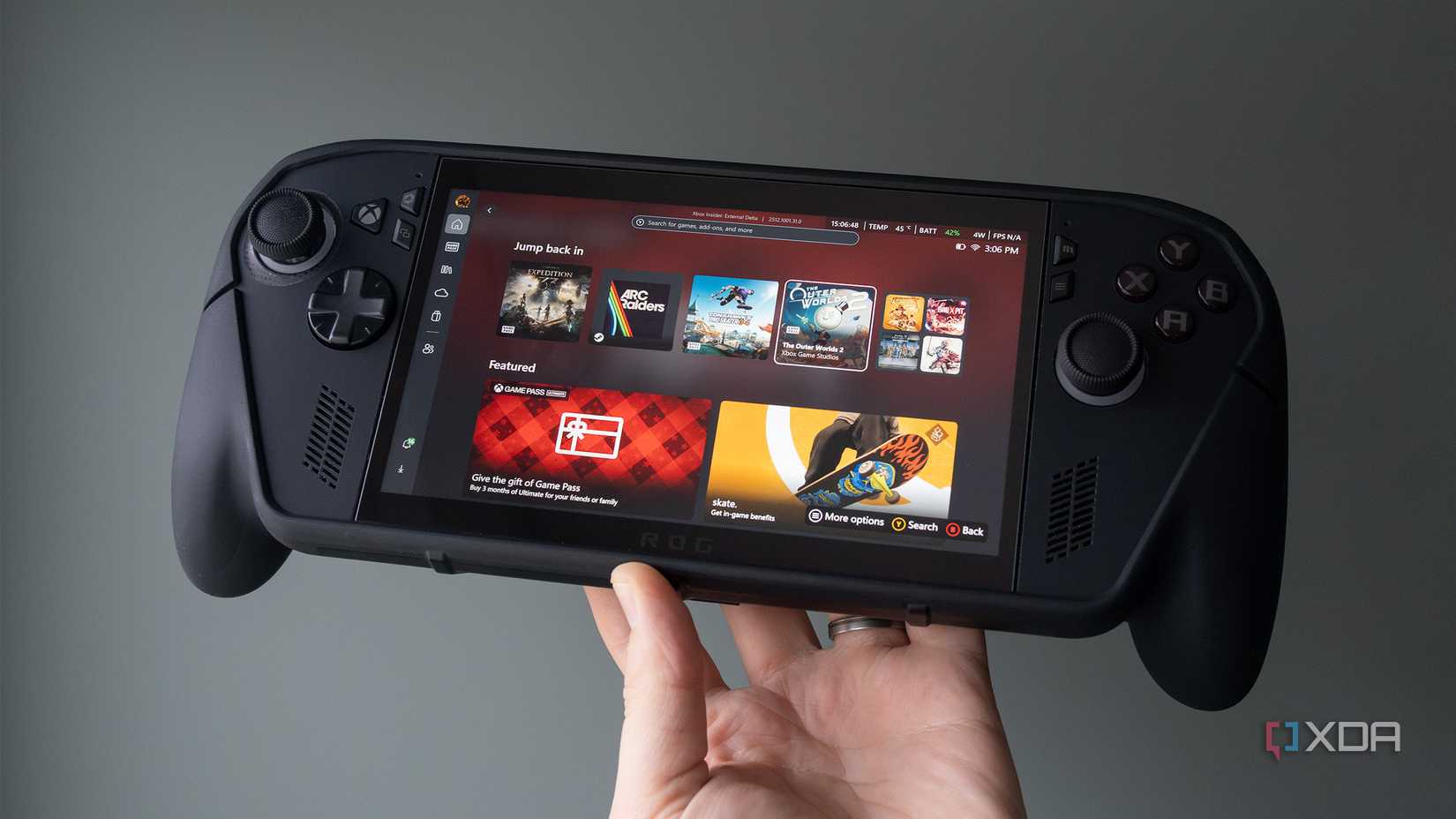
As someone that's new to PC gaming and often wants to jump directly into a game, Xbox Mode definitely appeals to me. That said, it's still a little glitchy on the ROG Xbox Ally X, prone to weird navigation issues and occasional crashes. Hopefully, now that Xbox Mode is more widely available, Microsoft continues to fine-tune the launcher. I'm looking forward to trying it out when it lands on my gaming PC.
It's widely believed that Microsoft's next-gen console will essentially be a Windows 11 PC running Xbox Mode, merging Xbox and Windows PC gaming into a single unified platform. Along with rolling out Xbox mode, Microsoft also dropped improvements for the Xbox Ally X, including a preview of its Auto SR upscaling technology. On the Xbox Series X/S side, Microsoft also dropped a new dashboard update that lets users disable Quick Resume for specific titles and add custom colors to the OS.

AirPods Max 2 review: A modest update to a great pair of headphones
Apple's new over-ear headphones are a minor upgrade rather than a reinvention.