

Summary
- Shift+Restart in Windows 95 triggers a fast restart that skips a full reboot.
- win.com used a restart flag, shut down kernels, dropped to real mode, then relaunched protected mode.
- If win.com's reserved memory was in use, fast restart fell back to a full reboot.
So here's something I learned 30 years too late. Turns out, if you held down Shift while you restarted it, it would do a "fast restart." Instead of going through the full process, it should show the message "Windows is restarting" and then quickly get you back up and running again. It probably would have saved me a lot of time if I had known about it.
Regardless of if you knew this or not, one of Microsoft's engineers took the time to explain how the fast restart worked. It's a really interesting read if you're curious about how they managed to pull off such an advanced feature for the time.

I deleted system32 so you don't have to, and here's what actually happened
What happens if you delete System32? I did it and the outcome wasn't pleasant.
Microsoft breaks down how Windows 95's fast reset worked
It took a little bit of tinkering to get it working
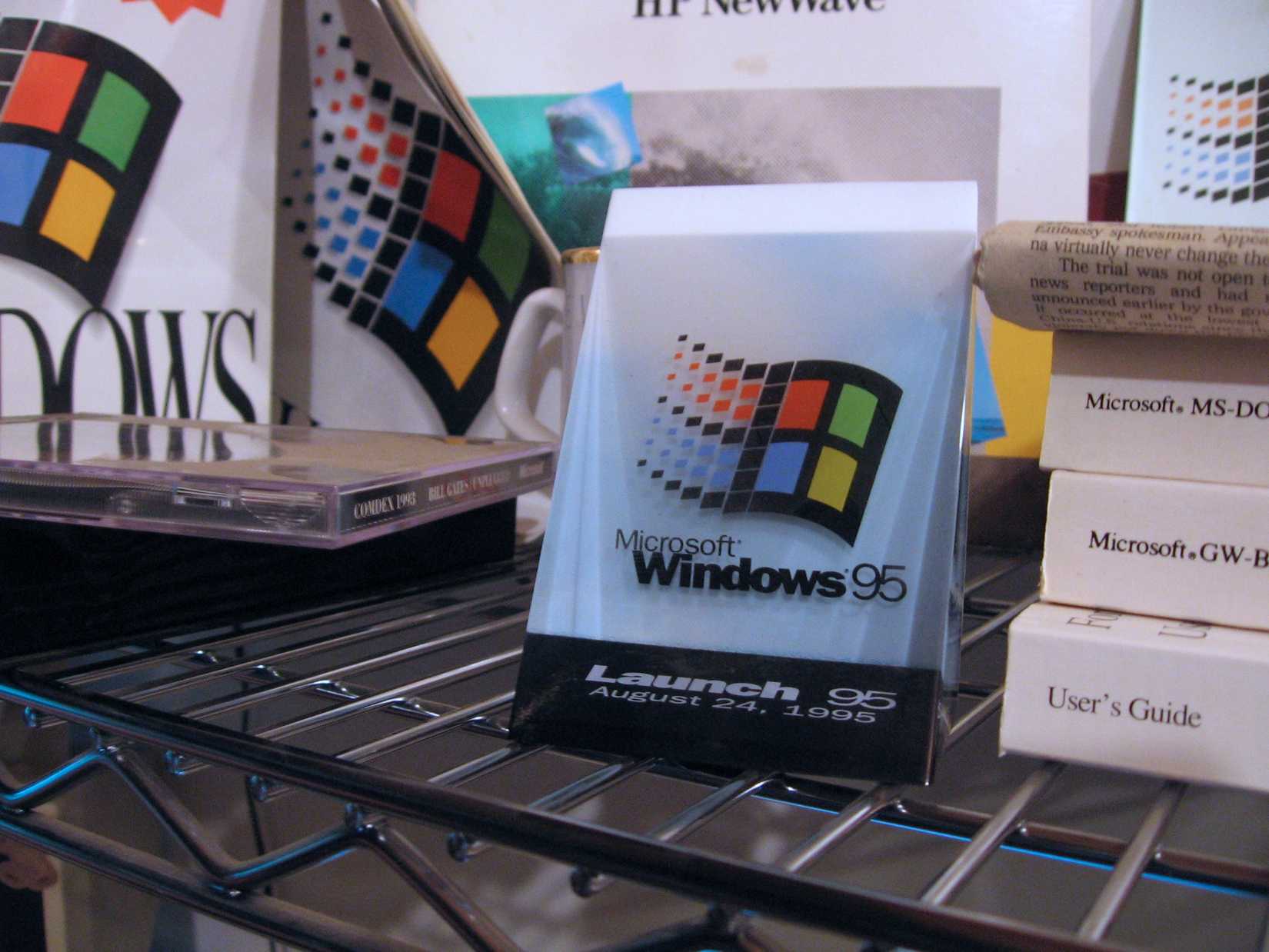
Over on The Old New Thing blog, developer Raymond Chen explains what's going on when you hold down Shift and choose to restart Windows 95. Once done, the system passes the EW_RESTARTWINDOWS flag over to a 16-bit ExitWindows function. Then, some clever engineering behind the scenes begins:
"What happens is that the 16-bit Windows kernel shuts down, and then the 32-bit virtual memory manager shuts down, and the CPU is put back into real mode, and control returns to win.com with a special signal that means “Can you start protected mode Windows again for me?”
The code in win.com prints the “Please wait while Windows restarts…” message, and then tries to get the system back into the same state that it was in back when win.com had been freshly-launched."
There was a slight issue with how this system worked, though. During the fast restart, win.com would designate a big chunk of memory for Windows to use to get back onto its feet. However, if another app had decided to use that same block for its own uses, win.com couldn't get the job done. In this case, it tells the PC to go ahead and do a 'proper' reboot instead of a fast one.
Still, it's a really cool insight as to how the early Windows engineers managed to squeeze every last drop out of their systems, even if I had no idea they even existed for three decades after.
