
Streaming your own media library used to feel like a simple choice. You picked Plex, installed the server, added your content, and enjoyed a polished experience without thinking much about what was happening behind the scenes. That worked well until hardware transcoding became a requirement for modern streaming, and Plex decided the feature should be behind an increasingly expensive Plex Pass. Jellyfin, meanwhile, kept moving forward with a different philosophy entirely.
The divide is impossible to ignore today. Jellyfin offers hardware transcoding at no cost, even when you push it hard on small systems like the Raspberry Pi 5 or a mini PC with an Intel N100. Plex demands a subscription or a $250 lifetime license to enable the same capability, which makes that free alternative look more appealing every time you reencode a stream. It raises a fair question about value, especially since both apps rely on the same hardware-acceleration tech underneath. Once you run both on the same devices, it becomes even harder for Plex to win.

Why free transcoding changes the entire value equation
Hardware acceleration is essential for modern home streaming
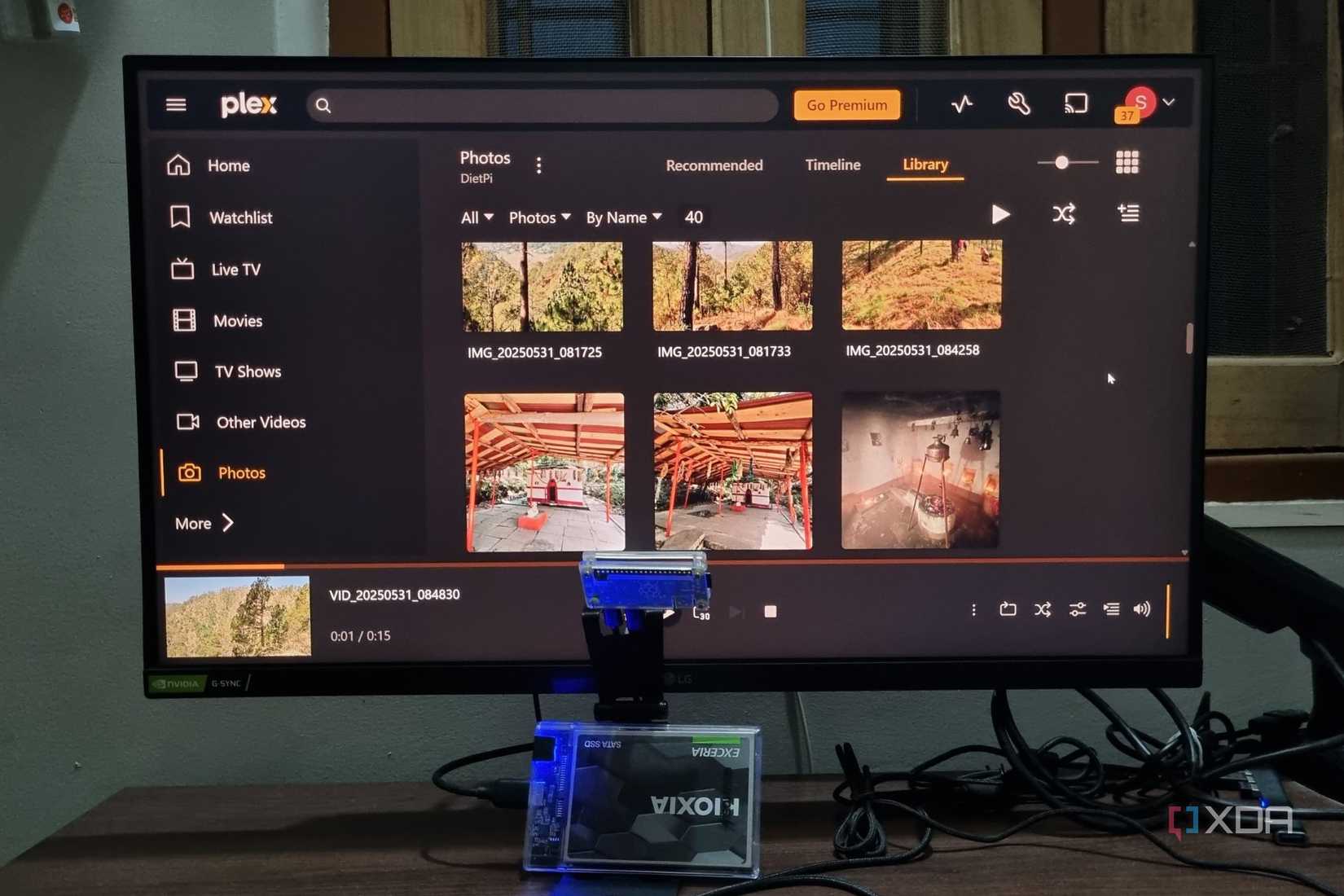
Hardware transcoding is no longer a luxury. Media libraries contain mixed formats, variable bitrates, HDR profiles, and audio tracks that clients may not always be able to decode. Offloading that work to the GPU or a dedicated media engine keeps your server cool and responsive, even when multiple users are watching at once. I learned this quickly when my Raspberry Pi 5 handled several 1080p transcodes without breaking a sweat, even though software transcoding alone would have crushed it instantly.
The N100 strengthened that impression. Intel Quick Sync offers exceptional efficiency, and Jellyfin taps into it with minimal configuration. The server identifies supported codecs and immediately leans on hardware acceleration in a way that feels almost invisible. Plex can do the same thing, but only after paying first, which creates an unnecessary barrier between users and the performance their hardware already supports by design.
Many people assume they will never need transcoding. That belief falls apart the moment someone on your network watches a file with an unsupported audio track or streams from outside the house on limited bandwidth. You only have two choices in that moment, and only one of them allows you to use the capabilities of your hardware without pulling out a credit card.
The Plex Pass price problem is getting harder to justify
Locking a core feature behind a premium paywall hurts users

The Plex Pass used to feel like a nice upgrade offering convenience features and quality-of-life improvements. Today, it feels like a toll booth placed in front of your own hardware encoder. The lifetime license now hits $250, which is more expensive than the Raspberry Pi 5 that many users run Plex on. It creates a strange mismatch where the cost of enabling hardware transcoding exceeds the price of the entire server hosting it.
Jellyfin’s approach feels refreshing by comparison. The project is open source, community-driven, and committed to keeping essential features available to everyone. That includes hardware transcoding, administrative controls, rich-client support, and broad codec support. You don’t get locked out of capabilities your hardware supports, and you don’t have to think about price creep. It creates a healthier environment for experimentation, especially when running on inexpensive systems.
The irony is that Plex and Jellyfin often use the same hardware-acceleration paths. Whether it's VideoToolbox on macOS, V4L2 on the Pi 5, or Quick Sync on an N100, the underlying tech is identical. Plex simply turns it off unless you pay. You can argue that Plex offers a more polished interface and additional integrations, but this particular paywall feels disconnected from the reality of home servers today.
Running the numbers makes the difference even clearer
Small servers benefit most from free hardware acceleration
The smaller your server, the more transcoding matters. A Pi 5 cannot software-transcode a 1080p stream in real time, but its hardware engine handles several without hesitation. That capability feels miraculous when it is free and frustrating when it is artificially locked behind a subscription. Jellyfin gives low-power devices room to shine without pushing users toward larger and more expensive systems just to avoid a fee.
The N100 platform repeats the story in a slightly more powerful package. Jellyfin detects Quick Sync, enables it, and then lets the CPU idle happily while the GPU does the work. Plex can do the same thing, but only after you pay for the key that unlocks it. For anyone running a small home lab or building a compact media server, that kind of limitation feels unnecessary and out of step with how people actually use this hardware.
When you combine the price of a Plex Pass with the rising cost of storage and the popularity of energy-efficient mini PCs, the economics tilt even further. Users choosing a Pi 5 or N100 are doing so because they want to maximize performance per watt and per dollar. Asking them to pay more for a license than for their actual hardware creates a friction point that Plex has never convincingly addressed.
A polished interface still holds Plex above the crowd
Plex continues to excel at usability and third-party integrations

Plex deserves credit for delivering one of the most intuitive media interfaces available. The apps are polished, the navigation is smooth, and everything feels thoughtfully designed. Features like automatic intro detection, rich metadata, and integrated streaming services genuinely improve the experience. When the system works as intended, it feels cohesive in a way few other platforms match.
Those integrations also extend to smart TVs, consoles, and mobile devices. Plex has spent years building a large ecosystem, and that investment shows. If you want a server platform that behaves like a commercial streaming app, Plex still leads the pack. The platform’s ease of use makes it appealing to households that want to set it and forget it.
This convenience is why some users end up paying for Plex Pass despite the price. The interface feels familiar and friendly, and the advanced features slot naturally into that experience. The problem is that none of this justifies charging a steep fee for basic hardware capabilities, especially when the underlying technology is widely available and supported in free alternatives.
But the user experience gap keeps shrinking every year
Jellyfin’s rapid development is narrowing Plex’s historical advantage

In the past, Jellyfin felt rough around the edges. The interface lacked refinement, and the client experience was inconsistent. That has changed quickly thanks to aggressive development and a passionate community. Today’s Jellyfin clients feel modern and predictable, and the server interface is far easier to navigate than it was even a year ago. The improvements land faster, and users have direct insight into the project’s roadmap.
The community-driven nature of Jellyfin also provides flexibility that Plex cannot match. Users build plugins, submit patches, and shape the platform’s evolution through ongoing contributions. That has helped refine features like transcoding controls, playback quality settings, subtitle handling, and user permissions. It is not perfect, but it improves continuously without demanding payment for essential capabilities.
Jellyfin’s strength comes from its community, and contributing does not require writing code or understanding the internals of hardware acceleration. Reporting bugs, testing preview builds, improving documentation, translating the interface, and helping newcomers in community forums all make a meaningful difference. Users who do have coding knowledge can submit patches or build plugins, but everyday feedback is just as crucial for shaping the project’s direction. Even small steps, like sharing logs when something breaks or participating in feature discussions, help Jellyfin evolve in ways that benefit the entire ecosystem.
As Jellyfin’s polish improves, the primary advantage Plex holds continues to shrink. For some users, Plex’s interface still wins. For many others, especially those running on Pi 5s or N100 mini PCs, the fact that hardware transcoding is free matters more. Over time, the balance of value shifts toward the platform that respects the hardware you already own.
The choice is quickly becoming a no-brainer
Jellyfin and Plex both offer rich ways to stream your personal media, but the transcoding paywall places Plex in an increasingly awkward position. Jellyfin delivers better value on small servers and makes the most of hardware acceleration without asking for anything in return.
Plex still excels in design and integrations, but locking core functionality behind a $250 license forces users to question what they are paying for. As home servers keep getting cheaper and more powerful, this divide will only become harder for Plex to defend.

Jellyfin
Jellyfin has become a strong contender against Plex for a self-hosted media server, especially as Plex continues to move features behind its paywall.