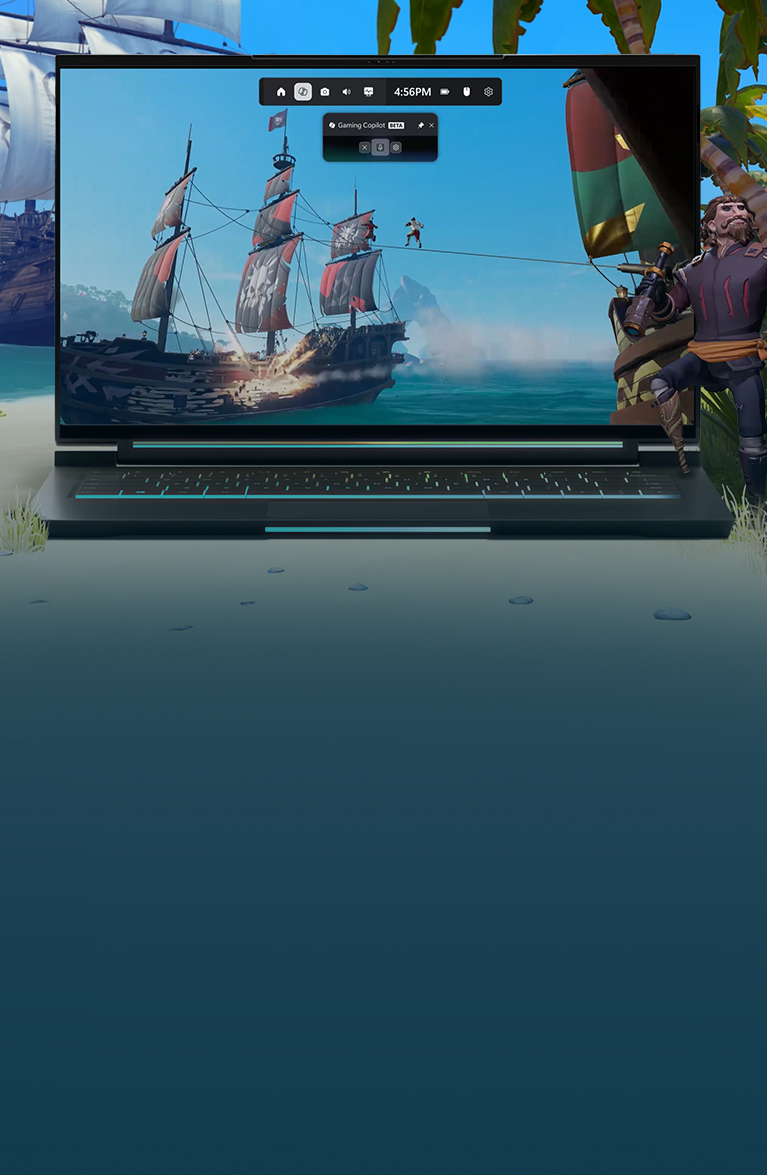
Meet Gaming Copilot (Beta), your personal gaming sidekick with Xbox. Ask for help anytime or anywhere you're playing.
Get to the fun, faster
Get gaming recommendations and help about what you’re playing or your play history.
Get help without
leaving your game
With in-game assistance, get unstuck, pass roadblocks, and level-up your gameplay.
The guide you want,
when you want it
Brainstorm strategies and get tips or insights with personalized coaching.
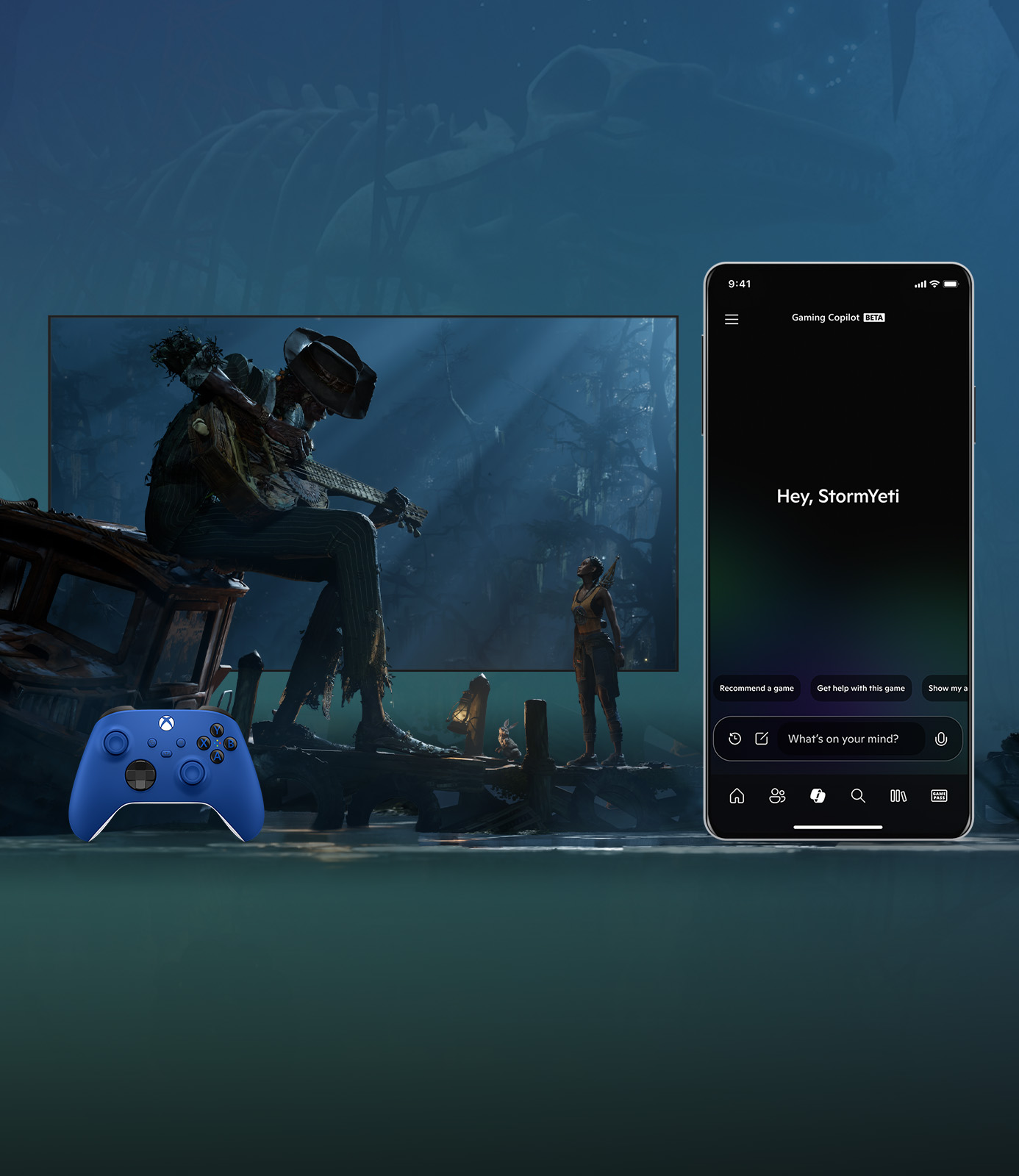
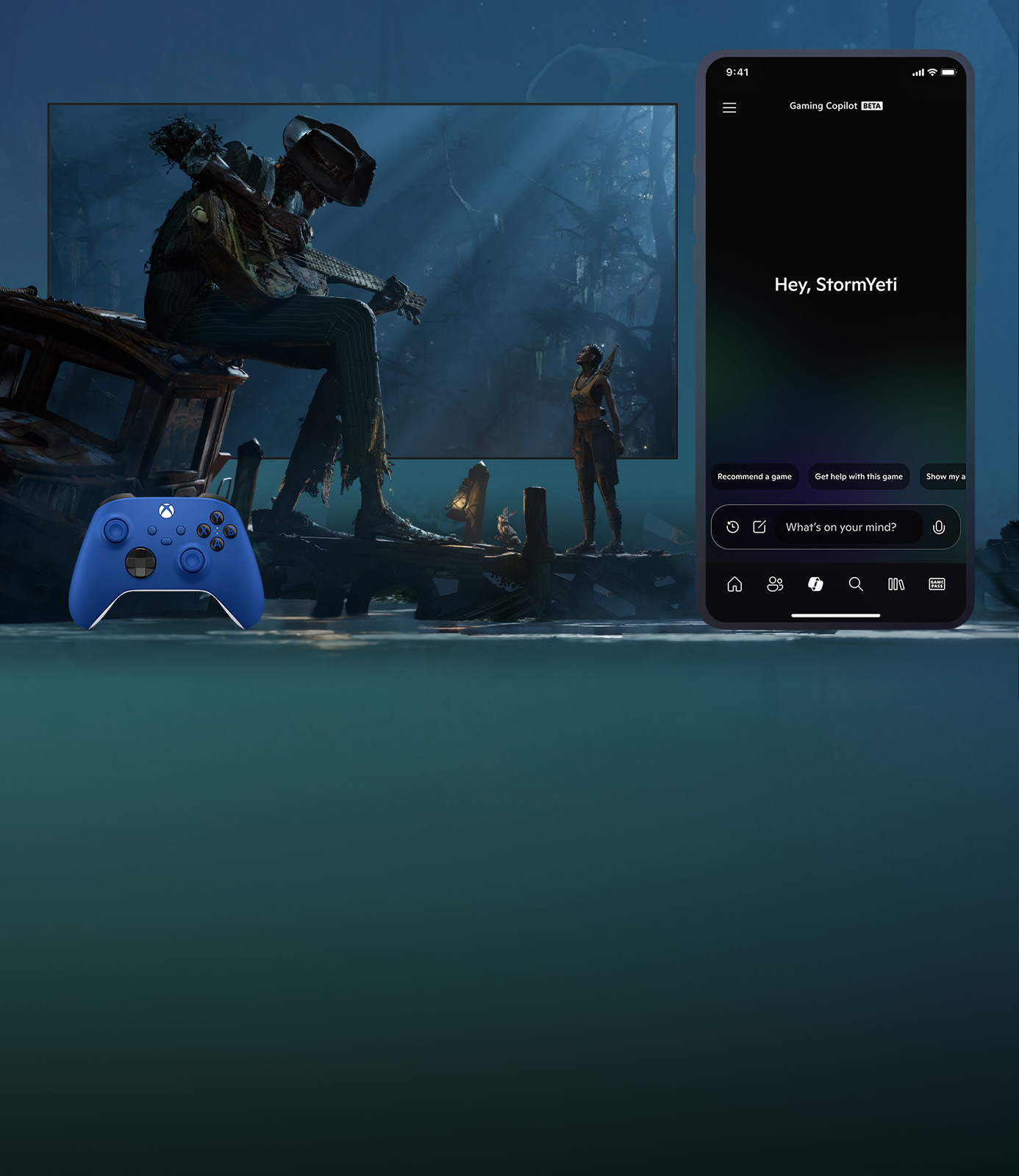
Mobile
Tap the Gaming Copilot (Beta) button in the Xbox mobile app to talk or text.


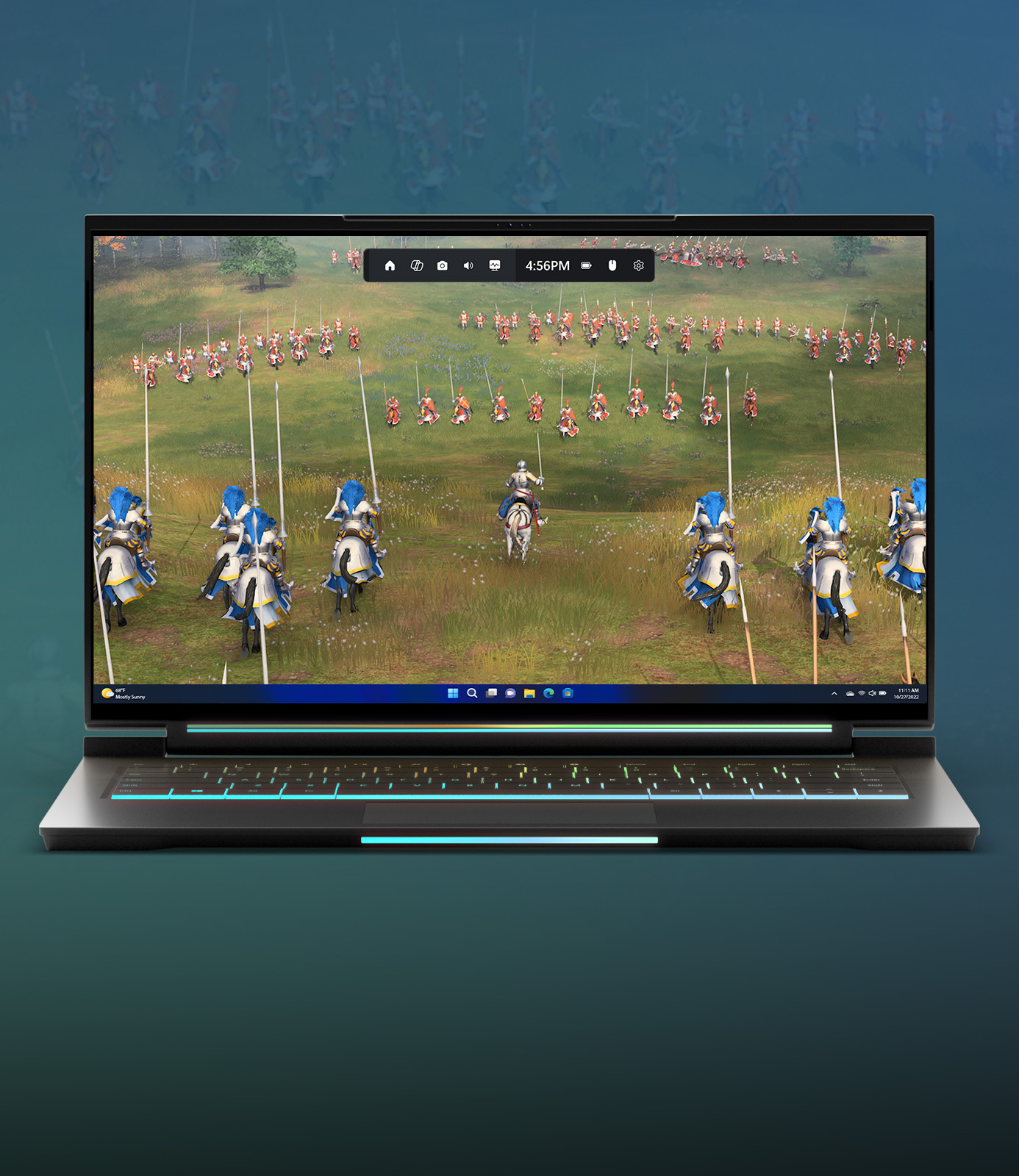
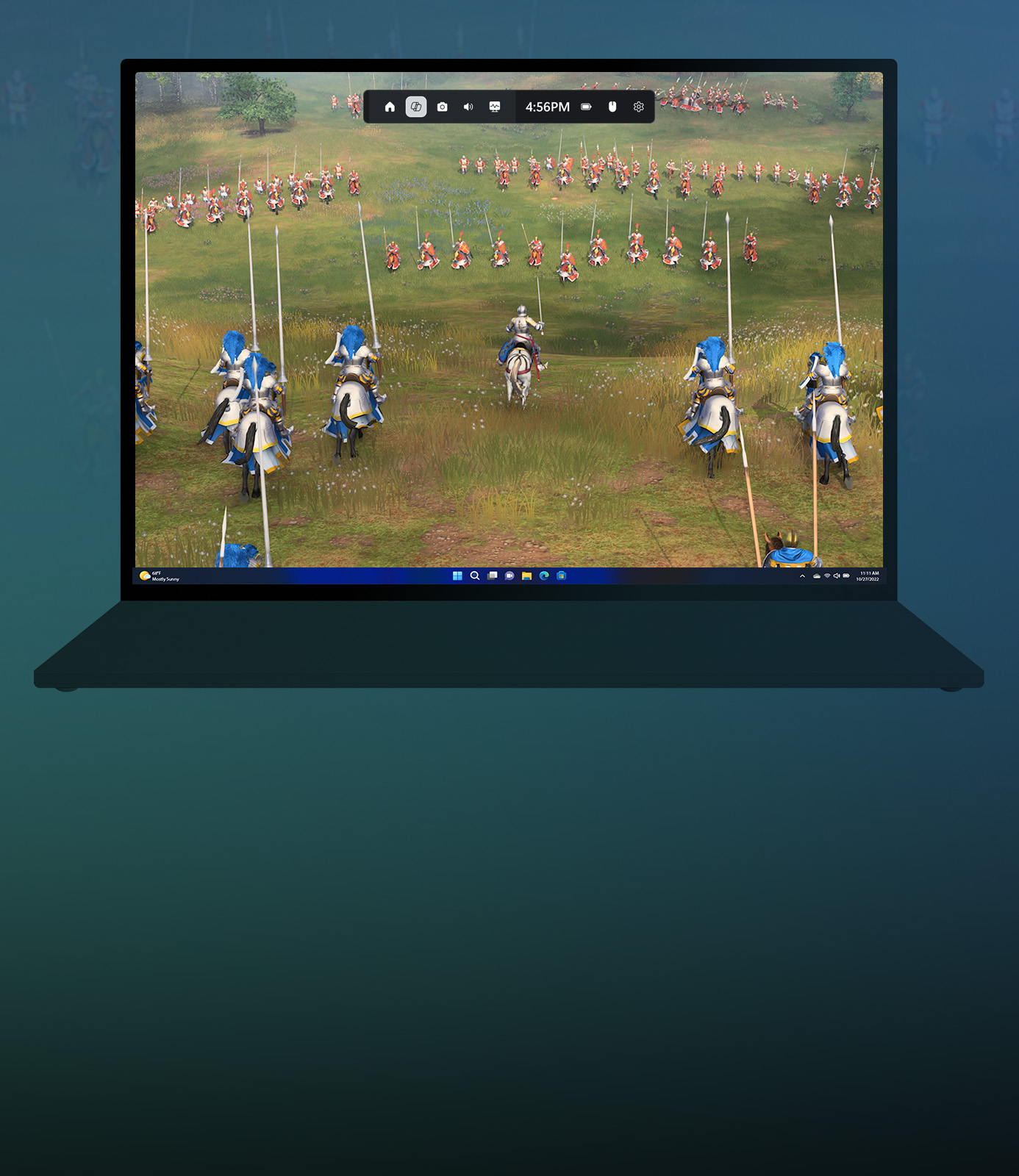
Windows 11
Open Game Bar by tapping Windows + G then navigate to the Gaming Copilot widget; Xbox PC app must be installed.*
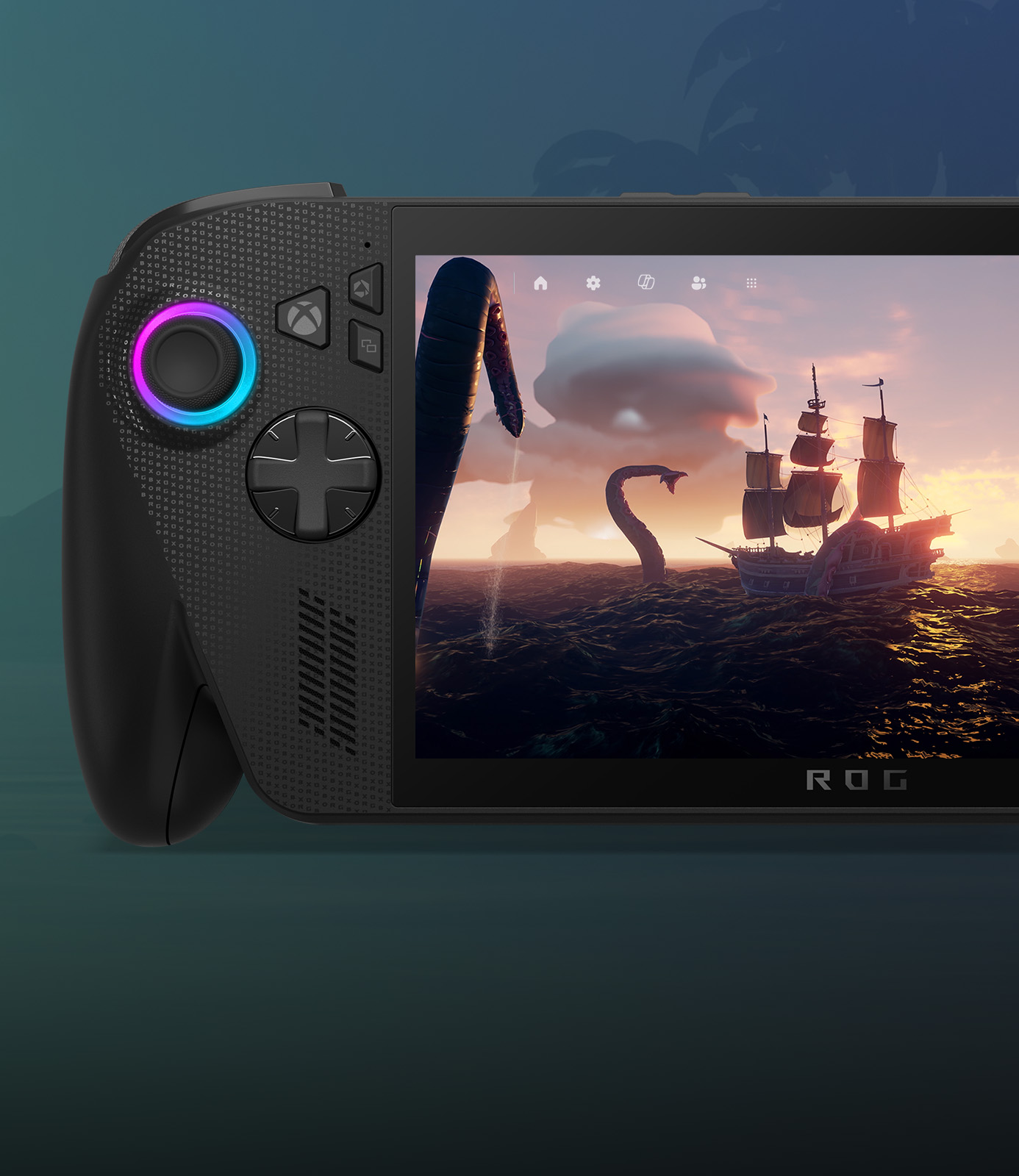
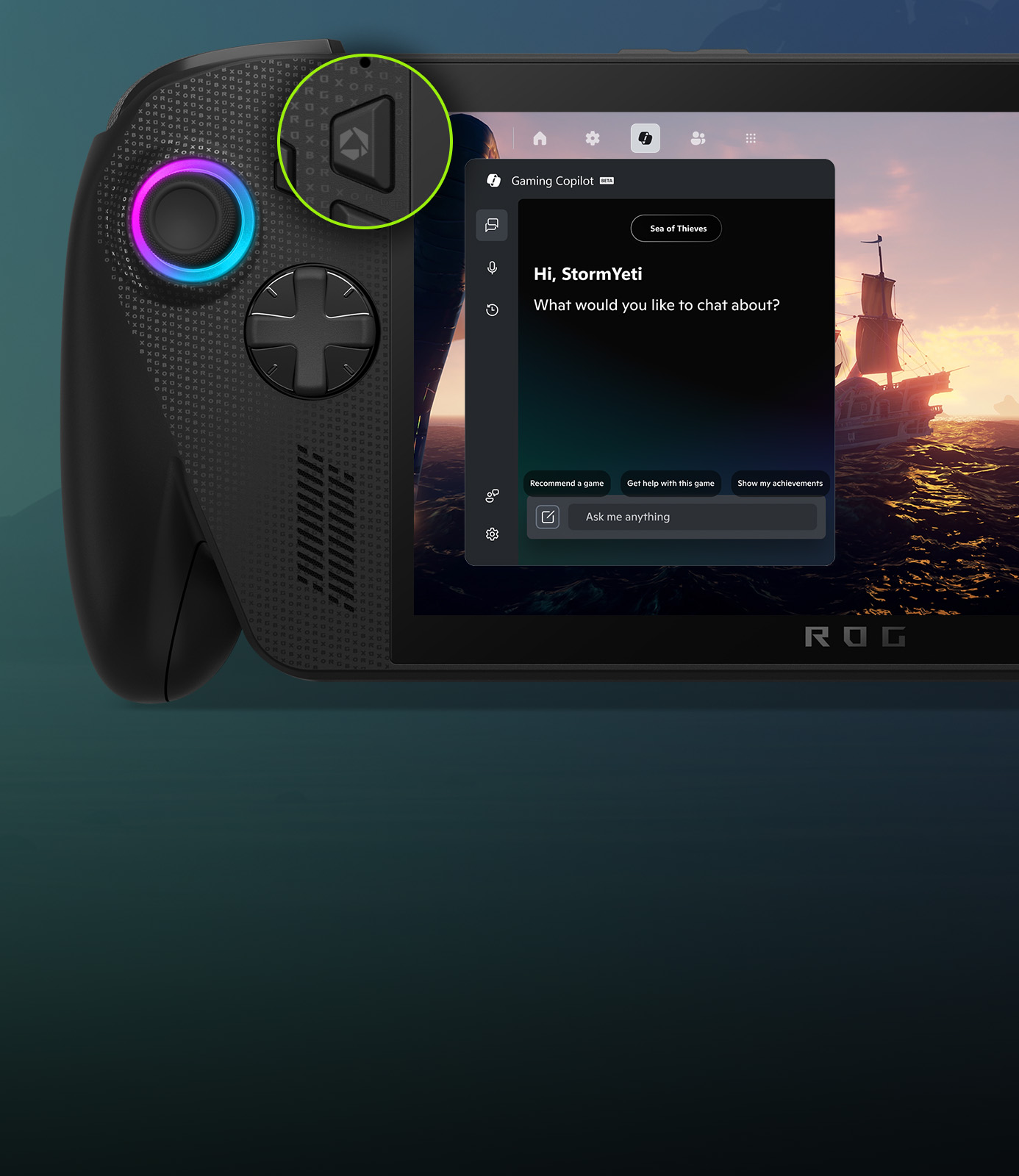
ROG Xbox Ally
Hold the Command Center button to get started.

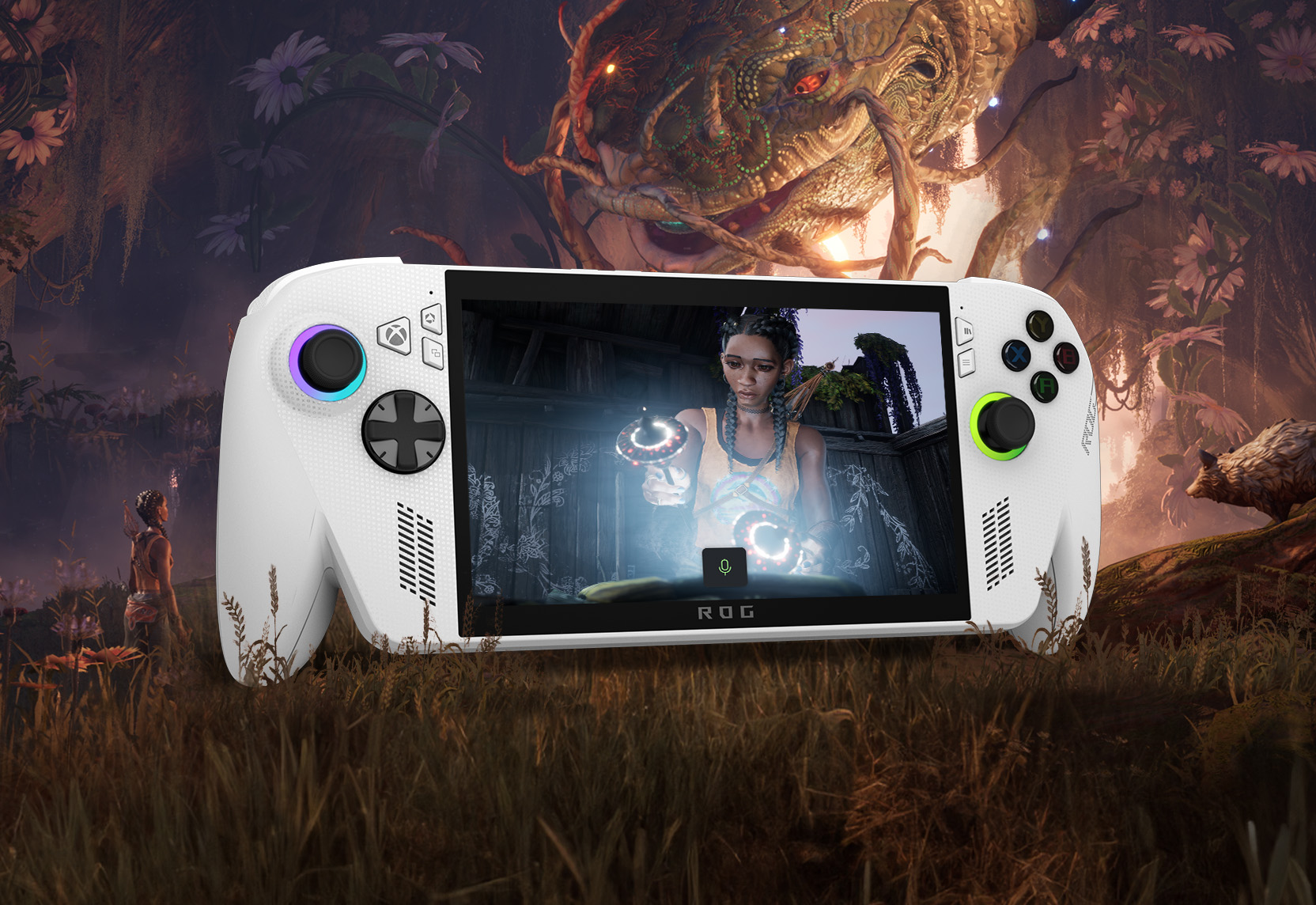
Push to talk
Now available on ROG Xbox Ally, just long press the Library button to get started.
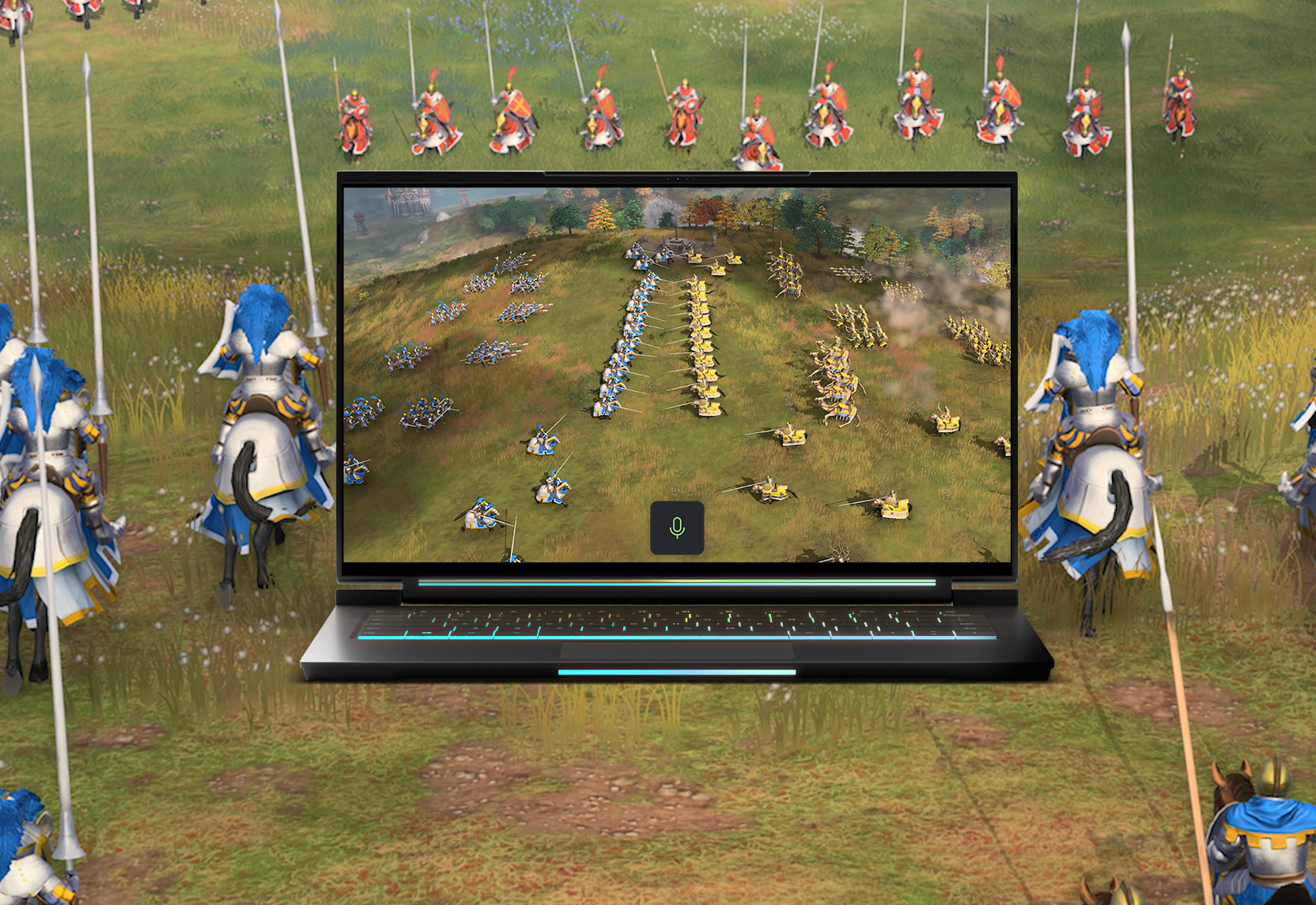
Talk with Gaming Copilot (Beta)
Select "Talk" in the Gaming Copilot widget or create a custom shortcut on Windows 11 PC.
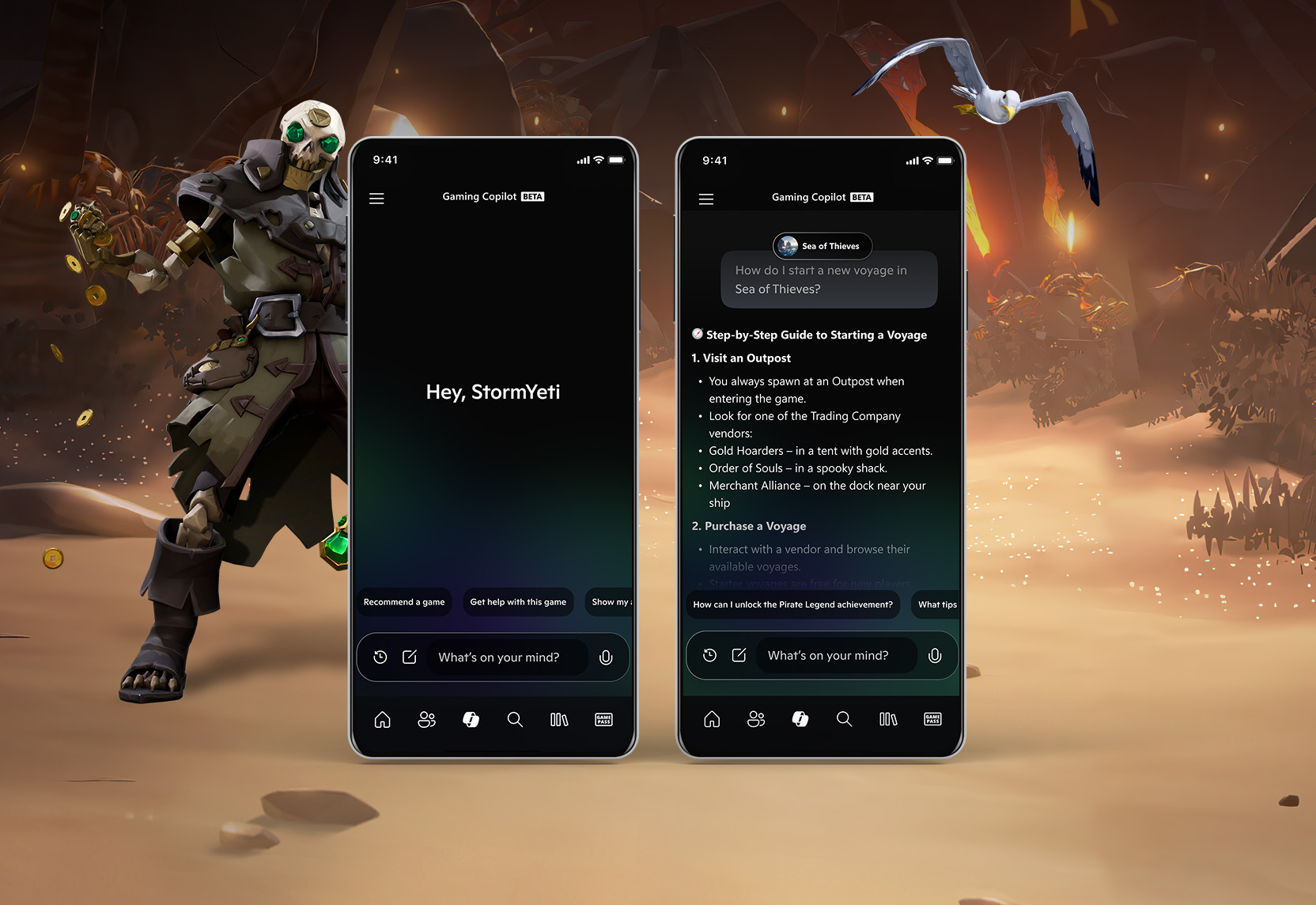
Talk to Gaming Copilot (Beta) with the Xbox mobile app
Use anytime you're on the go or playing with Xbox.

Frequently Asked Questions
See more FAQs
-
Xbox Subscription Terms:
See xbox.com/subscriptionterms. -
Xbox Cloud Gaming:
Xbox Cloud Gaming requires an Xbox Game Pass subscription and supported device (both sold separately). Cloud playable games not included with Xbox Game Pass are sold separately, and may be made available with Xbox Game Pass in the future. Game library varies. Stream directly on Xbox consoles, or with the Xbox app or at xbox.com/play on supported devices. Select regions (xbox.com/regions) and devices at xbox.com/cloud-devices. See cloud gaming library (xbox.com/play). -
*Available for players aged 18 or older; on PC requires PC Game Bar and the Xbox PC app, on phone requires the Xbox mobile app, and on handhelds requires the Xbox app. Available on phone, Windows PC, and compatible handhelds with Windows 11. Gaming Copilot (Beta) is not available in China. ROG Xbox Ally and compatible handhelds: Requires internet connection (ISP fees apply). Handheld products may not be available in all markets.