A simpler way to learn Vim.
Start with an interactive lesson below.
Your Progress
Why Vim?
⚡️ Fast.
Vim treats text as objects, meaning a few keystrokes can manipulate entire strings, blocks of code, and even HTML tags.
🌍 Everywhere.
Vim works on every OS and over SSH. Combine Vim's fast keybindings with features of your favorite editor, such as VS Code, by using plugins.
😄 Fun.
Vim’s language allows commands to be combined to get the precise action you want. It’s like using combos in a video game, but to edit code.

Bite-sized lessons get to the point. Early lessons get you walking in Vim as fast as possible. Later lessons let you go fast, increasing speed and efficiency with advanced concepts.
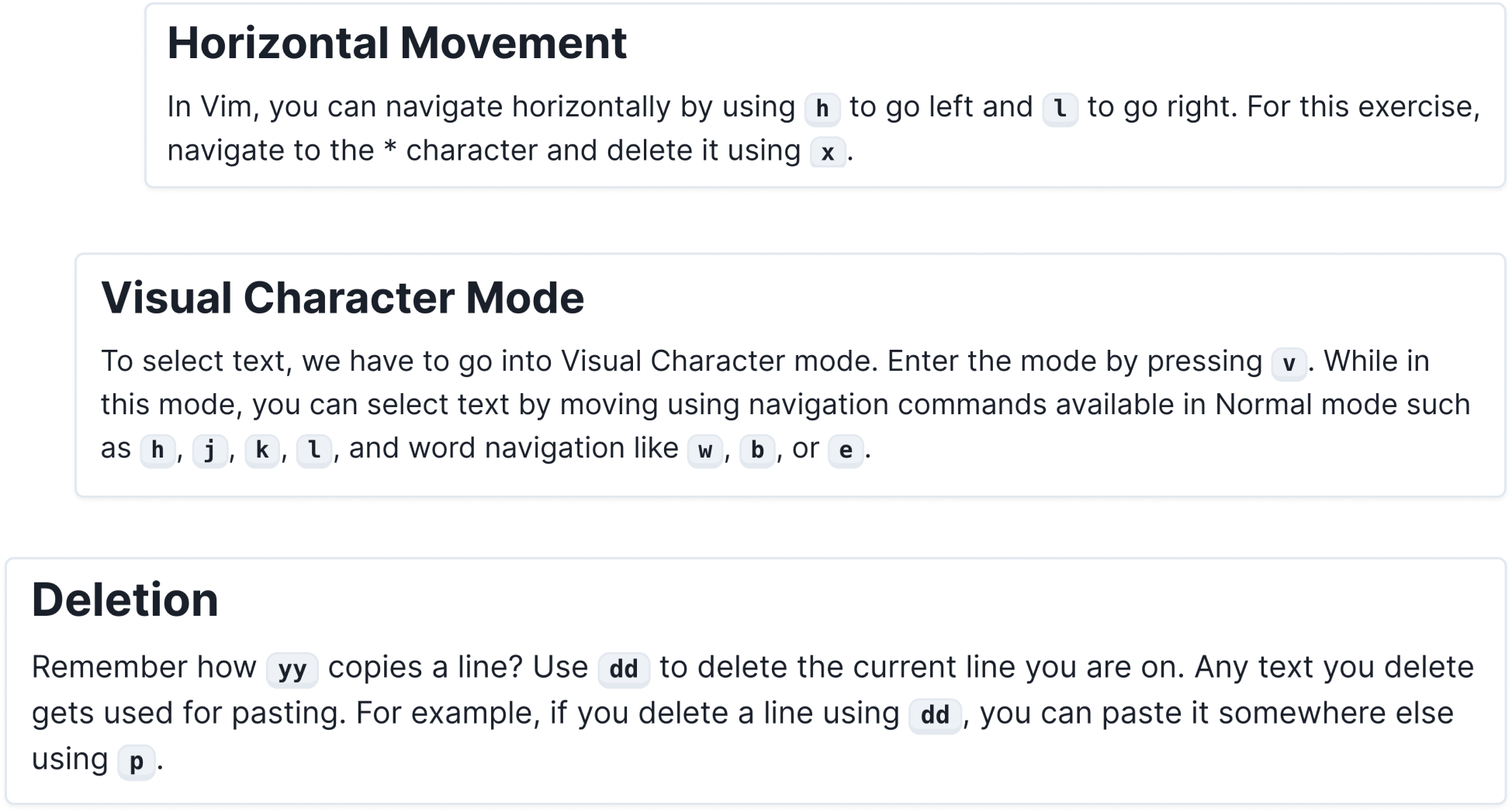

Focused exercises make concepts stick, building proficiency and agility, preparing your new Vim powers for real world tasks.
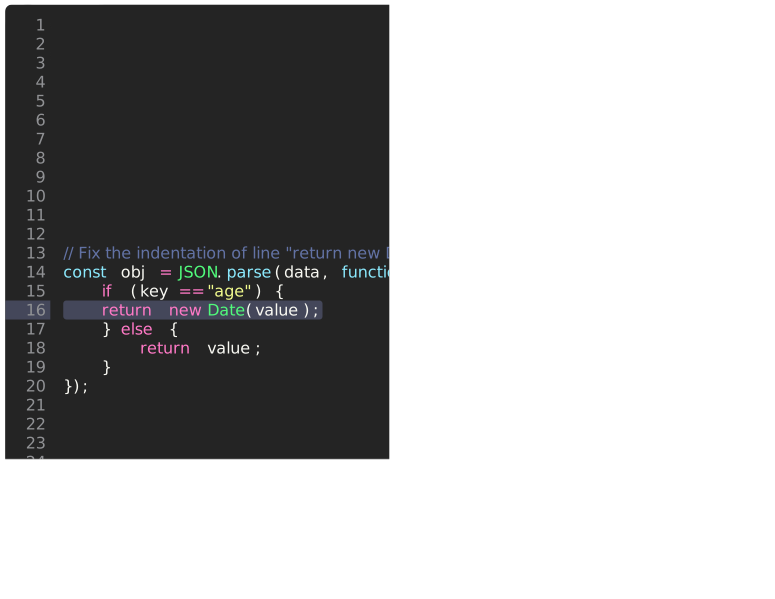

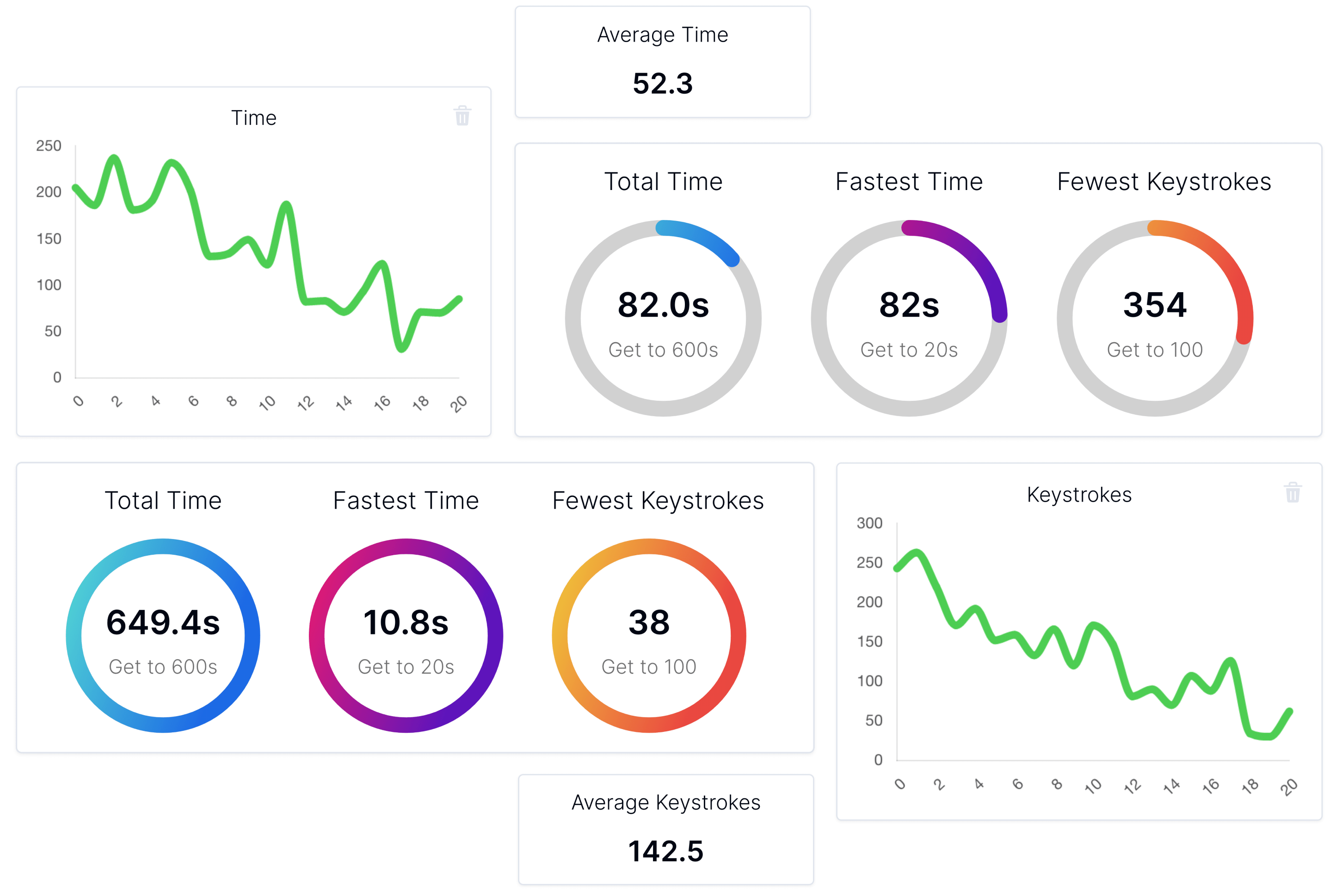
Use statistics and achievement rings to target weak spots, get rapid feedback, reveal progress, and systematically practice to reach mastery, setting multiple lessons into muscle memory, removing the friction between converting the ideas from your mind into your editor, letting you code at the speed of thought.
Take a Peek
Vertical Movement
The basics of moving up and down
Horizontal Movement
Learn how to move left and right
Introduction to Modes
Modal editors and the advantages of modes in Vim
Text Objects in Vim
Discover why Vim is so powerful
Word Based Movement
Move with more precision using these commands
Yanking and Putting
Vim concepts for efficient copying and pasting
Deletion
Quickly remove lines of code at a time
Visual Character Mode
Learn the Vim way to select text
Visual Line Mode
Conveniently manipulate entire lines of code
Blockwise Visual Mode
Edit multiple lines at once with multiple cursors
Indentation
Python programmers love these commands
Verb + Text Object
The powerful idea that separates Vim from other editors
Verb + Modifier + Text Object
Use the Vim language for precise and efficent editing
Insert Lines
Optimize a frequent set of actions to gain speed
Paste Precisely
Quickly remove lines of code at a time
Replace Character
An easy command for a common action
Substitute
The replace command revamped
Insert and Append
Vim has commands for these specific, granular actions
Line Based Insert and Append
Fast ways of editing long lines of code
Delete and Change Lines
Useful commands for operating inside lines
Find and Till
The Vim way for precise movement within a line
Vim Language with Find and Till
Use Vim grammar with Find and Till to get awesome results
Start and End of Line
Navigate long lines using two simple commands
Document Movements
Navigating inside a long file made fast
Line Number Movement
Moving to specific areas with three strokes
Paragraph Navigation
Move elegantly through blocks of code
Patterns
Use powerful regex to find exactly what you want
Search Word
Learn to jump to another occurence of a word with one key
Dealing With Numbers
Vim can decrement and increment numbers easily
Macros
Commands that run other commands that run other commands
Matching Brackets
Instantly go to the corresponding bracket
Dot Command
A fast way to repeat complex actions
Join Lines
Connecting two lines together
Lowercase and Uppercase
Swapping the case of letters with one command