Hands On Want to get off someone else's cloud, especially if it's hosted in a country you don't trust? FreedomBox is an off-ramp, and it's included in Debian in the form of a Blend.
The FreedomBox project, kicked off by original FSF legal boffin Eben Moglen, aims to make it easy to run your own private server, and get your files, photos, email, and other data out of the enfolding pseudopodia of giant cloud providers (mostly based in the USA) and into your own home. You can buy hardware with the software preinstalled, or download installation media, but there's another and maybe more appealing option: one of Debian's built-in Blends.
In the default Debian ISO image, down at the bottom of the installation program's screen asking if you want a desktop environment and if so which one, there's another option which conceals a catalog of "Blends" – pre-selected bundles of software to install along with the Debian OS. Debian's own site calls these Pure Blends and offers both a lengthy manual if you're a linear sort of reader, and also a wiki page if you're more inclined to jump around the place leaving a trail of browser tabs.
Most of the Blends are aimed at someone installing a workstation for some specific function or audience, such as a particular science or hobby; there are also Blends to increase Debian's accessibility, one for FOSS gaming, and one aimed at kids. These are all essentially bundles of handy apps – no bad thing, and a model proved by Ubuntu Studio and EduBuntu among others.
The FreedomBox Blend, though, is something different. It turns a new empty Debian installation into a FreedomBox server, ready for you to configure and use. It installs and enables a web-management front-end called Plinth, and most of the rest of the setup is done in there. (It also installs and configures an LDAP server, which seems slightly overkill to us. We suppose that you could use this to keep several FreedomBoxes' user accounts automatically in sync.)
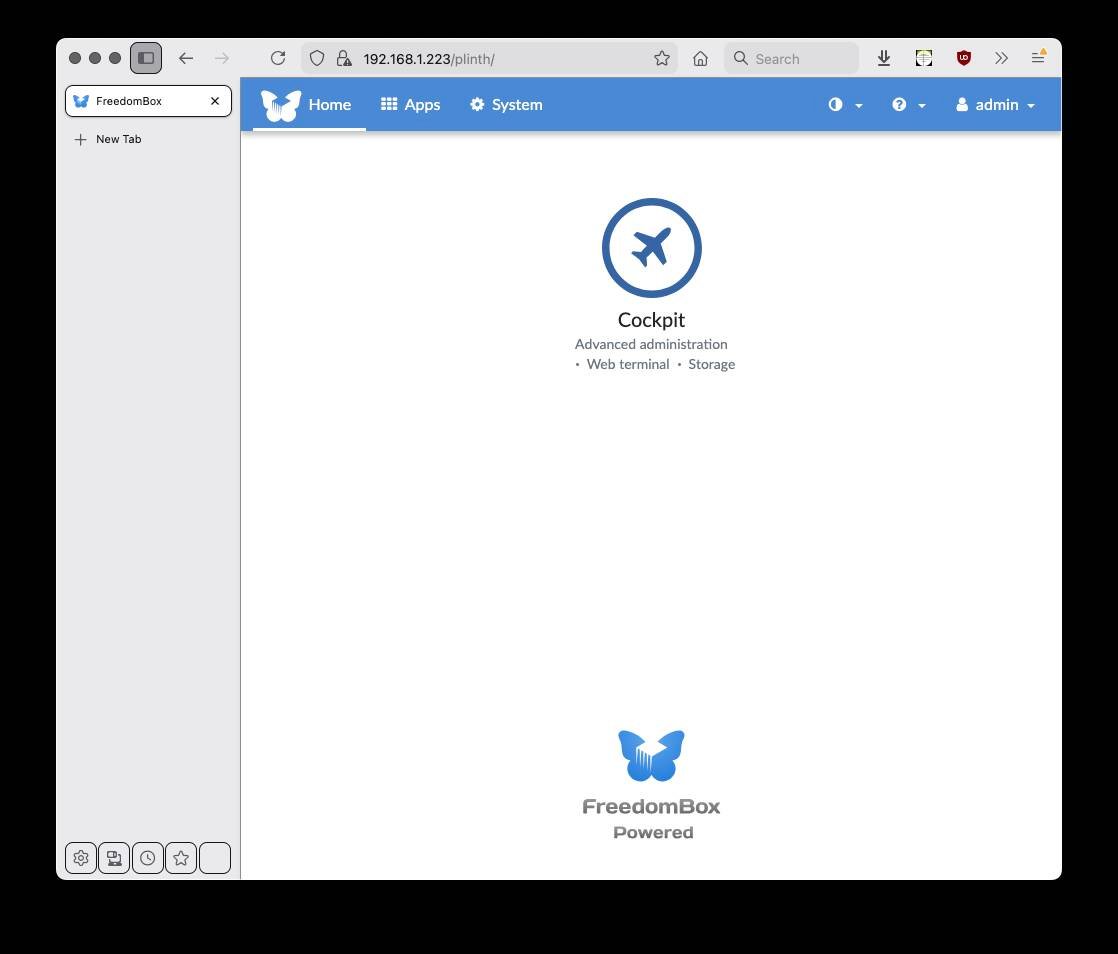
The Plinth web-admin homepage with just one app: the Cockpit system-management tool - Click to enlarge
After that, most of the remaining config is done in the web UI. You'll have to create a few more user accounts, but the LDAP server should look after those for you. On logging into Plinth, one of the screens on offer is called Apps and here you can click on icons to install the various functions that can run on your FreedomBox. By default, on our Debian Trixie instance, there were 43 of these, including Synapse for Matrix chatrooms, Zoph for photo library management, Janus video-conferencing, and BePasty for your own PasteBin, and so on.
There aren't really 43 different functions here. Quite a few of the servers do the same things. For example, to host your own Wiki, there's Feather Wiki, Ikiwiki, and TiddlyWiki, as well as the big grown-up MediaWiki; both Deluge and Transmission handle Bittorrent downloads, and so on. Sometimes, the overlap is only partial: for instance, there is an OpenVPN server, and also Wireguard, which can be both a VPN server and a VPN client. Some are more clearly separated, such as a Shadowsocks client app and a server app, for running an encrypted SOCKS proxy to get around Internet censorship, as well as both a Tor node and a Tor proxy server.
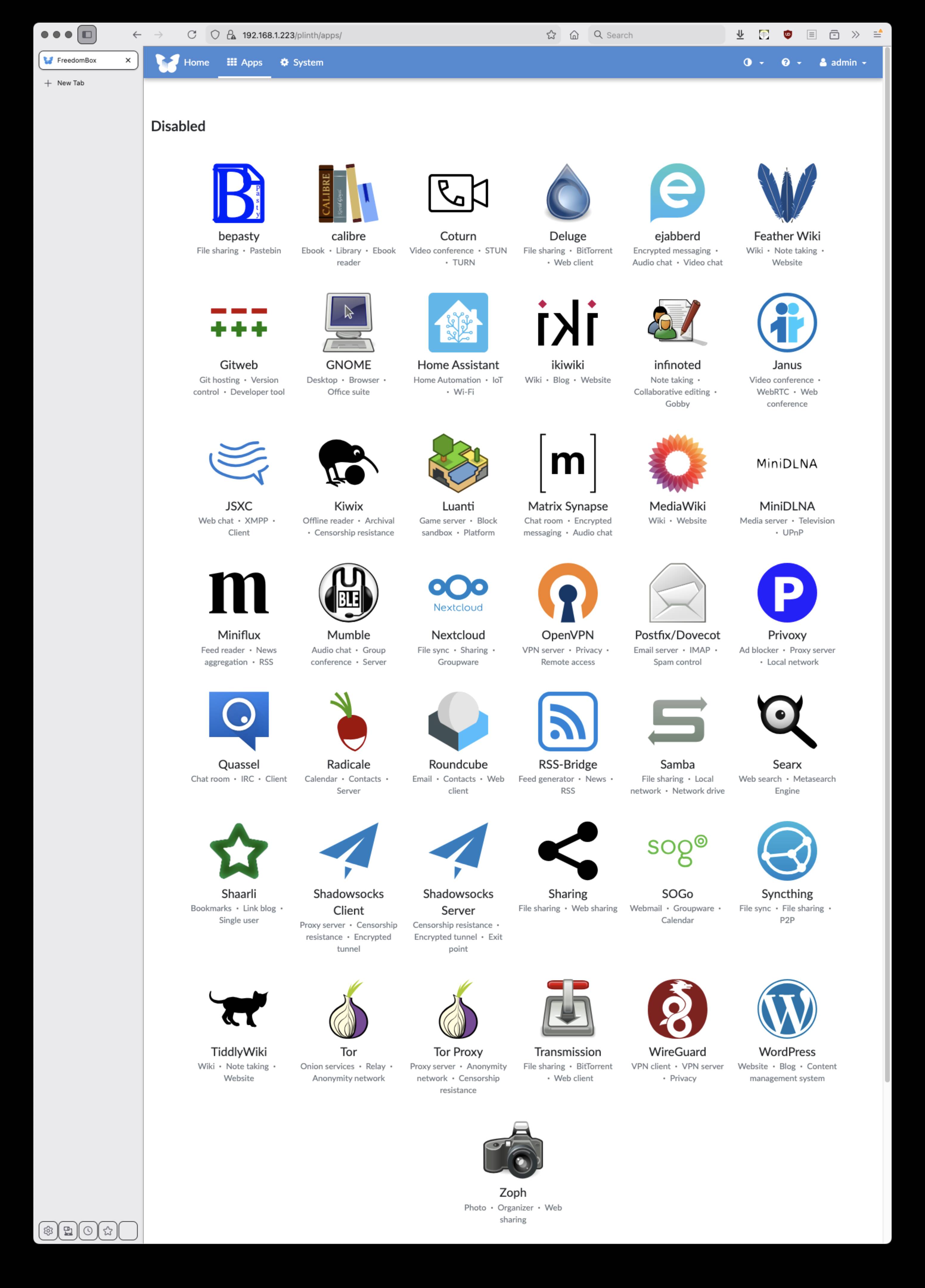
Going into FreedomBox's Apps screen, you can see the many things it can do for you. - Click to enlarge
Overall, by our count, there are about 30 types of service here, and some of the overlap allows for different use-cases and preferences. So, for example, do you want your own interface to an existing email service, or your own email server, just calendar and contacts with existing email – or your own groupware server, in which case, a basic private one, or a full-on private cloud that can integrate with external services? Depending on your preference, you might choose Roundcube for webmail, SOGo if you want to host your own groupware server, and Nextcloud if you want groupware, sync, and private cloud file storage too.
Also, some of the "apps" really aren't server functions at all, such as the option to install a full GNOME desktop on your FreedomBox.
All the server-type "apps" run in containers, and Freedombox automatically updates itself and all the apps, by default at 2 AM daily.
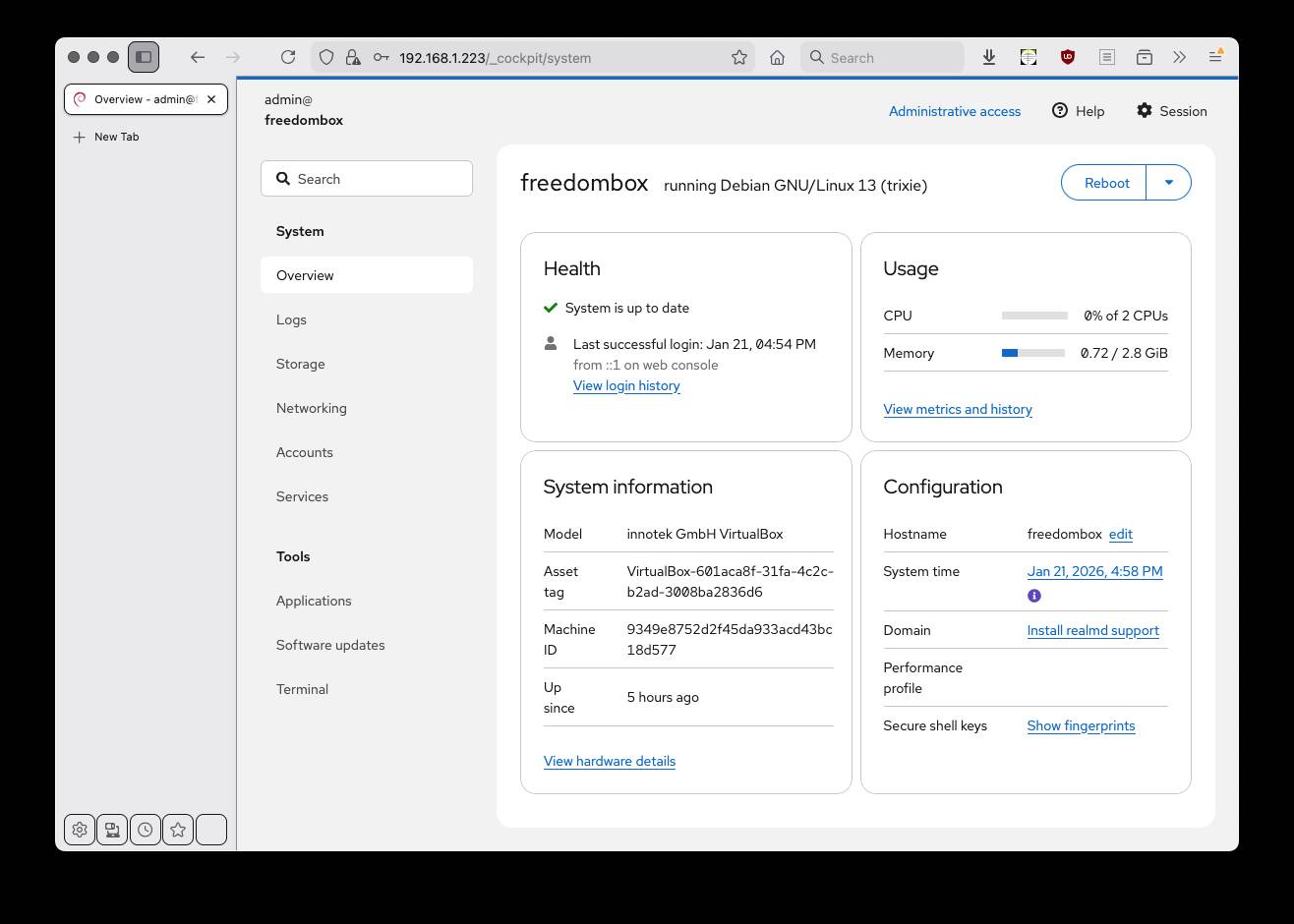
Once you click on Cockpit, things get a little more involved. - Click to enlarge
There are some rough corners, such as several different web-admin front ends to hop between – Plinth for apps, Cockpit for managing the server itself, and some of the apps have their own, too. It's Debian: a few rough edges are normal. FreedomBox was originally meant to run on a tiny appliance server such as a SheevaPlug – The Register covered building a server around one of those way back in 2010. Its successors, the GuruPlug and DreamPlug, have now been supplanted by the ubiquitous Raspberry Pi, which offers far more expansion options than they ever did.
This does explain some of the limitations, though. For instance, the FreedomBox containers are all kept under /var/lib along with all their data – it's not easy to see how to split up the storage among different devices. We were planning to use an old HP Microserver to host it, but it will be tricky to separate out the storage and keep it on the machine's RAID. Currently, we're considering upgrading the experimental Pi Hole we built last year, which is still trundling along happily. There's no Pi-Hole "app" in FreedomBox, which is a bit of a shame, but it does offer a Privoxy ad-blocking server. Our Ubuntu machines run Privoxy locally, and extending it to be network-wide sounds good.
There's a lot here: the scope of what this Blend can do is daunting. That may be why it doesn't seem to have received much coverage. Back in 2011, The Reg's own Andrew Orlowski mentioned the project, saying:
The FSF's Eben Moglen touts the GuruPlug as the basis for his vision of encrypted distributing computing called FreedomBox, an idea I'd very much love to succeed, but something tells me it will struggle to create a network beyond a few dozen enthusiastic nodes.
The Reg covered Moglen's big idea back when it was quite new. Over the following decade and a half, Orlowski's skeptical take has proved accurate. Times are changing fast, though, and we think that the time for this sort of tech has come. Especially due to the Trump presidency, the EU is looking to pry its data off US cloud services, and open source is the way to do it.
It's not just governments and corporations, though. FreedomBox is meant to make this easy and accessible for the home. You don't need to have sysadmin skills to install Debian and get this stuff working.
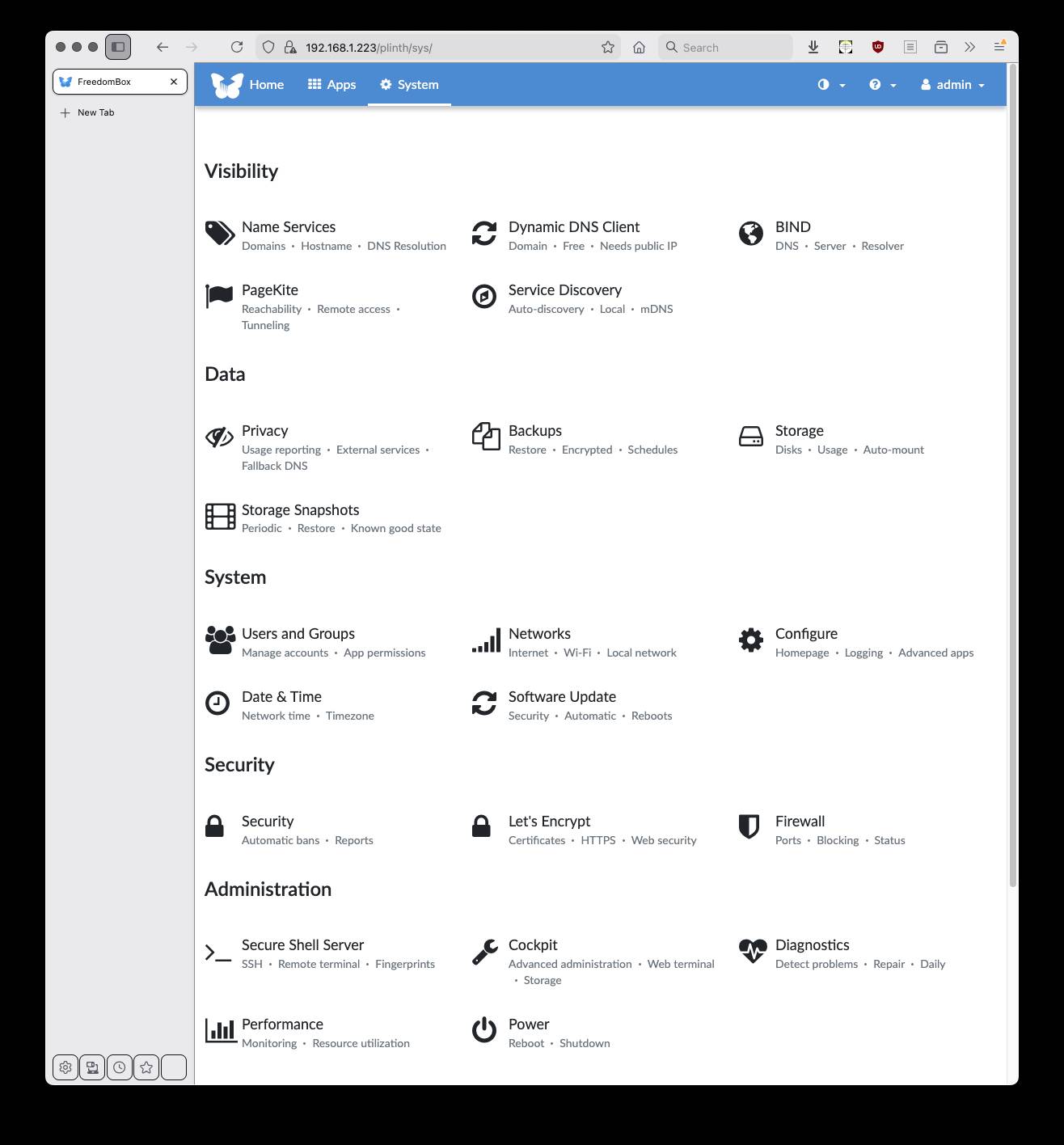
Alongside Cockpit, Plinth also provides its own built-in system-management view. - Click to enlarge
Alternatives
The concept of the ready-to-use server distro is an area of the FOSS space that doesn't get much love from Linux distro vendors, and it deserves more.
There are a few NAS server distros out there, of course, if what you mainly want is a home file server. The TrueNAS Community Edition, which a few years ago used to be called TrueNAS SCALE, is still very much around. It's based on a customized Debian, with a newer kernel, added OpenZFS, and more. The FreeBSD version was forked to create zVault, but there hasn't been much visible activity since we reported on it last year. Also based on FreeBSD is ZigmaNAS.
In Linux-land, Rockstor is based on openSUSE and Btrfs, while OpenMediaVault uses Debian and native Linux RAID, and as well as being a file server, it also does media streaming, with a lot of plugins for additional functionality.
The flagship of Proxmox is its virtual machine host, although as we covered last August, it also offers a backup server and an email gateway to protect existing mail servers.
There are also some small-business and small-office server distros. Long ago, the future Reg FOSS desk wrote about three ready-to-roll server distros. The same three are still around sixteen years later, but by way of a demonstration of neglect, the latest versions of two of the ones we looked at, ClearOS, which we called fiddly but tweakable, and Koozali SME Server, formerly known as e-Smith and already mature in 2010, are still based on CentOS Linux 7 today – over 18 months after its end of life in June 2024. This does not inspire confidence, to say the least.
The third we looked at in 2010, Zentyal, is in better shape. As we said back then, it is based on Ubuntu, but with much more config work done for you. The latest version, Zentyal 8, is based on Ubuntu 22.04, so it's a little behind the current version – and the new LTS, Ubuntu 26.04 "Resolute Raccoon", will be here in about three months.
All of them are aimed squarely at small businesses, though. You could run them at home, but they are overkill for this. FreedomBox is far more aimed at techies for home use, so you can do your own video chats, text chatrooms, host your own website and your own email, and so on.
The closest thing that we have encountered in the personal private cloud space is YunoHost – as in Y U No Host? This is a French offering that looks to be slightly smaller-scale than FreedomBox: more modest, but also less intimidating and with less redundancy. This project too is based on Debian – still on Debian 12, which means that it still offers a 32-bit version. It supports various Arm boards, VMs in the cloud, or on an old PC, which it terms an ordinosaur – from ordinateur ("computer") plus dinosaur.
- Debian goes retro with a spatial desktop that time forgot
- Through gritted teeth, Apple and Google allow alternative app stores in Japan
- Two paths to Enlightenment: AV Linux 25 and MX Moksha step forward
- When Debian won't do, Devuan 6 'Excalibur' Linux makes the grade
FreedomBox, though, is more current, and it has multiple services that are still useful even if you keep it away from the public internet.
Sadly, of course, the blockchain folks are aggressively pushing into this space too. When we looked at the simpler replacement web Gemini in 2022, we mentioned the Cheapskate's Guide, which has some good advice on using very low-end kit to stay private online. It introduced us to ZeroNet, which somehow uses blockchains and assorted "you don't need to understand tech magic" to build a private web. We also encountered Logos because a personal friend works there, and it makes similar claims.
We feel that this unnecessarily complicates the whole thing. Our maxim for years now has been that "if it's got the word 'blockchain' in it, it's bollocks."
What the people of the internet need far more than this are very simple home servers which are dead easy to get working, which as much as possible maintain themselves, and which will let people talk to each other and share stuff using quiet little low-powered boxes that sit on the shelf next to your broadband router and use less electricity than an old-fashioned incandescent lightbulb. For now, Debian's FreedomBox blend looks to be about the best option. We plan to stick it on a spare Pi and explore, and we'll keep you posted about how we get on. ®