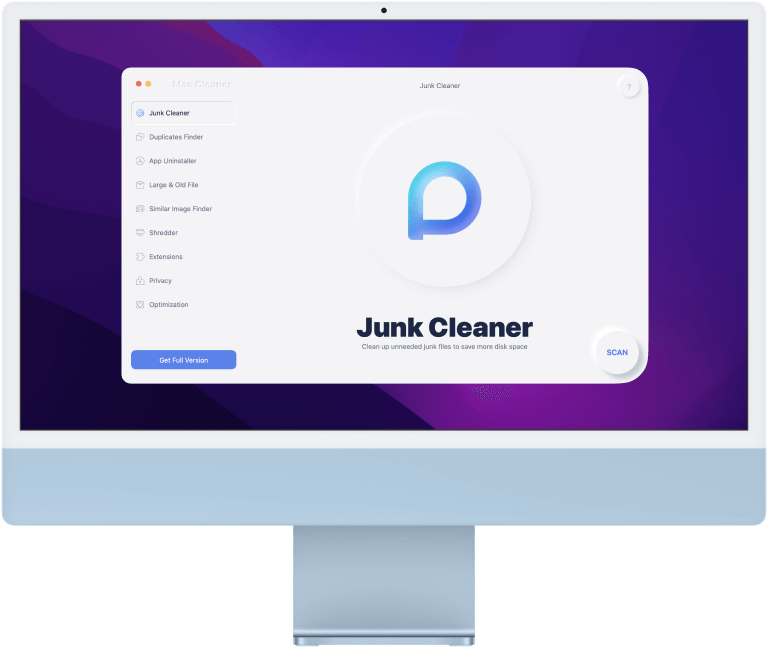
Your Personal Mac Assistant
Make Everything Simpler
Mac Cleaner can be your multiple-functional assistant for Mac.

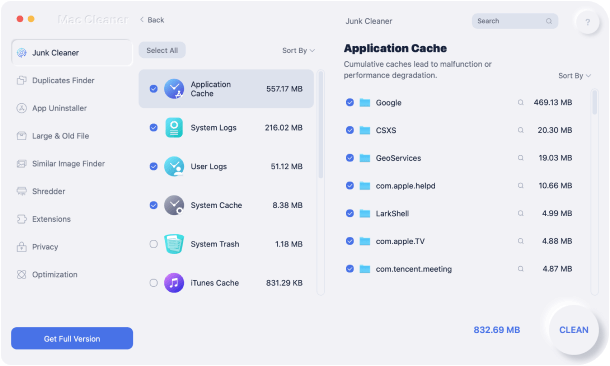
Junk Cleaner
Clean system cache and logs, unneeded Email attachments, and outdated iTunes backup.

Duplicates Finder
Chase all duplicates including images, videos, music, documents, etc.

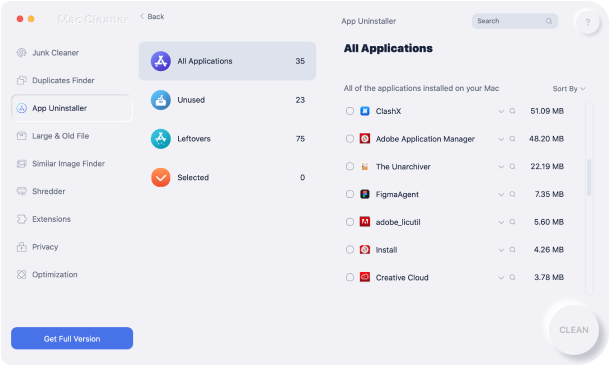
App Uninstaller
Completely uninstall apps, as well as their remaining files. Save time in locating files.

Similar Image Finder
Scan and locate all similar images on Mac. Free up a large amount of space.

Shredder
Choose unneeded files and folders. Delete them in a secure way.

Extensions
Adjust settings on Mac. Manage plugins, proxy, and startup items to speed up Mac.

Large & Old Files
Smartly scan large and outdated files. Selectively delete them to save more room.

Privacy
Clear browsing history on Mac, including cookies, downloads, etc.

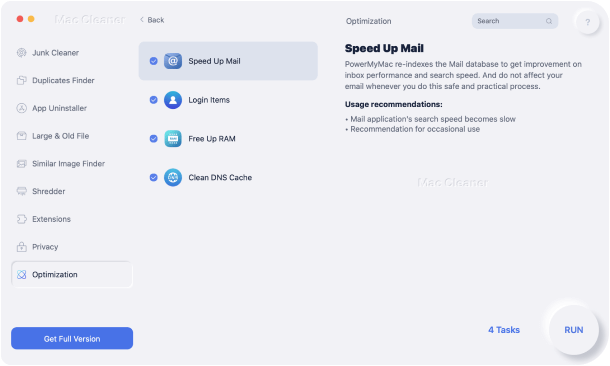
Optimization
Mac performs slow? Simply speed up your Mac with its 5 different features.
Disk Space Liberator
Release Tons of Memory Smartly and Safely
TechyCub Mac Cleaner helps free up disk space for Mac by scanning, identifying, and removing useless items. Its built-in protection system identifies the important files on Mac and never deletes anything without asking. As a smart assistant, TechyCub Mac Cleaner even instructs you to perform regular disk cleanups to keep your Mac running as new.
App Uninstaller
Completely Shred Unneeded Apps
Does dragging an app to the Trash always leave piles of app leftovers on the Mac? No worries, Mac Cleaner is here to help! With one click, all of your applications are listed with related files. Then with another click, the selected apps are gone without leaving any associated files on the drive. As simple as that, but in a cleaner way.
Mac Saver
Optimize Mac for Maximum Performance
Whenever your Mac gets stagnant, TechyCub Mac Cleaner is here as a lifesaver. It is a speed-up tool with the need of only one click: managing login items, re-indexing your Mail, freeing up RAM and purgeable space, and cleaning the DNS cache. Take the burden off your Mac and make a fresh start!
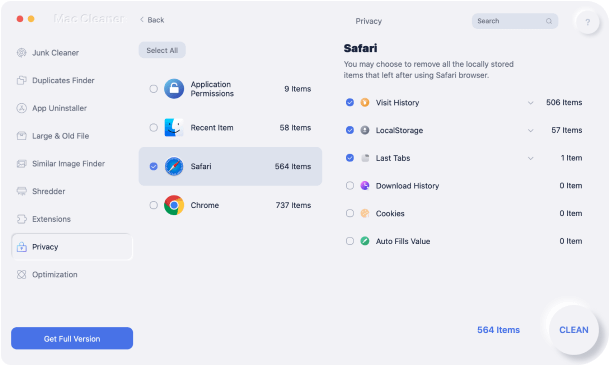
Privacy Guardian
No One Knows What You Did
Browsing history is swept with ease, as well as traces of both online and offline activity. Online experiences are more private, no one is able to track your online activity.

With Mac Cleaner, You Will Get

Gigabytes of free space

Faster boot speed

Higher response time



How to Use Mac Cleaner
Step 1. Download, install and run Mac Cleaner.

Step 2. Click on the Junk Cleaner module and press SCAN.
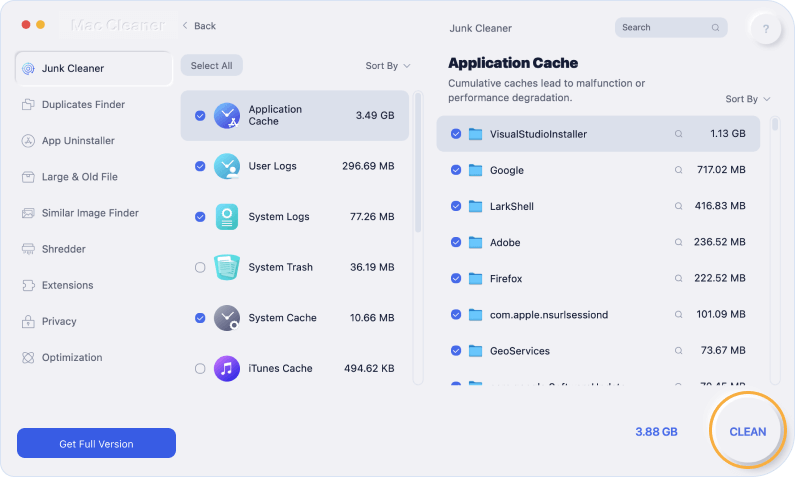
Step 3. Selectively choose junk files and click the CLEAN button.
Step 1 Step 2 Step 3



System Requirements
macOS 10.13 and higher, Apple M1 compatible
Supported Device Models
All MacBook and iMac series
What Users Say About TechyCub Mac Cleaner
-

Charles
To be honest, I've used a lot of cleaning tools for my Macbook Pro, and I didn't expect TechyCub to be a different one. But after using it for a while, its simple interface and sufficient functions really gave me a surprise. Highly recommend!
-

Robert
I'm a freshman at my university and I got tons of homework to finish. Every day, my Macbook Pro is filled up with outdated trash and unnecessary files. Frankly, I hate to check my files one by one and delete them, but TechyCub Mac Cleaner helped me out! With this tool, I can erase my storage with just a simple click. Thanks a lot!
-

Rebecca
Well, I'm the kind of person who always forgets to clean up a computer and makes the hard drive easily go red. TechyCub Mac Cleaner really meets my needs. Ever since I downloaded it, I could simply find its icon on my desktop and click on it to start my deleting process. It's really a helpful tool, you guys should try it out!
Welcome to tell us what you think
Tips & Tricks
- How to Fix Adobe Creative Cloud Won’t Uninstall Issue
- Here's How to Fix iPhone Photos Not Showing Up on Mac
- How to Delete Mail App Efficiently on Mac
- 6 Ways to Fix "iMovie Not Enough Disk Space" Error
- Why Is Firefox So Slow on Mac – How to Solve?
- 5 Ways to Completely Clear Instagram Cache for FREE
- How to Check Hard Drive Health on Mac