Tab switcher for Safari used by those in a rush
The tab switcher that Safari needed. Built for pro users who want to switch tabs with a tap.
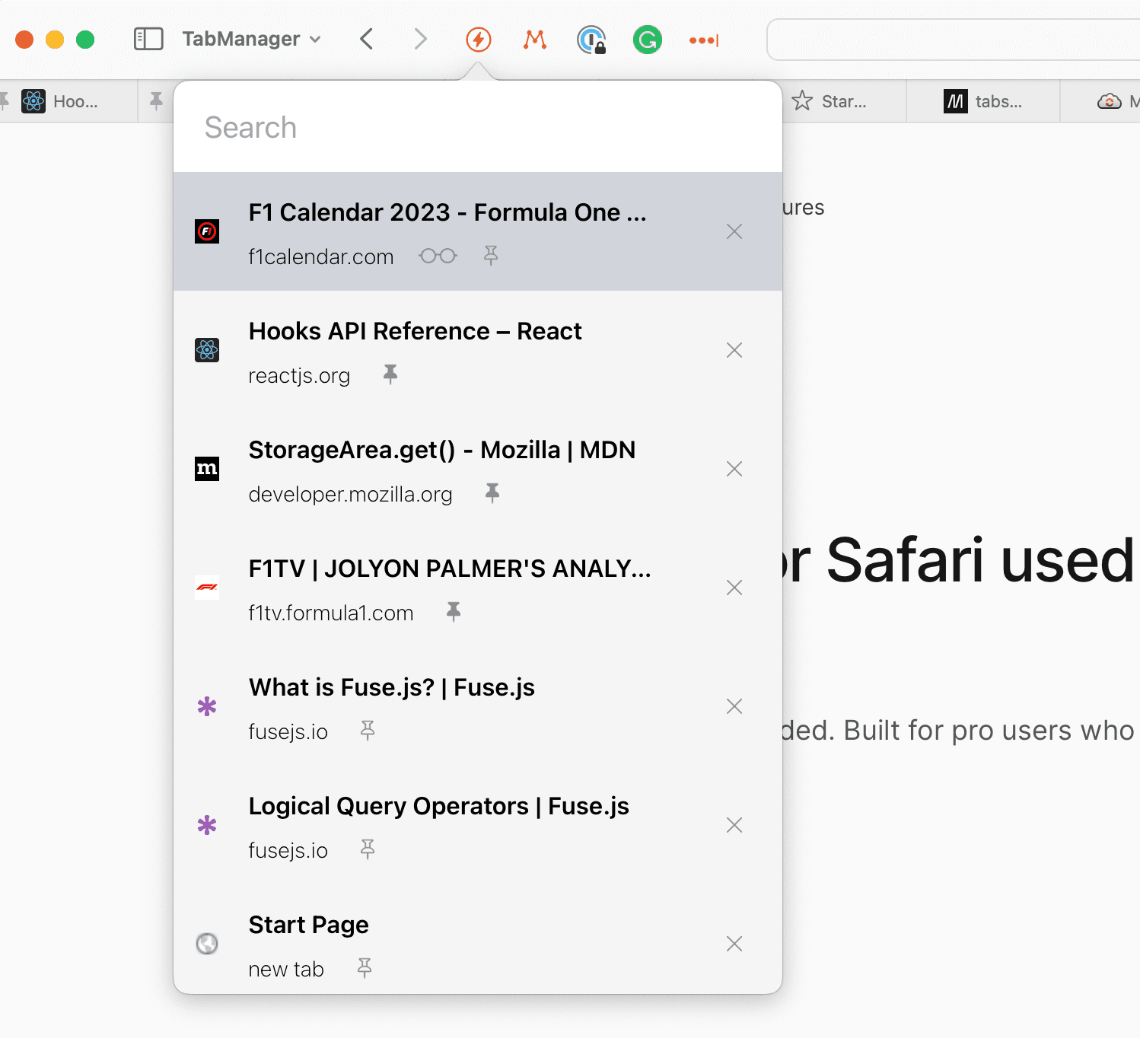
Built with power users in mind. You will love it if you are a collector of tabs.
It was time Safari got a web extension that lets you move around tabs similar to how one does when using Chrome or Firefox. With a sprinkle of features to save you time.
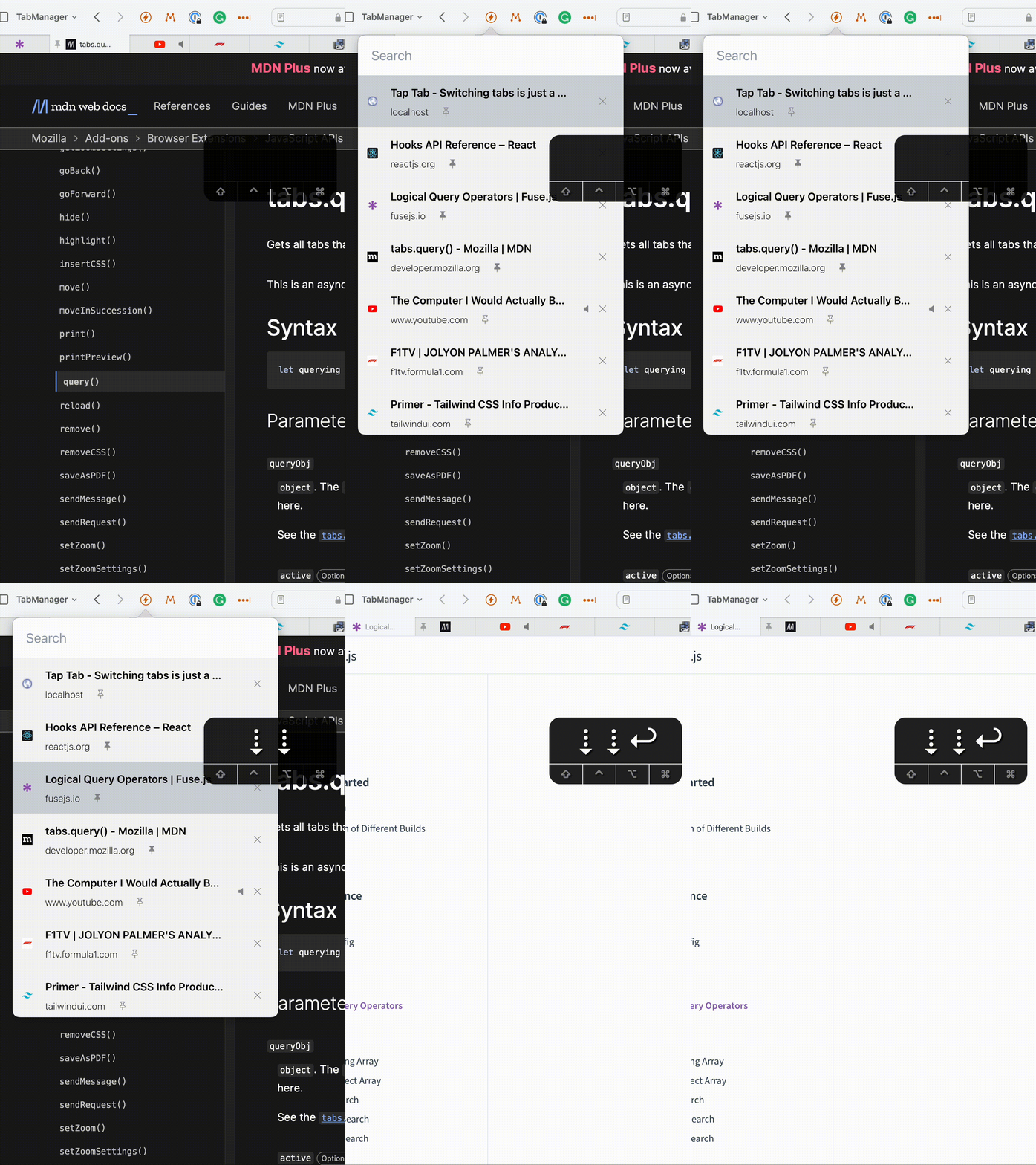
Keep your hands at the keyboard
Built with keyboard shortcuts from the ground up, allowing you to seamlessly move around your tabs without ever leaving the keyboard.
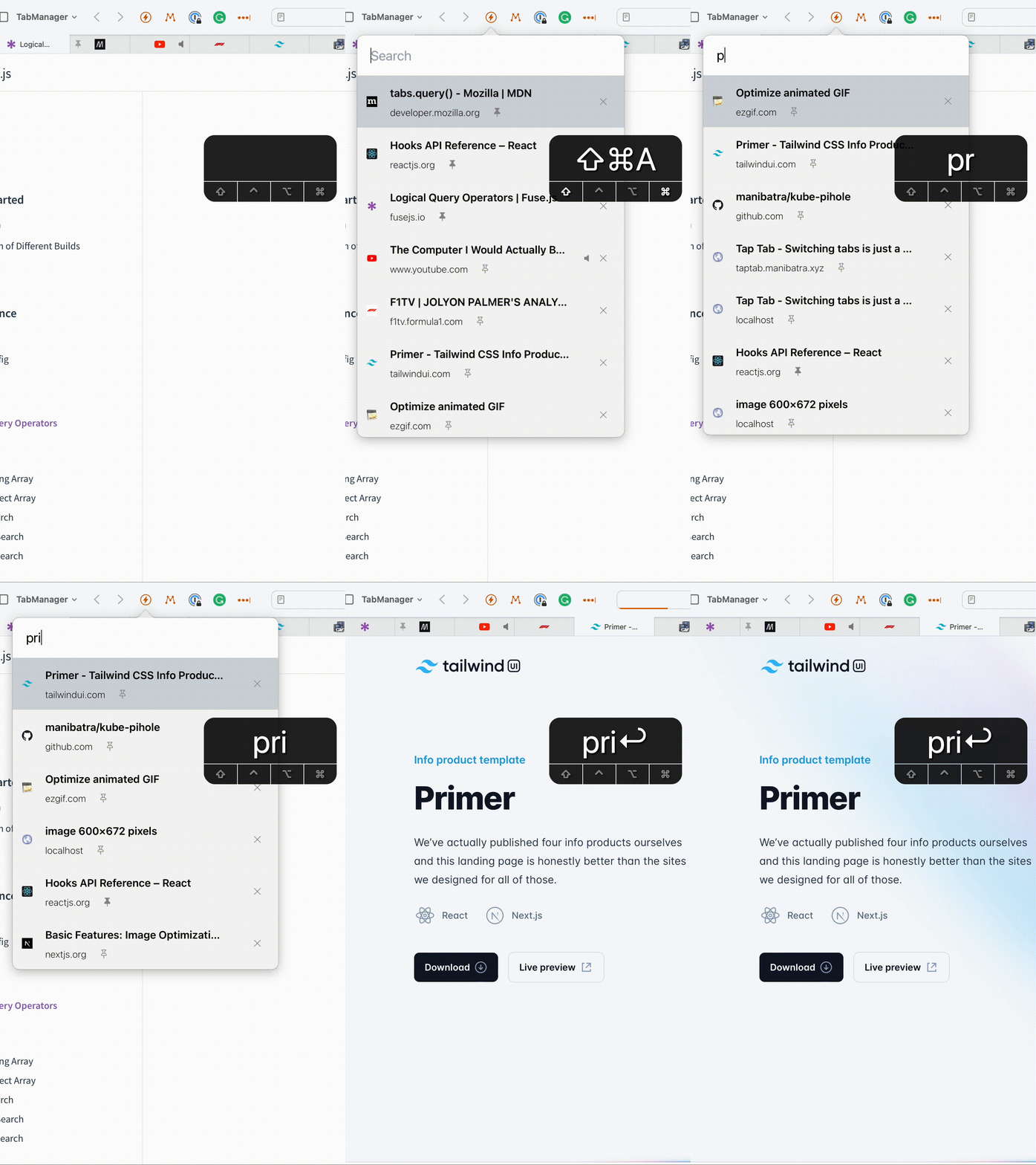
Fuzzy Search
Start typing the title of the tab and we will do the rest. Got hundreds of tabs open? Not a problem.
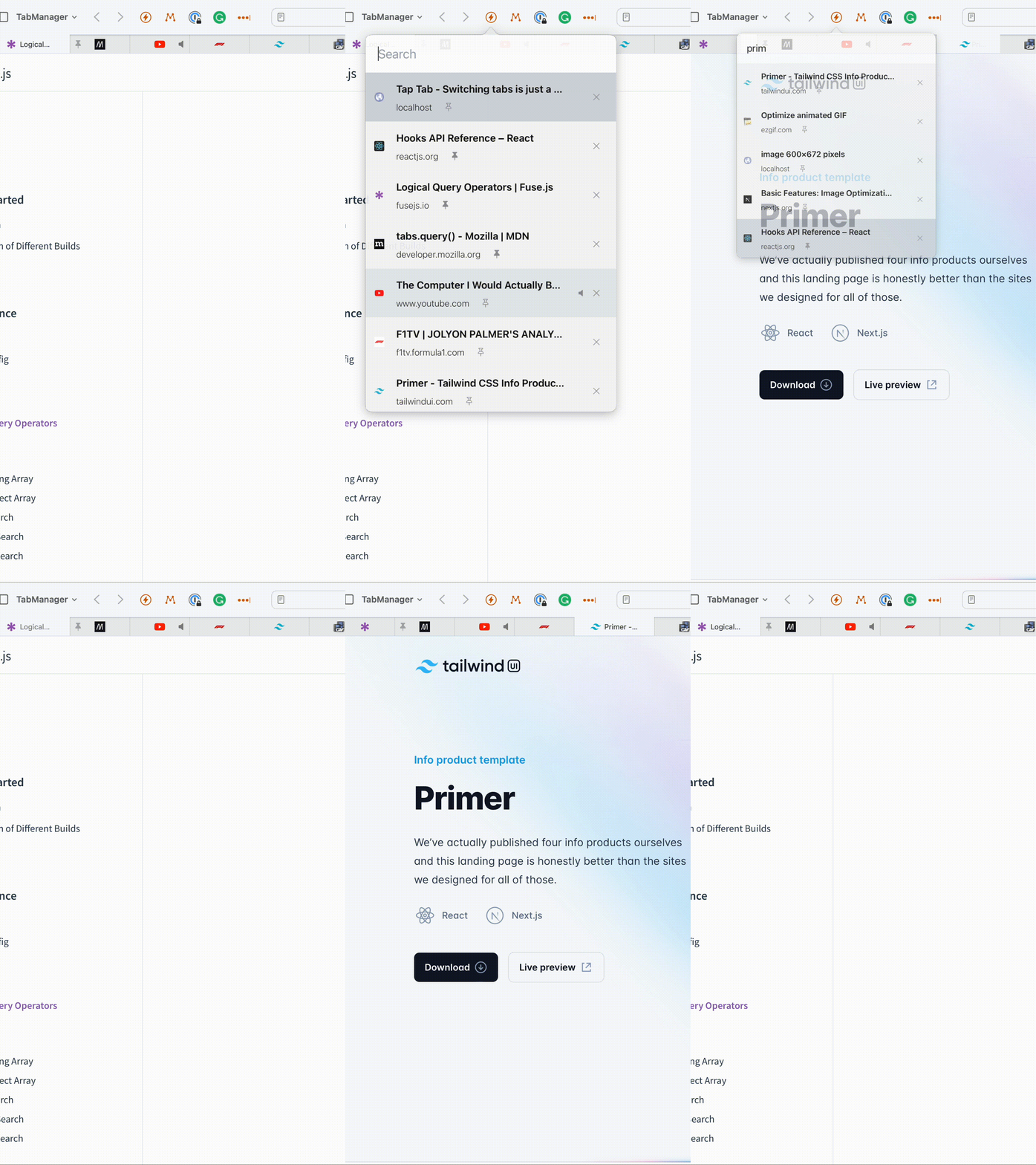
Fast Switching to Previous Tab
Switch back to the previous tab in Safari with an easy to remember shortcut.
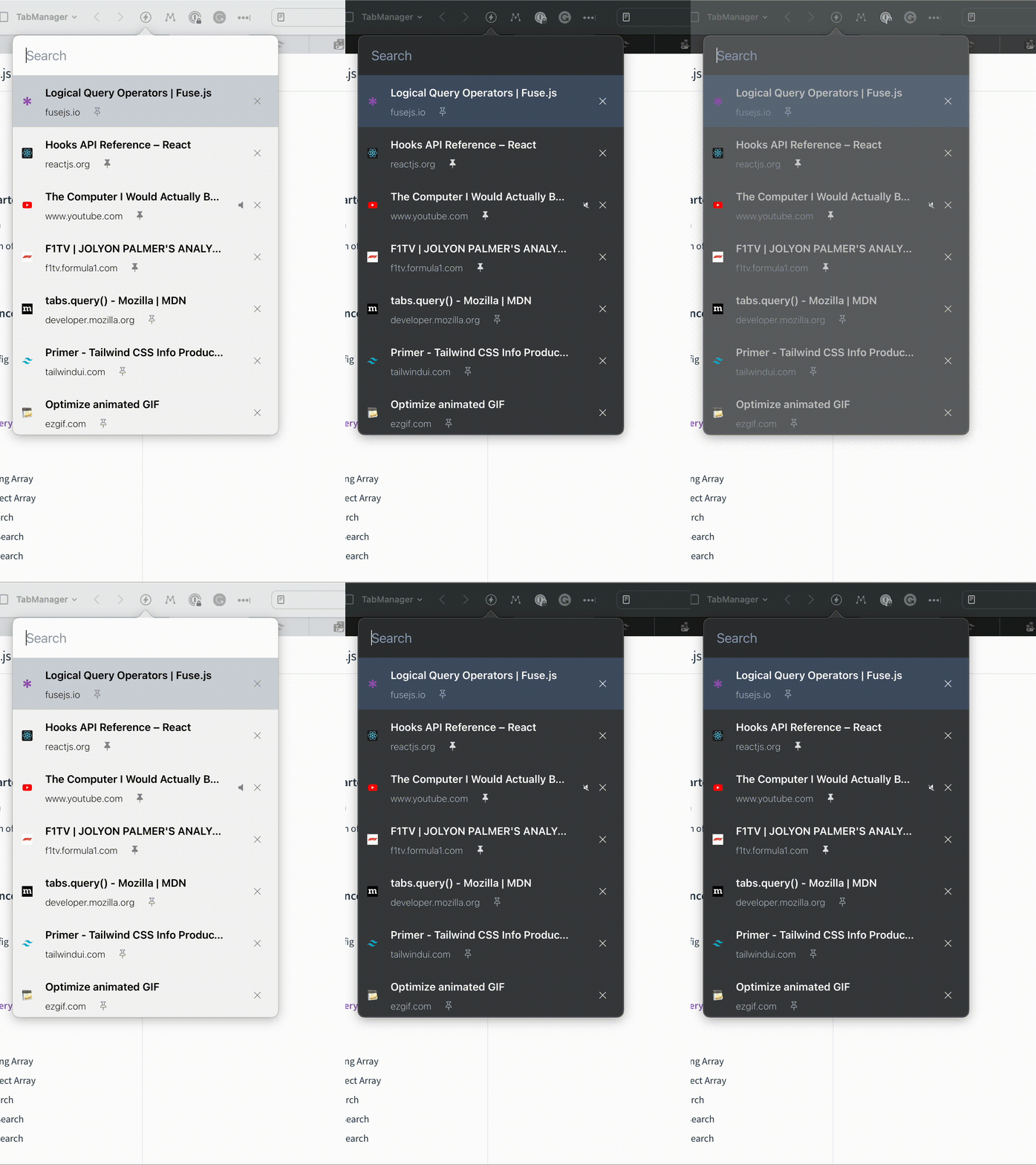
Dark Mode
Comes with Dark mode support so that the extension does not look out of place in your browser and you do not have to strain your eyes.
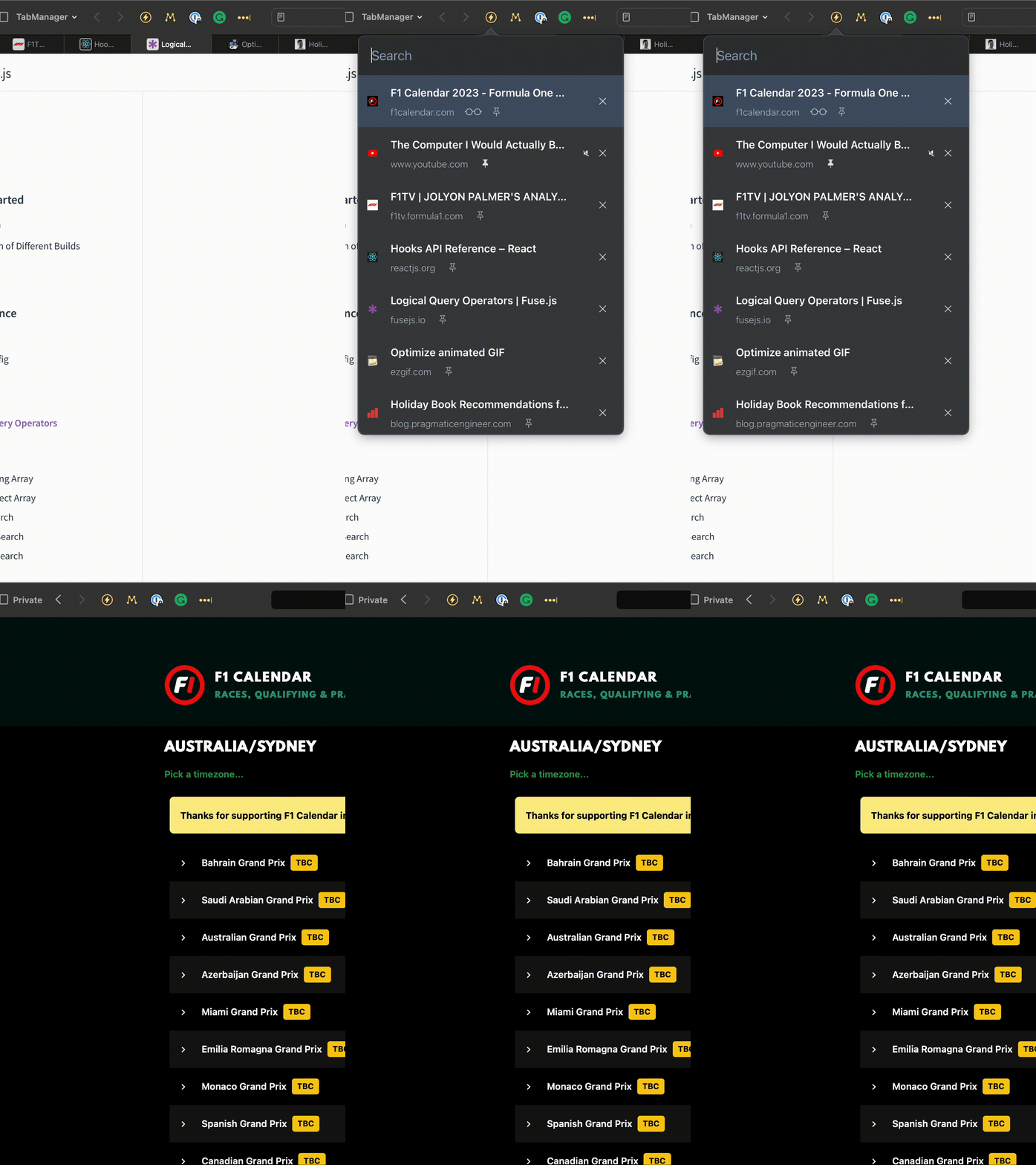
Multi-Window Support
We love using multiple monitors with multiple windows. Now you can switch between tabs in all your windows with ease.
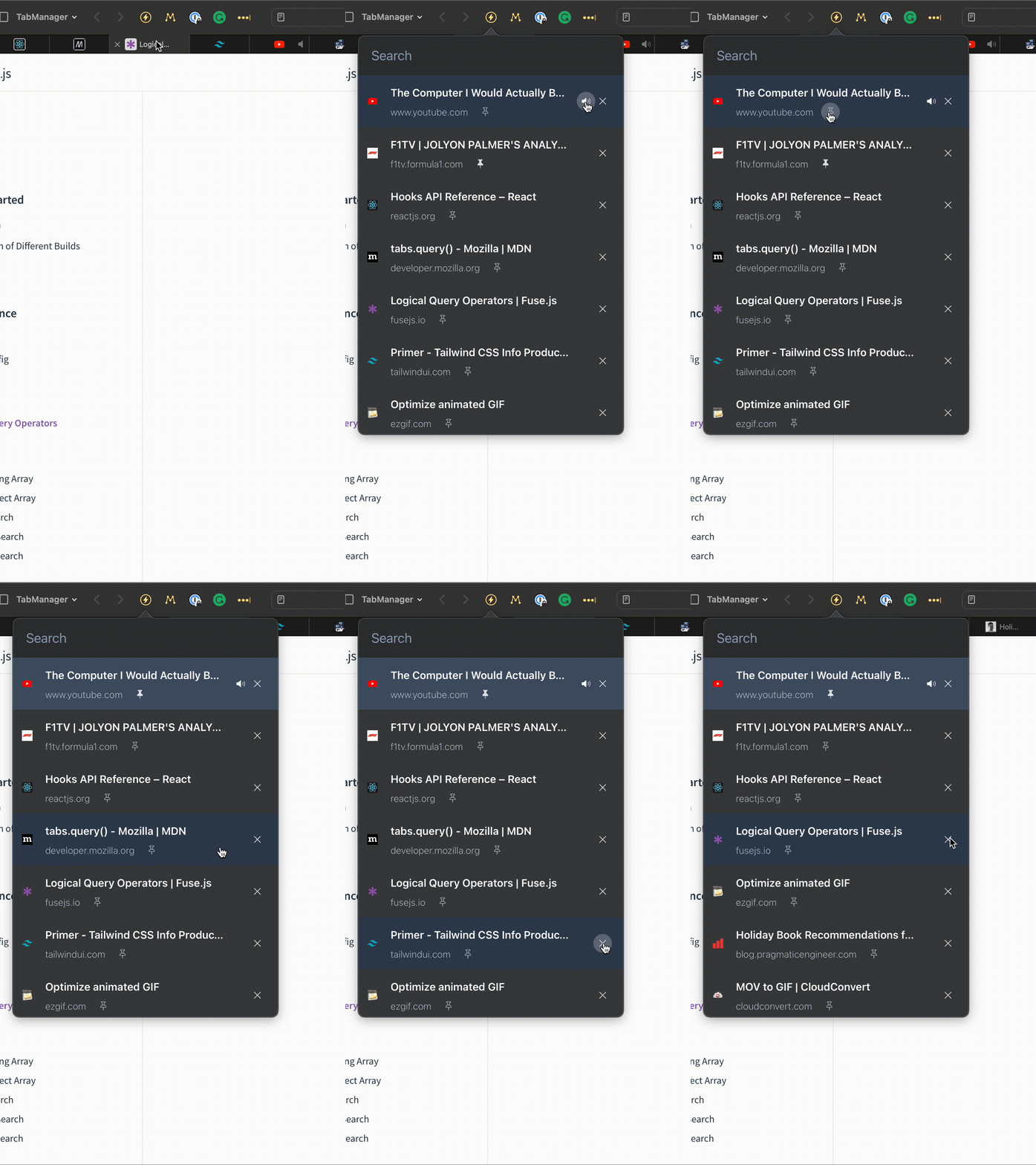
Pin/Mute/Close Tabs
Now you can pin, mute or close tabs from within the extension. No more hunting for the correct tab in your window.
Built with keyboard shortcuts from the ground up, allowing you to seamlessly move around your tabs without ever leaving the keyboard.
Start typing the title of the tab and we will do the rest. Got hundreds of tabs open? Not a problem.
Switch back to the previous tab in Safari with an easy to remember shortcut.
Comes with Dark mode support so that the extension does not look out of place in your browser and you do not have to strain your eyes.
We love using multiple monitors with multiple windows. Now you can switch between tabs in all your windows with ease.
Now you can pin, mute or close tabs from within the extension. No more hunting for the correct tab in your window.
Frequently asked questions
If you have anything else you want to ask, reach out to us.
Do we collect any data?
We take your privacy seriously and want you to feel safe while using TapTab. TapTab does not collect any personal data from you. Any permissions required by the extension are solely for the purpose of manipulating tabs within your web browser. We do not share, sell, or otherwise disclose any information about you or your usage of the extension with any third parties.If you have any questions or concerns about our privacy practices, please contact us at saveme@taptab.dev and we will be happy to address them.
What shortcuts do I use?
TapTab provides the following shortcuts: Cmd + Shift + A : Open/Close the extension Cmd + Shift + P : Go to the previous tab Cmd + Shift + M : When a tab is selected in the extension, mute/unmute the tab Cmd + Shift + K : When a tab is selected in the extension, close the tab