My desk setups progressed over time. From side-by-side displays to an ultrawide and portrait combo, and finally to a single 27’’ or an extended laptop setup for meetings.
# Monitor Setups
My Monitor setup over the years.
_1771693321497.webp)
Wide-Screen, see my
Battlestation in the Alps on Reddit
_1771693388263.webp)
Portrait monitor on the left with wide-screen as main.
_1771693419201.webp)
27’’ as main driver and laptop screen when having a meeting. Also shared on
Twitter.
_1771693671780.webp)
Another one with the Portrait Monitor and night-light mode.
_1771693509580.webp)
Single monitor with same laptop screen for meetings
_1771693701007.webp)
Multi-monitor and laptop setup.
_1771693746321.webp)
Flightradar check with wide-screen.
Also see Distraction-Free Typewriter, where I share my small computer.
Find more images with
#TodaysOffice on Twitter/X Posts (need to remove dash - with blank, otherwise it show not only my posts (HTML rendering..)) or
Bluesky Thread. Or some olders once in a blog post about
Today’s Office while on the Road .
# Shortcuts for Virtual Desktops
Throughout this journey, I’ve tried various alignments and configurations, ultimately concluding that the best setup for me is a single screen with separate desktops. I switch between them using these handy shortcuts:
🖥️ Alt+1: Terminal for coding
🖥️ Alt+2: Browser for research and browsing needs
🖥️ Alt+3: Obsidian for notes, thinking, writing, and my Second Brain
🖥️ Alt+4: Music, featuring Spotify and Focus@Will for all things auditory
🖥️ Alt+5: Collaboration tools like Slack, Asana, Nirvana, and my to-do lists
🖥️ Alt+6: Extra (when laptop screen is open): Additional screens for meetings with Zoom, etc.
🖥️ Alt+7: Extra (when laptop screen is open)
I’ve also experimented with various keyboards and mice. Currently, I’m using the Kinesis Advantage 2 and My KBDFans DZ65RGB as my daily drivers.
What is your go to setup after trying different setups?
# Monitor Alignment
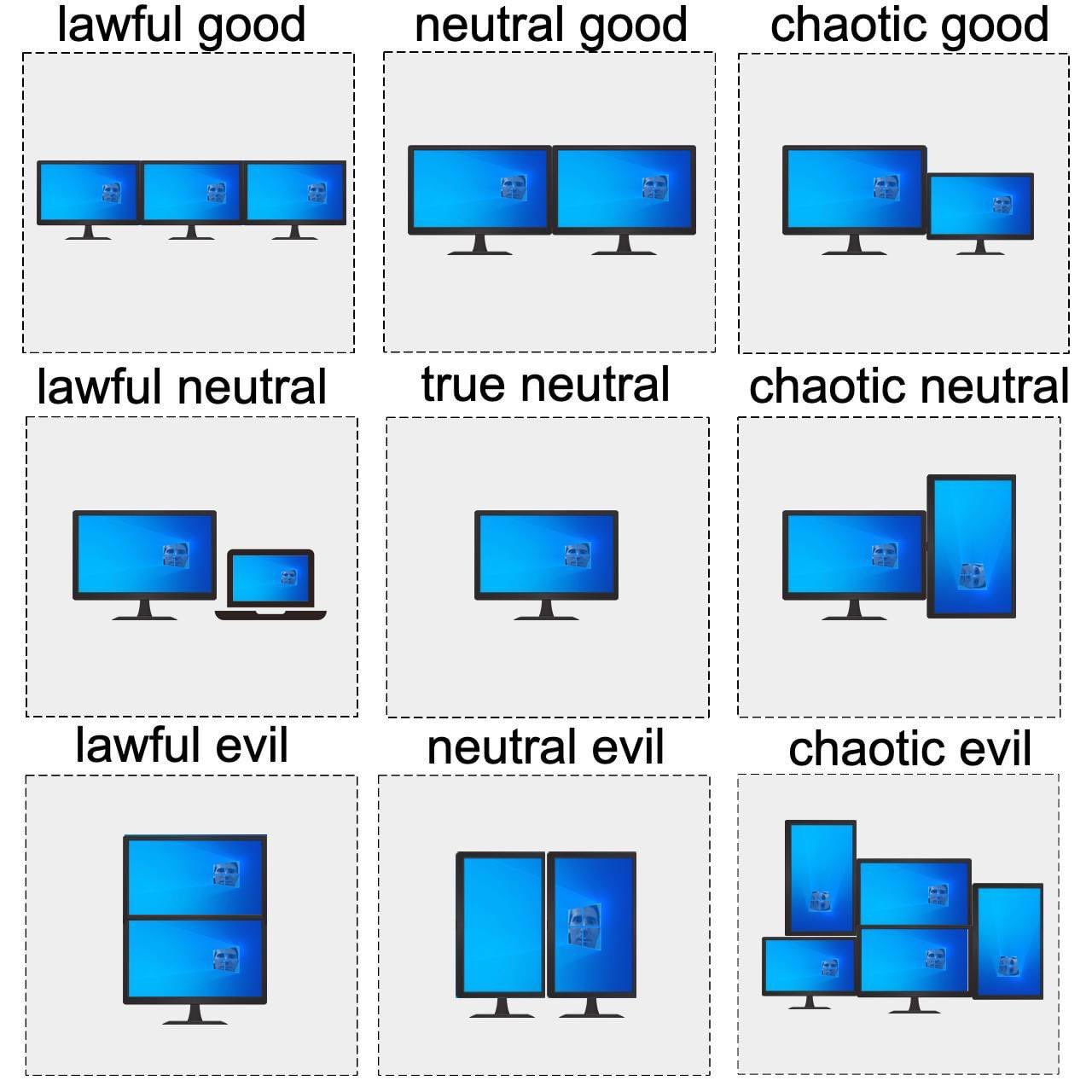
Which one are you? 😉
# Some Images
Find more images in links below Screen Setup:
# Developer Workflows
Mind my worksflows at:
- My Obsidian Note-Taking Workflow | ssp.sh
- My Journey from macOS to Arch Linux with Omarchy | ssp.sh with Omarchy and Linux, including a YT video: Omarchy Arch Tiling Window Workflow (macOS comparison) - YouTube
- Watch my MacOS workflow video at macOS Tiling Windows Setup for Data Engineers & Writers | yabai + skhd - YouTube.
- Or collaboration workflow with Obsidian and Markdown at Efficient Markdown Collaboration (HackMD, Obsidian, Neovim, VSCode) - YouTube.
- Or find My Tech Stack and all my configs at dotfiles.ssp.sh
# Others Workflows I like
- My Developer Workflow - How I use i3, tmux, and vim by ThePrimeagen
- Go fullscreen with all your apps by Jason Fried
Origin:
Then vs. Now
References: Location Independent Lifestyle, My Laptops or Notebooks, My Monitor