Linter IDE Tool & Real-Time Software for Code | Sonar

3 min read Original article ↗

SQ-IDE_Built-in-padding_300px.svg

Start left with confidence.

Advanced linter for better code quality and stronger security

Start left and discover issues early. SonarQube for IDE takes linting to another level empowering you to find & fix code issues in real time.

TRUSTED BY OVER 7M DEVELOPERS WORLDWIDE

  • Find

  • Fix

  • Learn

Real-time feedback

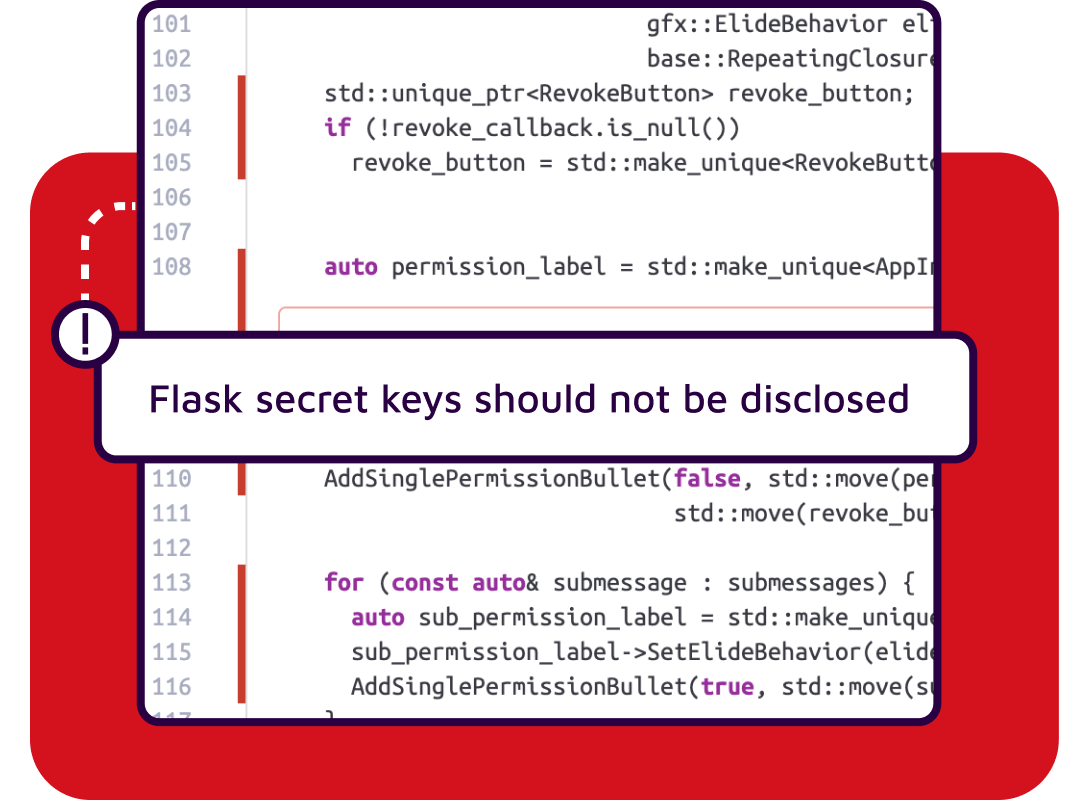
Your IDE is the best place to catch and fix coding issues, in developer and AI-assisted code. Like a spell checker, SonarQube for IDE squiggles issues and empowers you to deliver secure, high-quality code by performing on-the-fly analysis to detect bugs and vulnerabilities.

Link to SonarQube Cloud & SonarQube Server, unlock more value

Your IDE and programming language.
Covered.

SonarQube for IDE is a free plugin available to install from your IDE marketplace.

SONARQUBE FOR IDE FEATURES

Your IDE companion for quality and secure code

SonarQube for IDE integrates seamlessly into your favorite code editors like VS Code, IntelliJ, and more, so you can commit with confidence. It also supports cloud-based and AI IDEs such as GitHub Codespaces, GitPod, Windsurf, Trae, and Cursor.

Explore features

develop

6,000+ rules covering wide range of code issues

Powerful language-specific analysis detects bugs, code smells, vulnerabilities plus security hotspots and supports latest language standards. The large ruleset spans all attributes that contribute to the quality and security of code.

feedback

Real-time analysis, guidance, and quick fixes

On-the-fly analysis provides instant feedback as you code. More than just a linter, SonarQube for IDE highlights coding flaws, even in your AI-assisted code, and explains why the issue is harmful and how to fix it. "Quick fixes" intelligently suggest solutions adapted to your specific code so you can automatically repair flagged issues in real time.

checklist

Unified team rules and analysis settings

Get coverage at every stage in your dev cycle—IDE to CI/CD and back, ensuring code fit for development and production.  So much more than a linter, when 'connected' with SonarQube Server or SonarQube Cloud, rules and analysis settings are synchronized to SonarQube for IDE, aligning teams around a single standard of code quality and code security.

Discover SonarQube for IDE Quick Fixes

Explore our GitHub projects

Need help getting started?

The Sonar Community is a vibrant, interactive space where Sonar team members and community users get together to discuss all things Sonar. You’ll find detailed articles and technical discussions that cover the most common use cases, and some tricky ones. Plus, the Community is the place to collaborate on new features, provide feedback, and learn more from other developers.

community member helps provide an update on sonar product development

Get SonarQube for IDE updates delivered directly to your inbox

By signing up, you will receive product and marketing information about upcoming SonarQube for IDE updates, new releases, news, and events.

SonarQube for IDE FAQs

SonarQube for IDE is a free developer companion that brings real-time static analysis, quick-fix guidance, and security issue detection directly into your coding editor. It surfaces issues as you code, explains why they matter, and suggests clear next steps, so you can improve quality at the source without breaking your flow. This helps teams reduce rework, prevent defects early, and keep quality consistent across contributors.

Beyond inline issue highlighting, SonarQube for IDE supports a focus on new code, encouraging new code quality practices that prevent the introduction of fresh issues. By catching bugs, vulnerabilities, and code smells during editing, it shortens feedback loops and complements your SonarQube or SonarQube Cloud project gates to keep overall health trending up.