The Minisforum MS-01 is one of the most exciting mini PCs around for three reasons. First, it has not just dual 2.5GbE, but also dual SFP+ 10GbE networking. Second, there is a PCIe slot and ample internal storage options, albeit with a few caveats. Third, it is not trying to be as small as possible, so it has a fast Core i9 processor and a reasonable noise profile. Those three things make this one of the most highly anticipated mini PCs. To be frank, using this system, it was like someone who reads comments on STH designed it to meet those suggestions head-on. Let us get into it.
Minisforum MS-01 Overview
Of course, we have a video for this one that you can find here:
This is both a longer video and a longer review. We have an extra page with a plug fest page after our performance section. If you are considering this system, it may be worth at least putting this on for some background context. Also, we have a cameo of the new Arizona set in this video.
The system we have Minisforum sent. The product lead has been in the STH forums talking about the system and getting feedback since August 2023. This is a top-end configuration with an Intel Core i9-13900H, 32GB of DDR5 memory, and a 1TB NVMe SSD. The system we have costs $829 right now, but the barebones Core i9-12900H is currently $549. (Minisforum eStore affiliate link.)
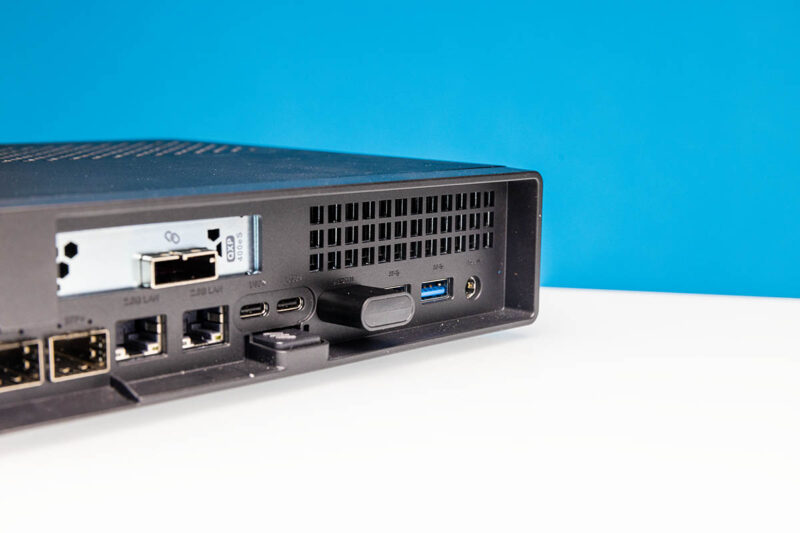
There are also barebones options and the Core i9-12900H. After testing the unit, there is so much performance that many may look at the Core i9-12900H instead to save ~$130. For many, the barebones option will be worthwhile since our system came with Windows 11 Home, not Pro which has Microsoft Remote Desktop functionality included. Remote management is instead provided via Intel AMT/ vPro. A quick tip here is that we would suggest getting a dummy HDMI plug if you want to run headless since vPro likes to have a monitor attached.
The big features of this system go well beyond the base features. We tested the system with Windows 11, Ubuntu, and Proxmox VE and plugged in many different items to see if they worked. We learned a lot in the process.
Minisforum MS-01 External Hardware Overview
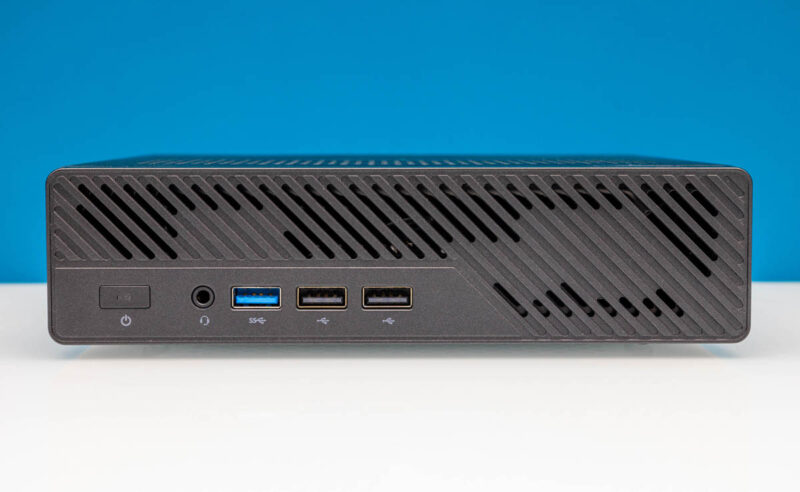
The front of the system has some cool venting but also looks fairly tame. There is a power button, headset jack, USB 3 port, and two USB 2 ports.
The chassis itself is a bit larger than a 1L PC from our Project TinyMiniMicro series. We show a comparison spinning the MS-01 with a Lenovo ThinkStation P340 Tiny on top (one we still need to review for our TMM series.) The system is larger, and some may make a big deal over that. If you need this to fit in the same space as a 1L PC, then it will be slightly too big. If you instead are just looking for something that size-ish then this being slightly larger but having more functionality is a trade-off most will take any day. To me, I am perfectly happy to trade size for expansion capability on this one.
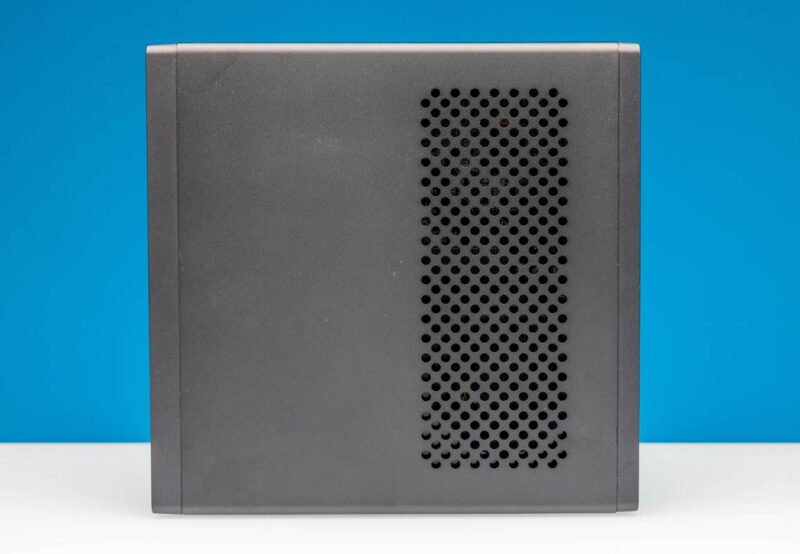
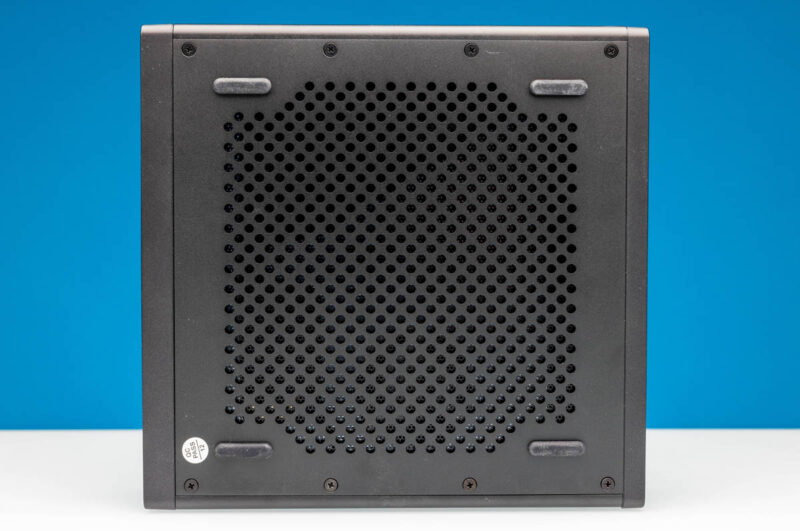
Something we will note is that there is a lot of venting. The sides do not, but the top and bottom both have vents.
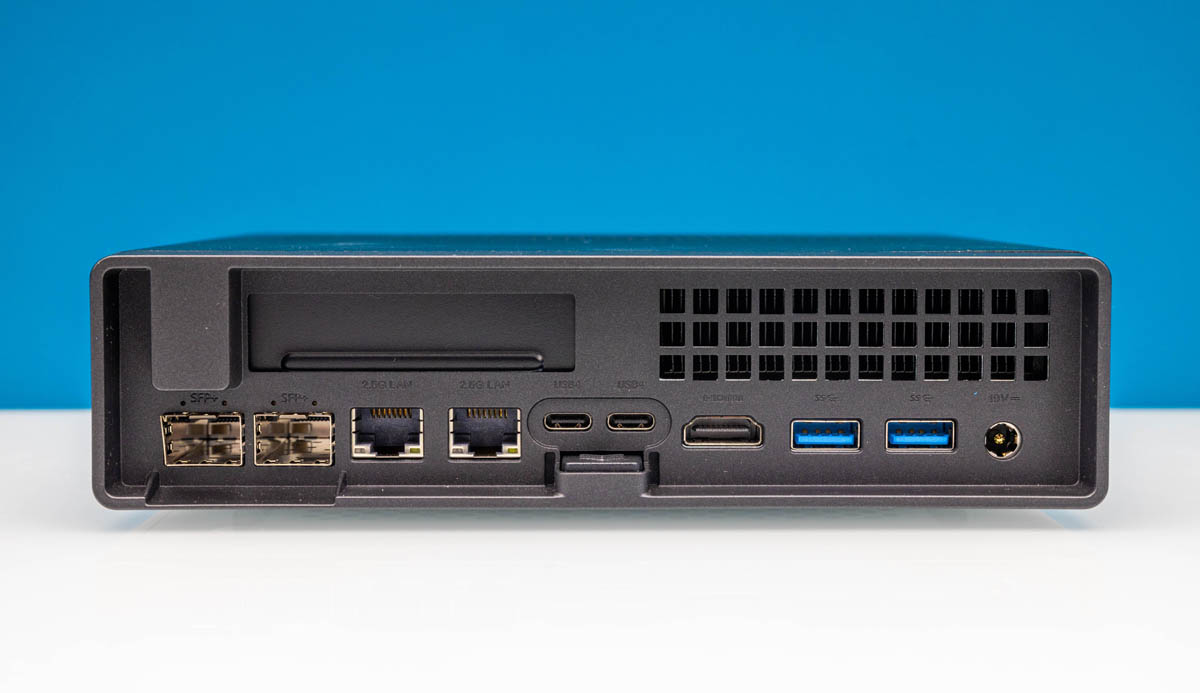
On the rear, there is so much going on. The low-profile PCIe card slot is on the top row joined by a cooling vent on the other side. Below that we have our 19V DC power input, two USB 3 Type-A ports, and a HDMI port for video output. The second and third display outputs are via the USB4 port that can also handle Thunderbolt 3 devices like 10Gbase-T NICs if you wanted to add those to a system.
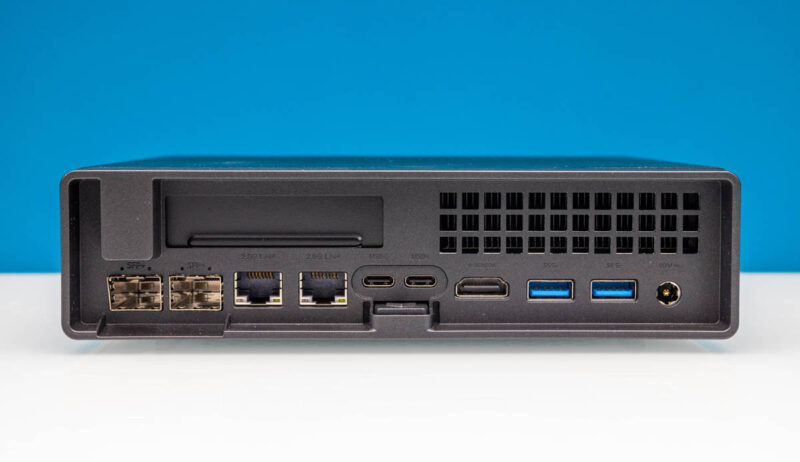
There are also two 2.5GbE ports. One is an Intel i226-V port. The other is an Intel i226-LM, the replacement for the venerable Intel i219-LM in the 2.5GbE era. This i226-LM is how one gets the Intel AMT/ vPro management.
The big feature, of course, is the dual SFP+ port configuration. These are 10GbE ports powered by an Intel X710 NIC, a well-supported network interface today.
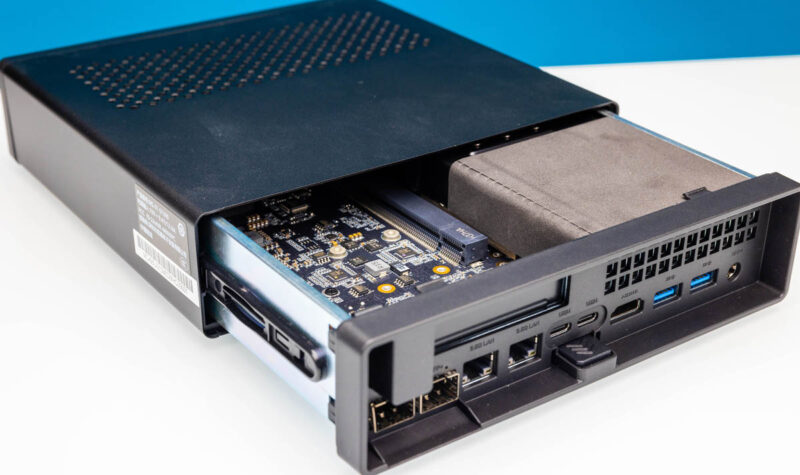
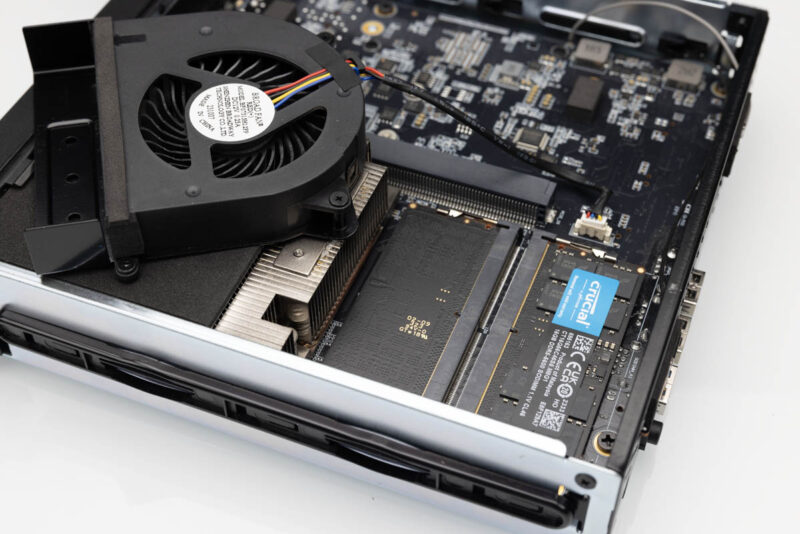
The button in the middle is the latch release to get the system out of its shell. This could be a bit smoother in operation, but we like the concept and it worked. Our favorite part was not needing tools to get inside the system.
With that, let us transition to our internal overview.