Newsletters, RSS feeds, articles, news, blogs and Substacks Sent Daily to Your Kindle
The posts you read, packaged into a daily digest for your Kindle.
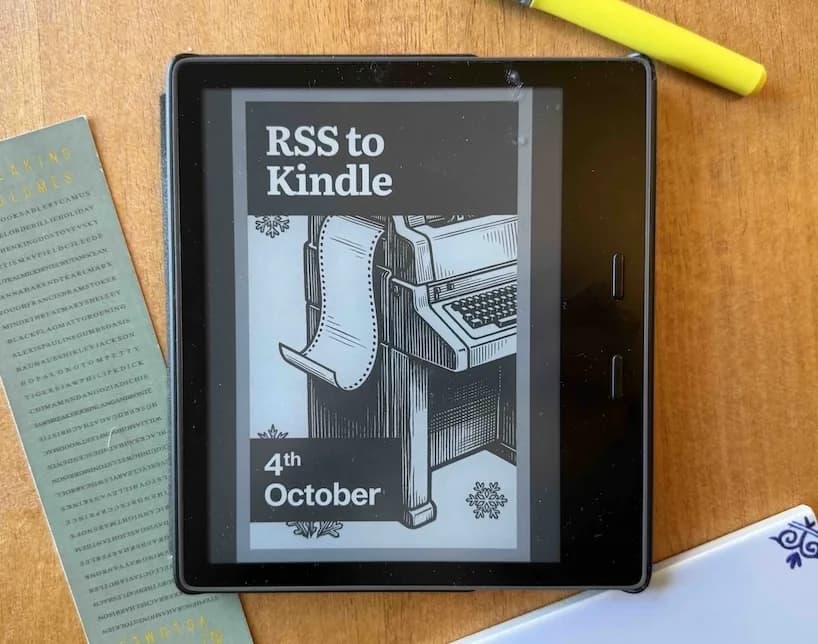
How it works
Three steps between a feed and your Kindle.
1.
Subscribe to your favorite newsletters and blogs
Paste any RSS or Substack URL, or pick from the catalog. Articles start pulling in immediately.
2.
Get them packaged
Every article is extracted in full and bound into one clean, properly chaptered ebook.
3.
Sent to your Kindle
One tap delivers it. Or set a daily digest and let it arrive on its own.
Letters from readers
“I’ve been looking for a tool for a long time that would aggregate my RSS feeds, compile them and send them daily to my Kindle. I finally found RSS to Kindle.
The setup couldn’t be simpler and the creator of this tool really listens to all the suggestions for improvement and implements them with breakneck speed.
I highly recommend the paid version to stick with a high-quality file on your Kindle.”
“I have been reading on a Kindle for many years now. One of the neat things I loved was subscribing to newspapers and having them automatically, magically appear on it every morning. Unfortunately those days are gone since Amazon stopped that service.
Recently I discovered RSS to Kindle and the ‘magic’ of waking up to news on my Kindle was back again. I was so pleased that I emailed the creator, Marty Markenson, to thank him and ask if some tweaks were possible. I really did not expect a reply, but to my surprise Marty responded the same day, which was the start of multiple emails back and forth.
Marty has in my opinion gone well over and beyond what I expected, resulting in an app that just does what it is designed to do while keeping things basically set it and forget it simple. Now I start my mornings reading the articles from sources I have preselected.”
“I was subscribed to fourteen newsletters and reading maybe two. Now the whole lot shows up as one issue at six in the morning and I read it on the train like a paper.”
Every Kindle comes with its own email address, and anything sent to that address lands on the device. Add it to your account, add our sender to your Amazon approved senders list, and we email your articles straight there. It takes about a minute and we walk you through it.
Read more. Scroll less.
Set up your first feed tonight and wake up to something worth reading.
Send my first article