Connect to Prisma Postgres from Prisma ORM, serverless runtimes, and PostgreSQL clients.
Prisma Postgres is a managed PostgreSQL database with built-in connection pooling, query caching, and edge runtime support.
To your application it is a regular PostgreSQL database behind a connection string:
Your application
      ↓ DATABASE_URL
Prisma Postgres
Any PostgreSQL client works: Prisma ORM, psql, Kysely, Drizzle, node-postgres, or anything else that speaks Postgres.
1. Create a database
The fastest way, with no account required:
create-db creates a temporary Prisma Postgres database and prints a connection string plus a claim URL. Open the claim URL to keep the database in your workspace. See create-db for details. You can also create databases in the Console or with the Prisma CLI (npx prisma@latest postgres create).
2. Copy the connection string
create-db prints it once. For an existing database, open it in Prisma Console and click Connect to your database. Store it where your app reads configuration:
DATABASE_URL="postgres://...@db.prisma.io:5432/postgres?sslmode=require"3. Connect and run a query
Pick the client you use; each quickstart takes you from connection string to a first query:
Also available: the TypeORM quickstart and Connecting to your database, which covers connection strings for psql, GUI tools, and serverless runtimes.
Working with a coding agent? Copy this prompt:
Use with your agent
Each Prisma Postgres database includes the following, with no extra services to configure:
- Connection pooling: a dedicated PgBouncer instance runs alongside your database, with nothing to set up or manage. It also works for serverless and edge deployments. See Connection pooling.
- Query caching: add a
cacheStrategyto any Prisma ORM query to cache results at the edge, using TTL or stale-while-revalidate. See Caching. - Edge and serverless support: connect from Cloudflare Workers, Vercel Edge Functions, and other edge runtimes via the serverless driver, which uses HTTP instead of TCP.
- Automated backups: daily backups with point-in-time recovery. See Backups.
Run Prisma Postgres locally with prisma dev, then switch to cloud when ready.
Each integration is optional. Prisma Postgres works with any PostgreSQL client.
- Using Prisma 8? The quickstart provisions a database and connects it to your data contract.
- Deploying on Prisma Compute? Each branch of a Compute project can have its own Prisma Postgres database; pass the connection string through environment variables.
- Building a multi-service application? Prisma Composer declares a database as a service dependency and injects the connection at runtime.
- Connecting to your database
- Connection pooling
- Caching
- Backups
- PostgreSQL extensions
- Troubleshooting
- FAQ
Prisma Postgres uses usage-based pricing and includes spend controls.
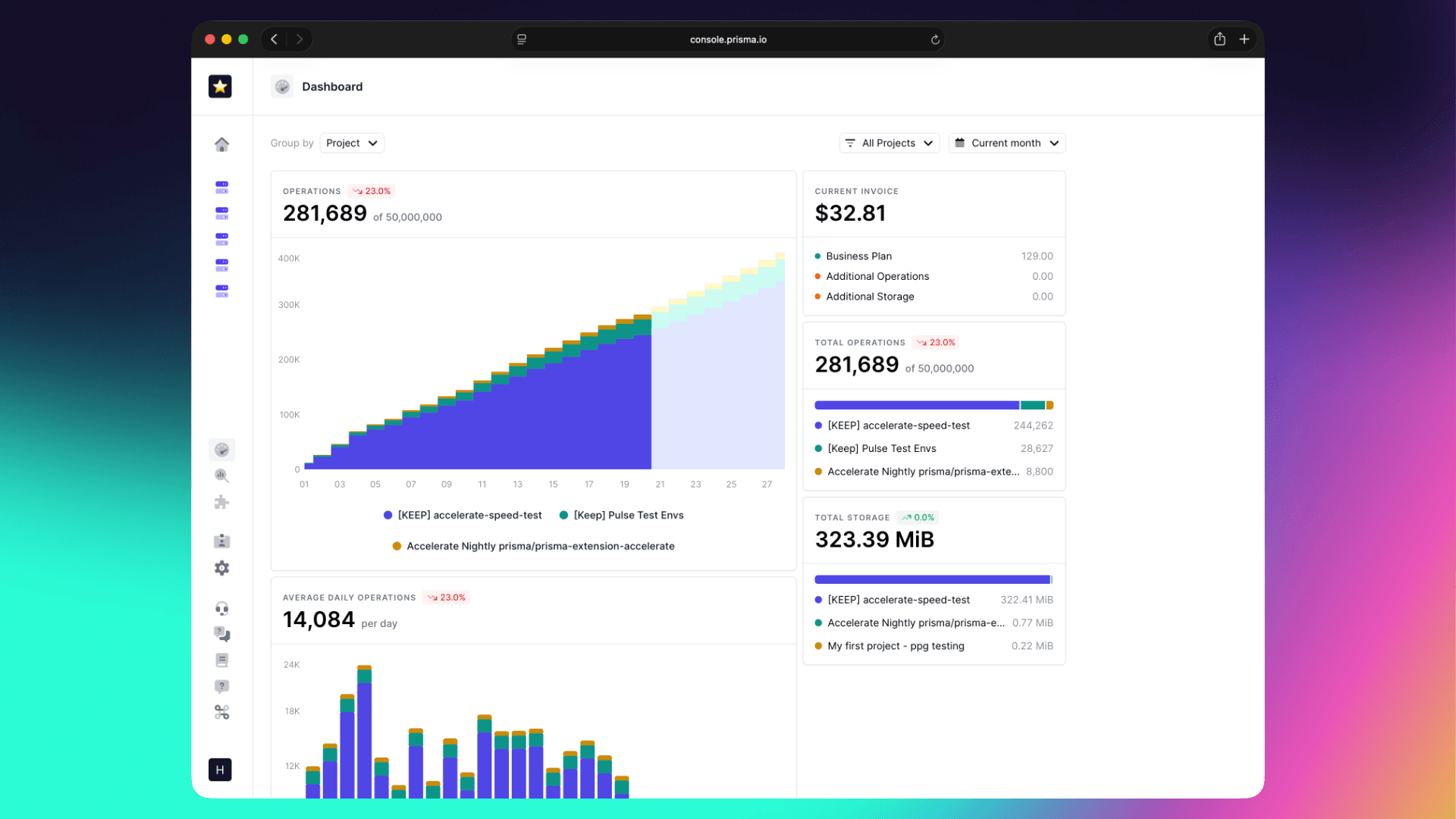
In Prisma Console, you can track usage, set spend limits, and view billing details.
Prisma Postgres is based on PostgreSQL v17 and uses a unikernel-based architecture.
Learn more: Prisma Postgres: Building a modern PostgreSQL service.