Working with video doesn't have to feel heavy.
Claquette is an easy-to-use video utility for the Mac. Crop and trim video files. Convert them to GIFs. Or create new videos by recording your screen or a connected camera. Creating and editing videos on your Mac becomes as easy as handling images.

Get started for free

Open. Crop. Trim.
No need to use complex editing applications to cut out your video to the right dimensions. Open the file in Claquette and use the crop tool to cut out the relevant portions of your video or GIF.
Hours of video but you want to share just that particular scene? Claquette also comes with a "Trim" tool to extract the highlights.

Show it with video.
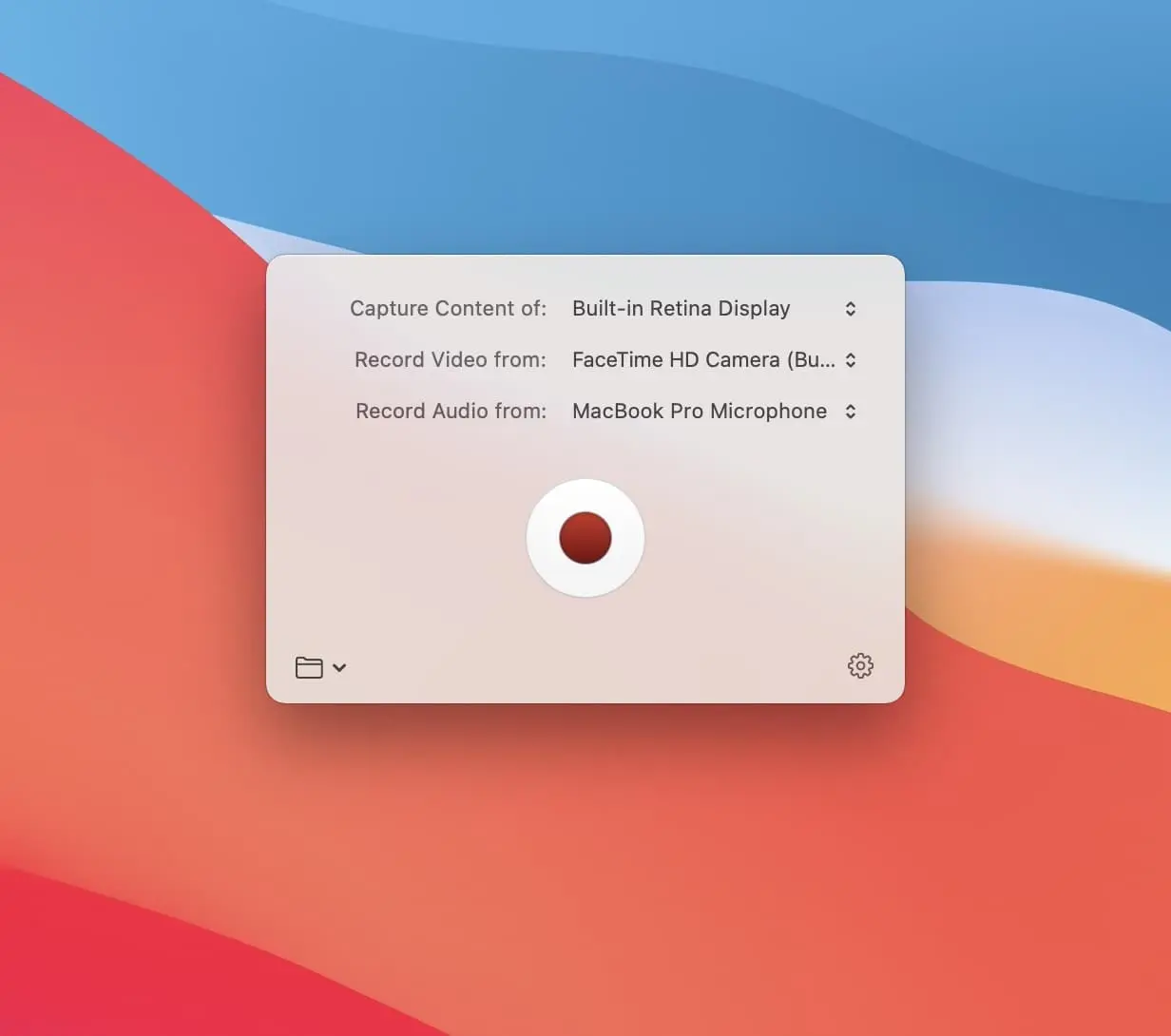
Instead of typing lengthy explanations, it's often easier to use the expressiveness of video to get a point across. Claquette allows you to capture your screen, voice, and face.
By connecting an iPhone or iPad to your Mac, you can also capture the screens of those devices.
Optimize animated GIFs.
Want to make your newsletter more engaging with a GIF? Animations are great to catch the attention of your readers — but sometimes the files end up too big.
Claquette hands you all the tools to export good looking GIFs while also keeping the file size down.

Resize and Convert.
Resize videos for Instagram, Twitter, YouTube, Facebook and other social media. Claquette comes with predefined settings that help you to bring your content into the best shape for any social media platform.
Claquette supports various video and animation file formats and allows you to freely convert between all of them.


PRO
Make it part of your Workflow.
With Claquette Pro (available via In-App Purchase), you can export your movies as Final Cut Pro X or Motion 5 project. When exporting screen recordings as projects, Claquette generates separate lanes for cursor, frontmost window and overlay audio/video.
A native Mac experience.
Claquette instantly feels familiar. It is exclusively built for the Mac and uses the latest macOS technologies such as Dark Mode, Force Touch or the Touch Bar. Of course we also made sure that the app is fully optimized for Apple Silicon.

At a glance.

Record
Record your screen in lossless quality. Either in full resolution or scaled down to save space.

Trim
Easily remove unwanted footage at the beginning or at the end of your video.

Visualize
When recording your screen, Claquette can visualize mouse interactions like click and drag.

Camera Overlay
Use a webcam to record a video overlay. Via Continuity Camera, Claquette can even use the powerful camera system of your iPhone as external webcam.

Apple Silicon
Claquette is fully optimized for Apple Silicon and Intel-based Macs.

Native
Everything in the app is designed for the Mac and uses the newest features of its operating system.

Tweakable Recorder
Recording a fast paced game? Use the "Performance" preset. Or are you preparing a product demo? Go with "Quality".

Optimize
Animated GIFs/PNGs are optimized during export to achieve high visual quality and small file sizes.

Share
Use your Mac's built-in sharing services or export your video as movie or animated GIF/PNG.

Color Sync
Movies are fully color managed and keep their vibrancy from recording to exporting.