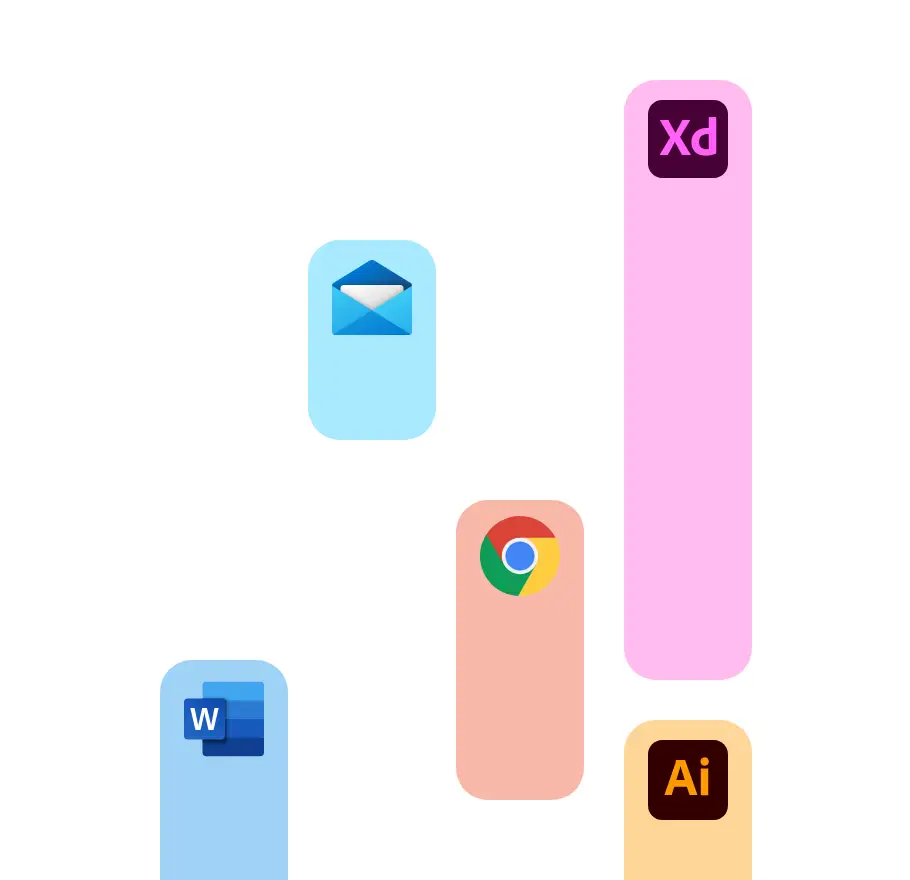
Automatically
Start Paymo Track and let it run in the background. It automatically records time spent in all desktop apps. At the end of the day, just match the app entries with their corresponding tasks and projects.
Stopwatch
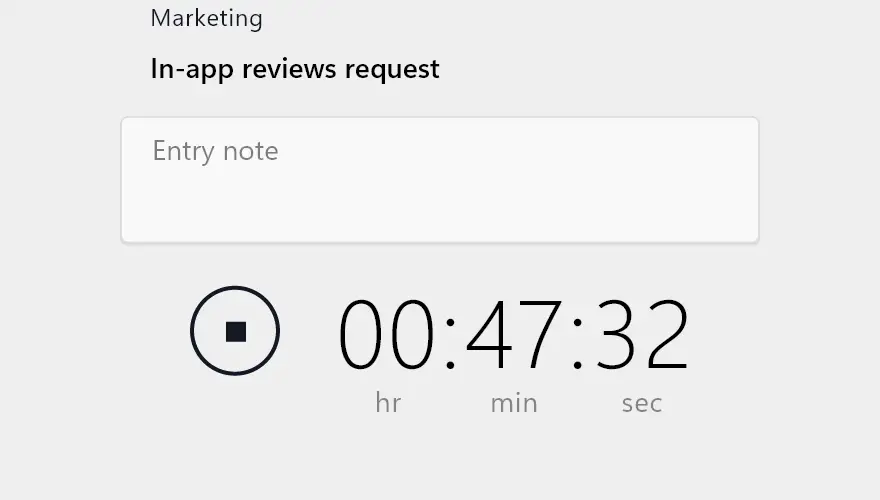
Start the timer manually and stop it when you’ve finished your task.
Bulk
If you forgot to start the timer, you could add timesheet entries later, in bulk.
Interval
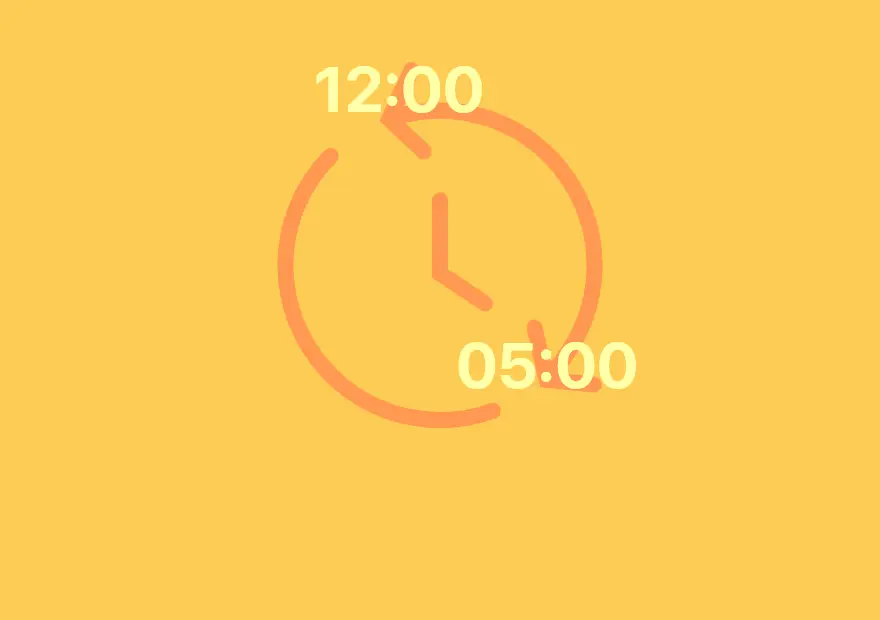
Choose a specific time interval and add a timesheet entry manually.
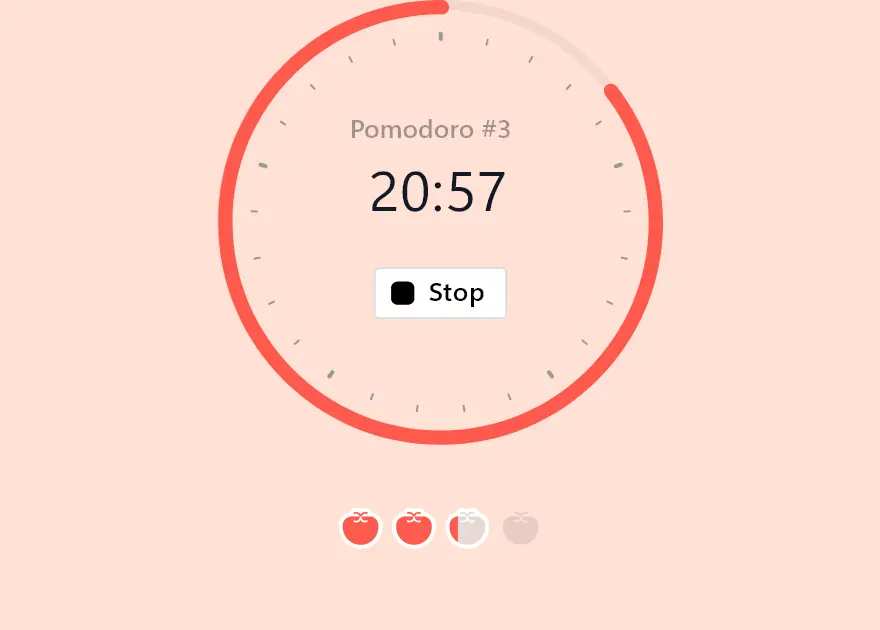
Pomodoro
Work for 25 minutes, and then take a 5-minute break. Repeat four times.
Automatic time tracking that respects your privacy
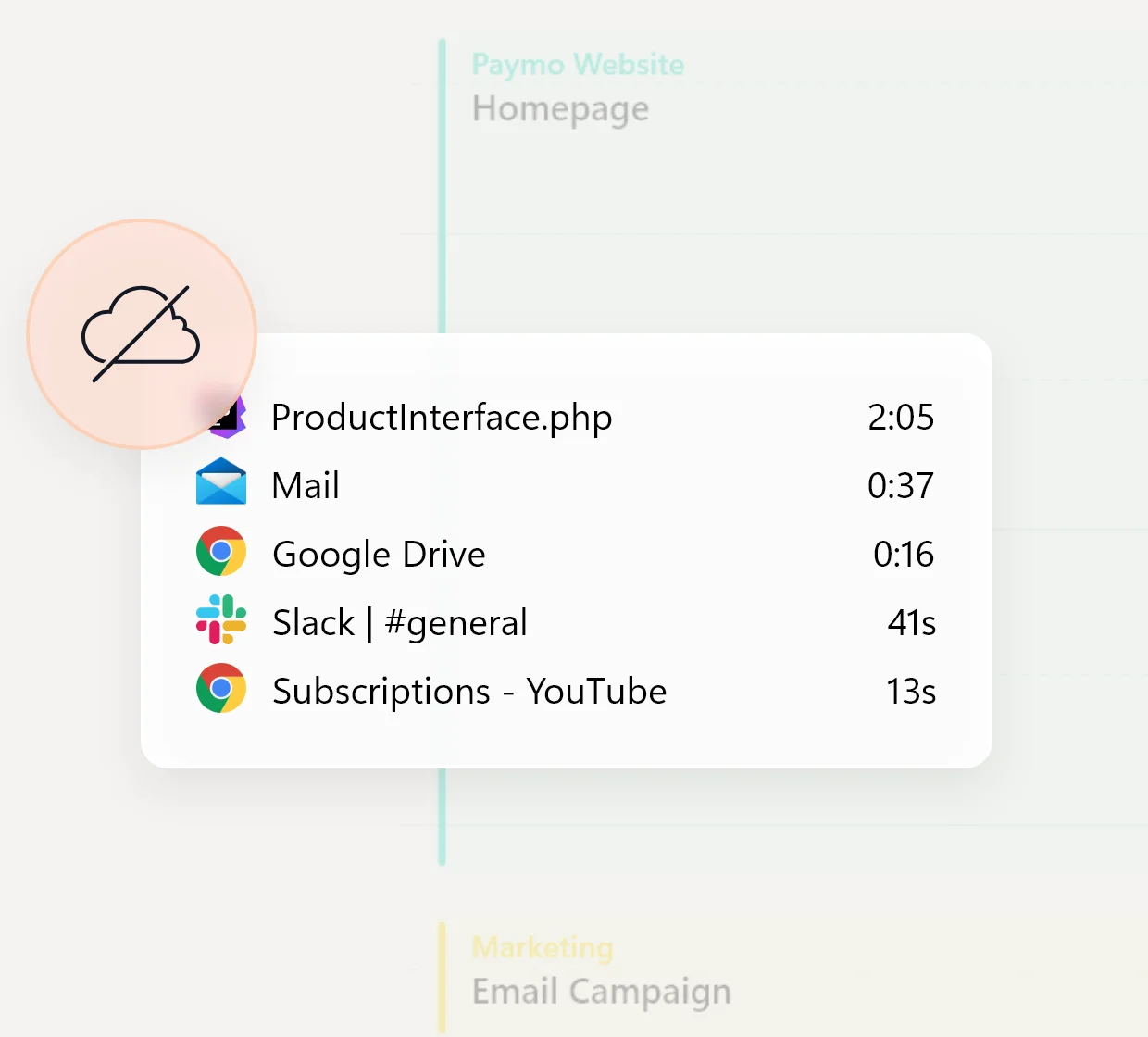
Compared to other time-tracking apps, Paymo Track doesn’t take screenshots of employee screens. All recorded activities are stored locally on the computer and the user controls which entries are logged.
Link tracked time with your timesheet
Paymo automatically tracks everything you do on your computer. After you finish your work, create timesheet entries from the tracked time.
Smart grouping
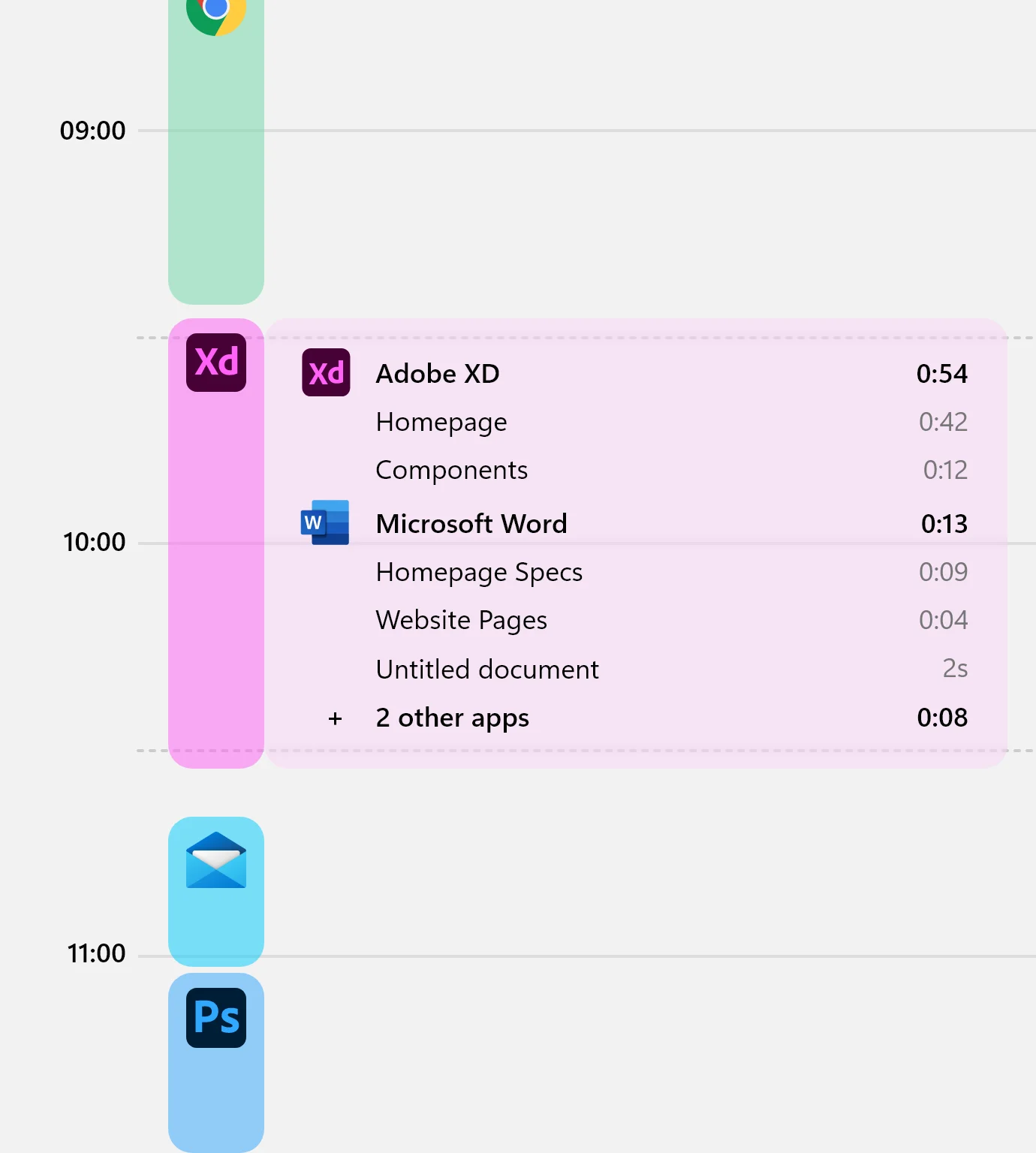
App entries are grouped with an intelligent algorithm to determine the main application used in an interval. This way, you'll determine when and what you've worked on by glancing at each interval.
Timeline
Agenda
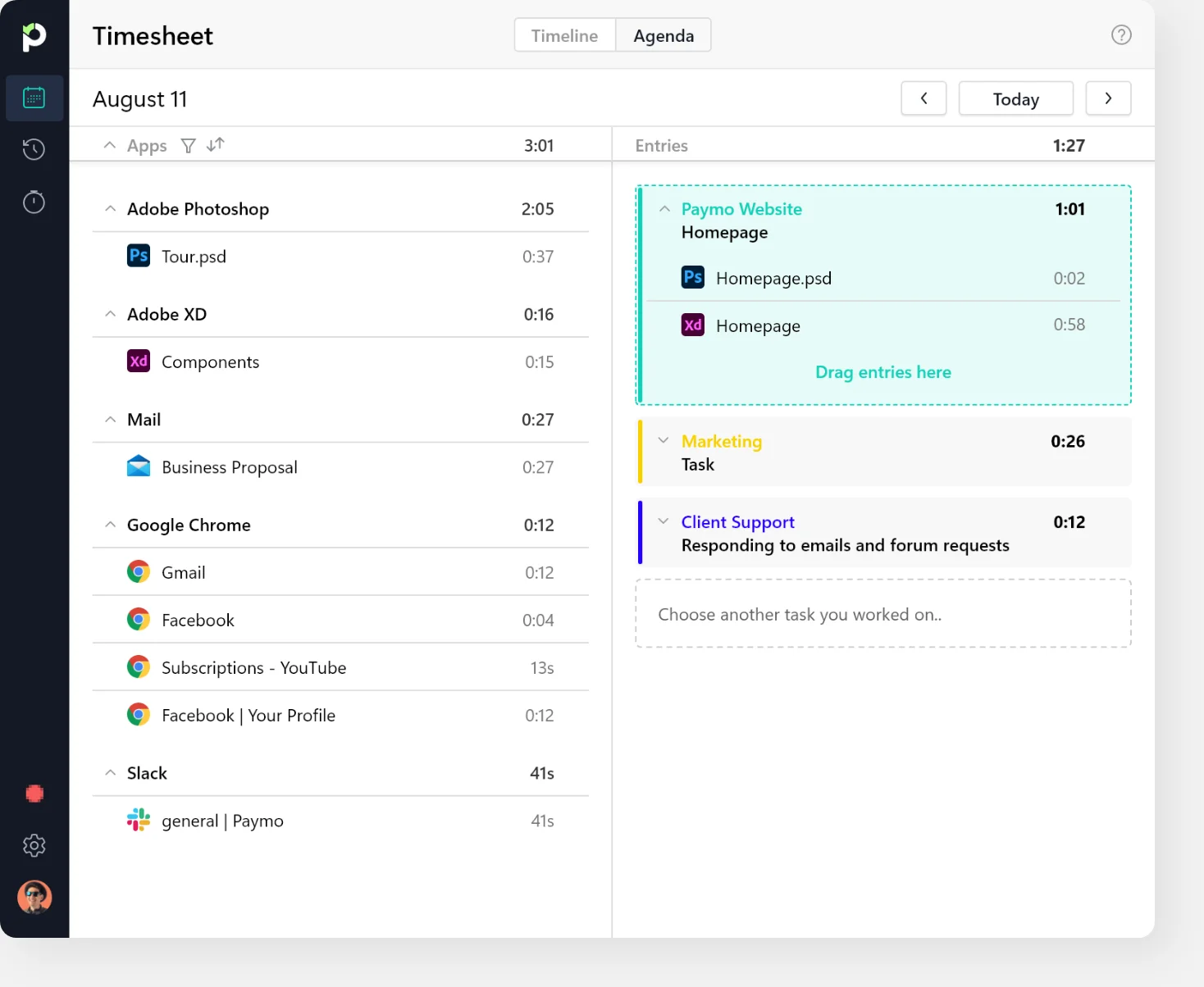
Choose your preferred workflow
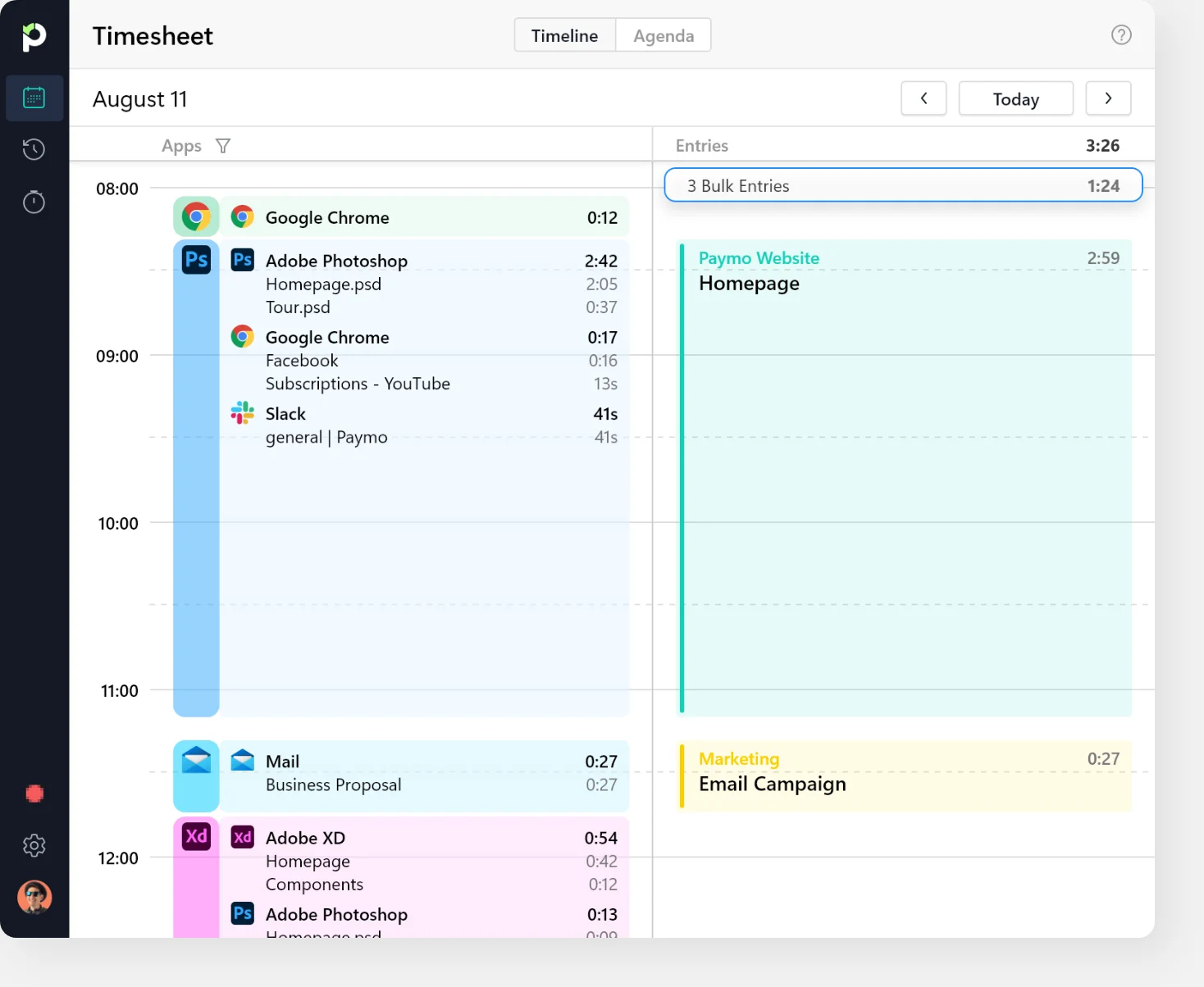
Whether you work continuously or frequently switch between activities, Paymo Track allows you to create a timesheet entry from a group of app entries in the Timeline view or bulk timesheet entries from individual app entries in the Agenda view.
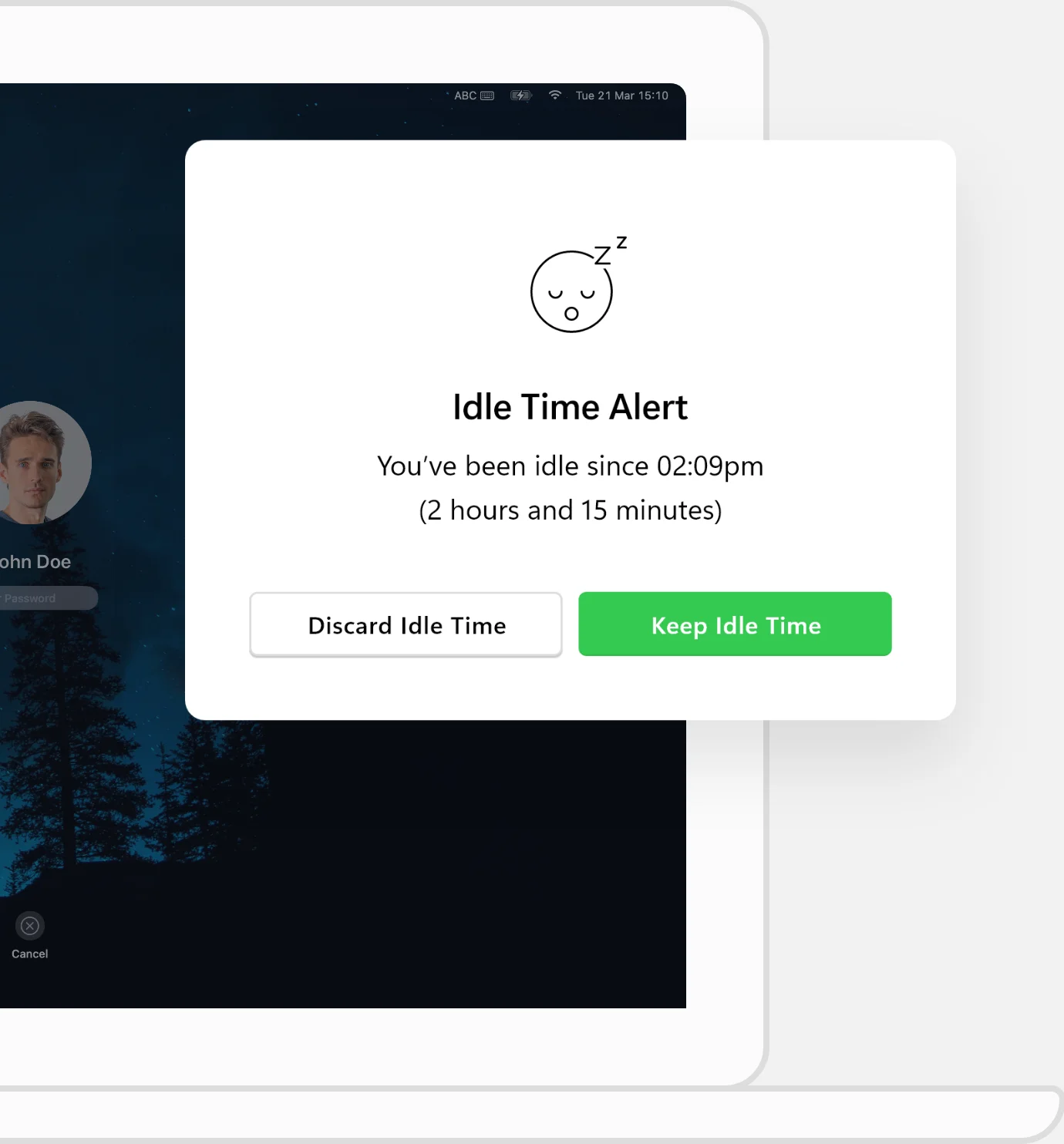
Idle time detection
The widget will display a message when you’re away from your computer. You can decide what to do with the unutilized time when you return.
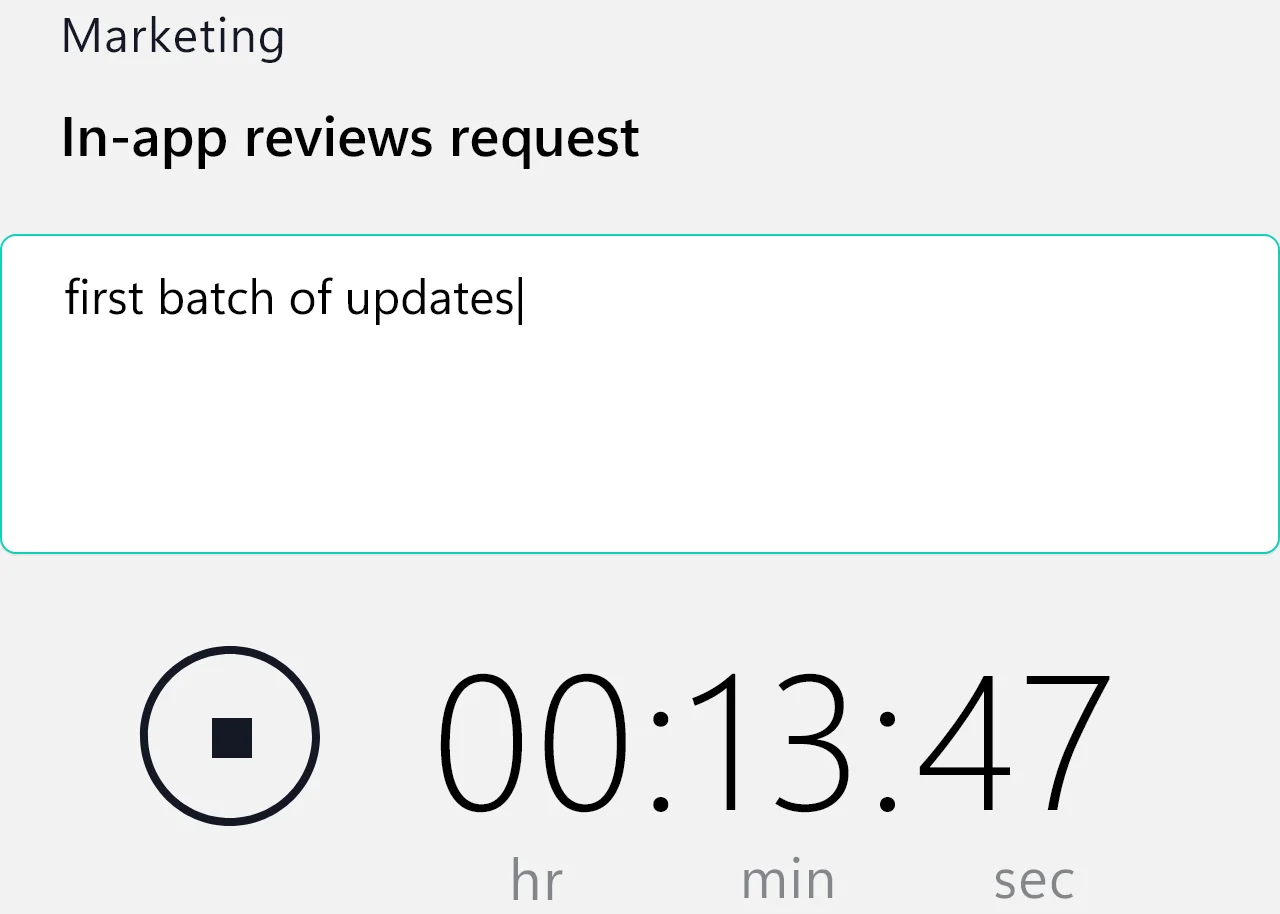
Time entry notes
You can add these helpful bits of information to a timesheet entry to remind you what you’ve been working on.
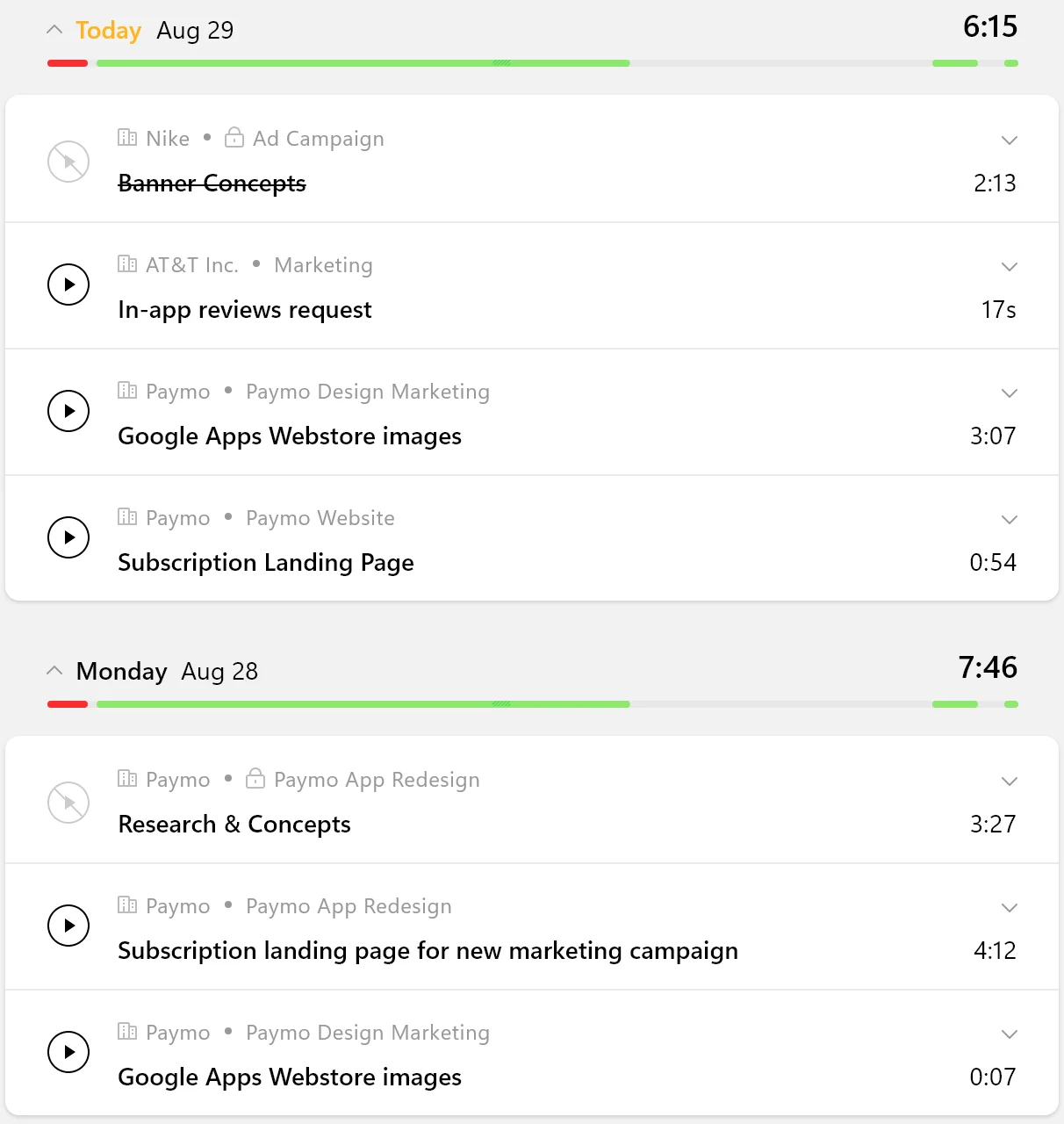
Recent tasks
A useful list of the most recent tasks you’ve been working on. You can mark a task as complete, start the timer, or see the associated timesheet entries.


Just focus on your work
Paymo Track runs silently in the background and automates time tracking so you can focus on the work that matters.
Leticia Thais
Pengreen Design
The timer is definitely the best, always visible, easy to use, and then I can generate invoices with the time logged. Paymo definitely saves us time and money with that.