
Oversec
Privacy for all Apps Datenschutz für alle Apps


Privacy Features Sicherheitsmerkmale
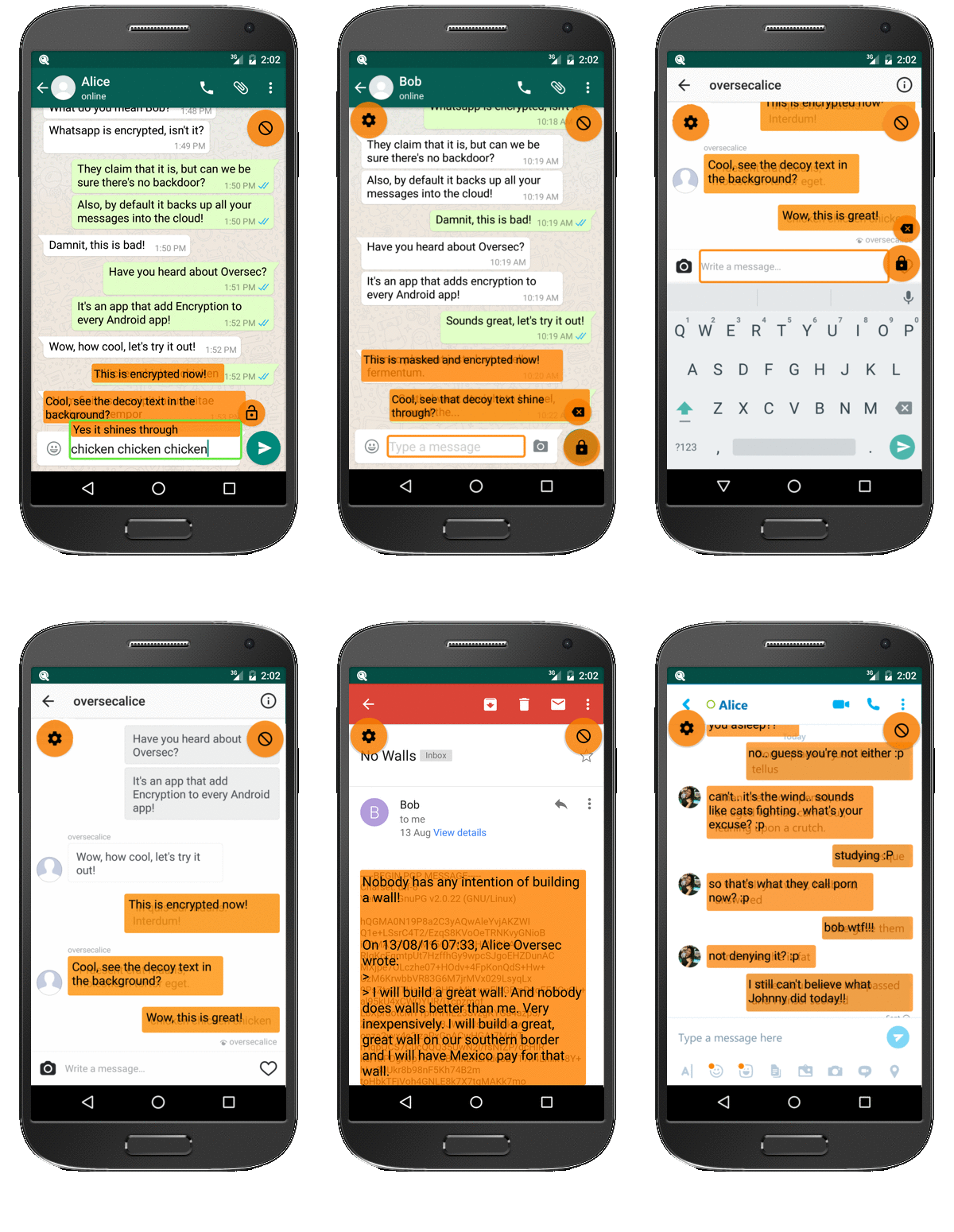
Some of Oversec's cutting edge privacy features Oversec's einzigartige Sicherheitsmerkmale auf einen Blick
-
Eye-To-Eye Auge-zu-Auge
Messages are decrypted on-the-fly and only while shown on screen - decrypted text is never stored. Nachrichten werden nur entschlüsselt, solange sie sichtbar sind.
Klarext wird niemals gespeichert. -
Strong Encryption Starke Verschlüsselung
Symmetric encryption using ChaCha20 Cipher and Poly1305 MAC
with 256 Bit Keys Symmetrische Kryptographie mit ChaCha20 und Poly1305
(256 Bit Schlüssel) -
Decoy Tarnung
Encrypted data can be hidden behind decoy text, conversations look inconspicuous without Oversec Verschlüsselter Text kann hinter unauffälligem Tarn-Text versteckt werden.
-
Universal Overlay Universelle Überlagerung
Transparently encrypts and decrypts any text in any app.
(Including GMail App)
Universelle Ver- und Entschlüsselung in jeder App (auch in der GMail App) -
PGP Encryption PGP Verschlüsselung
Supports strong PGP Public Key Encryption (powered by Openkeychain) Unterstützt starke PGP Public Key Verschlüsselung
(mittels Openkeychain) -
Open-Source Open-Source
The source code is Open-Source, can be verified by 3rd parties. Quelltext ist OpenSource und kann von jedermann verifiziert werden.
How it Works Funktionsweise
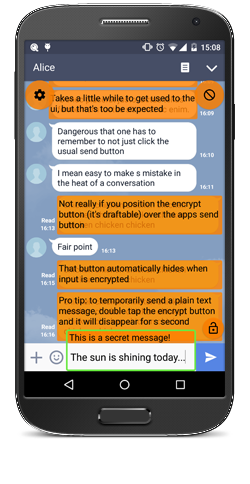
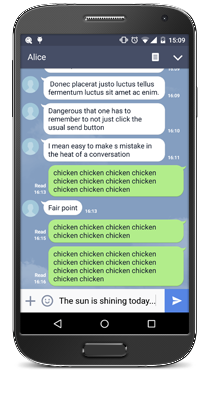
Oversec constantly monitors the text on your screen. When it finds an encrypted text, it tries to decrypt it and then shows the decrypted text as an overlay in place of the encrypted text. In order to encrypt a text, Oversec shows a button next to an active input field. After having entered the secret text, tapping that button makes Oversec read the text, encrypt it and put back the encrypted text into the field. It is now ready to be sent in the subjacent app as usual - the app doesn't even know that it is sending encrypted data! Oversec also features a unique way of encoding encrypted messages. It stores the encrypted text in invisible (zero-width) characters and let's you add decoy text at the end. That way, a message will just show e.g. "The sun is shining today!" with no visible sign of any encryption, whereas in reality it contains a hidden encrypted message. You may also encrypt and send photos through Oversec - its unique camera mode even allows you to take and send an encrypted photo without ever storing the original photo on the device. Oversec überwacht laufend alle Texte auf dem Bildschirm. Wenn ein verschlüsselter Text angezeigt wird, versucht Oversec, diesen zu entschlüsseln und zeigt dann den Klartext als Überlagerung über dem verschlüsselten Text an. Genauso liest Oversec Klartext aus einem Eingabefeld, verschlüsselt diesen und schreibt dann den verschlüsselten Text zurück in das Eingabefeld. Ein derartig verschlüsselter Text kann nun ganz normal in der darunterliegenden App versendet werden - die App bekommt überhaupt nicht mit, dass sie gerade verschlüsselten Text versendet.
Encrypted Photos Verschlüsselte Fotos
Exchanging private encrypted images Fotos mit Oversec verschlüsseln
PGP Encrypted Emails PGP E-Mails
Sending and receiving PGP encrypted emails Senden und empfangen von PGP verschlüsselten E-Mails
Compatible Apps Kompatible Apps
Basically Oversec works with ANY app, but here's an incomplete list of popular apps we have verified to work with Oversec: Prinzipiell funktioniert Oversec mit JEDER app. Trotzdem hier nochmals eine unvollständige Liste der beliebtesten Apps:
Stay tuned Stay tuned
Follow us in social networks. Folge uns im Netz