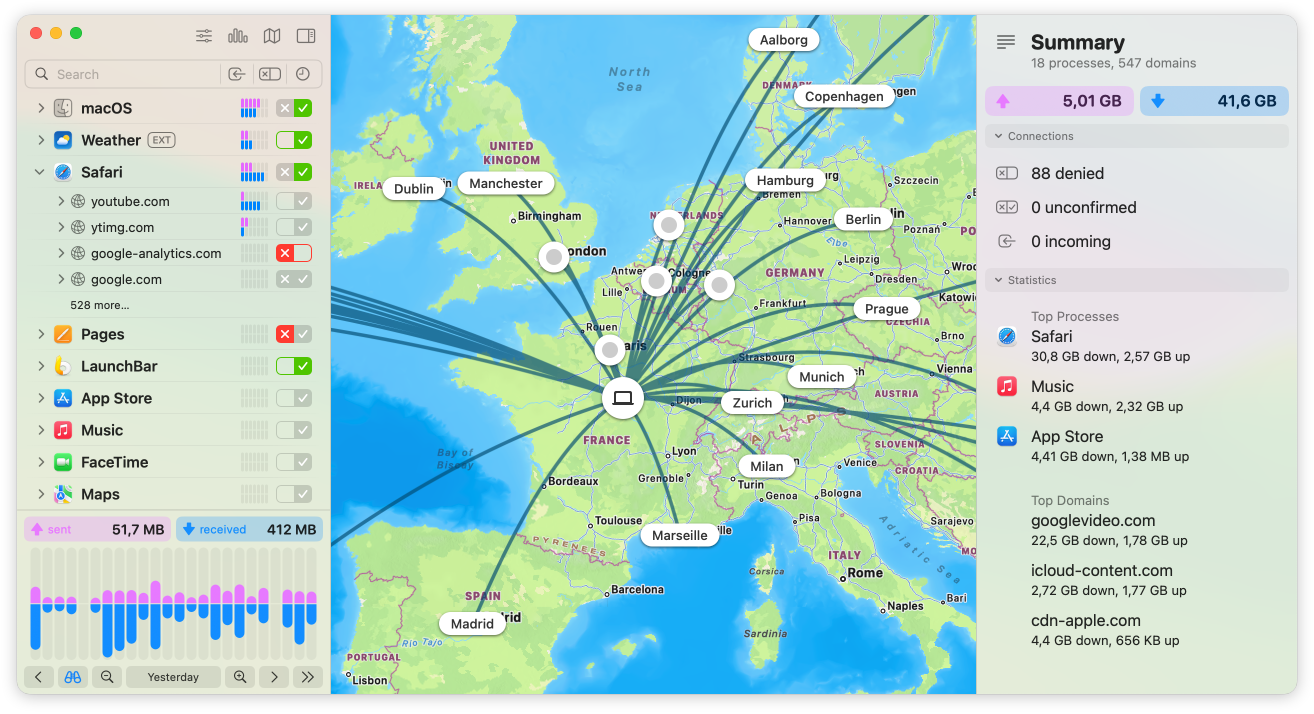
Little Snitch 6 comes with an array of new useful advancements, like DNS encryption, convenient access to blocklists, a redesigned interactive traffic chart, a versatile new Control Center in the menu bar, new hierarchical grouping options in the connection list, new, fun to use sound notifications, and an overall modernized user interface.
Integrated Blocklists
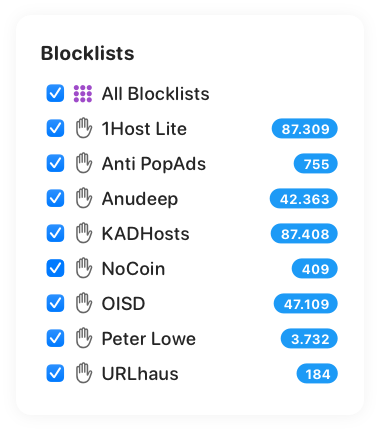
Effortlessly select from a curated list of blocklists. Install them with a single click to add an extra layer of protection against unwanted connections.
DNS Encryption
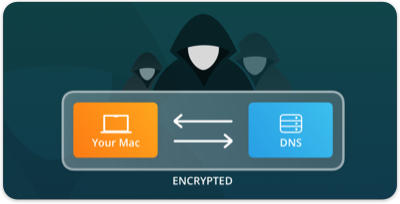
Let Little Snitch encrypt your server name queries to shield your online activities from prying eyes.
Control Center in Menu Bar
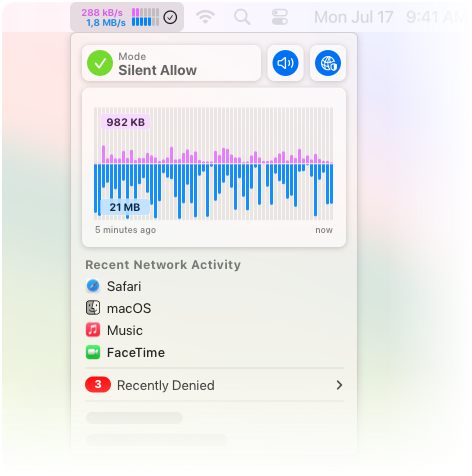
Quickly access essential network information, recent activity charts, and recently blocked connections at a glance, directly from the menu bar.
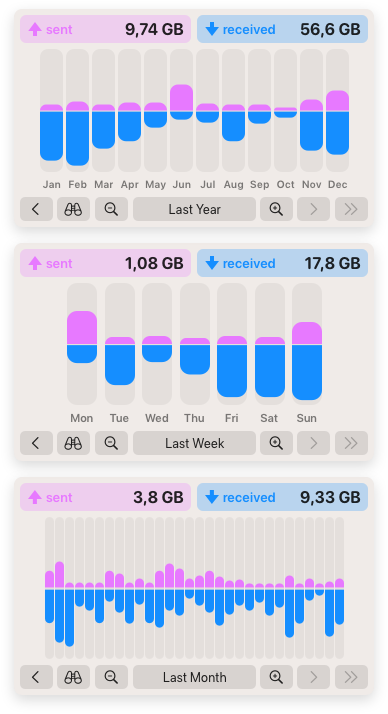
Interactive Traffic Chart
Enjoy a redesigned, intuitive real-time traffic chart for a clearer visualization and analysis of network activity.
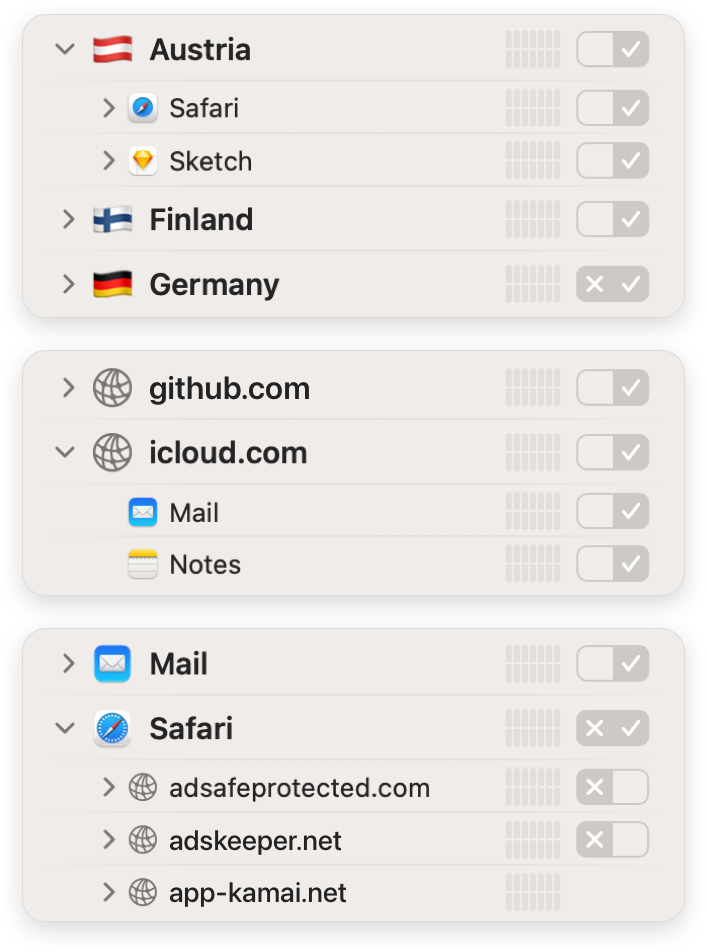
Hierarchical Connection Grouping
Group connections by application, domain, server, or country to gain deeper insights into network traffic.
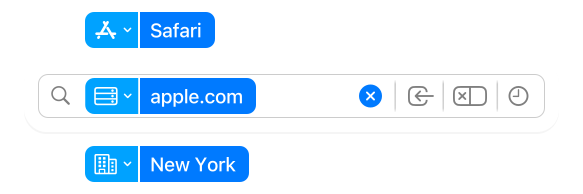
Advanced Search and Filters
Swiftly locate specific connections or firewall rules with enhanced search capabilities.
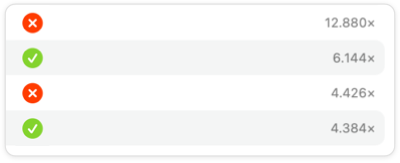
Usage Statistics
Track and optimize your firewall rules based on usage frequency.
Sound Notifications
Stay informed about network activities through customizable acoustic notifications, just by listening. Make connections not only visible but also audible!

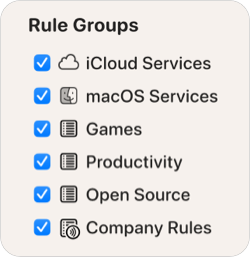
Rule Groups
Organize firewall rules by topic to conveniently turn related rules on or off together.
Enhanced Web Application Support
Gain better and more precise control over external connections initiated by websites added to the dock by Safari.

Improved Homebrew Support
Rules for Homebrew executables are now independent of the version number, which is part of their file path, keeping them valid across updates.

And much more…
Have a look at the

Want to see Little Snitch in action?
Download your 30-day free trial* today.
* Without a license key, Little Snitch runs in demo mode, which provides the same protection and functionality as the full version. The demo runs for three hours, and it can be restarted as often as you like. The Network Monitor expires after 30 days. Turn it into a full version by entering a license key.