Big changes
Big changes are happening! We've just launched version 2 of NoteShred and a whole bunch of new features with it. This update is in response to a lot of the requests we've had over the past months, and shifts NoteShred more towards a tool you can use to manage private messages and keep track of which notes are active and which notes are shredded, instead of having to manage email notifications. Let's run through the feature list.
User accounts and dashboard
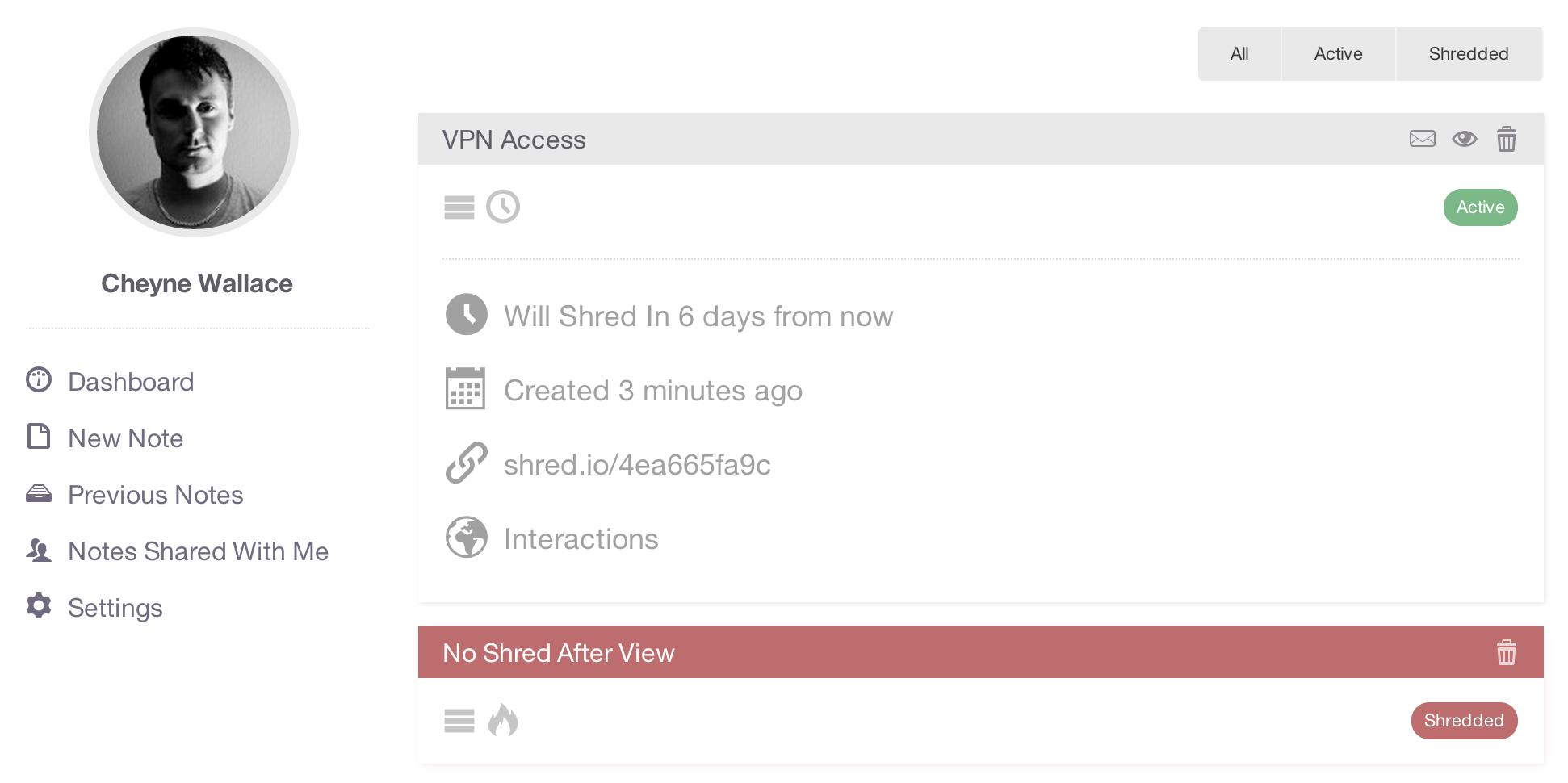
The most prominent new feature is the addition of user accounts. Registering a user account gives you many benefits, but mostly it allows you to manage your notes. Whenever you create new notes as a logged in user, the note is recorded against your account and appears in your dashboard. From the dashboard you can open, send and delete notes from a single centralised interface instead of having to remember note URLs like previously.
Notes you create will no longer be shredded by your own views. This means you can create a "shred after reading" note and access it to preview it before sending it to a client, without the note destroying itself. Keep in mind you must be logged in for this to happen — non logged in users will still shred their own notes like before.
You will also notice that only the user who created a note can delete it, which means you are free to create notes and send them to as many people as you like without worrying that someone will click the "shred" or "delete" buttons and destroy the note before you intended.
Note sharing
You can share or email notes to people as before using the "Email this note" buttons, but now there is one subtle difference: when you email a note to someone who is a registered NoteShred user, it automatically appears in their shared items list in the dashboard. Even if they didn't get the email or have deleted it, they can still find the note by logging in and viewing the "Notes shared with me" section. Shared notes appear with the sender's name and gravatar along with the comments. The sender's gravatar and name will not appear unless they were signed in when submitting the share.

Redesigned for simplicity
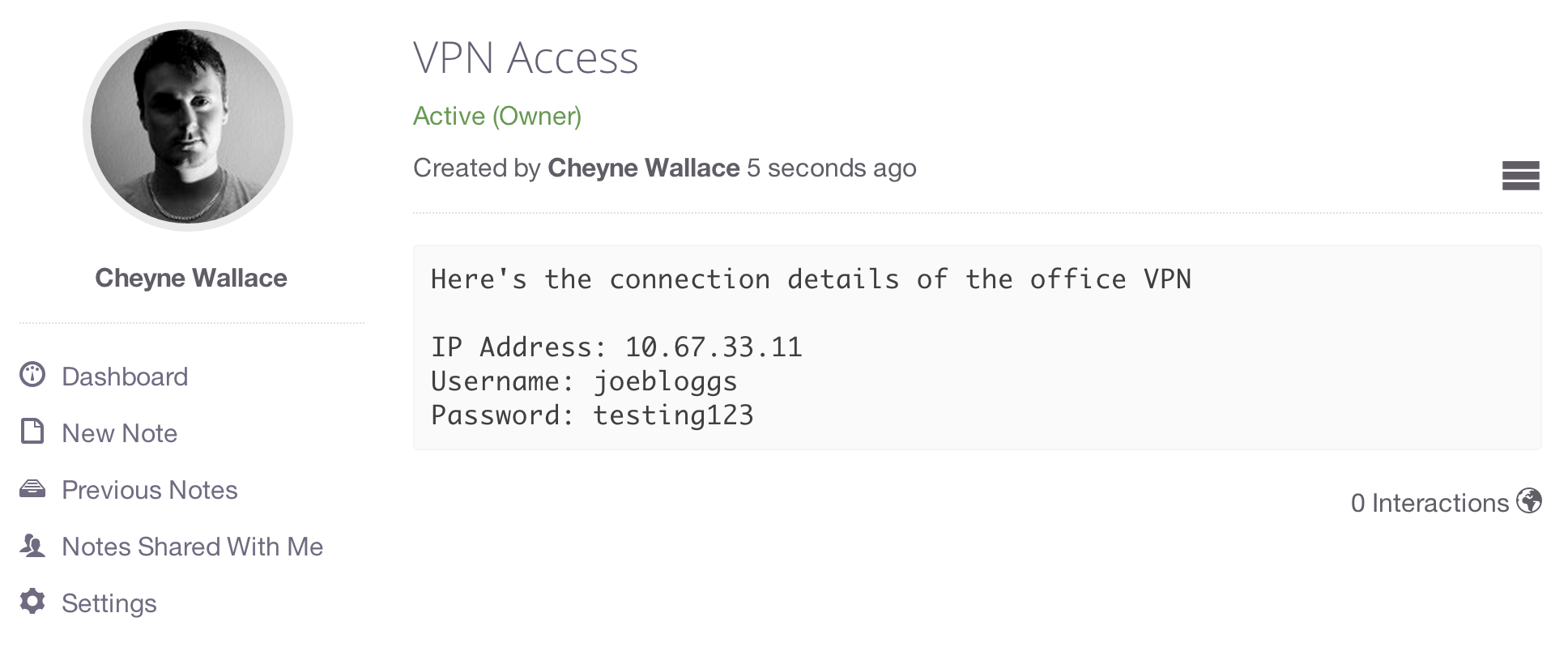
Many of the core pages have been redesigned for simplicity. Redundant buttons have been removed and optional information has been hidden. Core parts of the UI have been isolated for easier reading, creating a less confusing experience for non-users who just want to see the content of a note.
Security and identity protection
When you register an account, not only do you get these new features but you also put a lock on your email address, which means nobody can create notes and supply your email address as the note's creator. Previously there was no restriction on the email address you could enter when creating a new note, which posed an identity issue if someone wanted to pose as you. Once you register your account, that email address can only be used to create new notes while you are signed in.
With regard to note encryption, it is the same as previously — you must enter the password to view any note, which is then decrypted and returned to the browser. User accounts are in no way tied to the encryption of a note; they simply allow us to group and tag notes with the associated users.
Register your account now