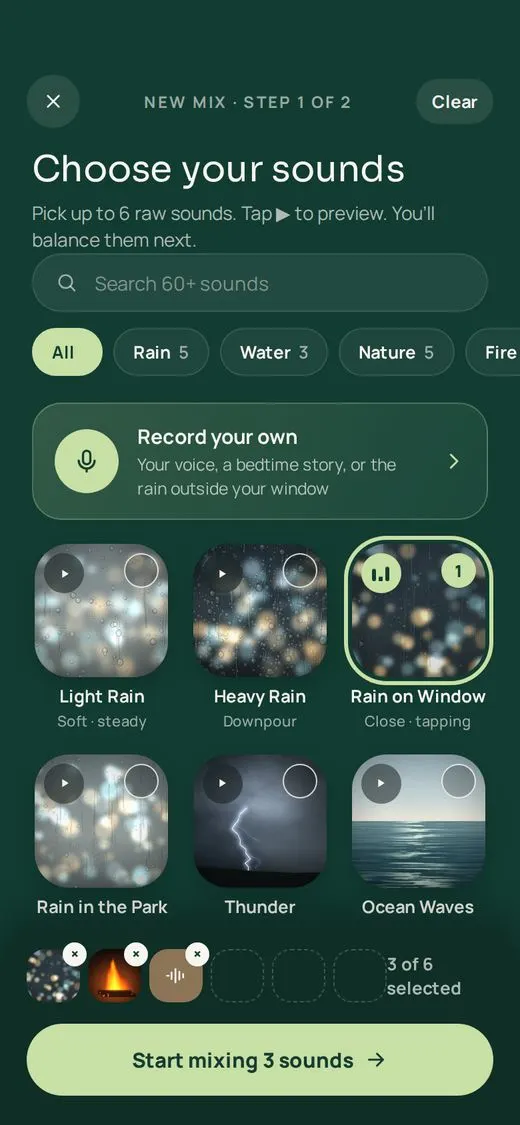
Choose up to six sounds
Rain, forest, ocean, fire, soft noise, a singing bowl, or something you recorded yourself. Tap any tile to preview it first.
· nive
Soundscapes for sleep, focus and calm
nive is a sleep sounds and white noise app for iPhone and Android. Free to use, with no ads and no account needed. Layer rain, forest, ocean, fire and soft noise into a mix that is yours. Set it to fade to silence as you fall asleep, and take it anywhere, even offline.
Try it here
Press play, then slide each sound up or down until it feels right. This is how every mix in nive starts: a few raw sounds, balanced by you.
These four are generated live in your browser. The app plays studio recordings, loops them seamlessly, and lets you place each one left, centre or right.
Just want one sound? Play free rain sounds or white, pink and brown noise with a sleep timer.
Rainy NightPaused · tap play to listen
Light RainDawn ChorusOcean WavesFireplaceSinging BowlNight ForestBrown NoiseCalm ShoreWind ChimesCricketsSoft PianoWaterfall
How it works
Three steps, the same every time. Nothing to learn, nothing to configure.
Rain, forest, ocean, fire, soft noise, a singing bowl, or something you recorded yourself. Tap any tile to preview it first.
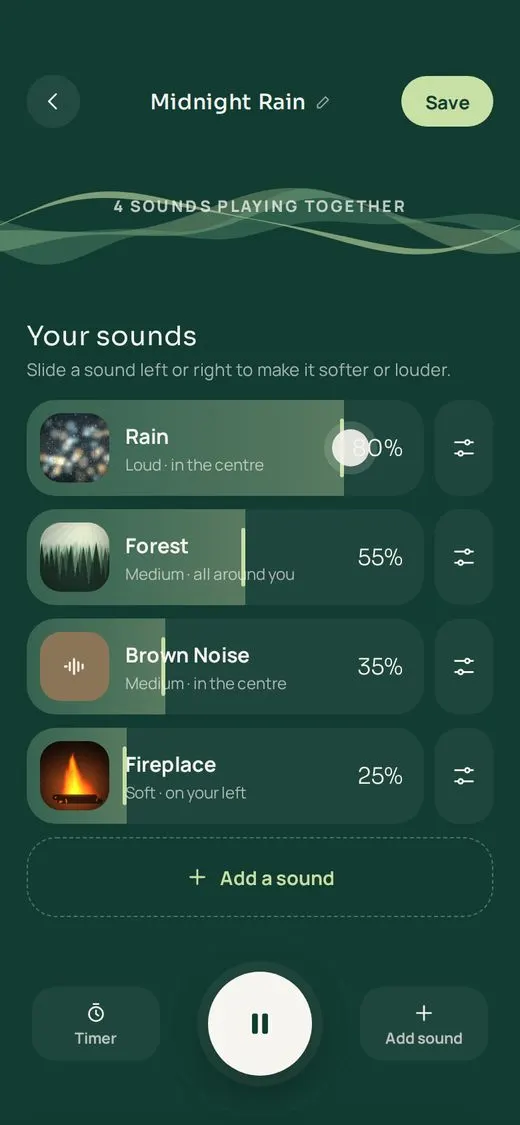
Slide each sound softer or louder, place it on your left, right or all around you, and decide how often the birds call.
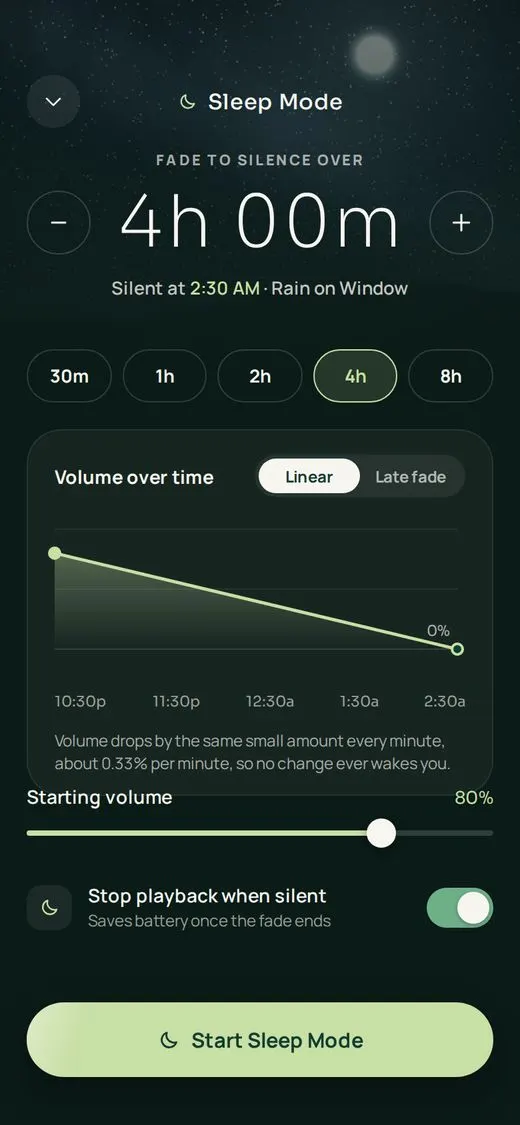
Keep it in your Library, download it for offline nights, and let Sleep Mode fade it out while you fall asleep.
Sleep Mode
A sudden stop is what wakes you. Sleep Mode lowers the volume a tiny amount every minute until the room is silent, then stops playback to save your battery.
Silent at 2:30 AM
Rain on Window · starts at 80% at 10:30 PM
30 min – 8 hFade length, in 15-minute steps
0.33% / minHow gently the volume drops
+15 minExtend it from the Lock Screen
Also inside
Follow the light through 4-7-8, box or a soft long exhale for a minute or two, while your mix keeps playing.
Download any mix and it plays on a plane, in a cabin, or with Wi-Fi switched off for the night.
The rain on your balcony, morning birds, or your voice reading a bedtime story, ready to layer into a mix.
With headphones, sounds sit around you instead of inside your head. Widen the stage or keep it close.
See the fade on your Lock Screen, add fifteen minutes without unlocking, and start a mix from your Home Screen.
Pick your wind-down time and nive reminds you thirty minutes before, with your sleep mix ready.
Play on
Send your mix from your phone to the speaker by the bed or the TV in the living room. It keeps playing while you switch, and your phone stays the remote. Or ask Alexa to play it on your Echo.
Google CastNest speakers and displays, Chromecast, Google TV and speaker groups on your Wi-Fi.
AirPlayStream to HomePod, Apple TV and other AirPlay speakers.
AlexaLink your account and say “Alexa, ask neev sounds to play Rain on Window.” Your mixes play on your Echo, sleep timer included. How Alexa works
Phone as remoteThe volume buttons on your phone control the speaker while you cast.
Still fades outSleep Mode keeps fading your mix to silence, right there on the speaker.
No. nive is for relaxation, focus and winding down. It isn't a treatment for insomnia or any other condition. If you're having a hard time, please talk to a doctor or someone you trust.
nive is free to use, with no ads: a selection of 10 sounds, mixes of two and a sleep timer up to an hour, and you can start without an account. nive Premium unlocks every sound, six-layer mixes, Sleep Mode, downloads, Cast and AirPlay for $0.99 a month or $9.99 a year, and starts with a 7-day free trial. Google Play and the App Store show the price in your local currency before you subscribe, and you can cancel any time in your store's subscription settings.
Yes. Download a mix and it plays offline. Explore and Community need a connection, and any changes you make offline sync when you're back online.
Yes. Record up to a few minutes of any sound, such as rain outside or your own voice, and it appears under Your Recordings, ready to add to a mix. Only you can hear your recordings.
Yes. Tap Play on in the player to send your mix to a Google Cast device, such as a Nest speaker or display, Chromecast or Google TV, or to an AirPlay speaker or TV on the same Wi-Fi. The sleep timer keeps fading the sound while it plays there.
Yes. Enable the nive skill in the Alexa app, link your account and say “Alexa, ask neev sounds to play Rain on Window” (nive is pronounced “neev”). The free sounds play on any plan; Premium unlocks every sound and all your mixes on your Echo. See how it works.
nive is for ages 13 and up. Sharing mixes to the Community opens at 16 in the EU and UK, and at 13 elsewhere. The app is in English.
From the blog
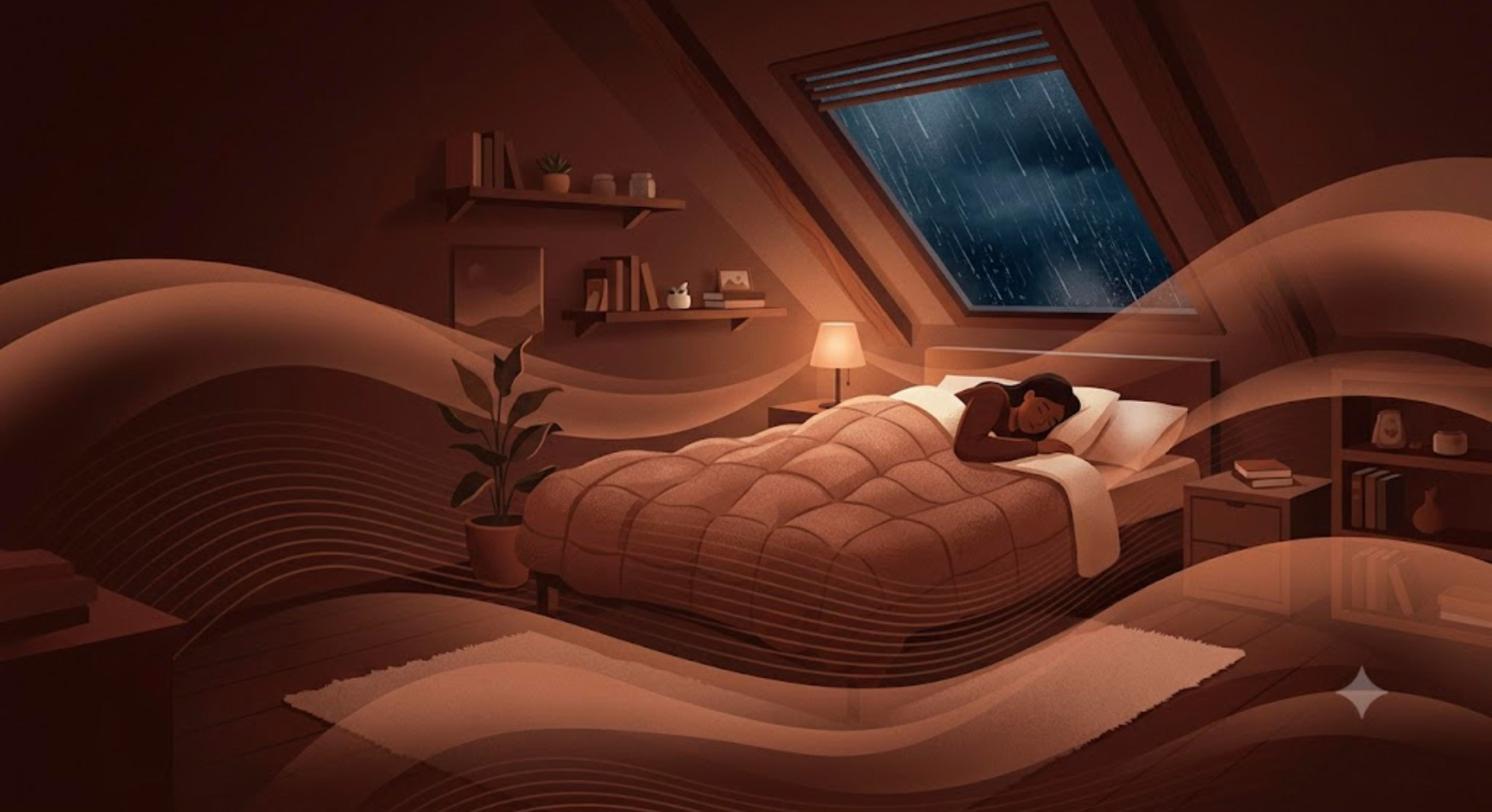 Noise coloursBrown Noise for Sleep: A Complete GuideWhat brown noise is, why so many people sleep better with it, what the research says, and how to use it safely tonight, including with no ads.25 October 2026
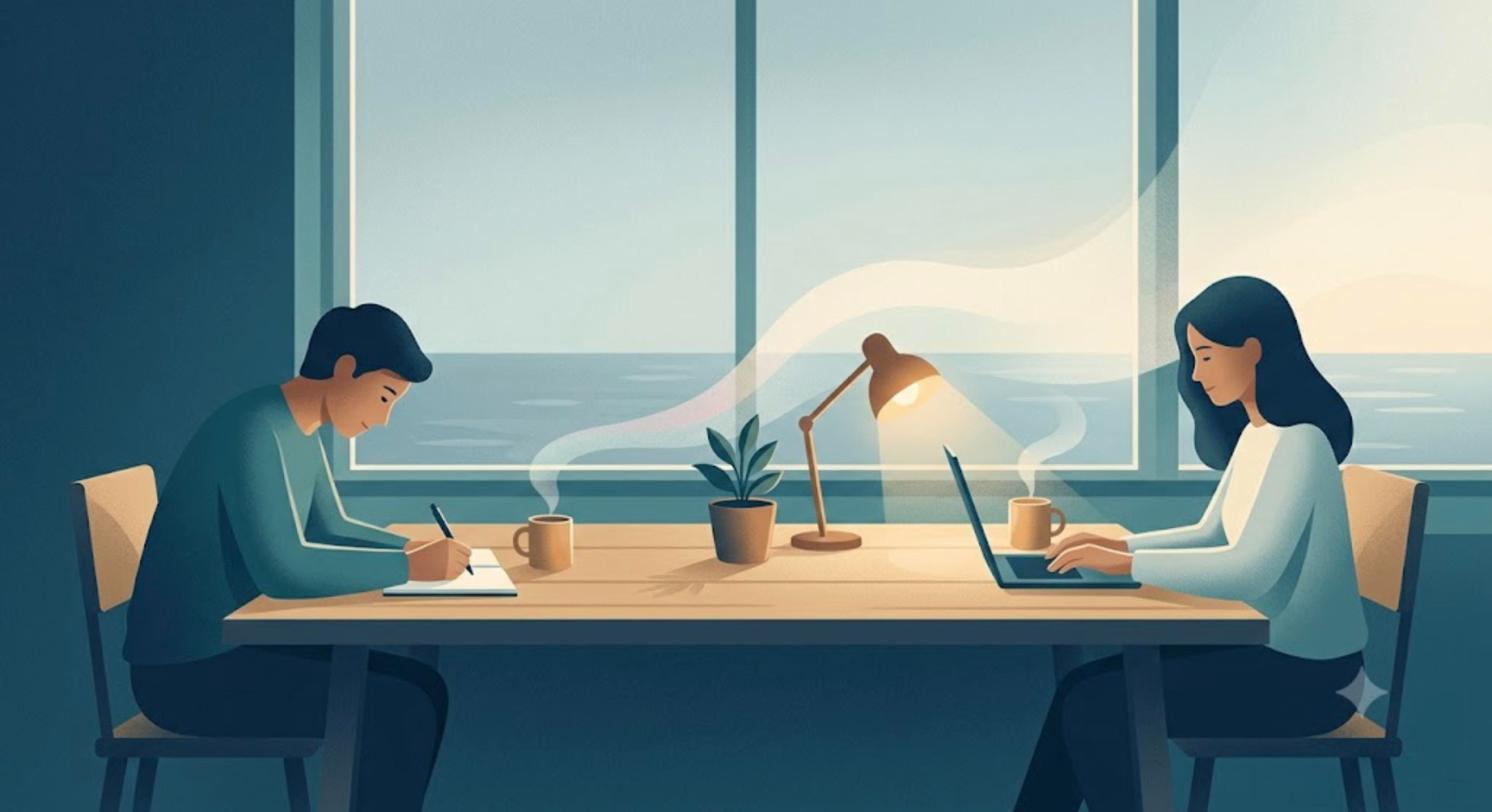 FocusBody Doubling: Why Working Next to Someone Helps You FocusBody doubling means working alongside someone to get things done. Why it helps with ADHD and procrastination, what research says, and how to try it.24 October 2026
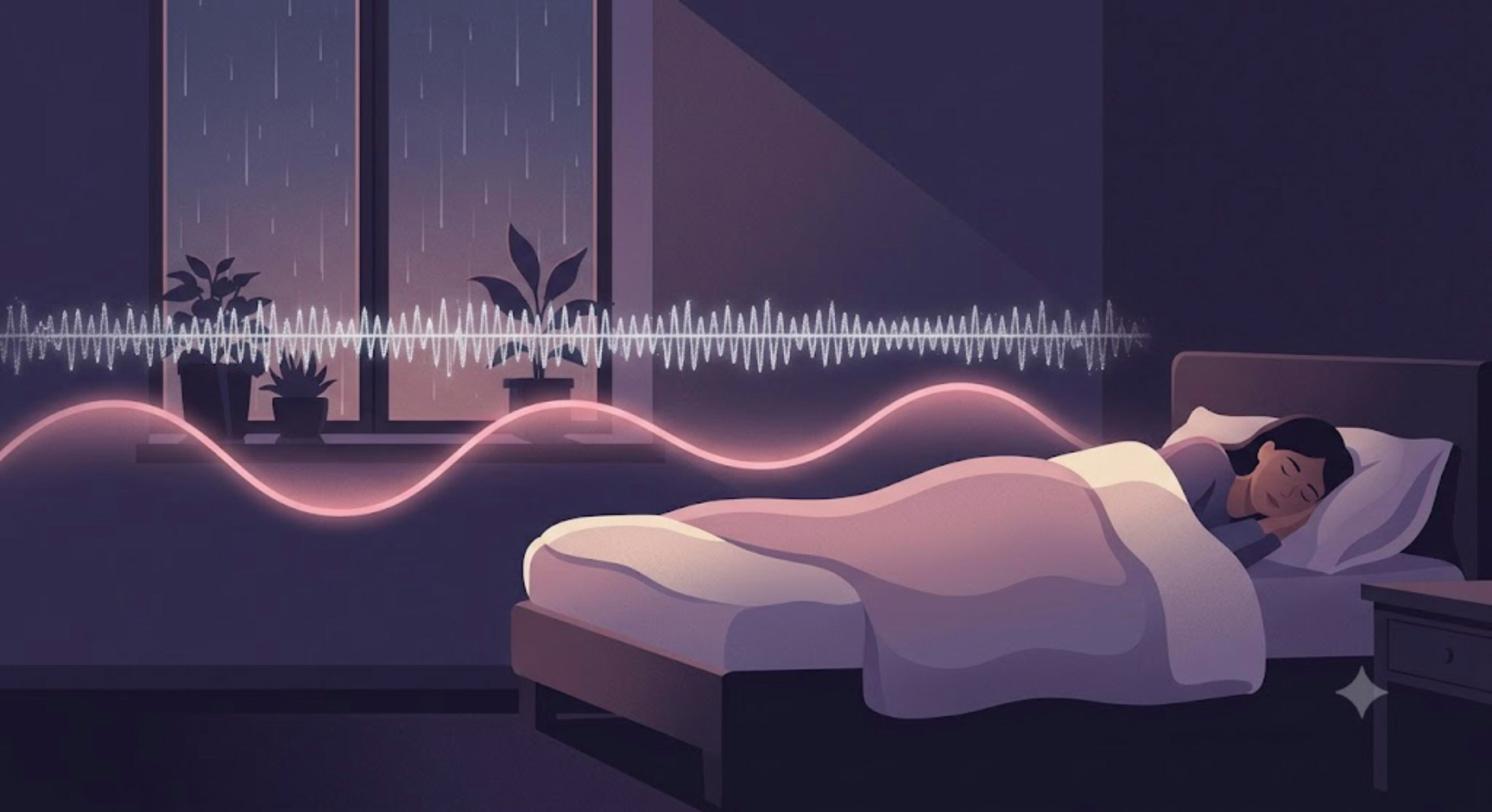 Noise coloursPink Noise vs White Noise: What the Research SaysPink noise is softer than white noise, but does it really deepen sleep and boost memory? What the studies actually show, and how to choose.23 October 2026
Contact us
Questions, feedback, partnerships or press. Write to us and a real person on the nive team replies by email, usually within 24 hours.