Say "hello" to GameChat
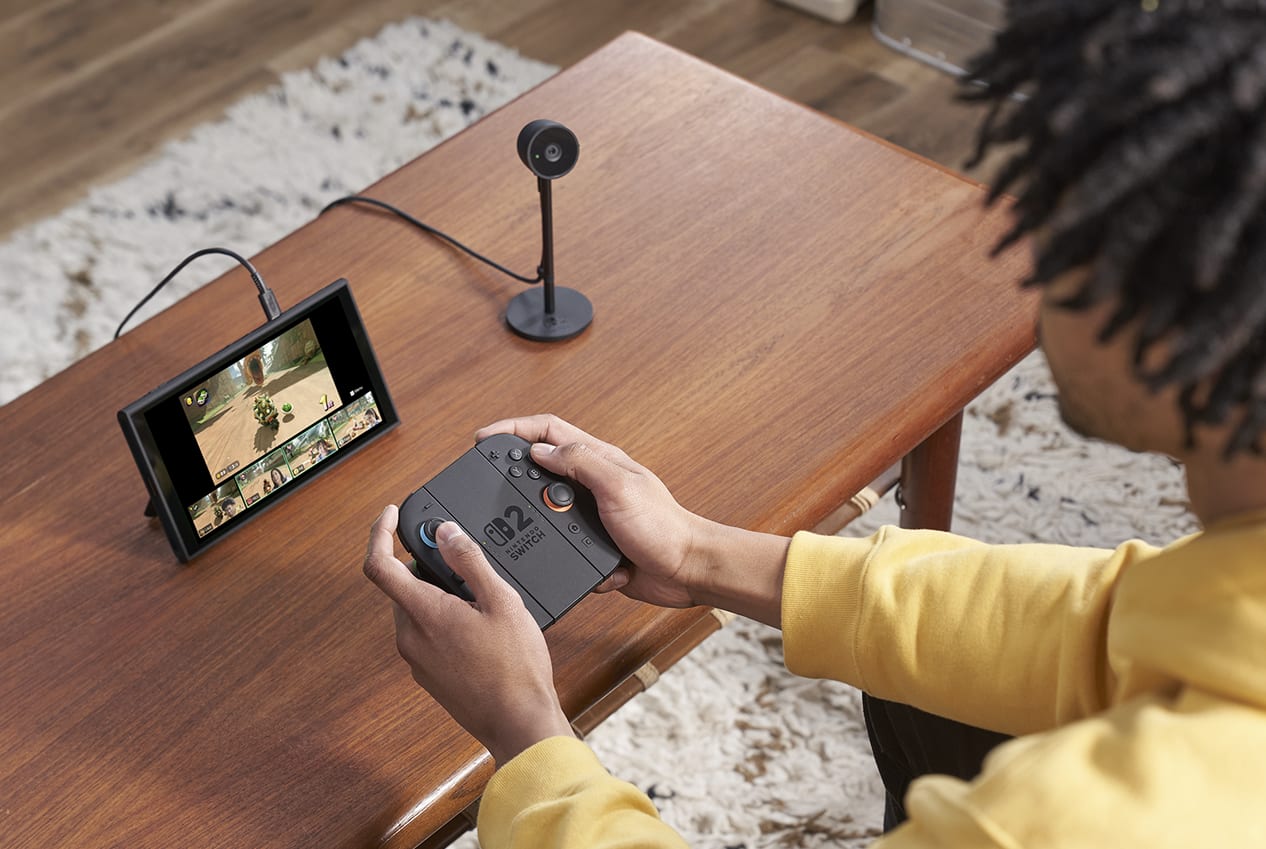
Start a chat with friends at any time using the C Button! Share your game screen while chatting to show what you're up to. And for a more personal touch, connect face-to-face with the Nintendo Switch 2 camera or other compatible USB-C® camera (each sold separately).
Additional games, systems and/or accessories may be required for multiplayer mode. Internet, Nintendo Switch Online membership and Nintendo Account required for online features, including GameChat. Nintendo Switch 2 camera or compatible USB-C® camera required for video features. Not available in all countries. Terms and GameChat requirements apply. support.nintendo.com Games, systems, membership, and some accessories sold separately.
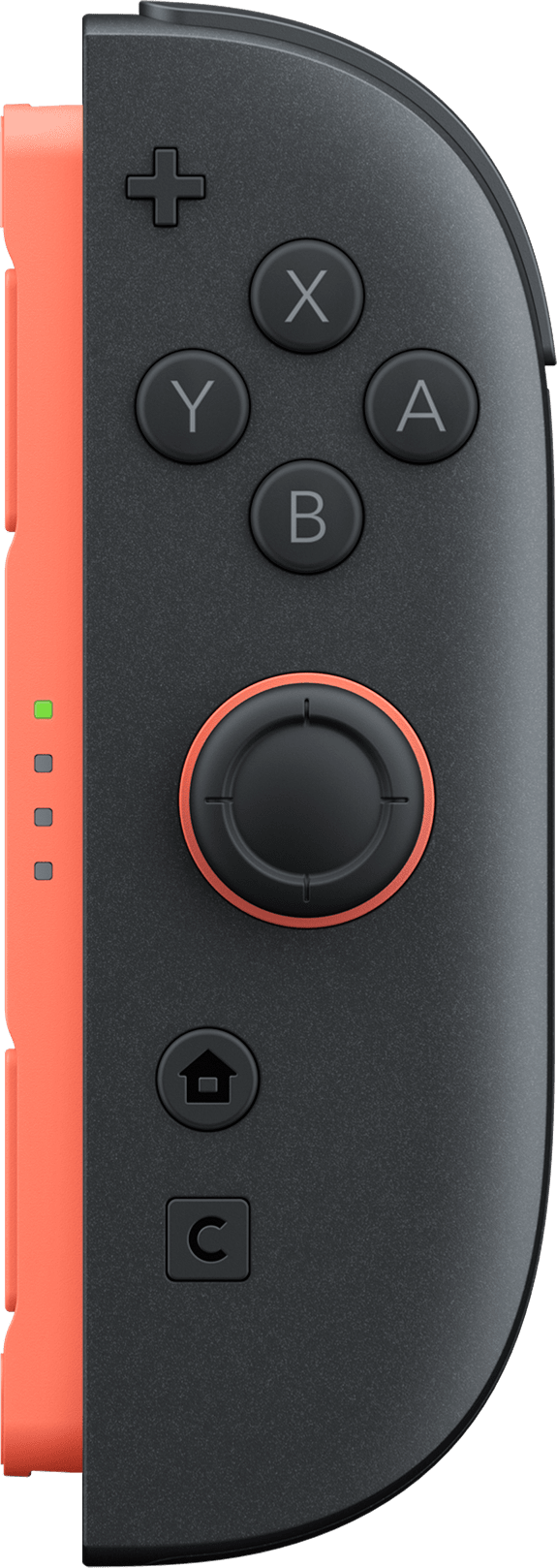
Bigger screen, same thickness
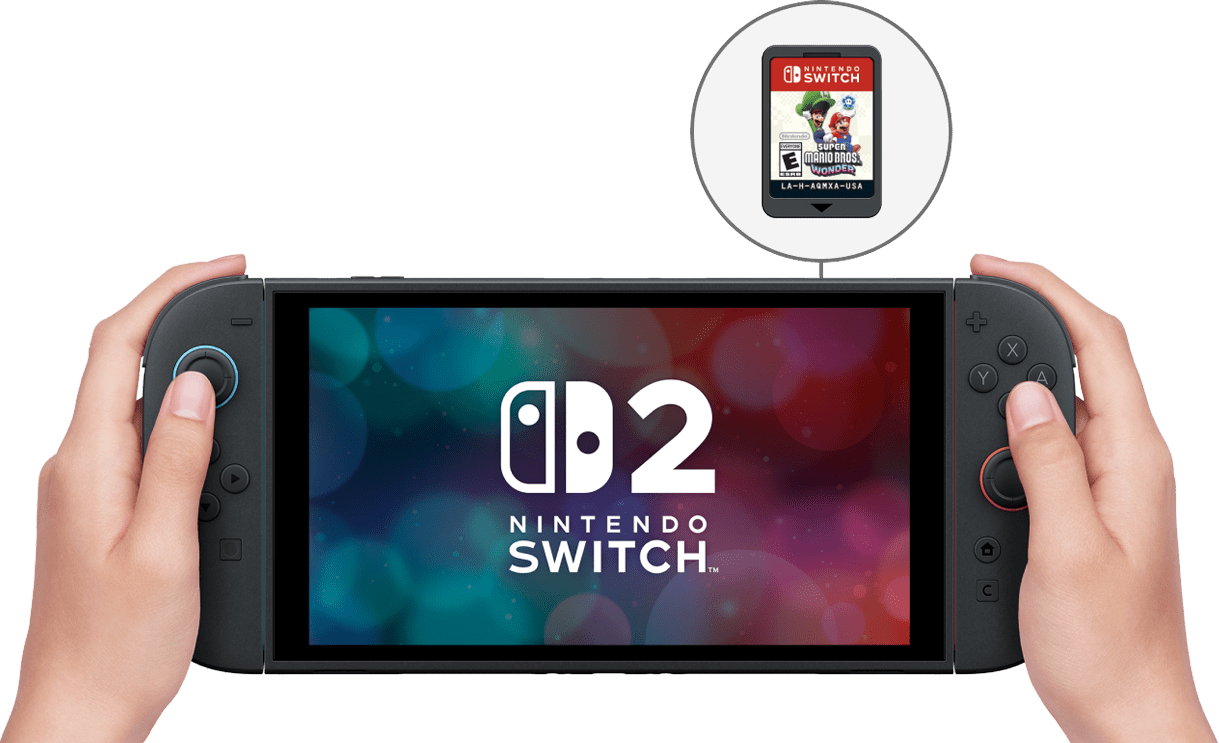
Go big with a 7.9-inch screen that lets you enjoy smooth gameplay anytime, anywhere.
Play with greater detail and clarity thanks to a high-definition LCD display featuring support for HDR, VRR, and up to 120 fps in compatible games.
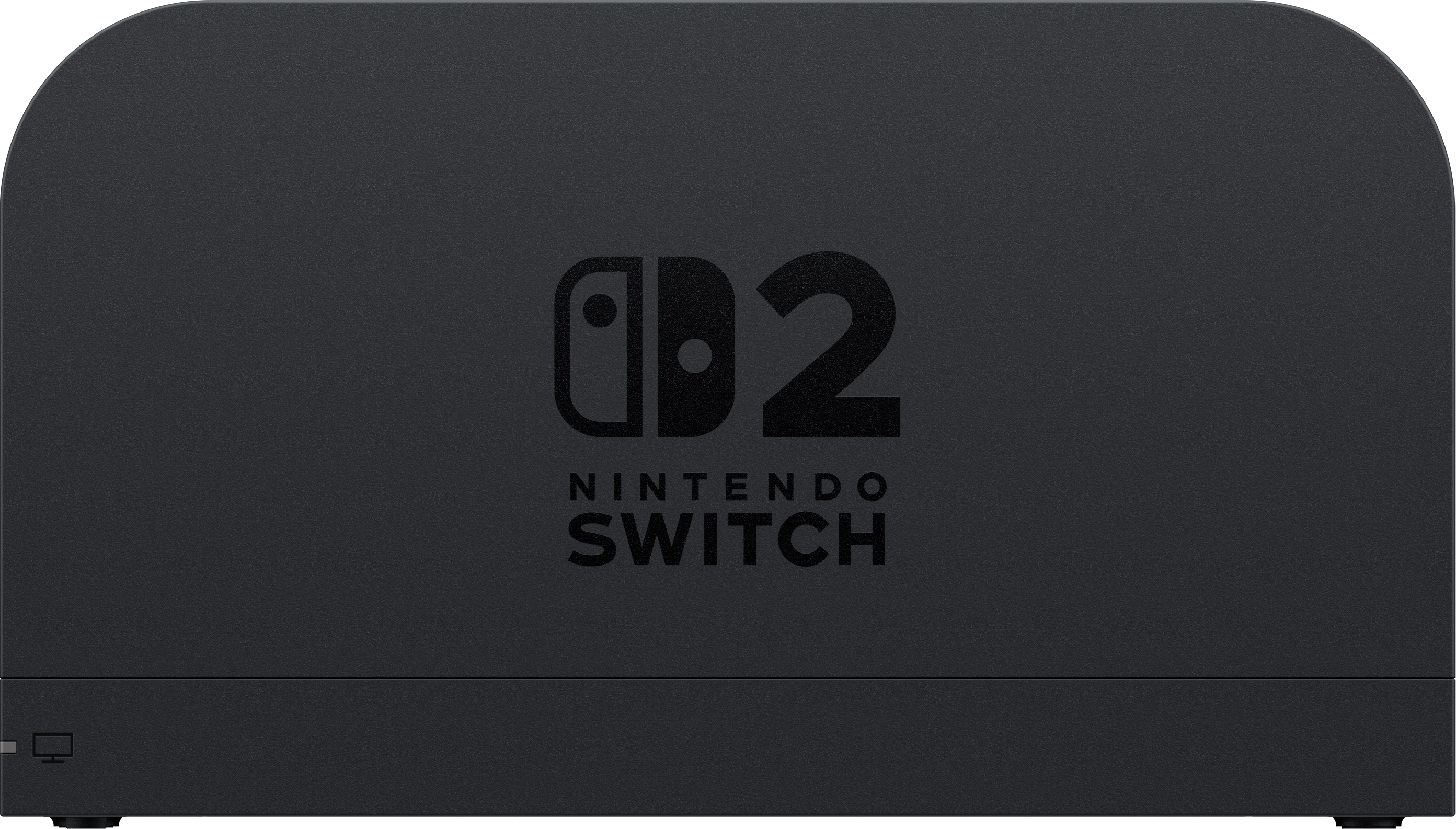
…step into high-res worlds on your big screen.
Use the included dock to connect the Nintendo Switch 2 system to your TV and unleash even greater detail.
New stand with a freely adjustable viewing angle
Place your Nintendo Switch 2 however you like in tabletop mode using a large, stable stand. With 150 degrees of freedom, you can always find a comfortable viewing angle. Perfect for playing together!
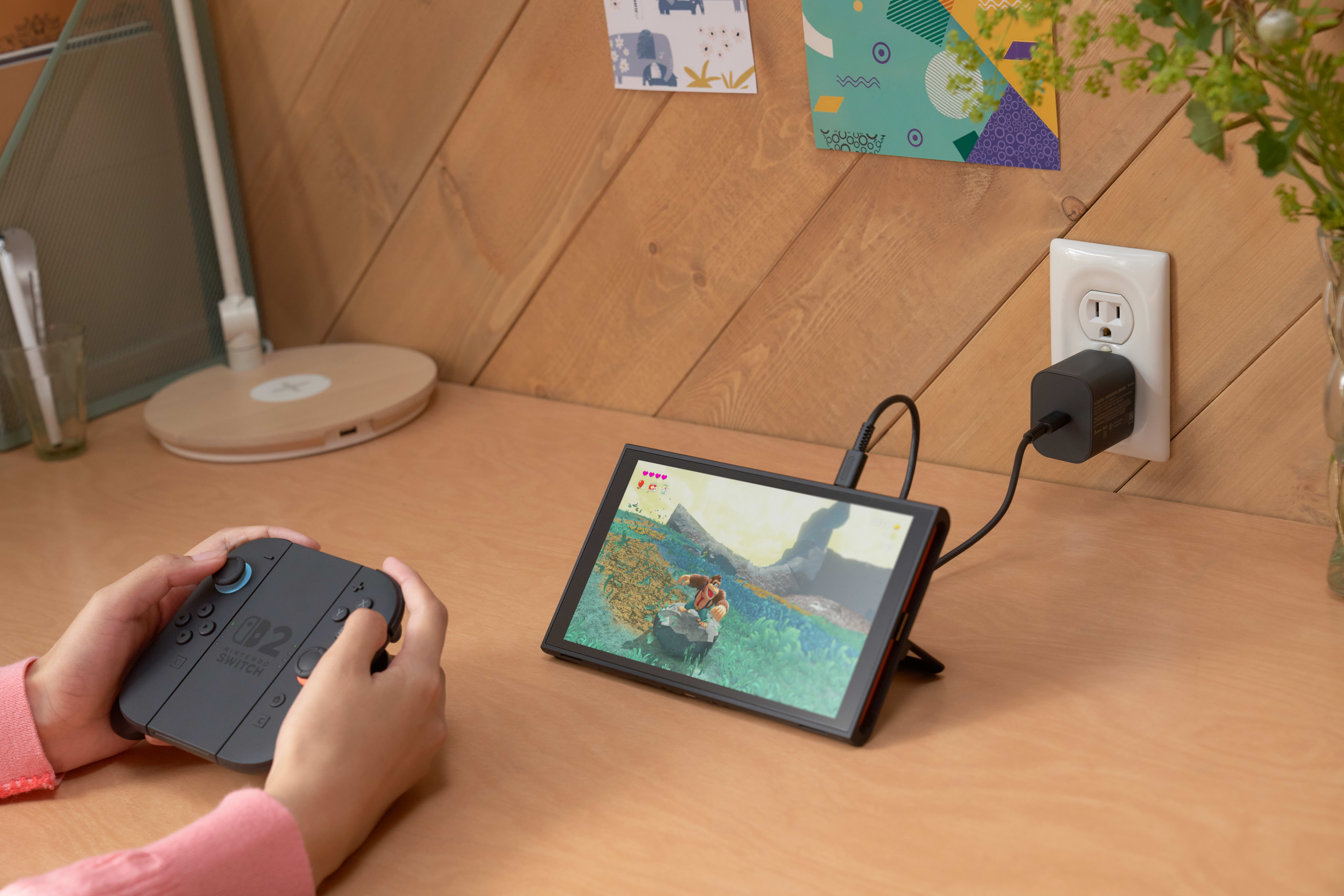
The top of the system now has a USB-C® port, in addition to one on the bottom. Plug in the included AC adapter and play in tabletop mode while the system charges.
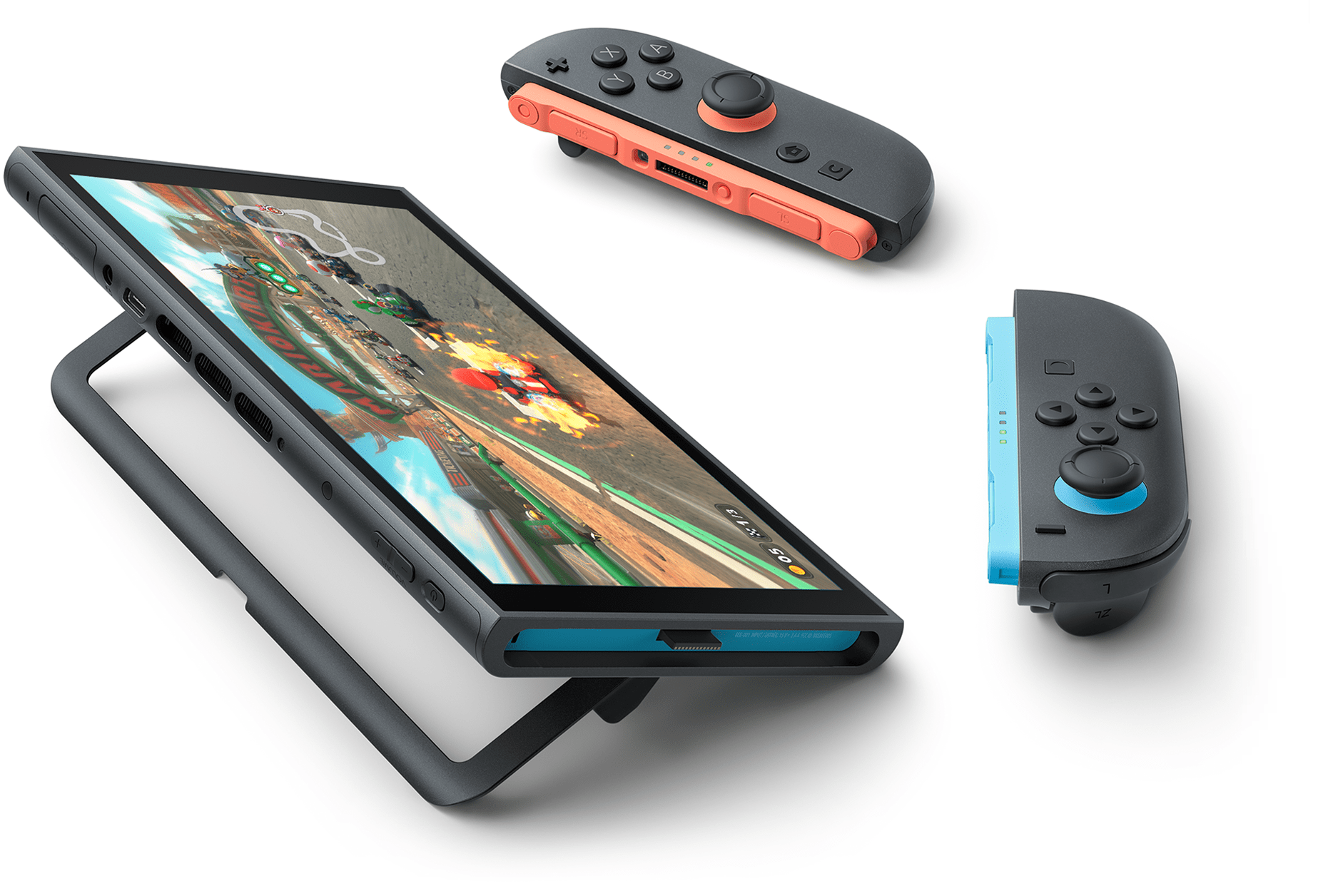
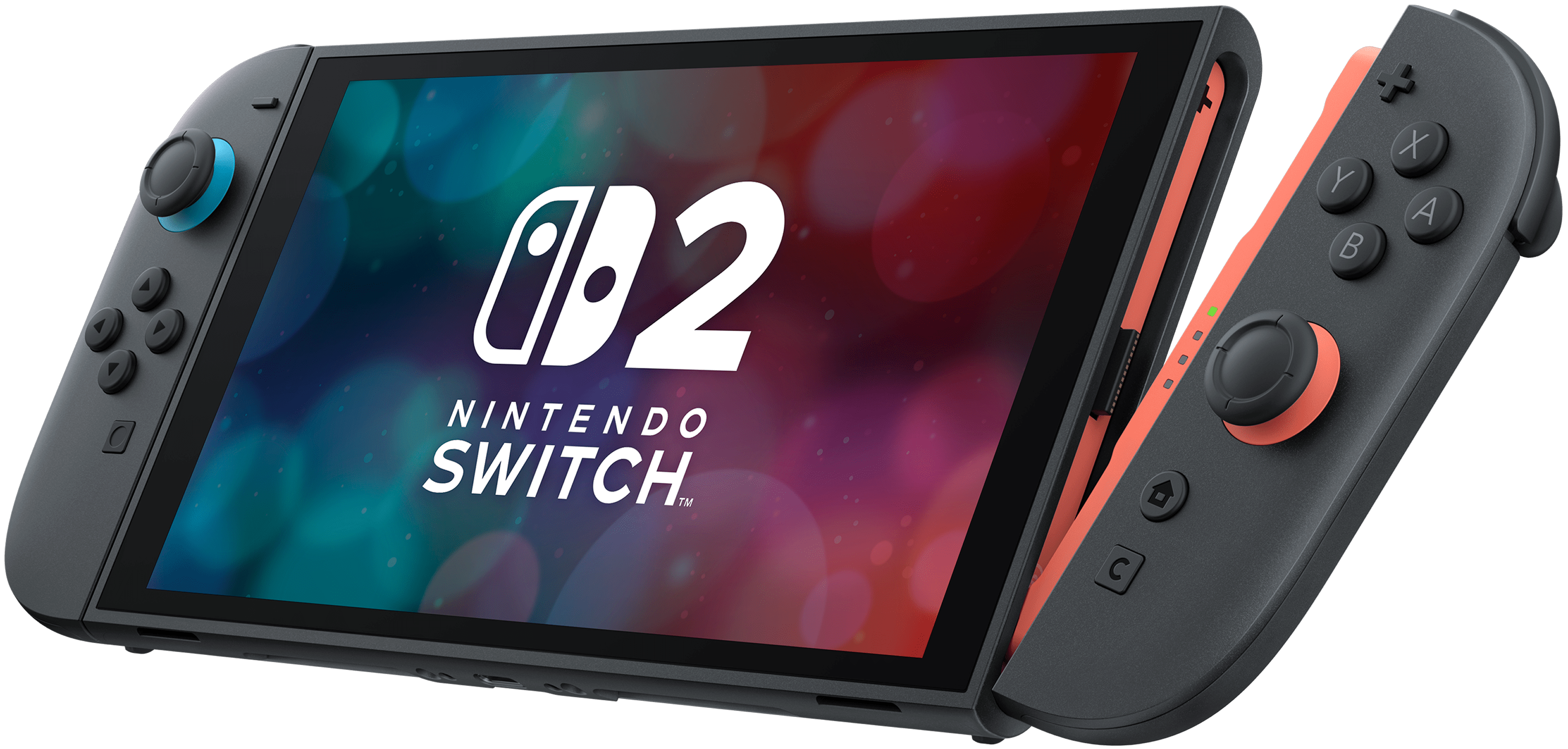
Joy-Con 2 controllers connect…in a snap
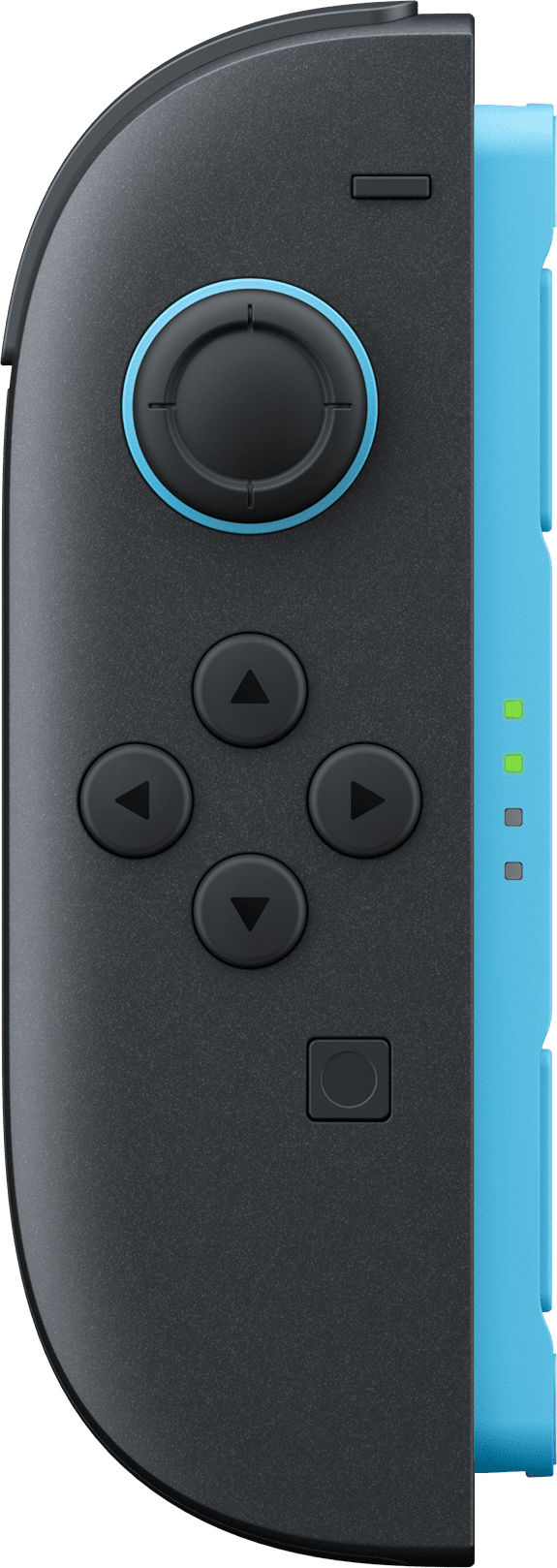
Meet the new Joy-Con 2 controllers, designed to attach and detach with ease. Strong magnets keep the controllers firmly attached to the system. Simply press the release button on the back to disengage the magnetic lock—and off they come.
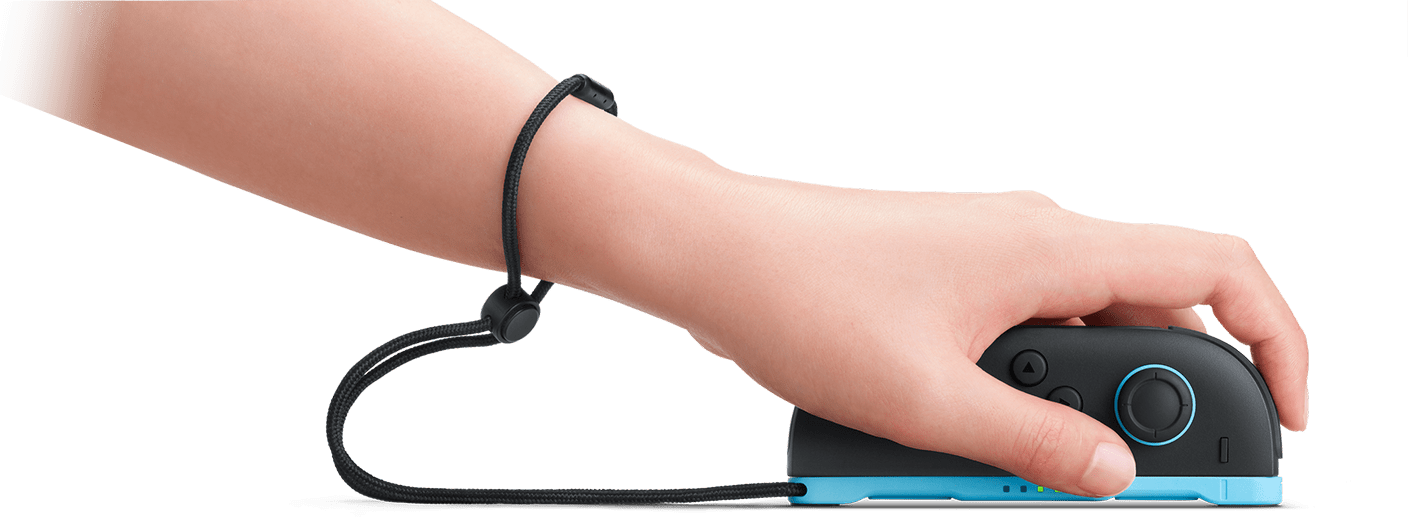
Smooth mouse controls with Joy-Con 2
The mouse sensor on the side of each Joy-Con 2 controller lets you turn surfaces like a table or your lap into a mouse pad. Both Joy-Con 2 controllers can be used for mouse controls at the same time, opening up new ways to play—like using both hands to control two mouse controllers simultaneously.
Only in compatible games.
Three different play modes
Nintendo Switch 2 can transform to suit your game style. Just like previous Nintendo Switch systems, you can enjoy your games anytime, anywhere in TV mode, tabletop mode, or handheld mode.
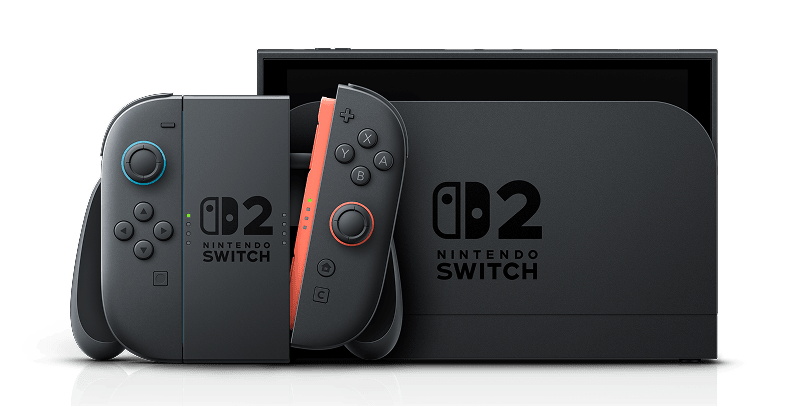
TV mode
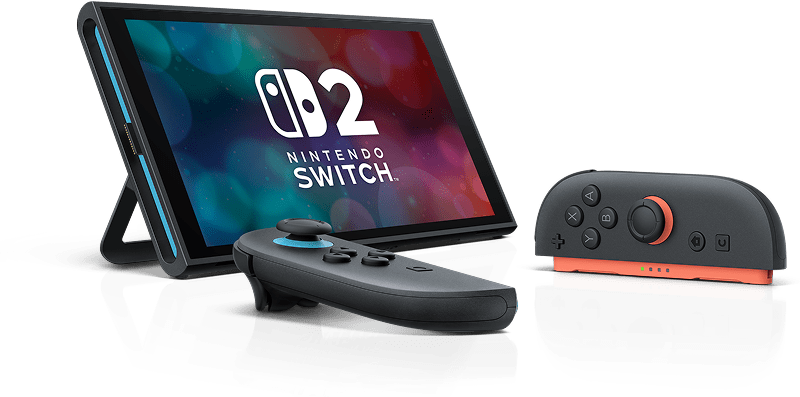
Tabletop mode
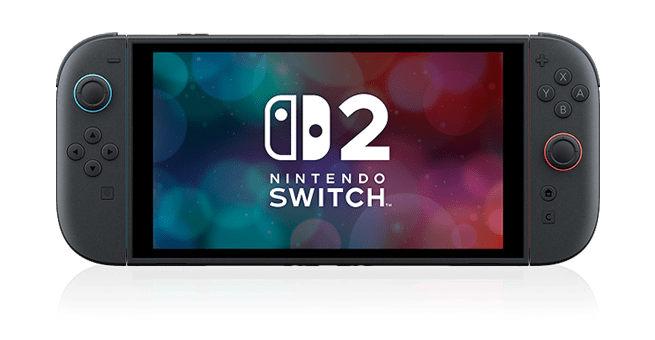
Handheld mode

Performance
Sound
Internal storage
Expand your storage with microSD Express cards
Nintendo Switch 2 uses a new standard of expandable memory card called microSD Express (sold separately). This kind of memory card is needed for faster access speeds and to ensure games will run smoothly.
Please note: Nintendo Switch 2 is only compatible with microSD Express cards. If the microSD cards you have used for Nintendo Switch do not support microSD Express standards, you cannot use them with Nintendo Switch 2.
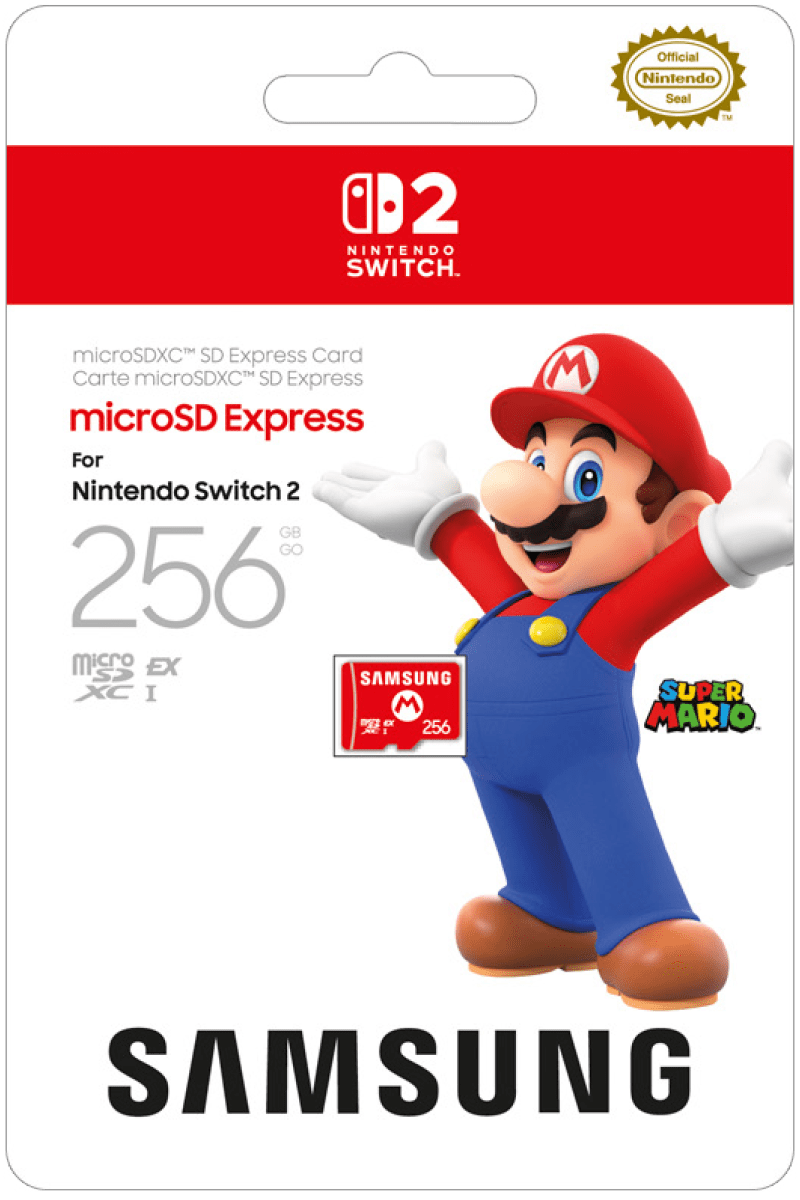
Officially licensed products are recommended.
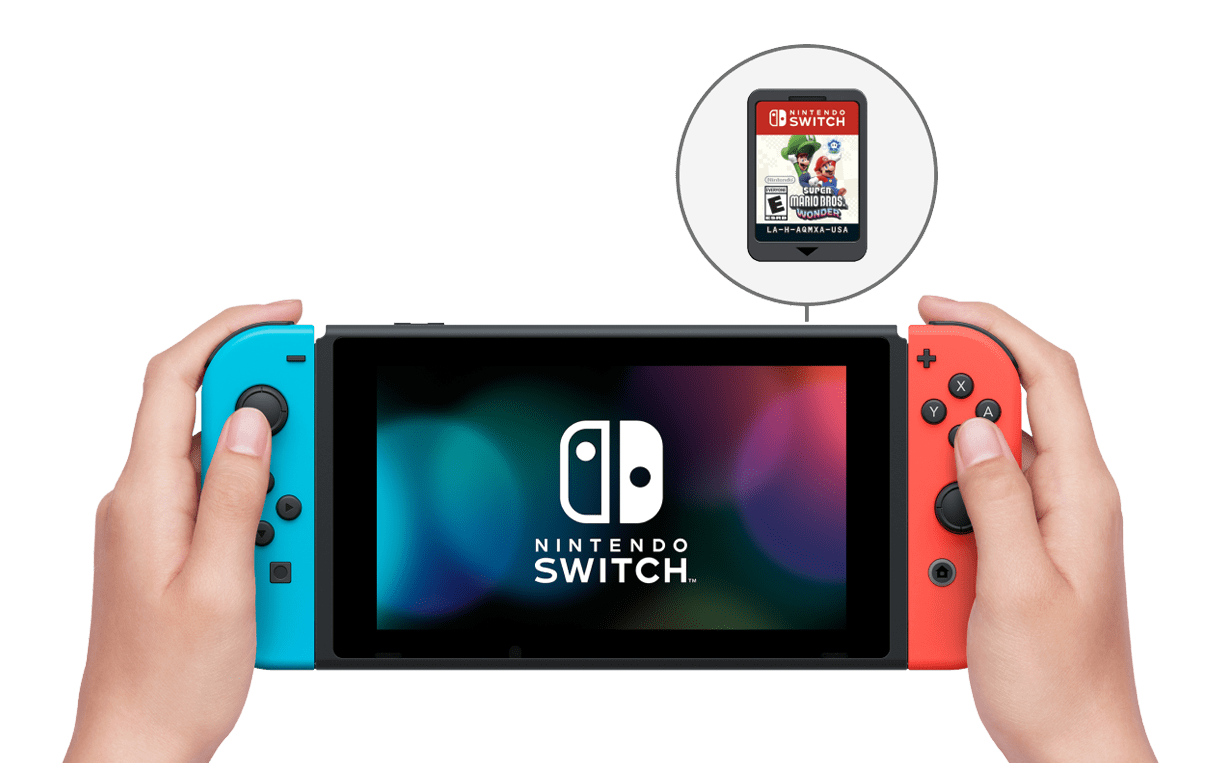
In addition to Nintendo Switch 2 exclusive games, Nintendo Switch 2 can play compatible Nintendo Switch games.
Nintendo Switch 2 plays both physical and digital Nintendo Switch games.
Some Nintendo Switch games may not be supported or fully compatible with Nintendo Switch 2.
Nintendo Switch Online members can continue to use the service on Nintendo Switch 2.