Version 137.0, first offered to Release channel users on April 1, 2025
-
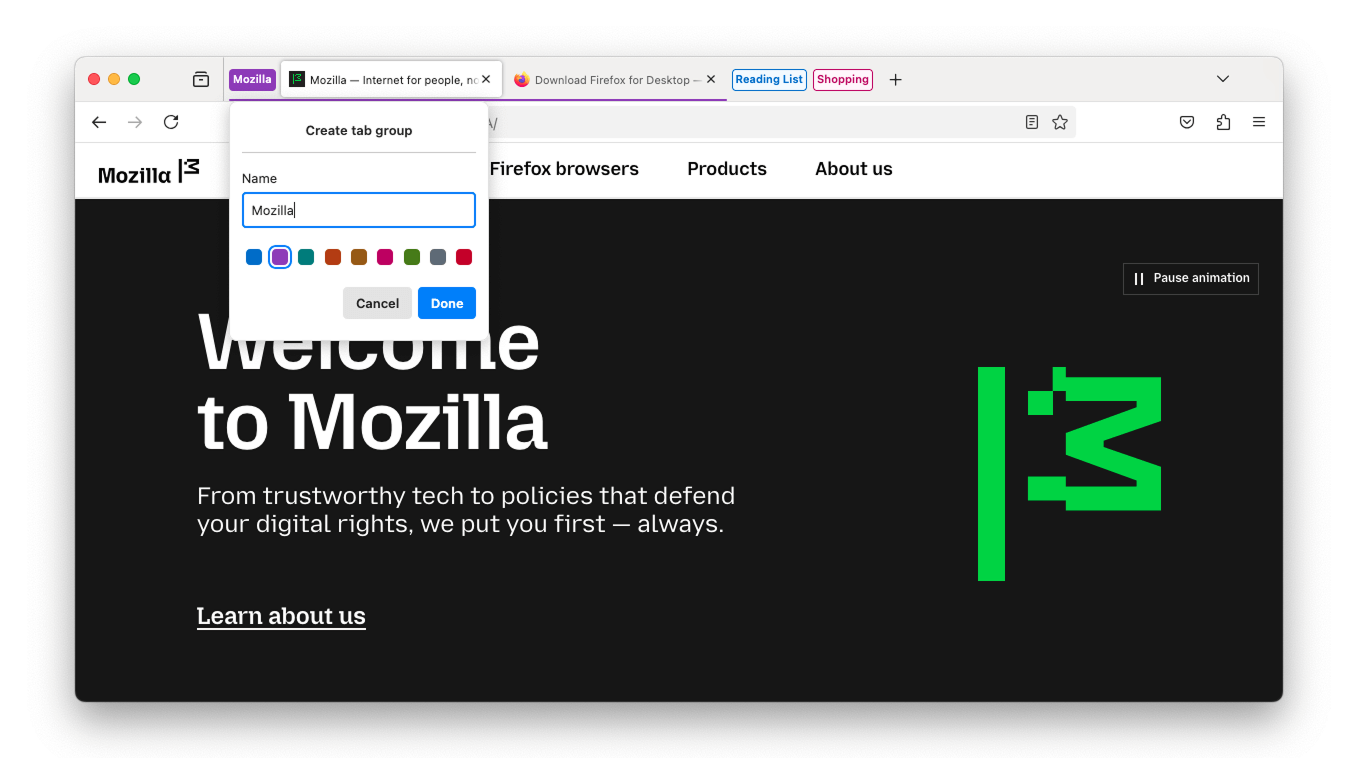
Tab groups begin rolling out today! Stay productive and organized with less effort by grouping related tabs together. One simple way to create a group is to drag a tab onto another, pause until you see a highlight, then drop to create the group. Groups can be named, color-coded, and are always saved. You can close a group and reopen it later.

This feature is part of a progressive roll out.
What is a progressive roll out?
Certain new Firefox features are released gradually. This means some users will see the feature before everyone does. This approach helps to get early feedback to catch bugs and improve behavior quickly, meaning more Firefox users overall have a better experience.
-
Firefox Address Bar Refresh 2025 - new ways to search for things new, previously viewed, and more - all from the address bar:
Features
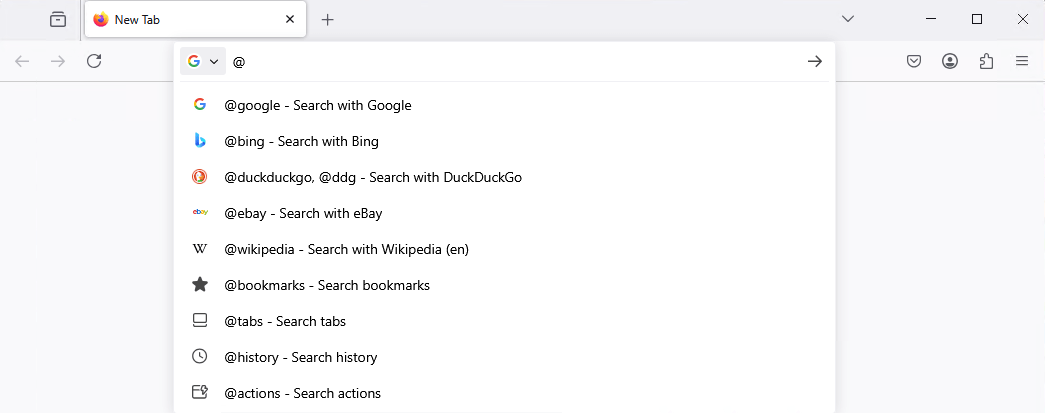
Unified Search Button: A new, easy-to-access button in the address bar helps you switch between search engines and search modes with ease. This feature brings the simplicity of mobile Firefox to your desktop experience.
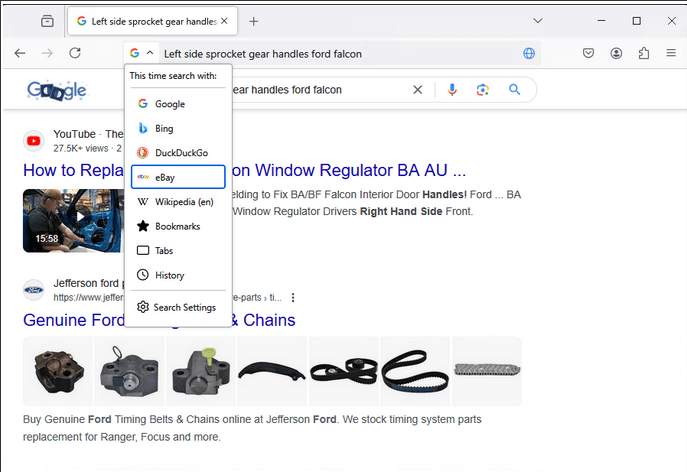
Search Term Persistence: Now when you refine a search in the address bar, the original term sticks around, making it easier to adjust your queries and find exactly what you're looking for.

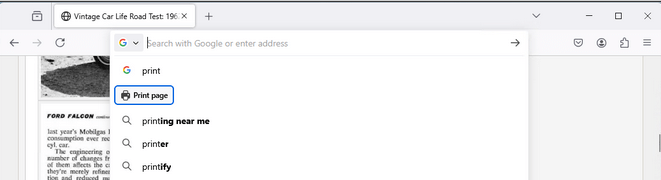
Secondary Action Buttons: Suggestions for common Firefox features.
Contextual Search Mode: Firefox detects if you are on a page that has search capability and offers that option for you to directly search with the page engine from the address bar. Use this option at least 2 times and Firefox will suggest adding the search engine to your Firefox.
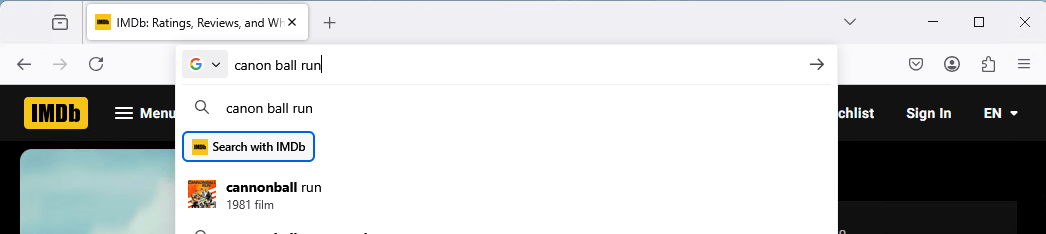
Contextual Search Engine Options: Use a Contextual Search mode option at least 2 times and Firefox will suggest adding the search engine to your Firefox so that it’s always available to you.
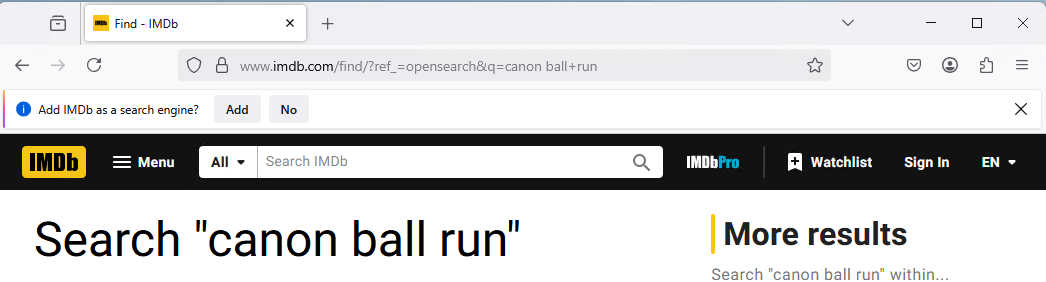
Intuitive Search Keywords: You can access various address bar search modes with convenient and descriptive keywords (e.g. @bookmarks,@tabs,@history, @actions).
This feature is part of a progressive roll out.
What is a progressive roll out?
Certain new Firefox features are released gradually. This means some users will see the feature before everyone does. This approach helps to get early feedback to catch bugs and improve behavior quickly, meaning more Firefox users overall have a better experience.
-
Firefox now identifies all links in PDFs and turns them into hyperlinks.
-
Support HEVC playback on Linux.
-
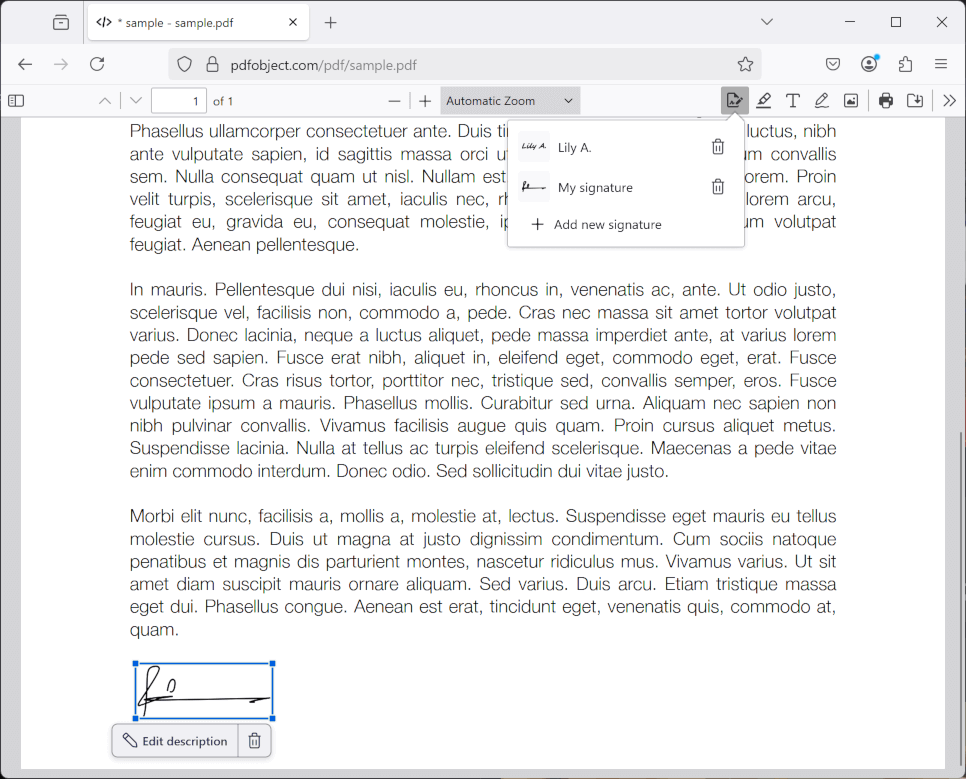
Now you can sign PDFs without leaving Firefox. Save your signatures to re-use later.
This feature is part of a progressive roll out.
What is a progressive roll out?
Certain new Firefox features are released gradually. This means some users will see the feature before everyone does. This approach helps to get early feedback to catch bugs and improve behavior quickly, meaning more Firefox users overall have a better experience.
-
You can now use the Firefox address bar as a calculator. Simply type an arithmetic expression and view the result in the address bar drop-down. Clicking on this result will copy it to your clipboard.

This feature is part of a progressive roll out.
What is a progressive roll out?
Certain new Firefox features are released gradually. This means some users will see the feature before everyone does. This approach helps to get early feedback to catch bugs and improve behavior quickly, meaning more Firefox users overall have a better experience.
-
You can find information about policy updates and enterprise specific bug fixes in the Firefox for Enterprise 137 Release Notes.
-
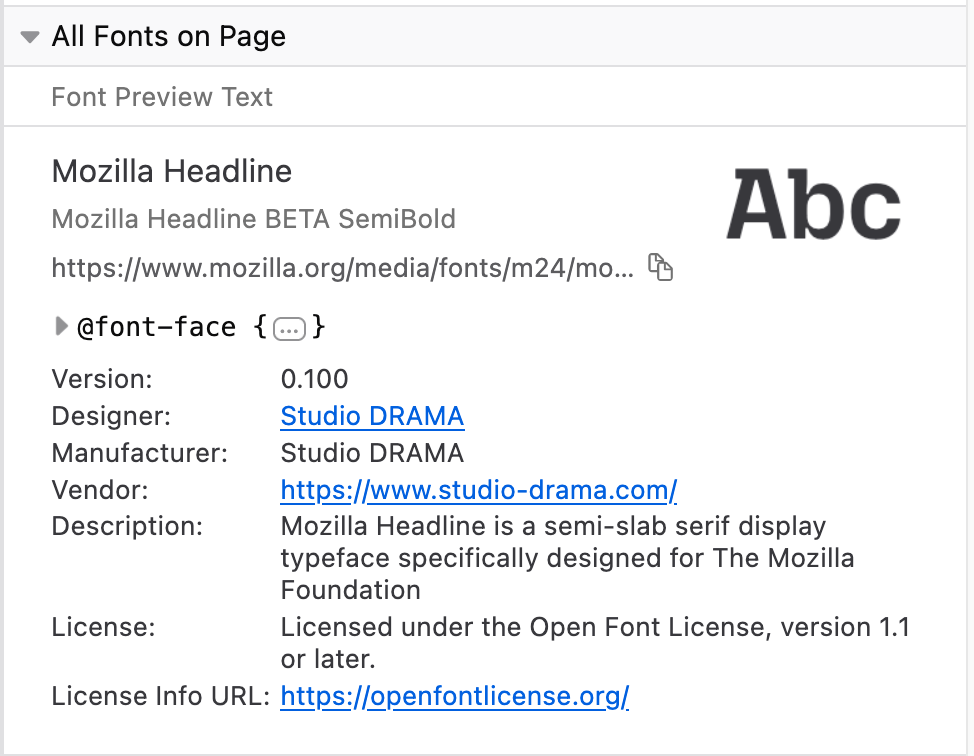
In the Inspector Fonts panel, we now display fonts metadata, like the font version, designer, vendor, license…
-
The Network panel now allows overriding network request responses with local files.
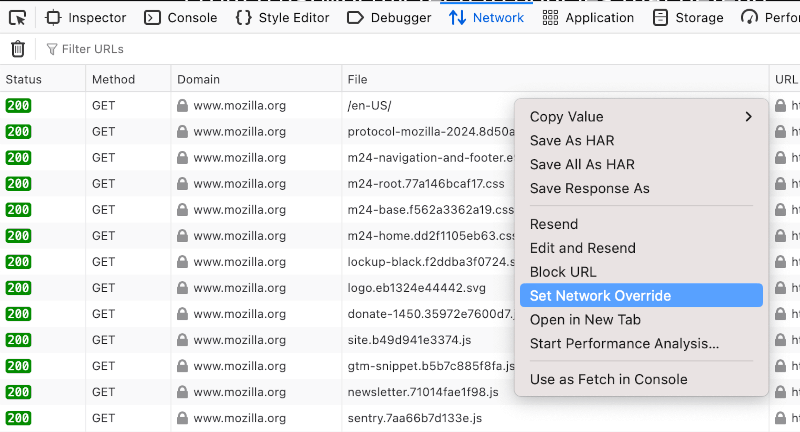
-
Support for the SVG 2 path API is now available.
-
Support for the hyphenate-limit-chars property is now available. This property enables authors to have greater control over the use of automatic hyphenation.
-
We are investigating an increase in crashes for Windows users with Qihoo 360 security software.(Fixed in 137.0.1) -
Due to recent changes in Chrome on Windows, some users might find that the Firefox migration wizard no longer successfully imports passwords from Chrome or Chrome-based browsers. As a workaround, you can export your passwords as a CSV file from Chrome and then import them into Firefox using either the migration wizard or the Firefox password manager.
-
With the release of Firefox 137, we are pleased to welcome the developers who contributed their first code change to Firefox in this release, 17 of whom were brand new volunteers! Please join us in thanking each of these diligent and enthusiastic individuals, and take a look at their contributions:
- [:anutrix]: 1727389, 1948502
- abe hanoka: 1930779
- ansah: 1882102
- Bakir Grbic: 1930780
- cpplearner: 1610833
- Gintaras Žulys [:gzulys]: 1634662
- h.nuchi: 1642310
- Hazhar Sabir: 1941949
- James Stuckey Weber: 1949953
- Jonathan: 1943789
- krish.patel: 1267242
- Phil [:phigl]: 1701557
- qcms upstreamer: 1948768
- Steven Novaryo: 1946679
- Tan Junjian: 1943846
- WANG Xuerui [:xen0n]: 1778177, 1948207