Overleaf vs MonsterWriter - When to use which?
The easiest way to collaborate on scientific documents.
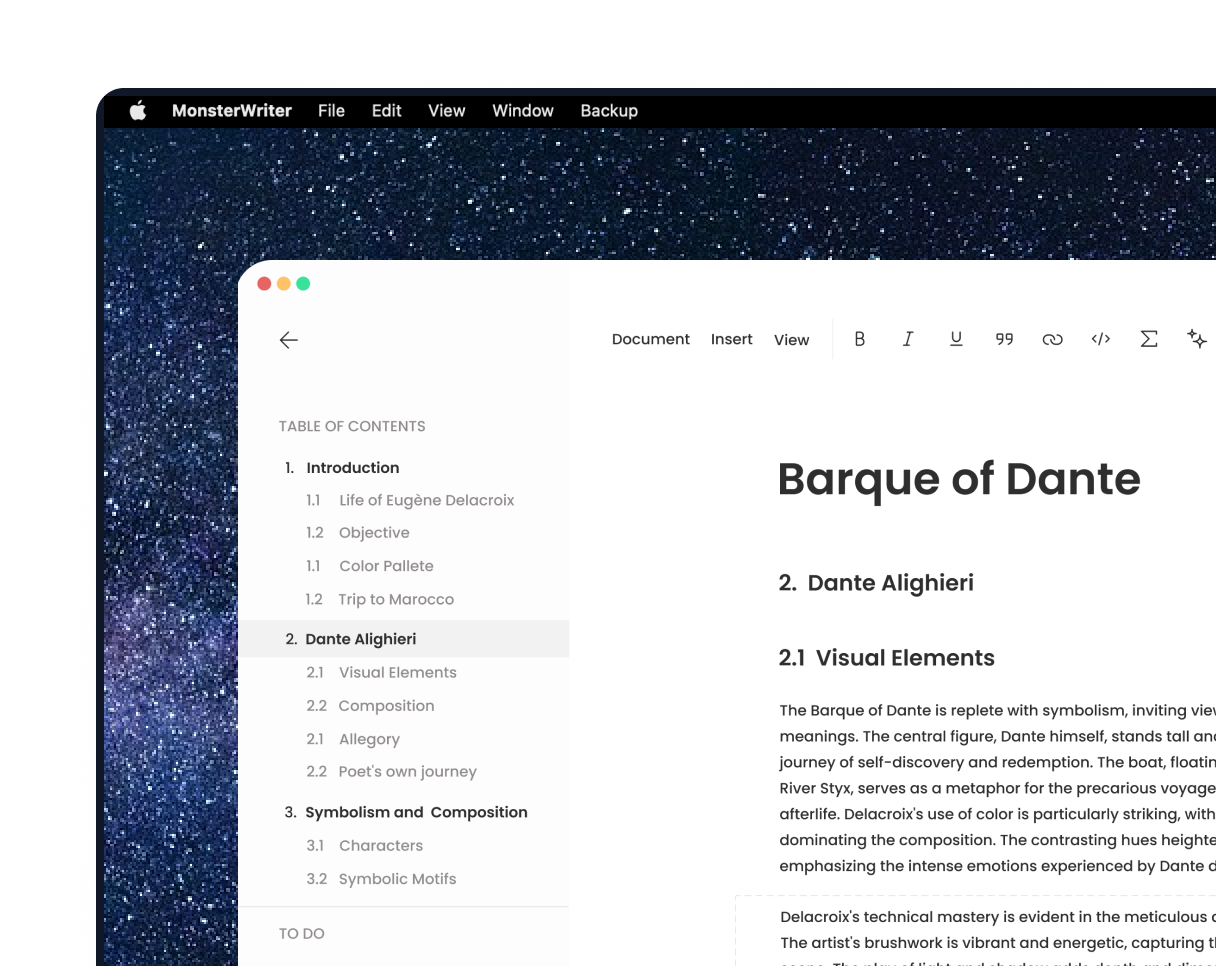
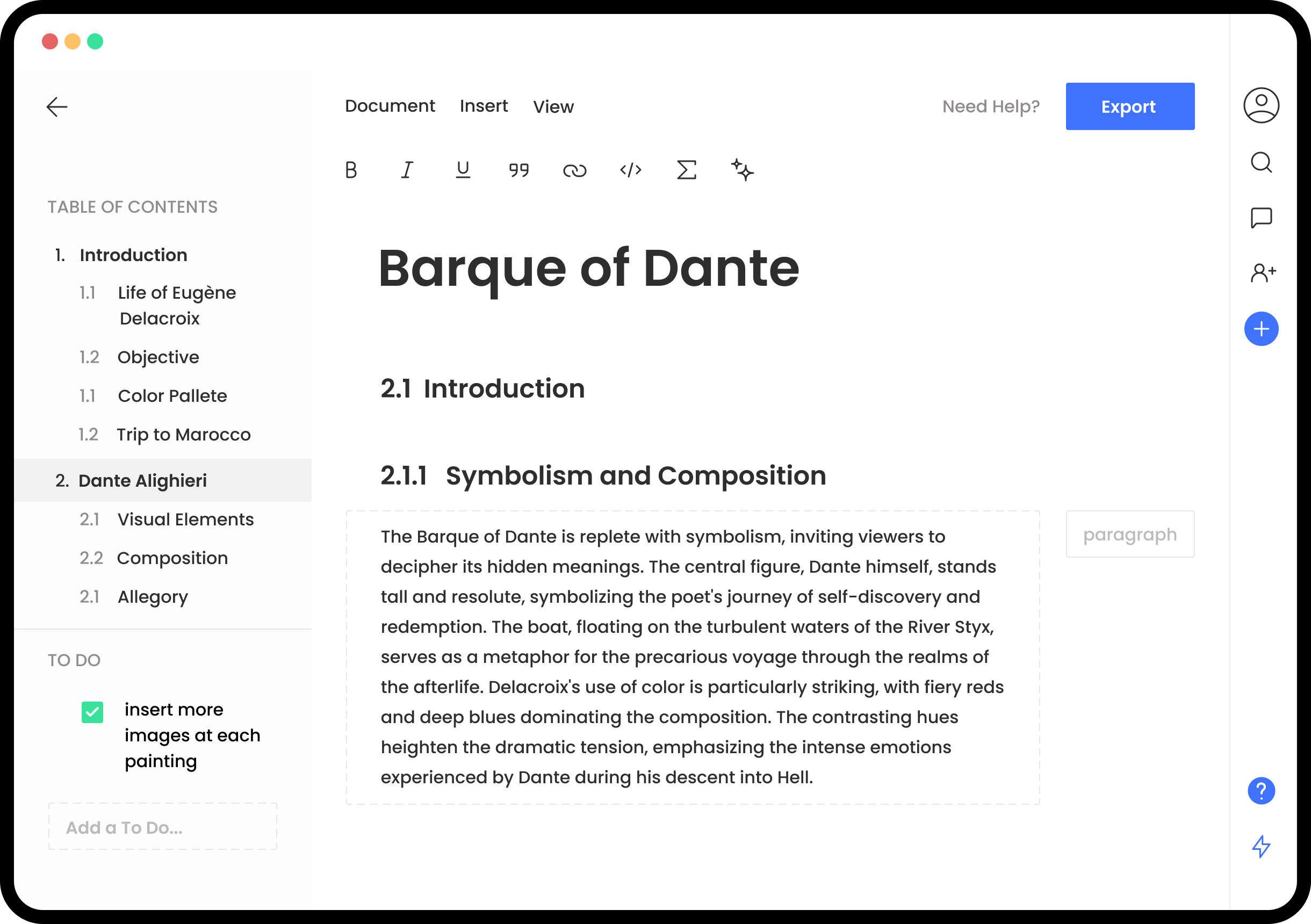
MonsterWriter brings together LaTeX-quality typesetting, the simplicity of traditional word processors, and collaboration features like those of Overleaf.
Article
Thesis
APA Style 7th Edition
Journal
And more templates
TL;DR: Productivity vs. Flexibility
MonsterWriter prioritizes ease of use and a smooth writing experience, while tools like Overleaf offer maximum customization and control through LaTeX. Choose based on whether you value productivity or advanced flexibility.
Scroll down for the detailed comparison table.
But before we get serious, enjoy an epic meme. (Caution: Side effects may include uncontrollable motivation!)
| MonsterWriter Desktop | MonsterWriter SaaS | Overleaf | |
|---|---|---|---|
| Time required to learn the tool | Low | Low | Very High LaTeX knowledge is required |
| Optimized for scientific writing | ✔️ | ✔️ | ✔️ |
| Offline Editing | ✔️ | ❌ | ❌ |
| No subscription needed for serious use | ✔️ | ❌ | ❌ |
| Real-time Collaboration | ❌ | ✔️ | ✔️ |
| Comments | ❌ | ✔️ | ❌ |
| Stay organized with built-in to-dos | ✔️ | ✔️ | ❌ |
| Usable as knowledge base (like notion.com) | ✔️ | ✔️ | ❌ |
| Add citations by ISBN, DOI, URL, etc. | ✔️ | ✔️ | ❌ |
| First-class integration with Zotero and Citedrive | ✔️ | ✔️ | ❌ |
| Export as HTML, Markdown and docx | ✔️ | ✔️ | ❌ |
| Export as LaTeX | ✔️ | ✔️ | ✔️ |
| Highly customizable layout | Want your institution's template included? Contact us: info@monsterwriter.app | ✔️ | |
What Our Users Say
“
I have given the software a decent play and test run - writing, exporting in different formats, inserting tables, photos etc - and all went well - the footnoting, referencing will be a huge time saver. Happy.
Appsumo review
“
Intersting tool. Features of Overleaf with a simpler interface. Must try.
Anonymous
Gumroad review
“
...it seems like at every turn MonsterWriter offers you just the tools required for what you are currently doing or planning to do as it offers just the right number of options
STar78692
Appsumo review
Pricing
Help support further development and unlock new features
Free
- Write unlimited articles
- Create ToDo lists
- Templates access
- Connect to Zotero
- Import BibLaTeX
- Categorize documents
- Unlimited Exports
- Use in Browser
- Collaboration
- Teams
Monster PRO
- Write unlimited articles
- Create ToDo lists
- Templates access
- Connect to Zotero
- Import BibLaTeX
- Categorize documents
- Unlimited Exports
- Use in Browser
- Collaboration
- Teams
$34.99
Monster Cloud
- Write unlimited articles
- Create ToDo lists
- Templates access
- Connect to Zotero
- Import BibLaTeX
- Categorize documents
- Unlimited Exports
- Use in Browser
- Collaboration
- Teams (coming soon)
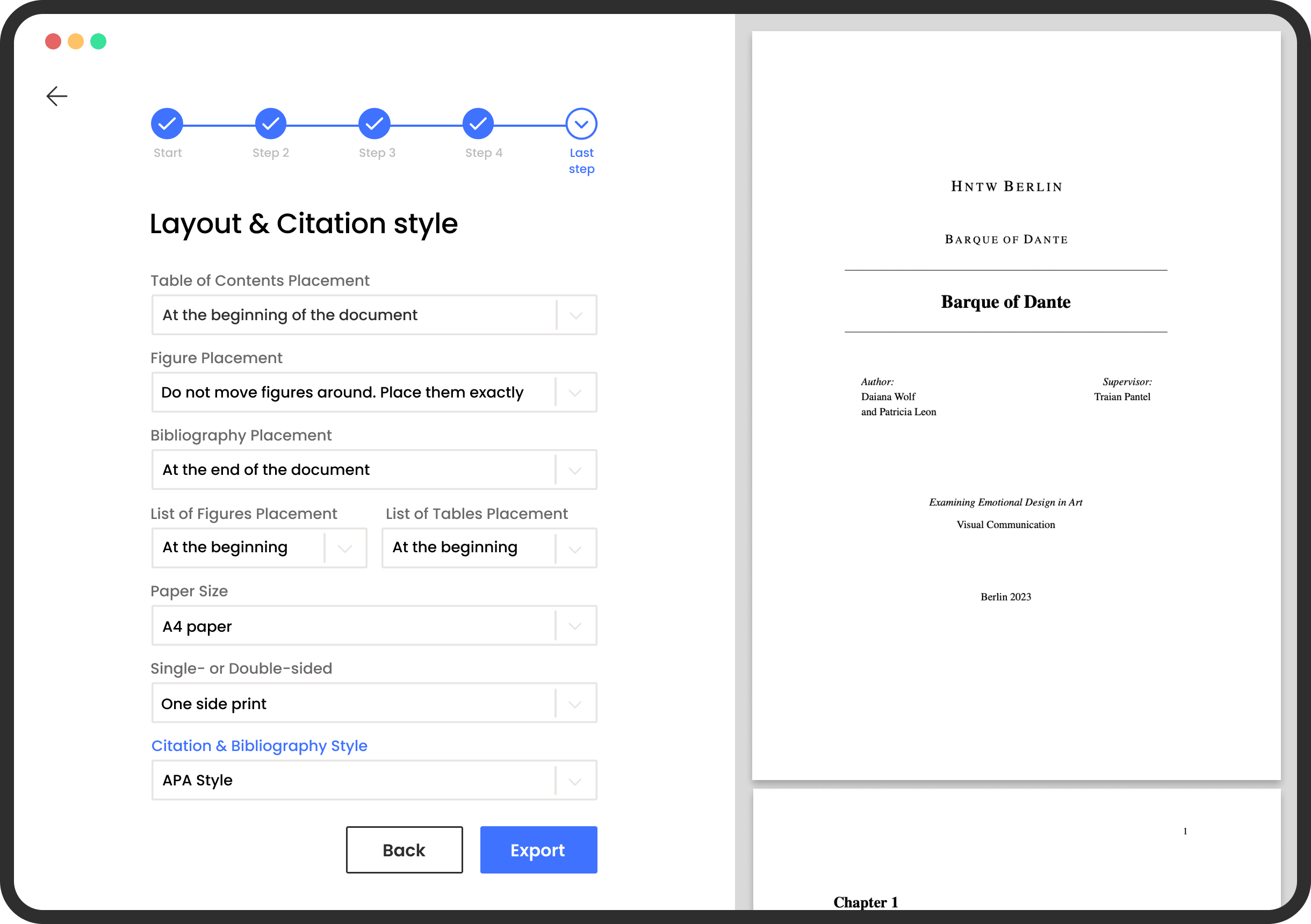
In Overleaf you pick the template first, in MonsterWriter you pick the template last
MonsterWriter tries to get you to write as fast as possible. You will be able to focus on your content right from the beginning.
- Choose from one of the existing templates.
- Each template provides custom configurations.
- As an institution, you can request for your template to be added. Contact us: info@monsterwriter.app
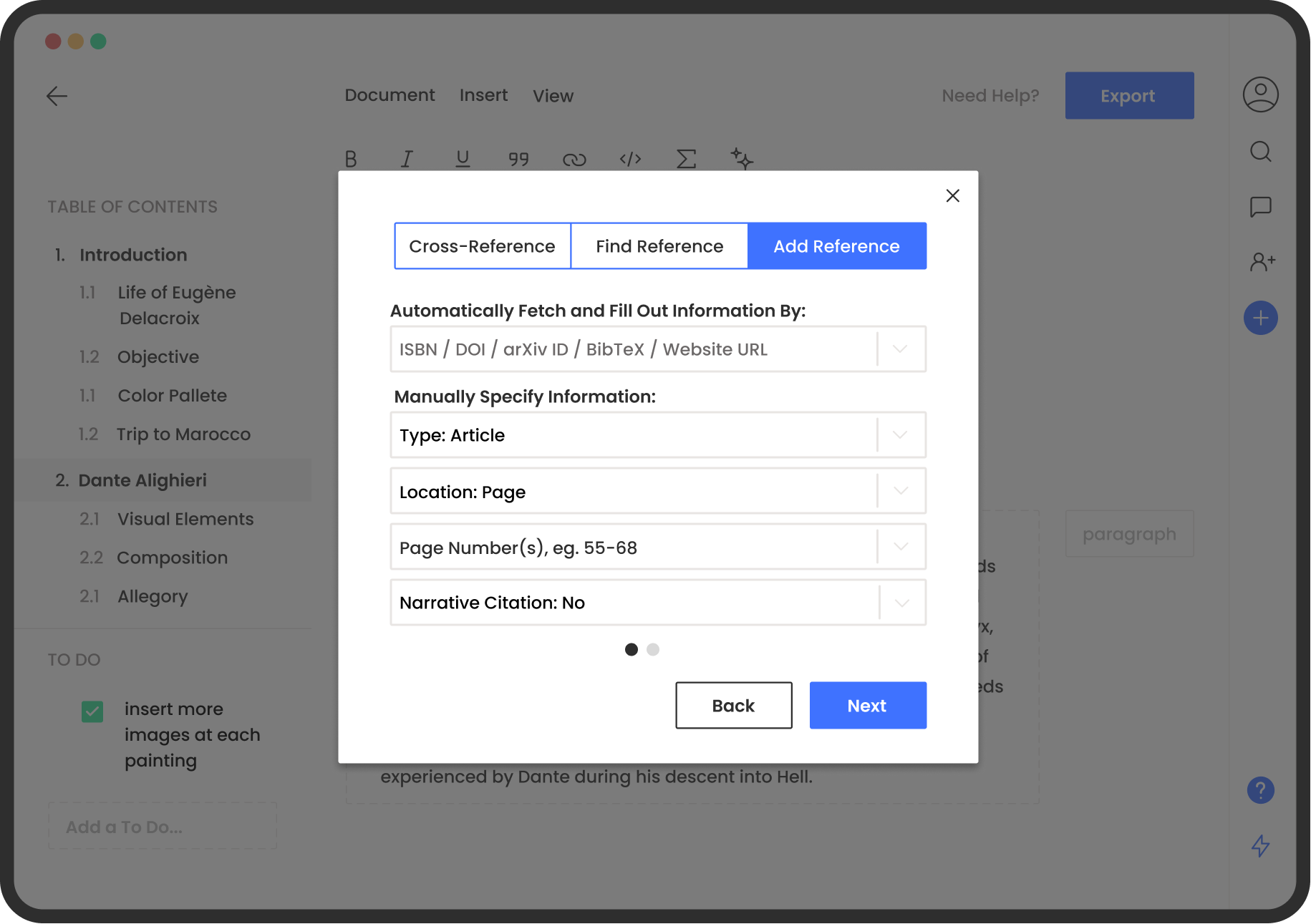
Add citations automatically
The details of your citations will be added automatically by MonsterWriter when you enter a website link, the ISBN, or the DOI code of a quote you recently used in your paper.
- Don't stress about citation styles
- Beautifully organized references
- No need to write BibLaTeX
- First-class integration with Zotero and Citedrive
Don't let thesis writing stress you out anymore.
Download MonsterWriter and get on the path to success!