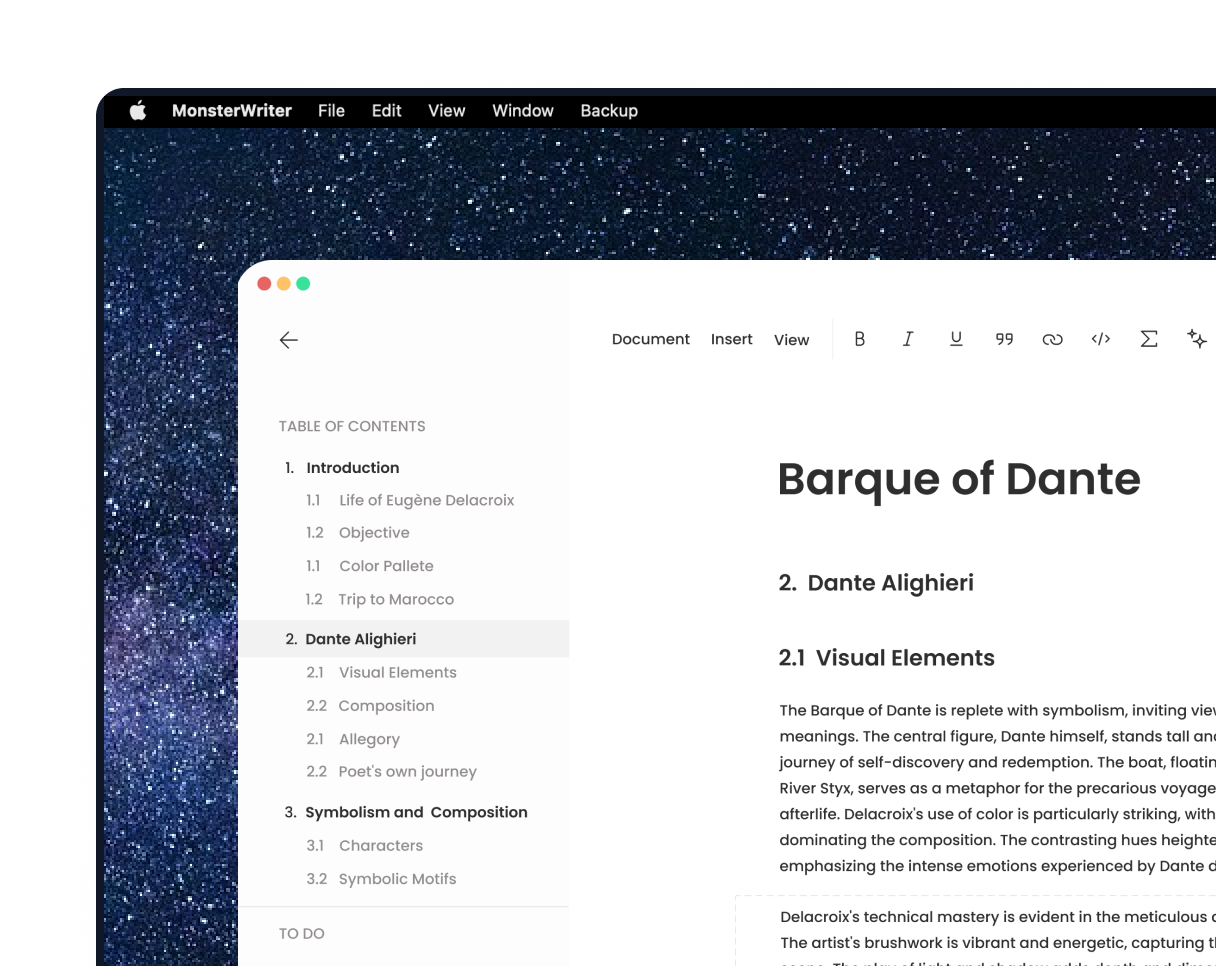
The best way to write a thesis or notes
Elevate your thesis effortlessly with the ultimate paper writing experience!
MonsterWriter assists students write exceptional academic papers by providing customized layouts that meet university requirements.
Article
Thesis
APA Style 7th Edition
Journal
And more templates
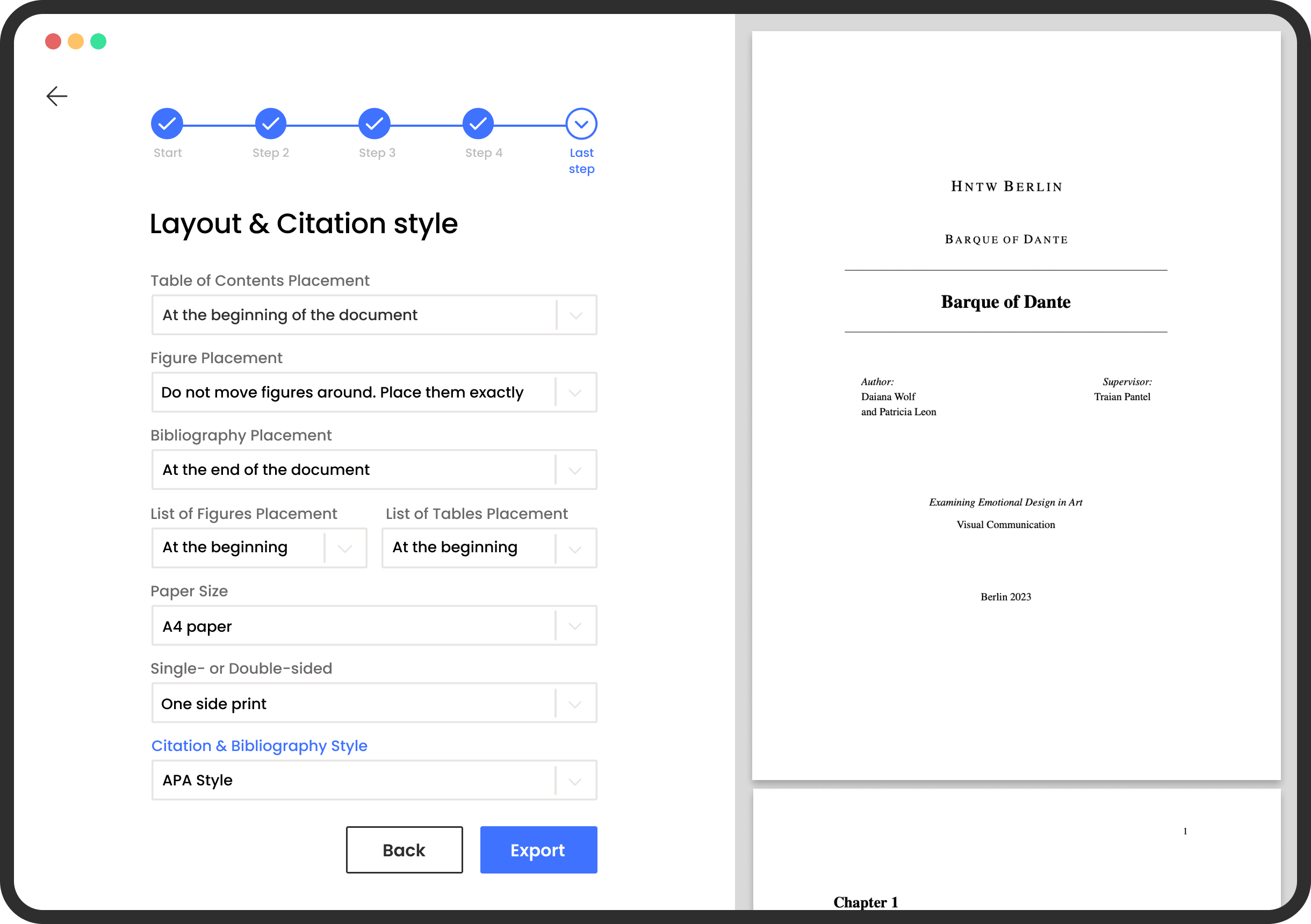
You focus on the content and MonsterWriter takes care of the final appearance of your paper.
Export as PDF, LaTeX, HTML, Markdown. Decide at the last moment what template to use.
Automatic citation supporting APA, Harvard, MLA, and IEEE standards.
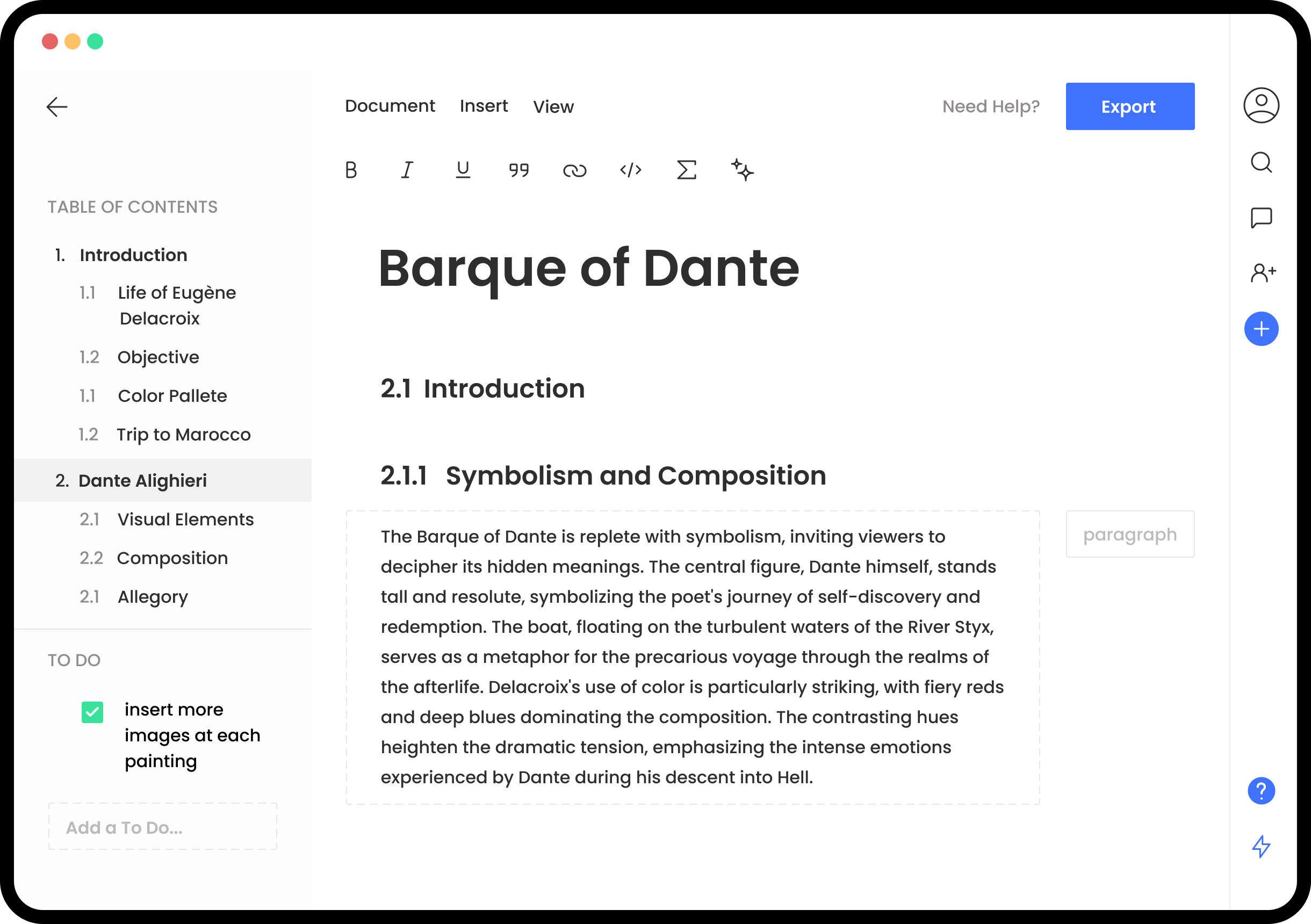
stay organized and always have a view on your document
list of Todo’s, so you never forget anything
add collaborations (coming soon)
change the section type OR add images
Revolutionize Your Thesis Workflow
Say goodbye to thesis writing struggles and hello to unmatched productivity and success!
MonsterWriter has helped students like you turn in outstanding thesis papers, and now it's your turn to join them!
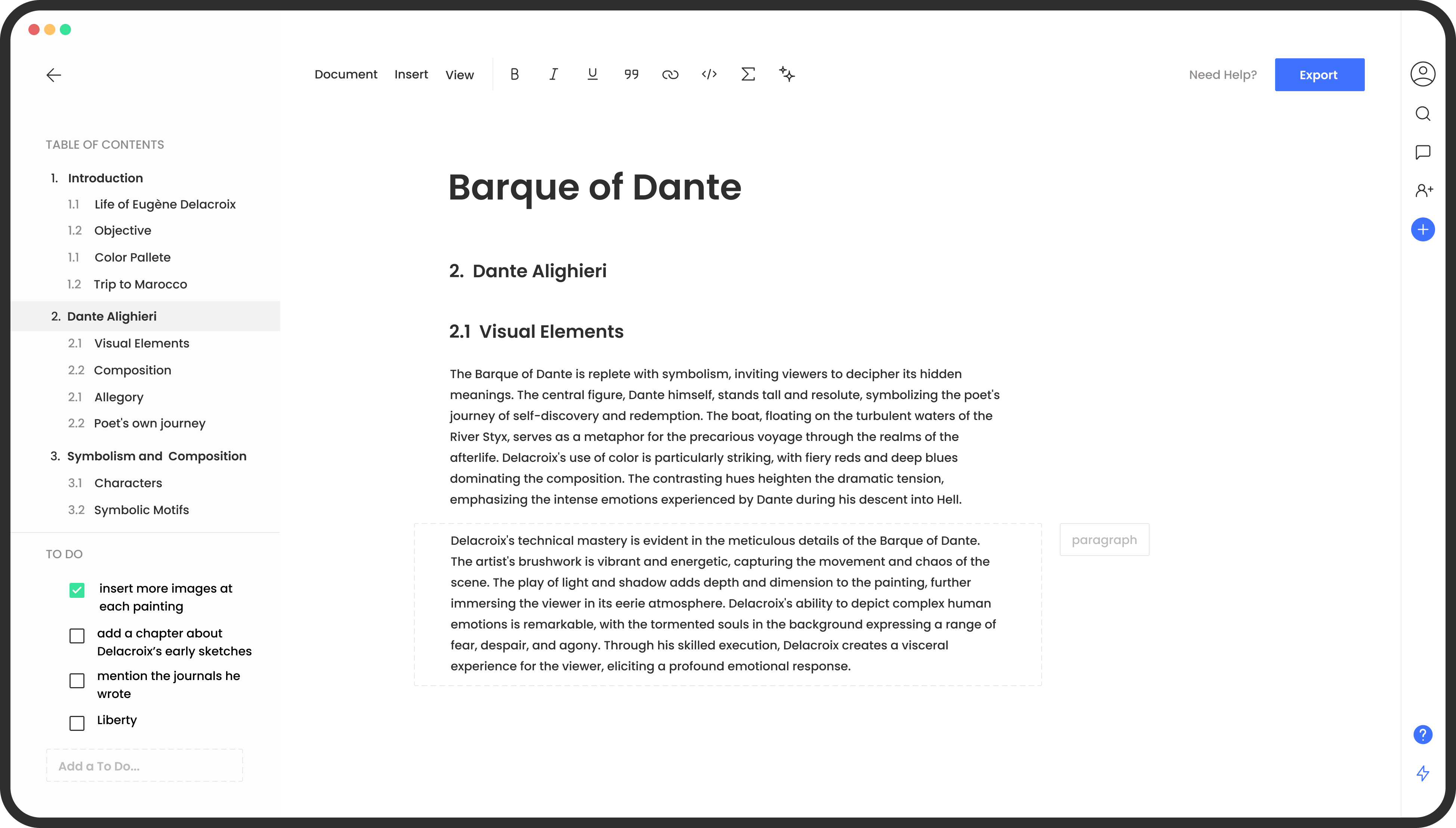
Focus on writing, not on formatting
By using the app, students can more effectively manage their time and avoid last-minute cramming
- Better time management
- Improved quality of work
- Easy access
Add citations automatically
The details of your citations will be added automatically by MonsterWriter when you enter a website link, the ISBN, or the DOI code of a quote you recently used in your paper.
- Don't stress about citations styles
- Beautifully organized References
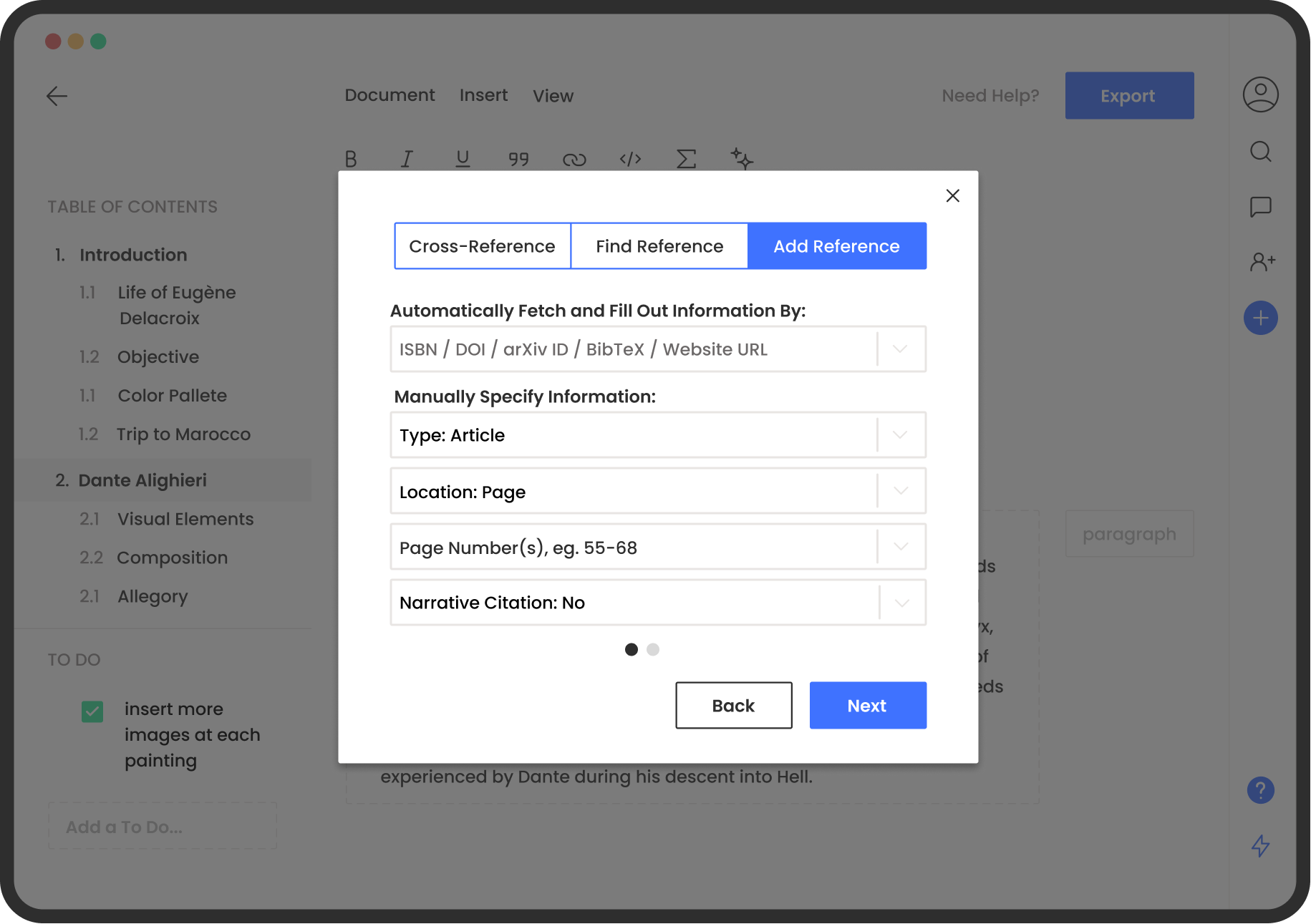
Write your way
Express yourself with rich text and content
MonsterWriter provides features for complex content. Equations, footnotes, bibliography, table of contents, captions, and more.
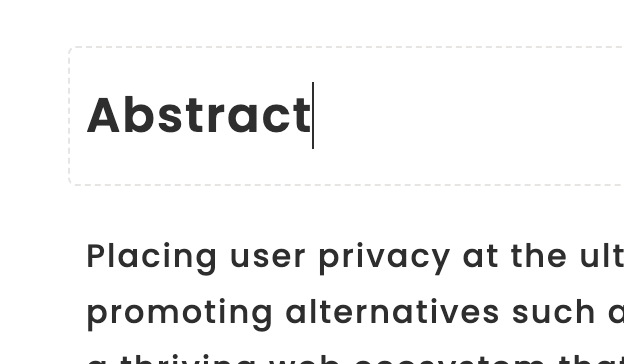

Academic Headings
Label headings for dynamic insertion upon exporting papers.
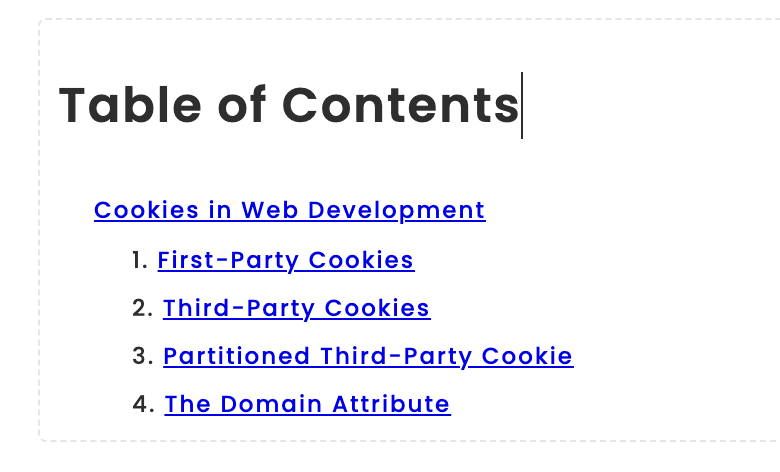

Table of Contents
A dynamic Table of Contests organizes all content. Updates automatically.


Images
Upload PNGs and JPGs as figures and give them a caption.
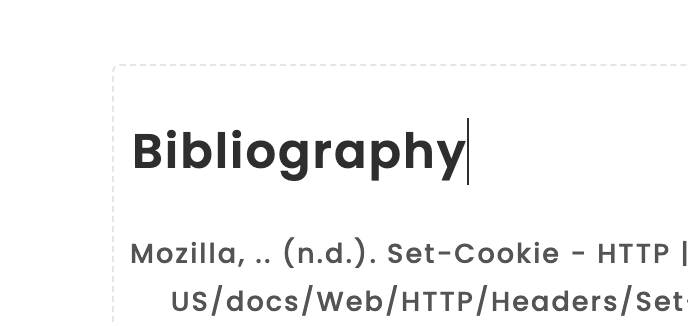

References
Add external references and cross reference sections, tables, figures, and more.
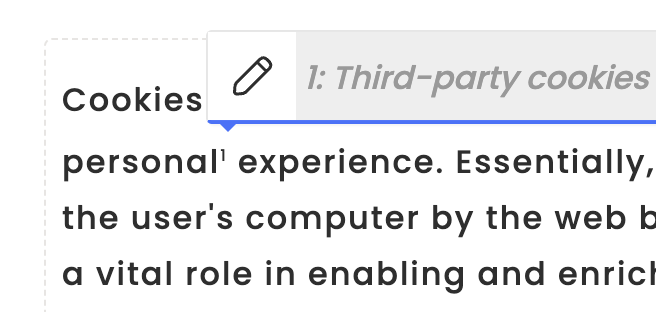
Footnotes
Add references and cross references between sections and documents.
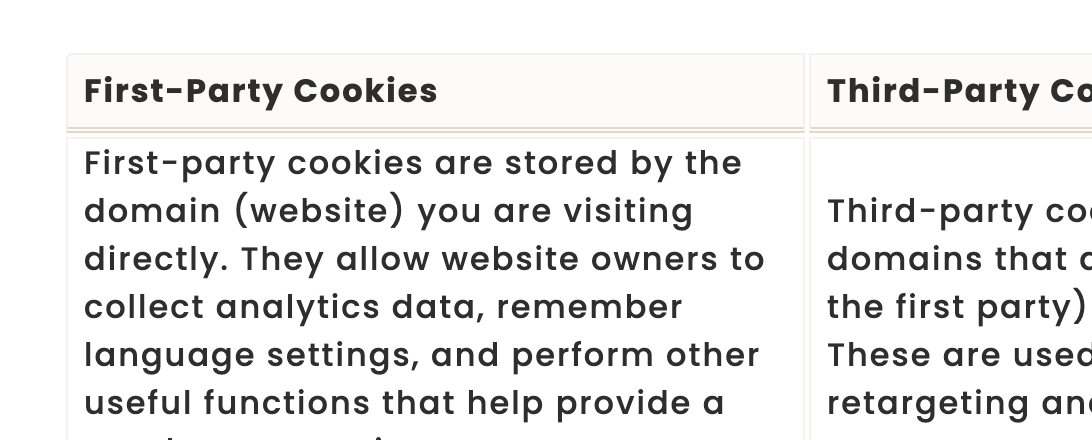

Tables
Add tables and give them a caption. Cross references them in your document.
Pricing
Help support further development and unlock new features
Free
- Write unlimited articles
- Create ToDo lists
- Templates access
- Connect to Zotero
- Import BibLaTeX
- Categorize documents
- Unlimited Exports
- Use in Browser
- Collaboration
- Teams
Monster PRO
- Write unlimited articles
- Create ToDo lists
- Templates access
- Connect to Zotero
- Import BibLaTeX
- Categorize documents
- Unlimited Exports
- Use in Browser
- Collaboration
- Teams
$34.99
Monster Cloud
- Write unlimited articles
- Create ToDo lists
- Templates access
- Connect to Zotero
- Import BibLaTeX
- Categorize documents
- Unlimited Exports
- Use in Browser
- Collaboration
- Teams (coming soon)
Don't let thesis writing stress you out anymore.
Download MonsterWriter and get on the path to success!