Get started fast with Klaviyo email templates
How to choose the best email template for your campaign
Template type
Start with what you’re sending. Filter by goal or use case—like welcome series, promos, announcements, abandoned carts, or win‑back campaigns—to see relevant templates built for that job.
Layout and design
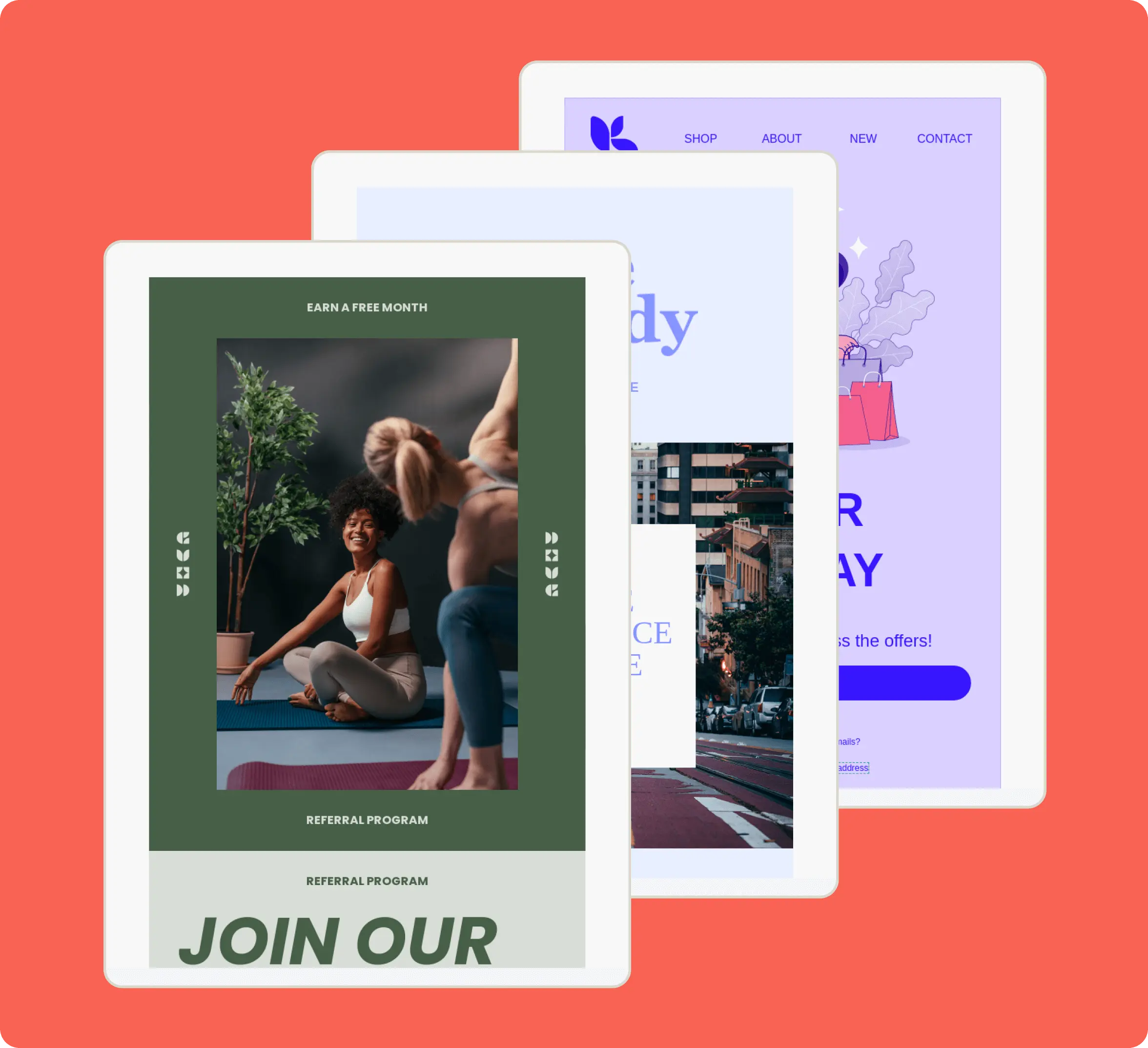
Narrow by layout: simple single‑column emails for quick updates, multi‑column grids to showcase products, or text‑forward designs for personal messages and order updates. Click any template to see the full design
Seasonal themes
Browse templates tagged for key moments—BFCM, Valentine’s Day, Mother’s Day, and dozens more—so your campaigns always feel timely.
How to customize template layouts, styles, and images
Intuitive drag-and-drop editor
Swap in your own text, images, buttons, columns, and tables in a few clicks—no HTML required. Rearrange blocks visually so every template matches your brand.
Global brand styles and content
Set your logo, colors, button styles, and fonts once, then apply them across templates for a consistent look across campaigns. Save whole sections as universal content you can reuse and update across multiple templates.
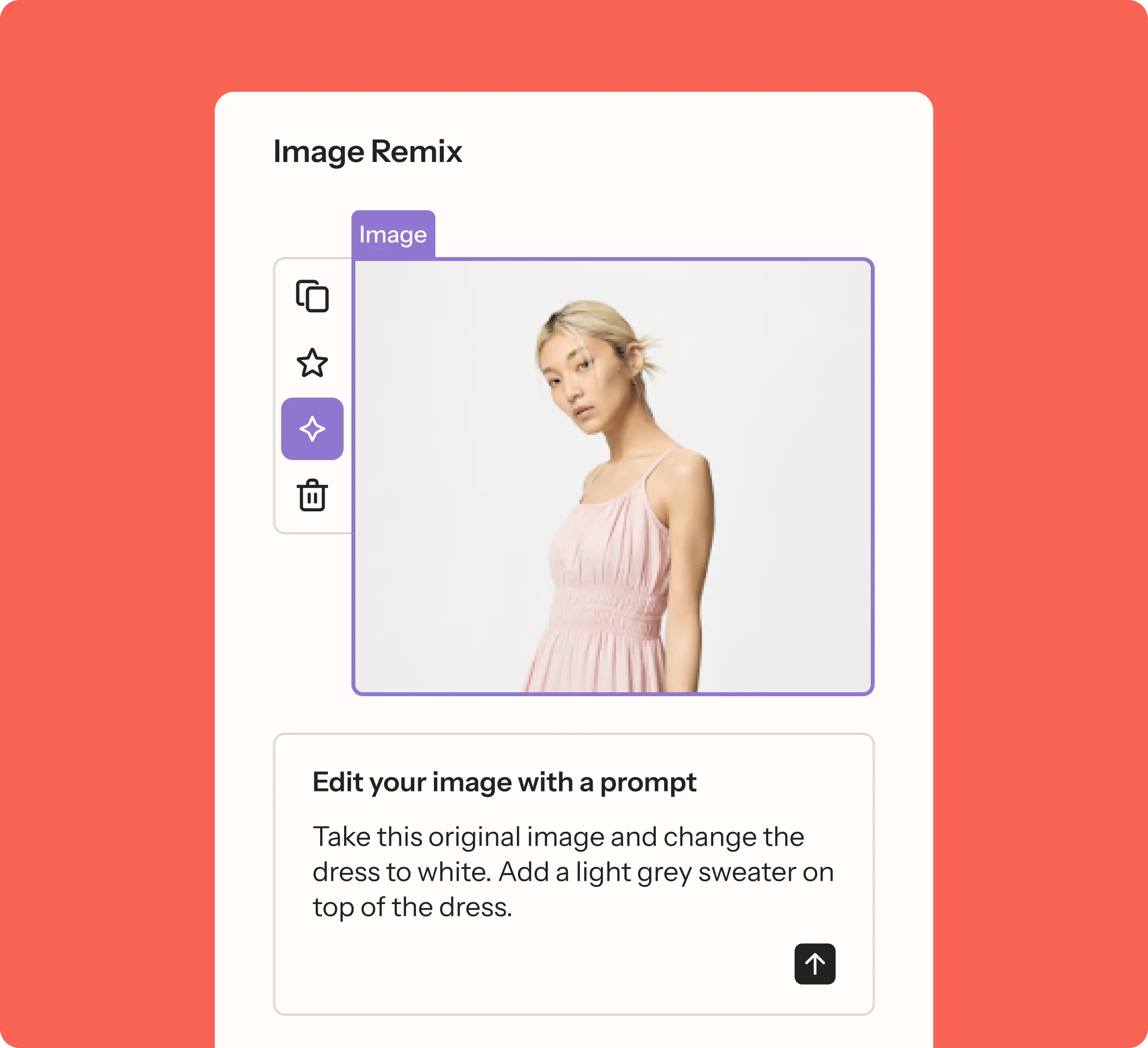
Image Remix Klaviyo AI
Use AI to edit images directly in the template editor: change backgrounds, swap colors, and add or remove objects with a simple prompt—no extra design tools required.
How to optimize email campaigns with AI
Built-in email AI Klaviyo AI
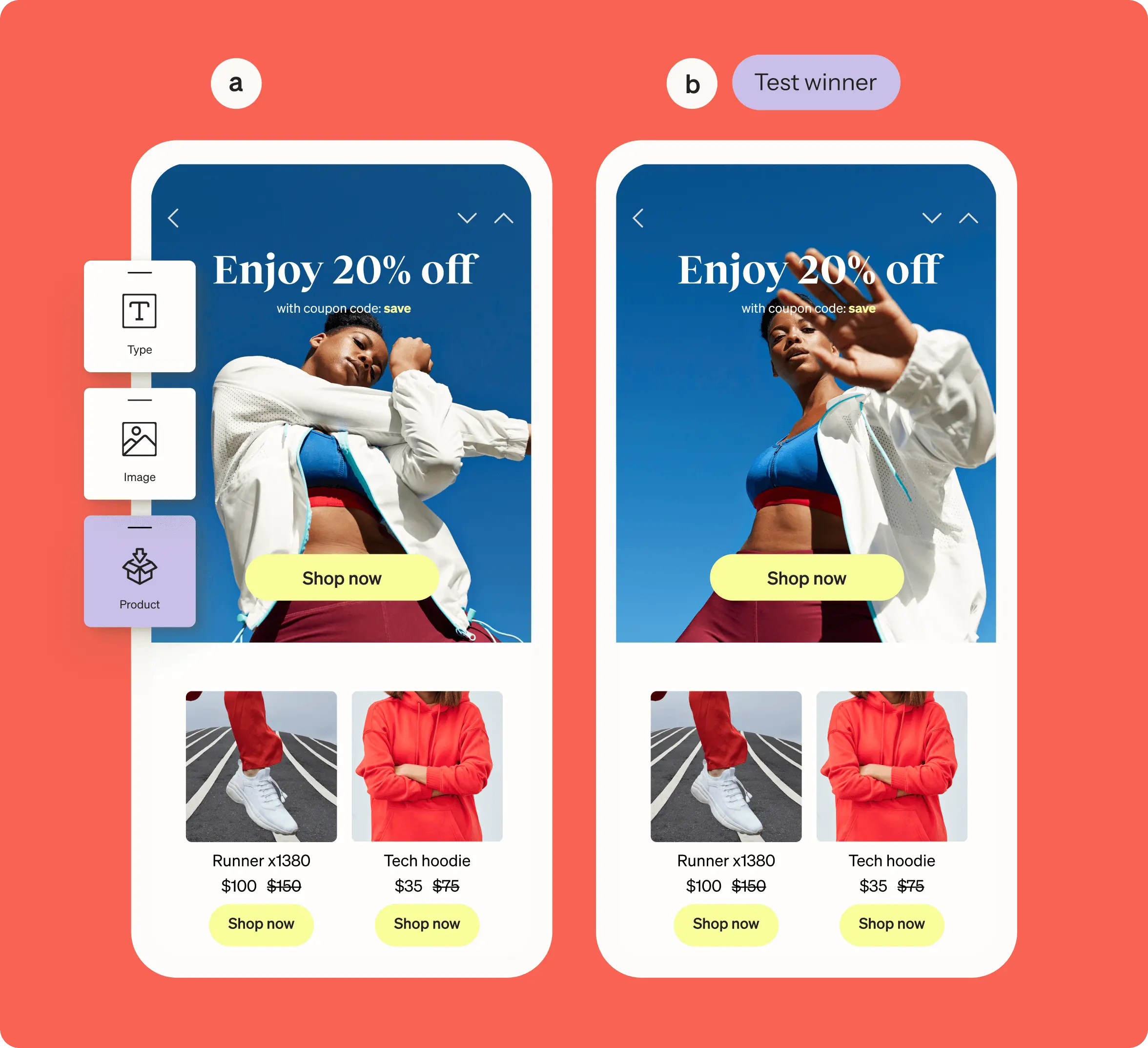
Generate subject lines, body copy, new sections, or entire emails in seconds. Run AI-powered A/B tests that predict the best-performing variant for each customer based on past engagement.
Dynamic product content Klaviyo AI
Automatically plug in product blocks that adapt to each shopper via AI-powered product feeds based on browse and purchase behavior.
Marketing Agent Klaviyo AI
Beat writer’s block before it starts. Marketing Agent can fully design and draft email campaigns for your review. It’s trained on your brand guidelines and adapts to results, seasonality, and benchmarks so timing, content, and offers stay relevant.
How to send out your campaign
Visual inbox testing
Preview how your email will look in popular inboxes, across devices, and in dark mode so you can catch layouts or contrast issues before you send.
Preview with real data
Test with live customer data by selecting a specific profile. Check that your template’s dynamic products, personalized content, and CTAs are all rendering exactly as expected.
Personalized send timeKlaviyo AI
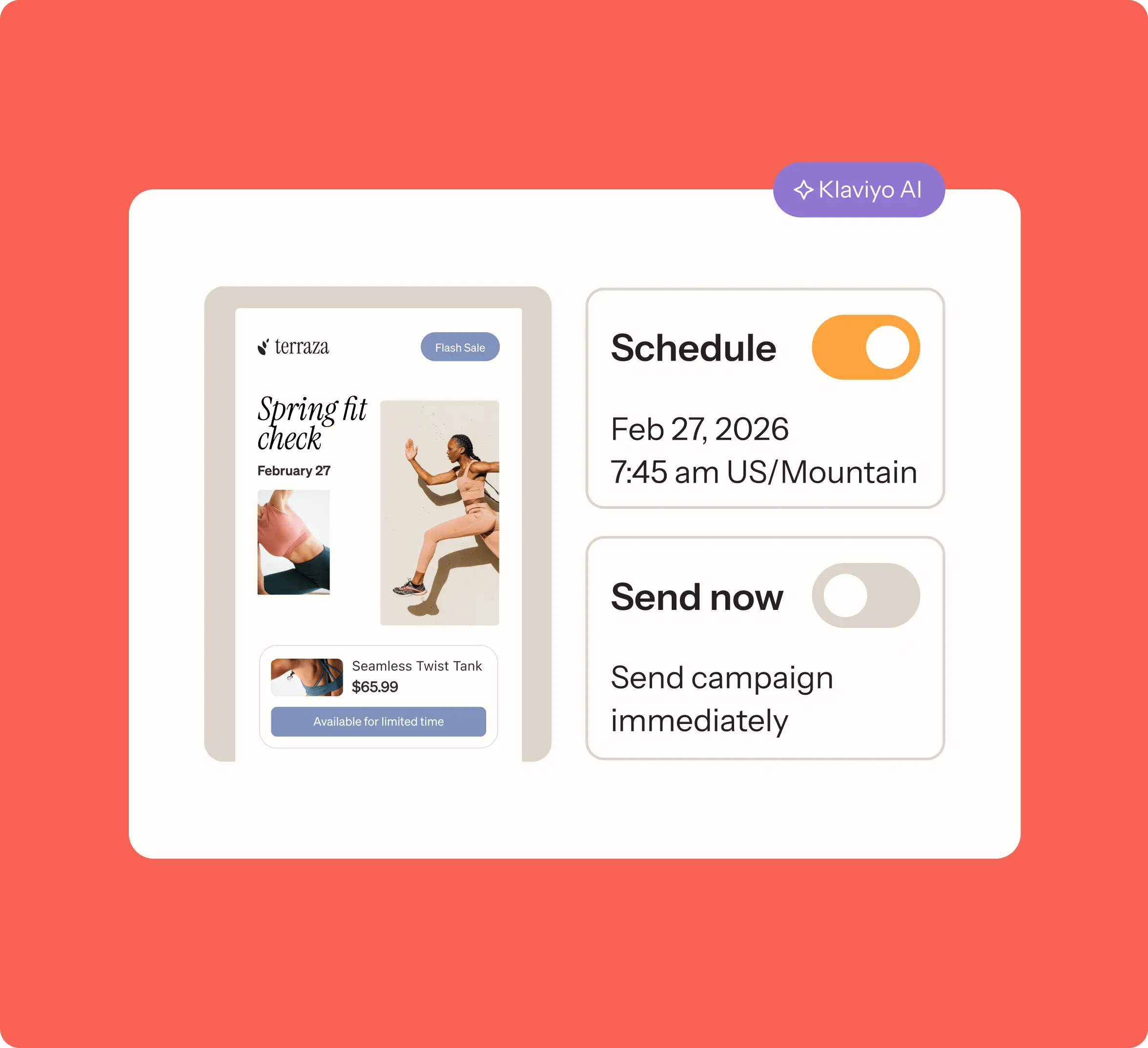
Deliver each email at the optimal time for every subscriber based on their historical open and click behavior, so your emails land when people are most likely to engage.