Create custom keyboard shortcuts for
anything
Google Docs
YouTube
Slack
Reddit
GitHub
localhost
Keysmith makes it easy to create macros for your Mac and the web
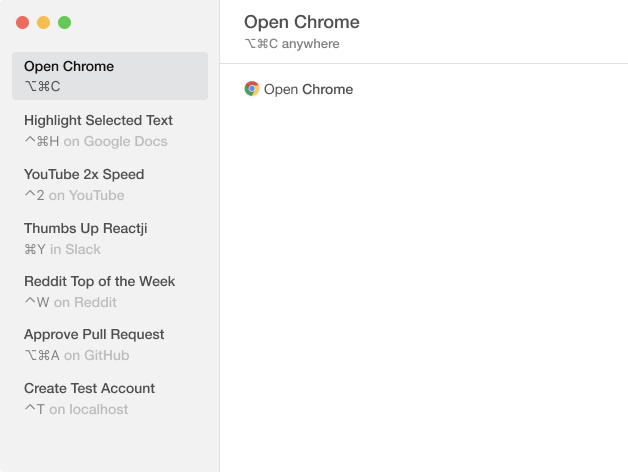
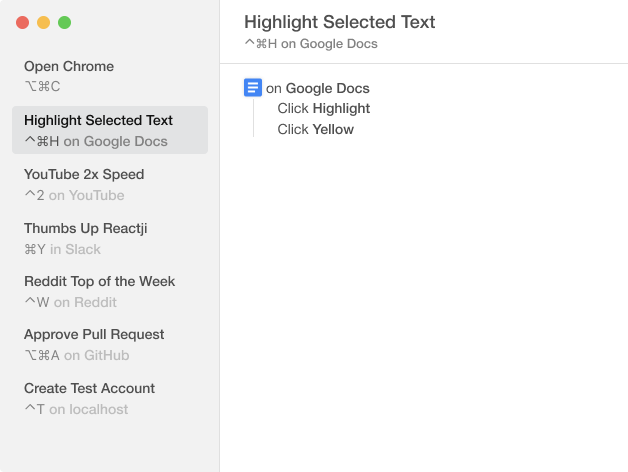
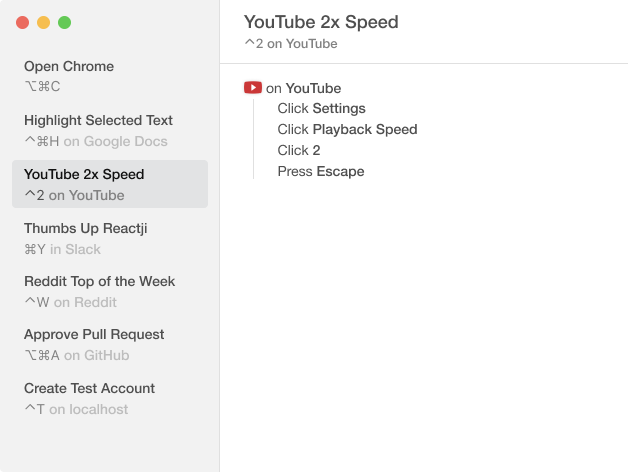
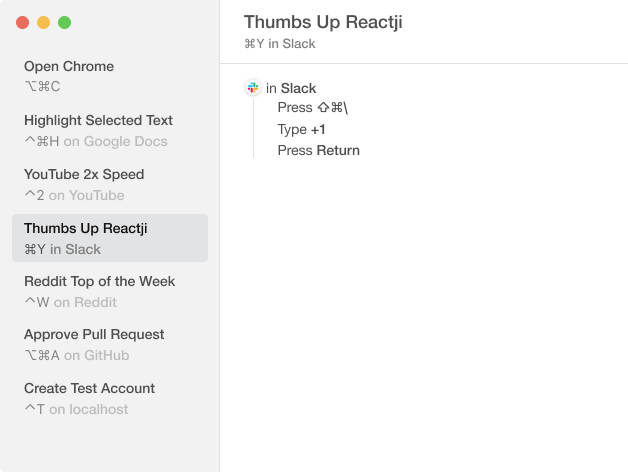
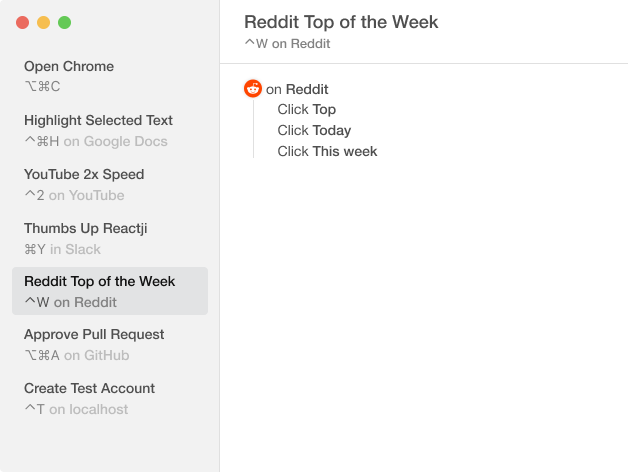
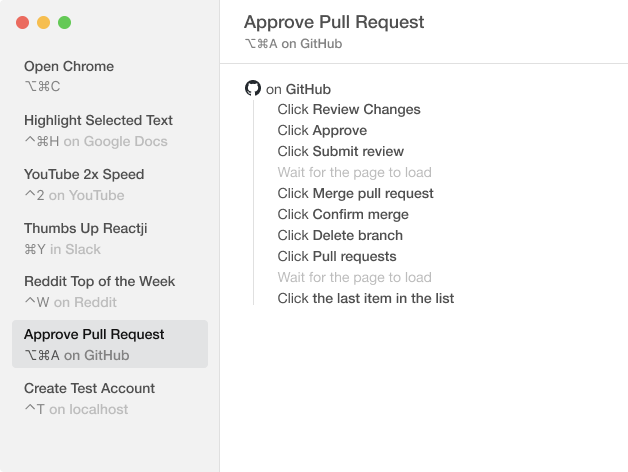
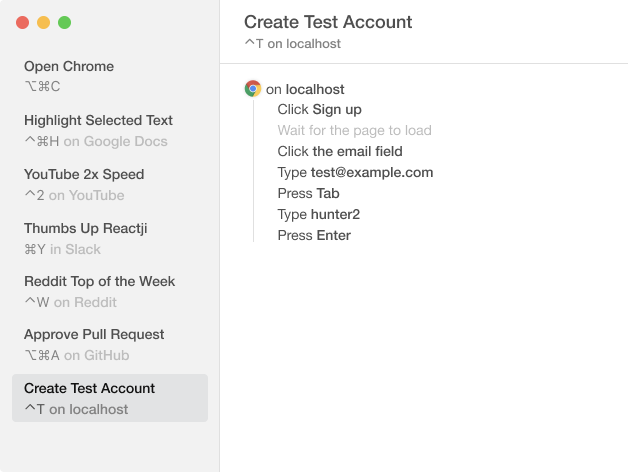
Watch and learn
Three easy steps
Record yourself
Hit record and Keysmith picks up what you're doing with your mouse and keyboard. Type some text, or click on buttons, menus, Dock items, lists, and more. Keysmith is smart enough to understand it all.
Set a Hotkey
Use a hotkey to trigger the macro from anywhere. Or create hotkeys that are triggered only within a specific app or website.
(Video slowed to 0.25x speed. It's seriously fast.)
Run it
Press the hotkey and watch Keysmith do all the typing, clicking, and browsing. Just like you did, but faster.
Everything you need

Smart recording
Keysmith detects buttons, lists, and page loads automatically

Run by name
No need to remember every hotkey. Run your macros by name with a Spotlight-like search bar

App-specific hotkeys
One hotkey can trigger different macros depending on what app is open

AppleScript support
Add AppleScripts as part of your custom macros, or make macros that just run an AppleScript

Generous free version
Experience all the features with no time limit, up to five macros at a time

Made for Mac
Written in Swift, with full support for Dark Mode and Retina displays
See what's possible
Attach PR
⌃⇧A on Trello

- Click GitHub
- Click Attach Pull Request...
- Click the first item in the list
 Open in Keysmith