Frequently Bought Together
Equipped with a compact 25mm trackball, 6 customizable buttons, and an adjustable control dial, the Keychron Nape Pro brings versatile control to a keyboard-first workspace. Its below-keyboard design helps reduce hand movement while supporting 8-angle placement for different setups. With ZMK customization and tri-mode connectivity across 2.4 GHz, Bluetooth, and USB-C wired modes, Nape Pro delivers a more efficient and personalized input experience for work, creativity, and everyday control.
Shipping Update: Pre-sale orders are now shipping progressively.

Keychron Nape Pro Wireless Trackball Mouse - is backordered and will ship as soon as it is back in stock.
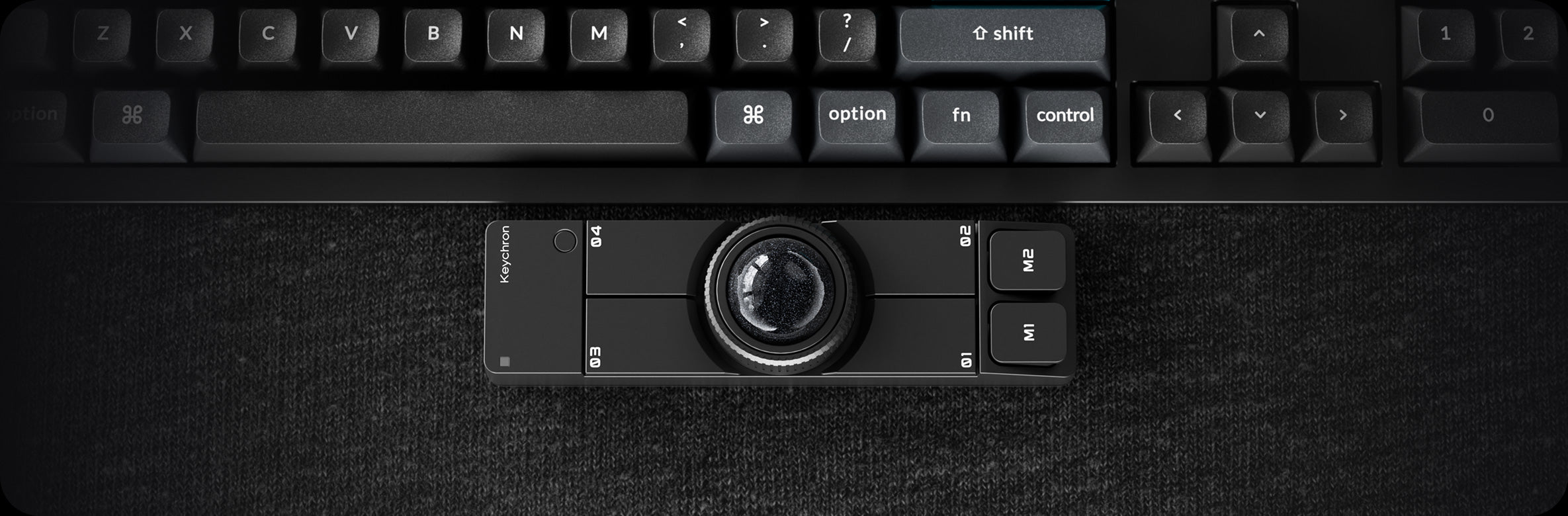
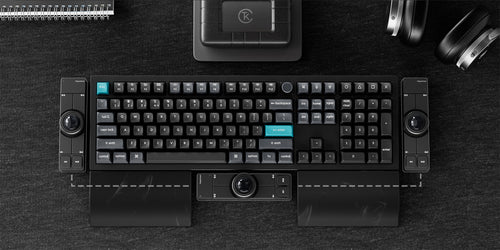
Below-Spacebar Design
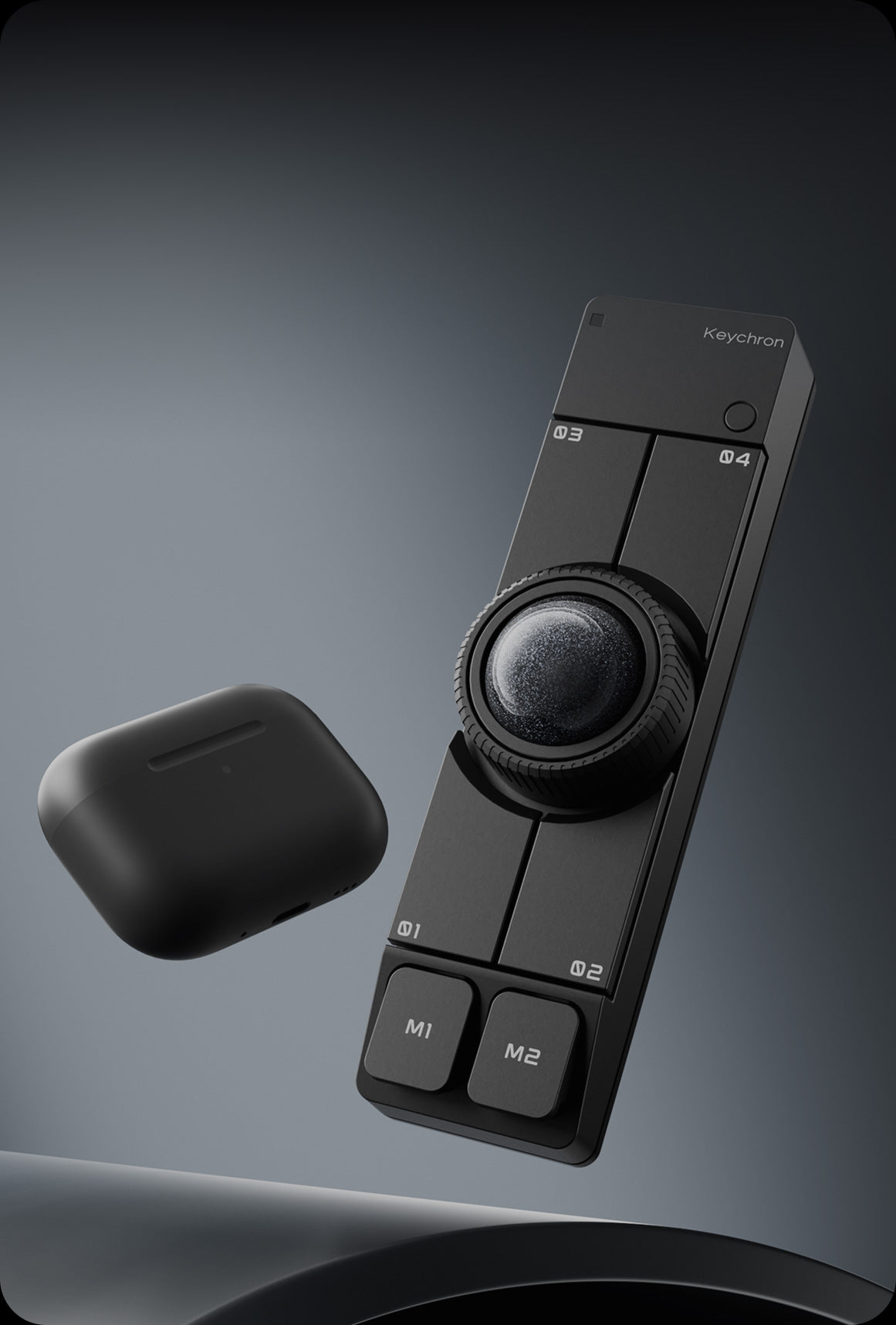
Space-Saving Design
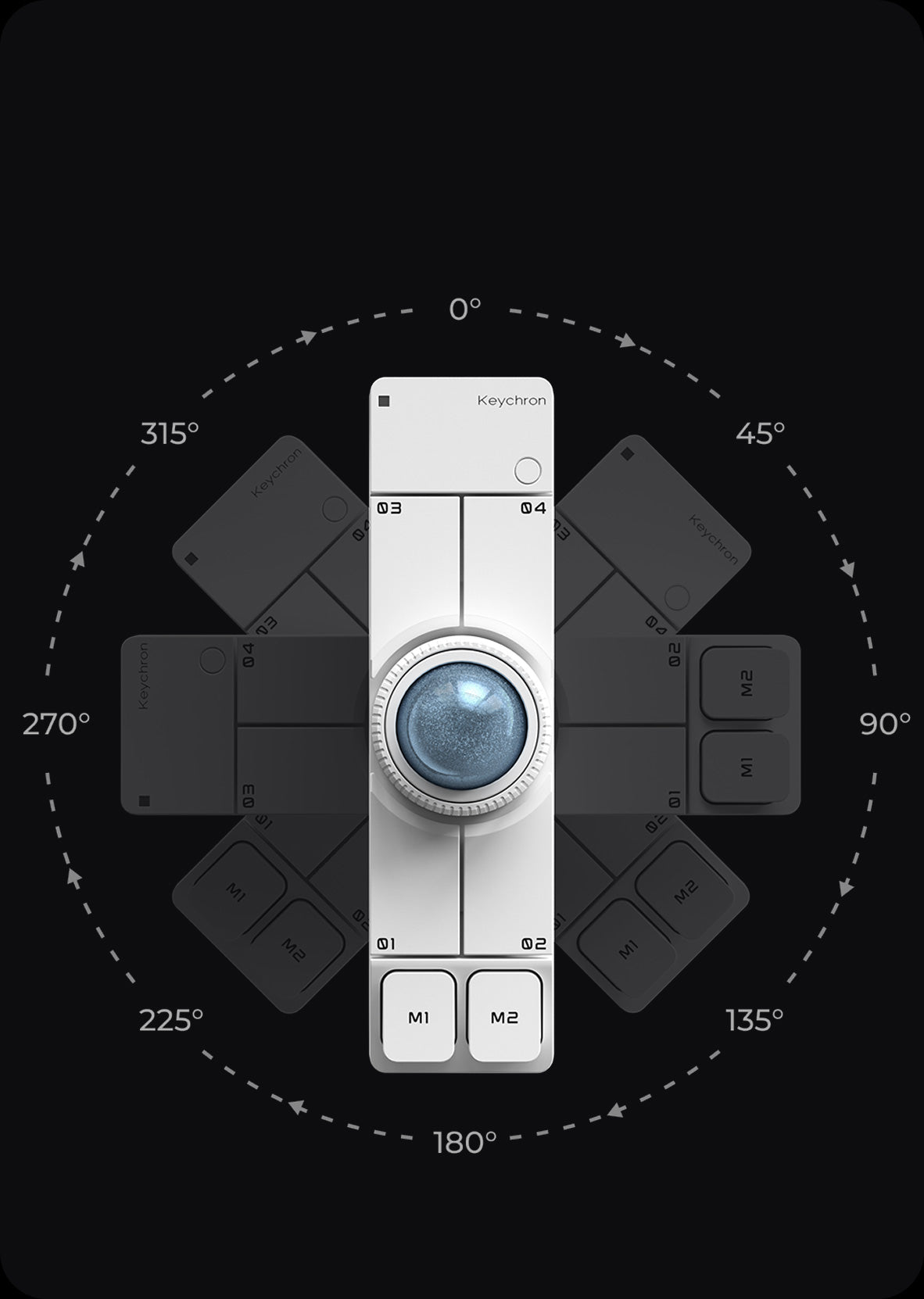
OctaShift 8-Angle Support

6 Custom Buttons

Tri-Mode Connectivity

ZMK Customization
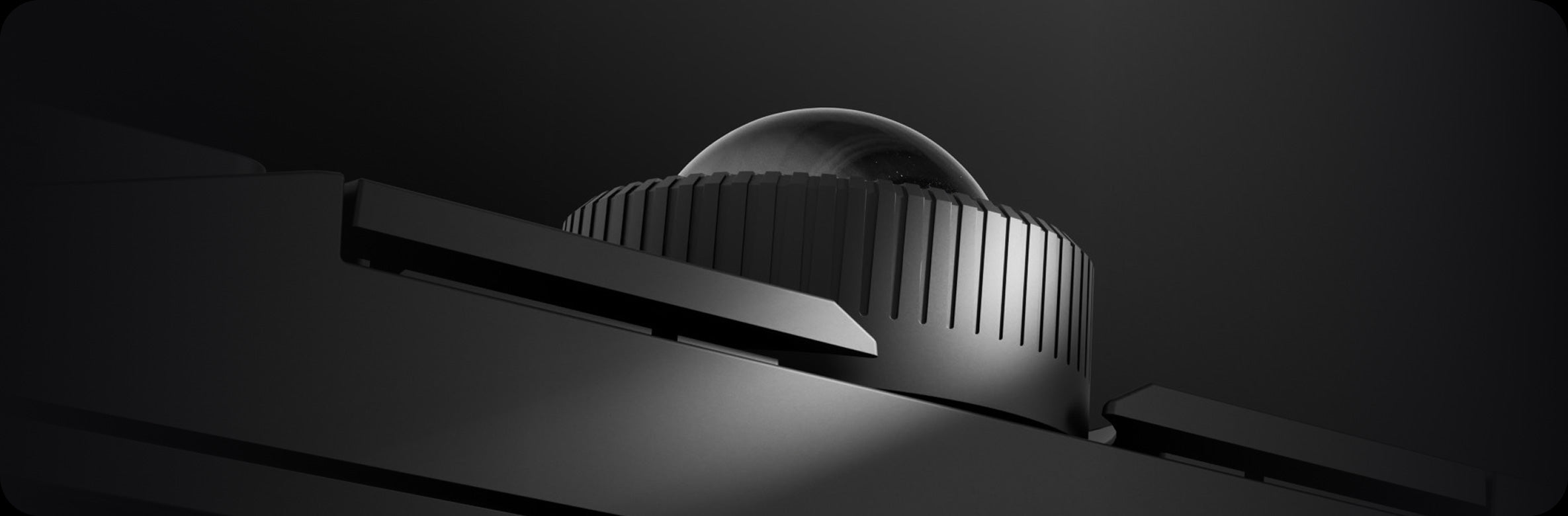
Programmable Control Dial

Silent Clicks
Keyboard Companion

Left-Hand Friendly

Macro Control Device

Presentation & Media Control
With core cursor control placed within your natural typing range, Nape Pro keeps your hands anchored around the keyboard area. Cursor movement, scrolling, clicks, and shortcuts happen without leaving your typing position, creating a more continuous and efficient interaction flow for long hours of work.
This reflects an inclusive control design approach focused on reducing interaction barriers in everyday computing. Instead of requiring users to adapt to the device, Nape Pro is designed to adapt to how people naturally work across different environments, workflows, and setups.

2.4 GHz & Bluetooth
Switch between 2.4 GHz wireless, Bluetooth, and USB-C wired mode to fit different devices and workspaces. Use 2.4 GHz for a low-latency desktop setup, Bluetooth for laptops, tablets, and multi-device workflows, or USB-C wired mode for stable control while charging. From your main desk to mobile work, Nape Pro stays ready for every setup.
Scroll pages. Zoom in. Scrub timelines. Adjust volume. The programmable control dial adds fast, intuitive control to everyday tasks, working alongside the trackball and 6 custom buttons to create a compact command center for your keyboard-first workflow.


With OctaShift, Nape Pro adapts to the way you work. Place it horizontally below your keyboard, vertically between a split keyboard, diagonally on either side, or next to a drawing tablet. Its 8-angle support keeps cursor movement natural after rotation, letting this wireless trackball mouse fit your hand position, desk layout, and workflow with ease.
Customize
Advanced Mode
Macro
Firmware
What's In The Box?

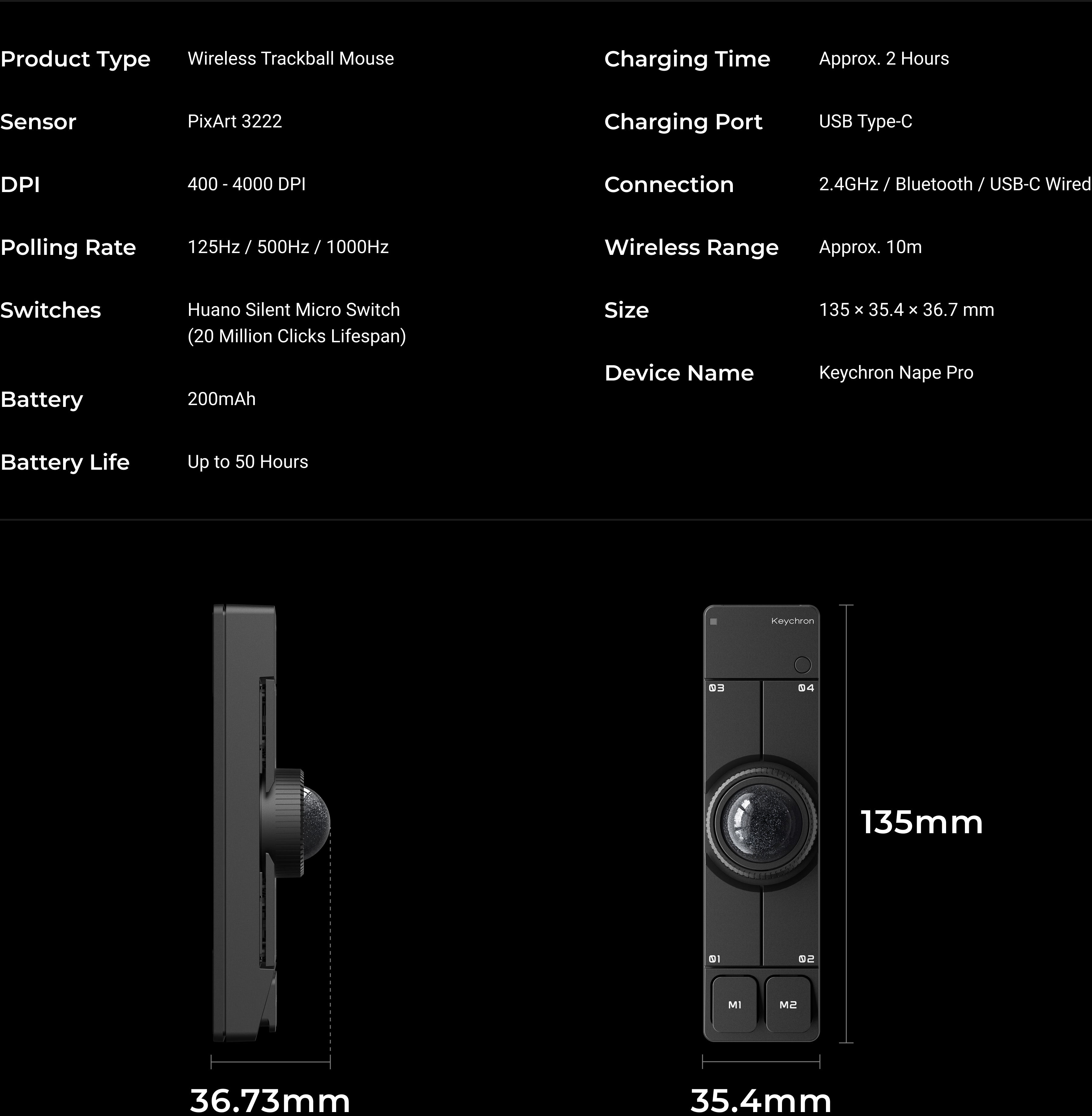
specs

Keychron Q0 Mini 8K Action Key

Keychron Big Kitty Paw Key


Keychron Thunderbolt 5 Dock (14-in-1)