
Smart home sensors show useful information and provide triggers around which you can build automations. But not all sensors are “useful,” and not all automations are obvious.
You’ll be amazed at what you can measure and automate with some of the weirder sensors on the market.
1 Bed occupancy sensor
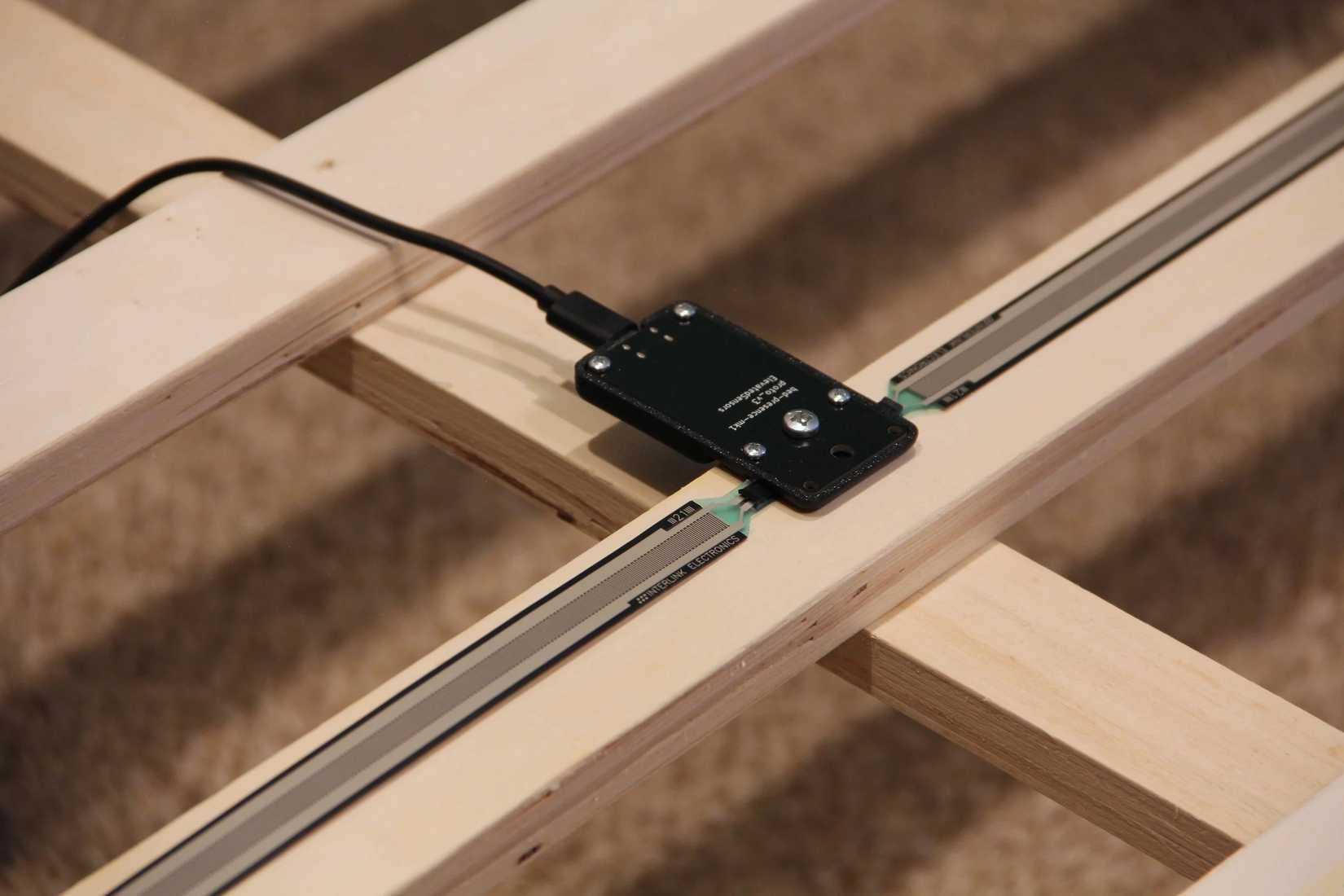
From Elevated Sensors comes Bed Presence for ESPhome ($55), which does exactly what it says on the tin. Available in two sizes (one for larger king and queen sizes, another for twins and smaller), this Wi-Fi sensor adds a simple reading to your Home Assistant dashboard to tell you which sides of the bed are occupied and the pressure reading associated with it.
At first glance, this might seem a bit weird. The sensor works out of the box with Home Assistant’s ESPHome integration, immediately logging two states: clear and detected. You could use this information to figure out how much time you spend in bed, but there are arguably easier and better ways of doing this (including wearables like the Apple Watch).
The real utility here comes in the form of the automations you can run. With a bed presence sensor, you can automate your morning routine based on when you get up. So you could start a coffee machine, raise the blinds, turn on some lights, or even disable an alarm system when you rise and shine. Just attach a time condition to your automations (like after 7 am) so that your home doesn’t spring to life when you get up at 3 am for a glass of water.
On top of this, you can use the sensor state as a condition in other automations. For example, you can tell your robot vacuum to clean the house at 10 pm, but only on the condition that you’re actually in bed. The possibilities are endless; you just need to have a good use case in mind.
This particular model of sensor is designed for slatted beds. If you have a different bed base, you’ll probably need a mounting kit ($6) too.
2 The Aqara T1 Cube Pro

The Aqara Cube T1 Pro ($23) is a controller and a sensor, all in one. In fact, it works as a controller by sensing its current orientation or input. Essentially, it’s a wireless six-sided dice that lets you control various aspects of your smart home by rotating, shaking, tapping, or reorienting the cube.
Arguably, the main reason to buy the T1 is as a novelty means of controlling your smart home. You probably use scenes around your smart home, and the cube comes with a “scene mode” designed specifically for triggering such routines. Trigger your movie scene by rotating the cube and putting it down, or shake your cube to turn on all the lights in the house.
There are some really niche uses that you can explore. One Reddit user turned theirs into a “Guestinator” for visitors. Others use theirs to trigger devices like blinds, adjust volume, and so on. You can also use the last-registered state of the cube in your other automations, as a condition.
The Cube is a Zigbee device, and should work with generic Zigbee radios via Home Assistant’s Zigbee Home Automation and Zigbee2MTT integrations.

Aqara T1 Pro
The Aqara T1 Pro is a cube-shaped controller for your smart home. Trigger scenes and other automations by rotating, shaking, tapping, and moving the cube around. The T1 works with Aqara's own hub and integrates with Home Assistant using a variety of other Zigbee gateways.
3 Soil moisture sensor
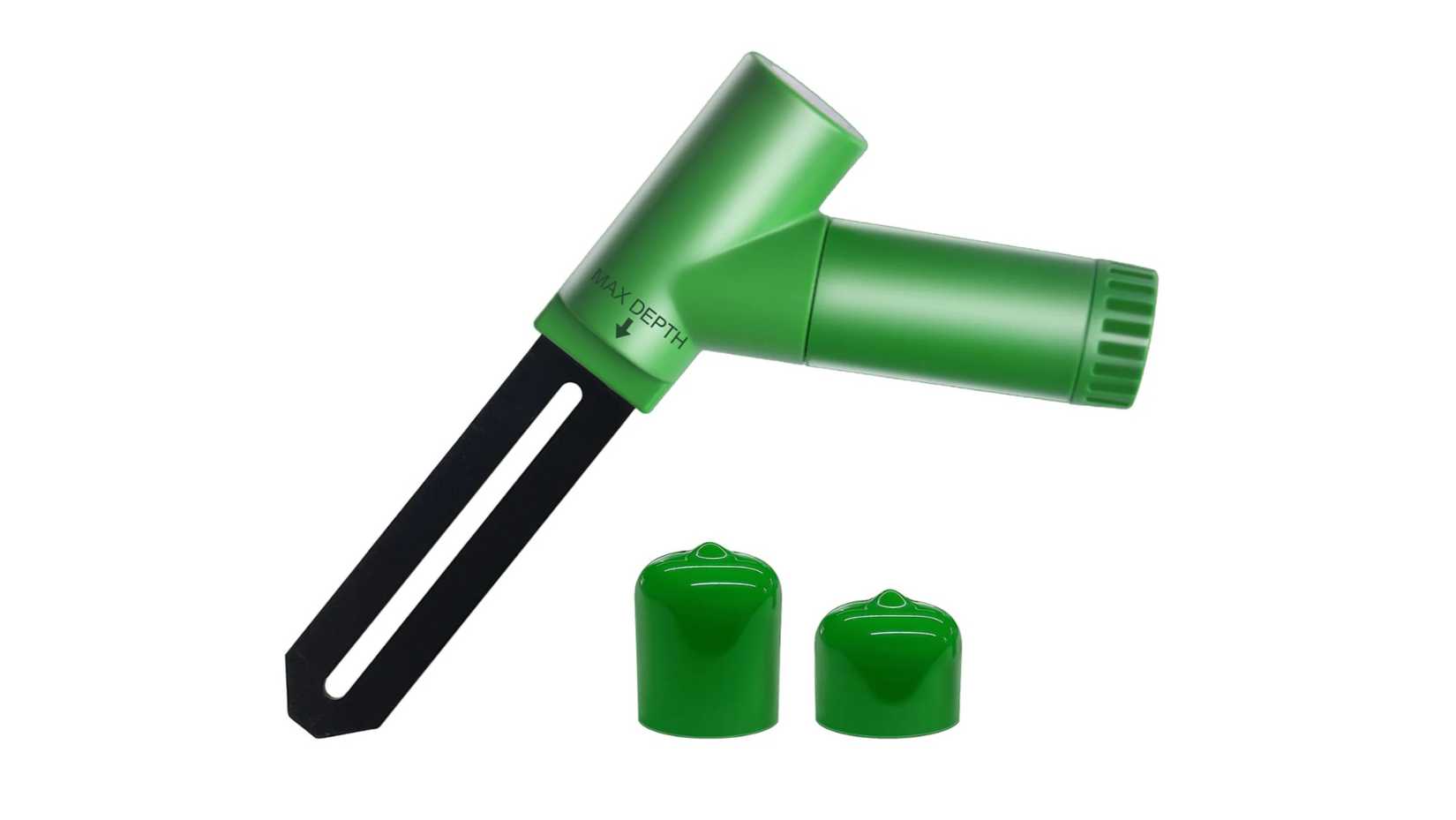
Are you always killing your houseplants by forgetting to water them? Maybe you’re over-zealous, and water them to death instead. We’ve all been there, so why not take the guesswork out of keeping your plants alive and use a soil moisture sensor?
These small battery-operated sensors live in your plant pots and report the moisture content of the soil. You can then use this value to trigger notifications via an automation, or go a step further and set up automated watering systems if you’re feeling especially handy.
Which you choose really depends on what you’re already using. Brands like Tuya and Third Reality have Zigbee options, EcoWitt's WH51 sensors ($18) get rave reviews but depend on a proprietary gateway, and brands like Apollo use simple Wi-Fi. One Home Assistant forum poster did a shootout and found that a brand called Haozee worked pretty well too.
4 Lightning detection sensor
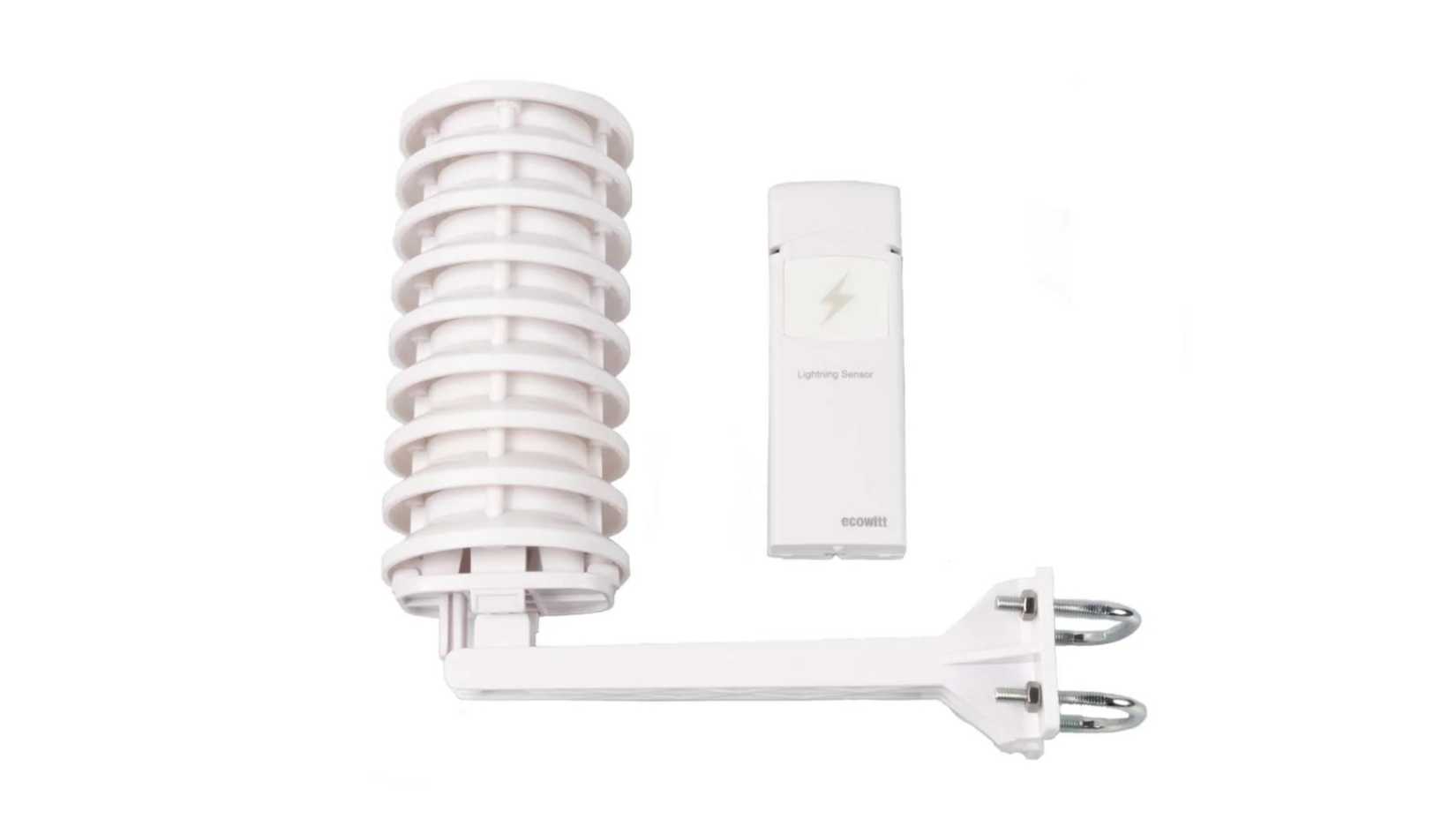
Are you a bit of a weather freak? A lightning detection sensor might be just what you need. The EcoWitt WH57 ($56) is one such sensor that attaches to your roof and can detect lightning strikes as far as 25 miles away. It can warn you of an incoming storm and let you know how far nearby strikes are and when they occur.
You’ll need the companion EcoWitt gateway for this to work, after which you’ll be able to integrate these devices within Home Assistant using the Ecowitt integration. If you like the idea of a lightning sensor and a project, you could also build your own with an ESP32 microcontroller.
Beyond giving you hyperlocal weather information, you can use lightning strike data to trigger automations. If you have windows that can be controlled via an automation, you could automatically close them. Alternatively, you could use the “open” condition of a simple window sensor to send you a notification when a storm is approaching.

EcoWitt WH57 Outdoor Wireless Lightning Detection Sensor
- Temperature Range
- 32~122F
- Monitors
- Detects lightning bolts and storms within 25 miles
The EcoWitt WH57 is an out door lightning detection sensor that works with EcoWitt's existing gateways and can sense lightning strikes as far as 25 miles (40 km) away. Use it with Home Assistant via the EcoWitt integration to track and set up automations based on local weather conditions.
5 BBQ or smoker temperature sensor

Tired of monitoring your barbecue manually? That’s where Inkbird’s grill sensor comes in. Connect the sensor to your cooking appliance of choice (Inkbird says its sensors are compatible with most major brands) and monitor the temperature remotely.
The IBT-6XS ($70) is a Bluetooth barbecue thermometer which works with Inkbird’s own app and, as long as you have Bluetooth on your server, should also work with Home Assistant via the Inkbird integration. Inkird also makes the ISC-027BW ($200), which combines fan control so that you can automate cooking, but this doesn’t seem to be supported in Home Assistant at present.
Either way, a connected thermometer could be useful to trigger notifications or even a light color change when things get too hot.
Looking for some more sensible sensors? Check out some of our favorite security and sensor sensors, including one you should buy even if you don’t yet have a smart home setup.