
Buying an SSD mostly comes down to two choices these days: speed and capacity. You might be tempted to go all out and get the fastest SSD you can reasonably afford, but I am here to tell you that it's most likely not worth it.
The difference when going from one SSD to another might feel underwhelming, but it'll still cost you a pretty penny. Here's everything you need to know about SSD speeds to help you allocate your budget accordingly.
Invest in the right type of SSD, not in the speed
SATA SSDs need to go
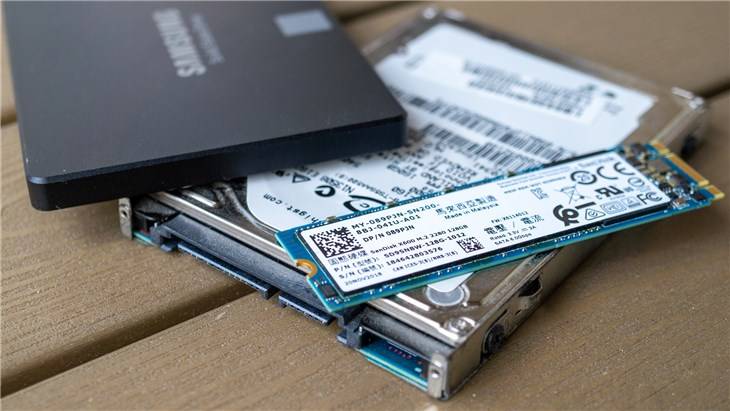
Before worrying about speeds, think about the type of SSD you'll be buying.
A hard drive (HDD) stores data on spinning magnetic platters, and it uses a mechanical arm to read and write information. If you're still using an HDD for running programs instead of just for storage, any SSD will be a massive improvement.
SATA SSDs keep the same basic interface but replace the spinning disk with flash memory. They top out at around 550MB/s because they still use the aging SATA interface and the AHCI protocol that was designed for hard drives, not flash storage.
NVMe SSDs are the go-to right now. An NVMe SSD uses the PCIe interface instead of SATA, which is significantly faster. Even older, PCIe 3.0-based drives offer sequential read speeds up to 3,500MB/s, while the latest PCIe 5.0 SSDs can hit up to 14,900MB/s.
Although there's a big chasm between 3,500MB/s and 14,900MB/s, the difference is still nowhere near as noticeable as when you upgrade from an HDD to an SSD.
As long as you get the correct type of SSD, you'll be fine. I would aim for NVMe SSDs at this point unless you need secondary storage and find a great deal on a SATA SSD. HDDs need to be taken out to pasture (unless you need bulk storage).
The fastest SSDs can cost a small fortune
And it's almost never worth it
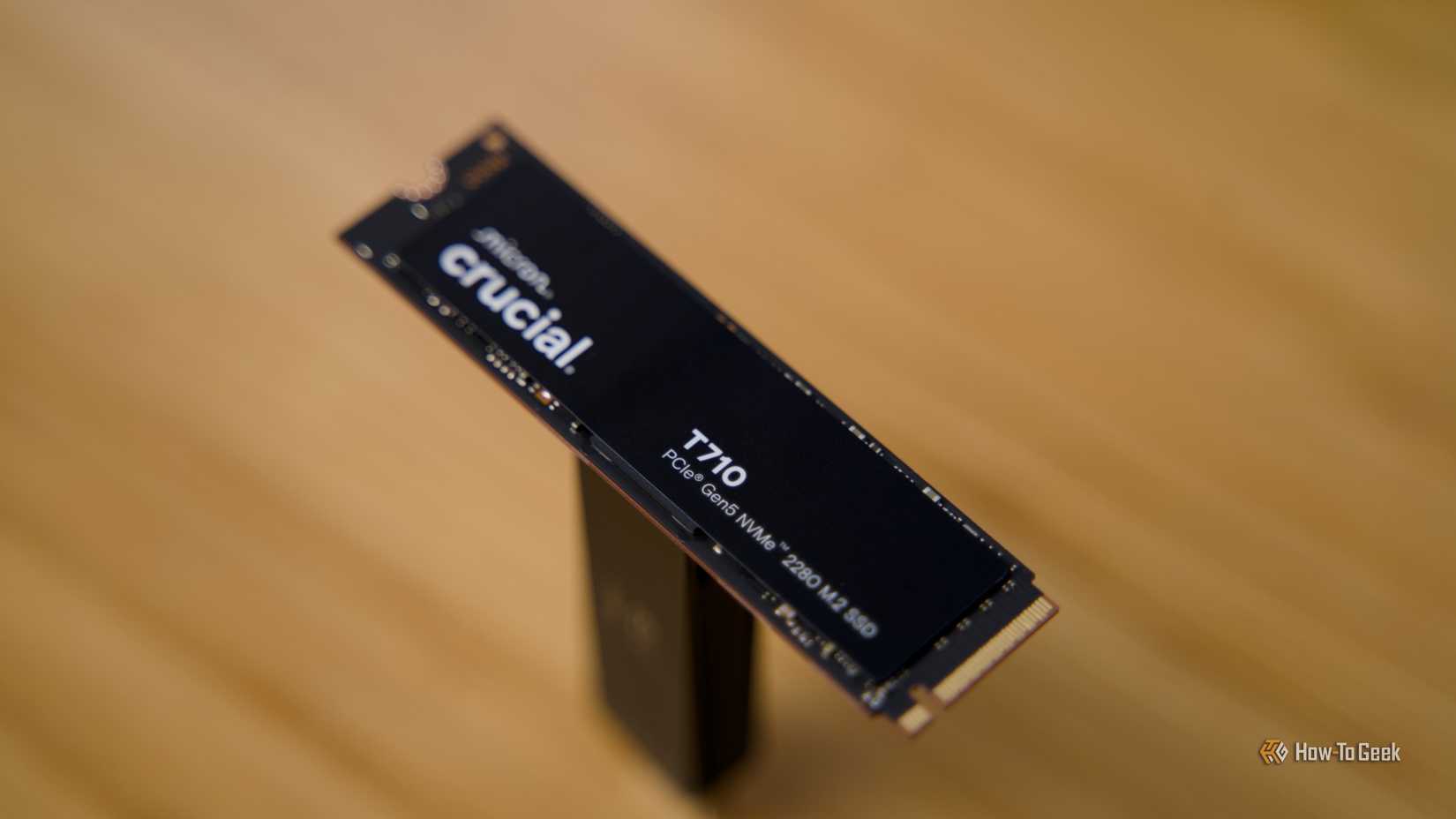
Let's have a quick look at Amazon and compare some prices. They might look different by the time you read this, so keep that in mind.
First, just because, a 1TB SATA SSD. I'm finding models in the $60 to $85 range, and they're all around 550MB/s. Thanks, I'll pass.
Next, a 1TB PCIe Gen 3 M.2 NVMe SSD costs around $75, but the speed is significantly higher, ranging from 3,200MB/s to 3,600MB/s.
You'll often spend about the same on a 1TB PCIe 4.0 drive, although the faster options tend to inch closer to $100. If your motherboard can support it, you're much better off buying a PCIe 4.0 NVMe SSD, as you're getting roughly double the peak sequential speed of PCIe 3.0 at a similar price.
Things get trickier once we get to the fastest generation currently available: PCIe Gen 5.0. There's a wide range of speeds and prices to choose from. On the lower end, you'll find drives like the Crucial P510 that can reach up to 11,000MB/s and costs $90 at the time of writing. The older Crucial P310 (PCIe Gen 4.0) maxes out at 7,100 MB/s and is priced at $80.
But on the higher end of that spectrum, you'll find drives like the Samsung 9100 Pro, with read speeds of up to 14,700MB/s. The WD_Black SN8100 offers up to 14,900MB/s, as does the Crucial T710. All three cost around $200 when not on sale.
The worst part is that you probably won't notice much of a difference if you upgrade from the $80 Crucial P310 to the Samsung 9100 Pro, but your wallet will be a lot lighter.
Crucial T710 PCIe Gen5 NVMe SSD
$180 $200 Save $20
- Storage capacity
- 1TB, 2TB, 4TB
- Hardware Interface
- M.2 NVMe
- Brand
- Crucial
- Transfer rate
- 14.9GB/s read, 13.8GB/s write
- TBW
- 600, 1,200, 2,400
The Crucial T710 is an impressive drive that offers out-of-this-world speeds. It's a solid choice for content creators, but it's definitely not cheap.
You may not see much of a difference if you buy an expensive SSD
When "fast" becomes "too fast"

The jump from an HDD to any SSD is mind-blowing. The jump from a SATA SSD to an NVMe drive is less incredible, but still significant.
But from one NVMe SSD to the next, you won't see much of a difference. While there's a huge difference in sequential read speeds if you go from 3,500MB/s to 14,900MB/s, the real-world difference is harder to spot. SSD speeds get hit by diminishing returns, and they get hit hard.
The thing is that if your loading screens are already down to mere seconds — which they are if you're using an NVMe SSD — you won't have that "wow" effect anymore when you upgrade. It won't be the same thing as slashing the Windows boot-up time from three minutes down to 20 seconds. It'll be more like reducing loading screens in some games from eight seconds to five.
Many benchmarks, including our own, reveal that a faster SSD has next to no impact on gaming. Modern NVMe drives are too fast for us to really notice, and shaving off a couple of seconds here and there is not worth an extra $25 to $125.
There are better ways to spend that money
Plenty of ways, in fact
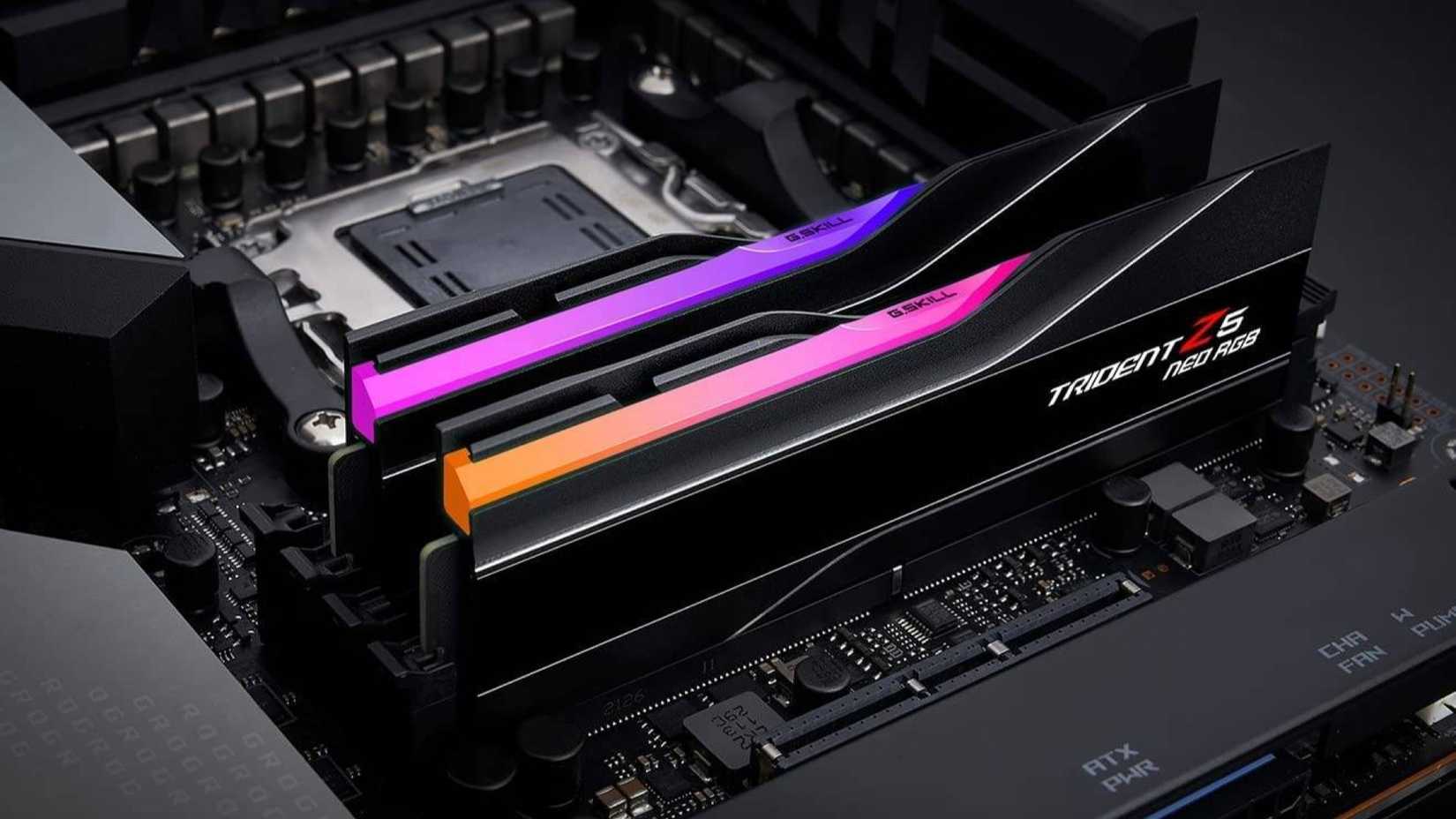
It might feel tempting to spend more money and get that super-speedy SSD, but trust me, it's not worth it; not when there are better things to buy.
The first and most obvious suggestion is to get more capacity instead of higher speeds. You shouldn't use one big SSD for everything, so you can just pick up two PCIe 4.0 1TB SSDs and still save money compared to buying one 1TB 14,900MB/s drive. A portable SSD is also an option if you want fast, reliable storage for backups.
If you don't want another SSD, you could always get more RAM, although that's currently terribly overpriced thanks to ongoing shortages. Keep in mind that RAM speeds suffer from similar diminishing returns, so you're better off buying the average RAM kit instead of the best one.
A better power supply is another smart, fairly inexpensive upgrade. Get yourself a little power headroom or a more efficient PSU. Going from a Bronze efficiency rating up to Gold means better thermals and quieter performance.
Who really needs a faster SSD?
Some people do, but do you?
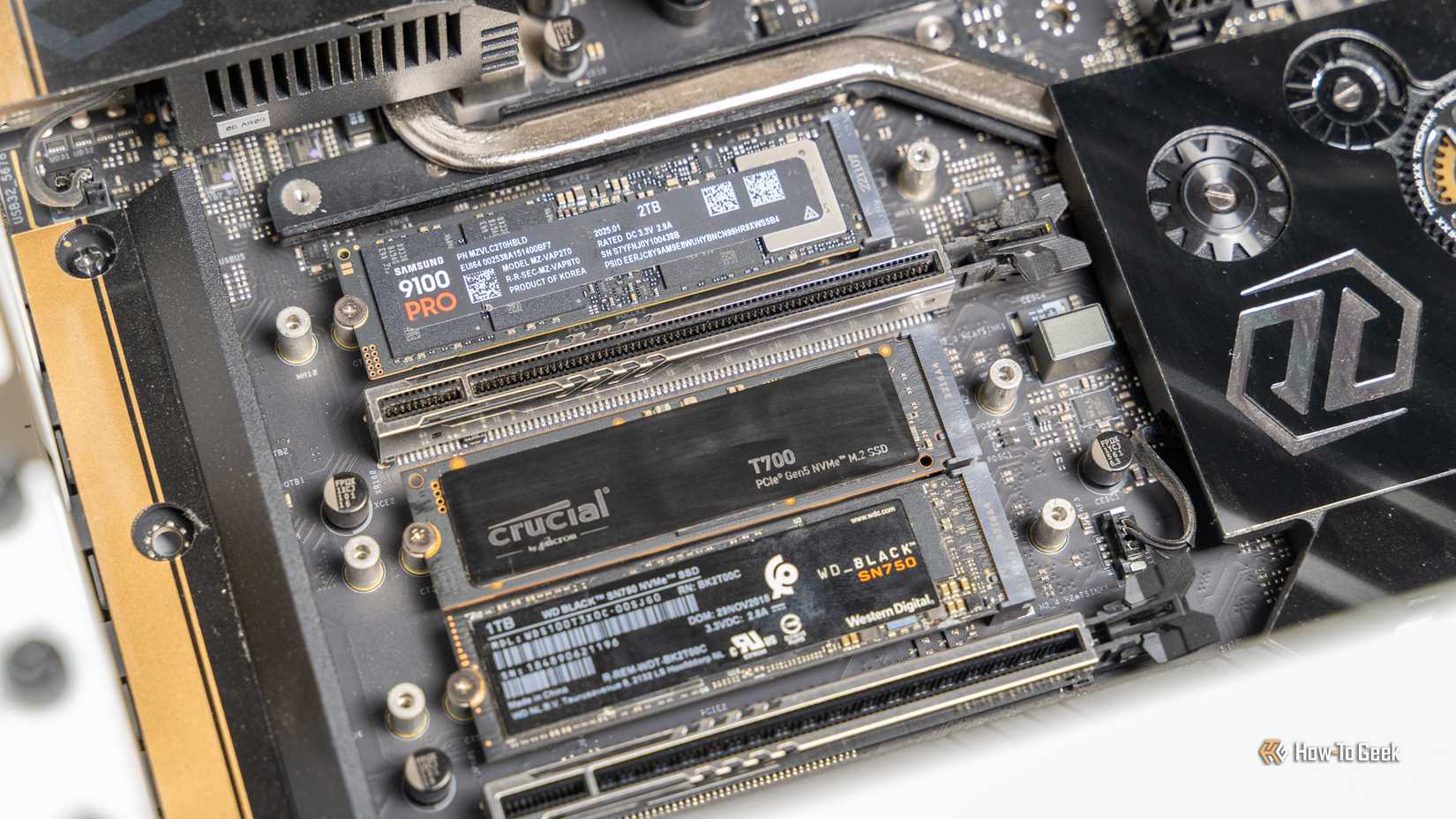
If you're a gamer or a casual user, you can save some money and skip the fastest SSD models.
People who dabble in high-end video production can benefit from using faster storage. The same is true if you run heavy local AI workloads or if you work with large files and move them around every single day. Data transfers are legitimately faster on those high-end SSDs, but games are generally not.
Don't let the fear of missing out get the best of you. It's nice to have the best of the best PC in the world, but it's a constantly moving target; what classifies as "the best" today will be outdated a month or two from now. You can safely skip those ultra-fast SSDs, and in most cases, the only difference will come down to literal seconds. You won't even notice it.

Crucial P310
$80 $96 Save $16
- Storage capacity
- 500GB, 1TB, 2TB, 4TB
- Hardware Interface
- PCIe 4.0
- Brand
- Crucial
- Transfer rate
- Up to 7,100MB/s
The Crucial P310 is an older drive, but it still offers high speeds at a much more reasonable price point. It can hit up to 7,100MB/s, which is more than enough for most users.