

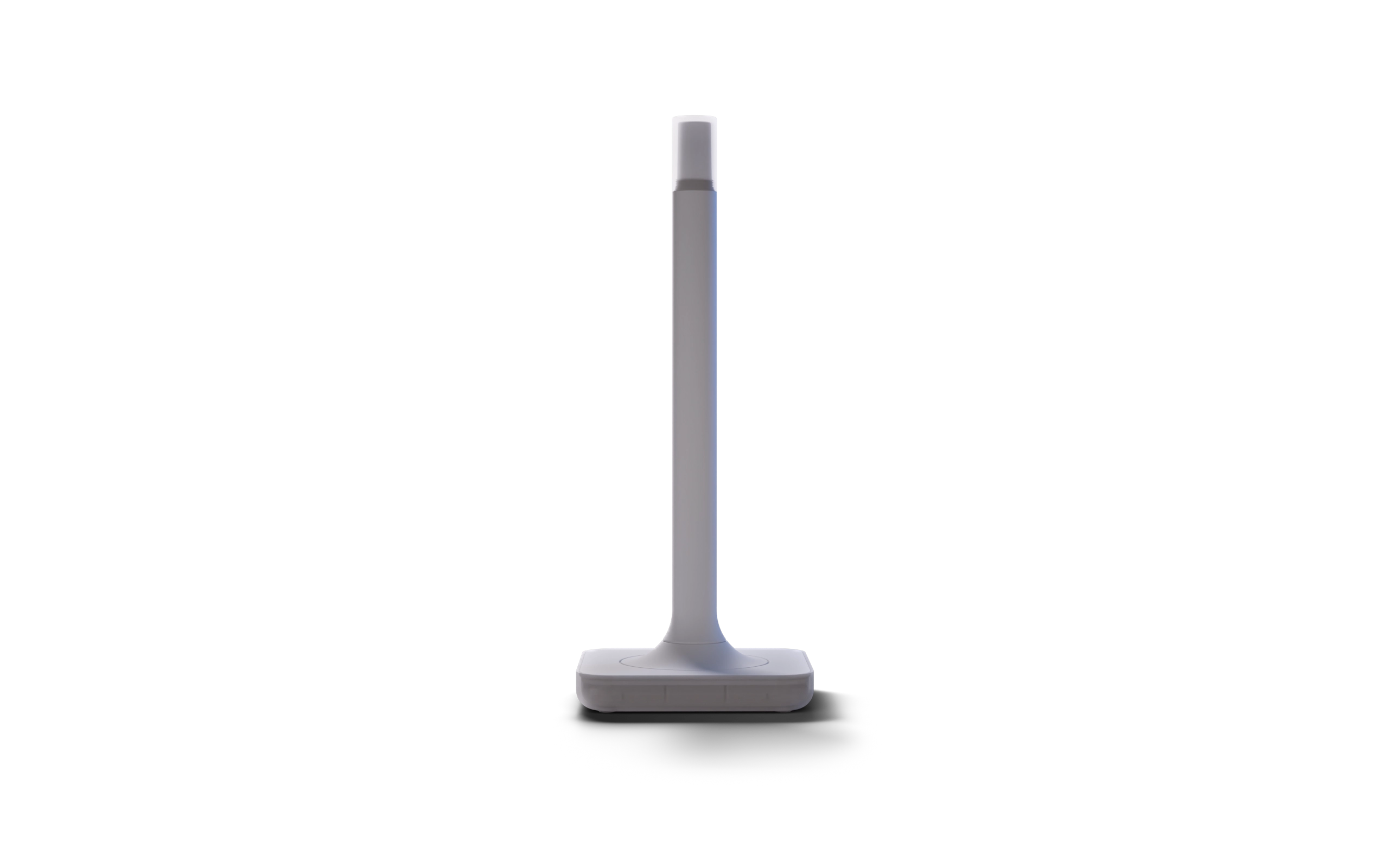

The ultimate way to connect
Z-Wave devices to Home Assistant.
Designed and built by


Peak Z-Wave performance
Precisely engineered
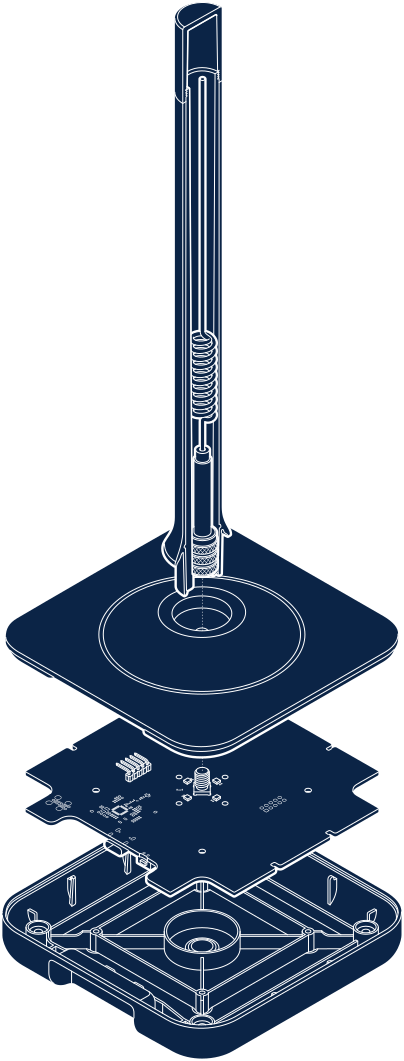
The antenna and base are precisely tuned to Z-Wave’s ideal wavelength, working in harmony to improve reliability and maximize range.
Sometimes size does matter
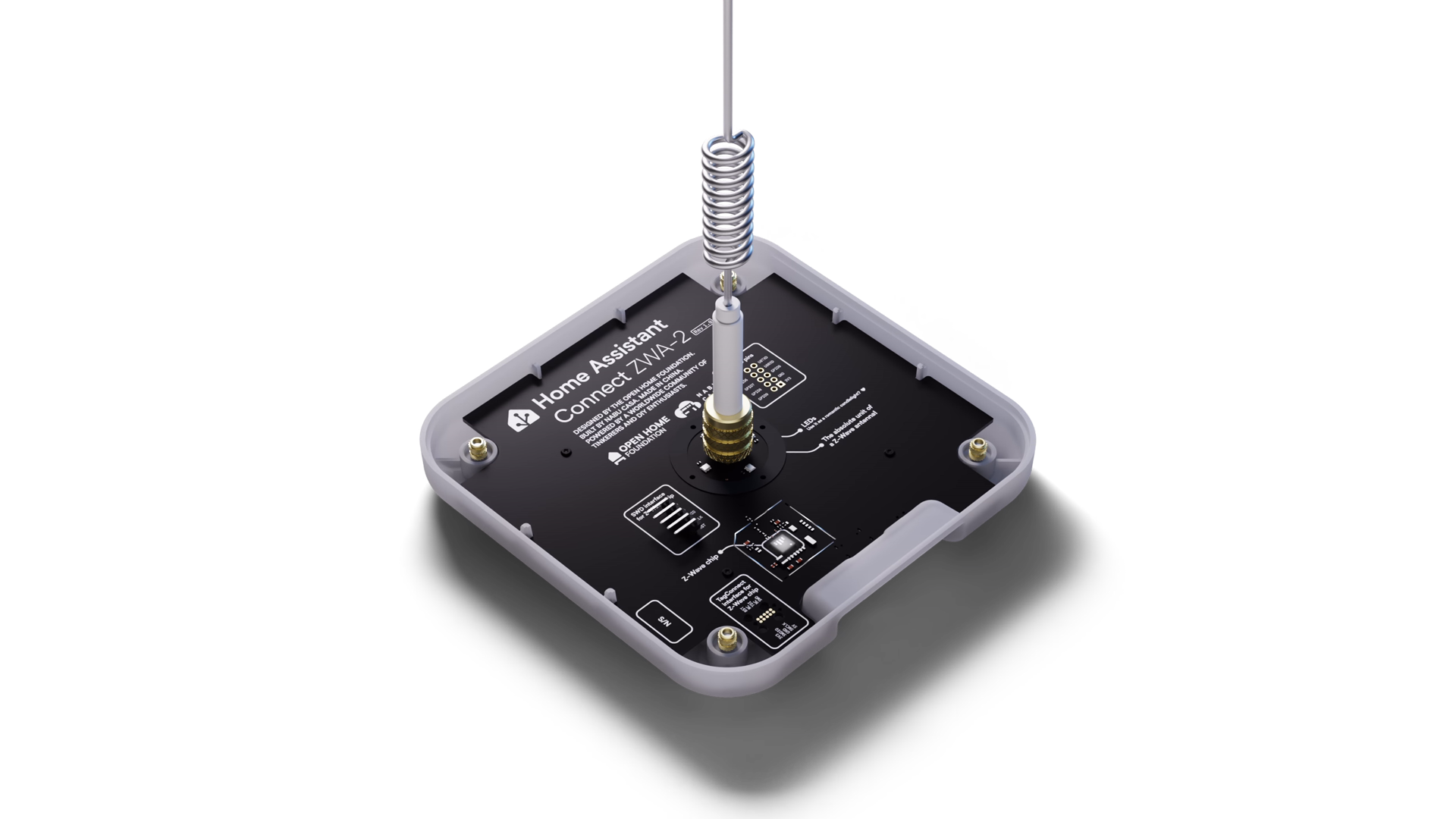
The latest Z-Wave Chipset


Certified and includes the latest 800-series chipset, it supports all Z-Wave devices.

Long Range compatible
This newest iteration of the standard delivers more reliable, responsive connections to very far-away devices. Run both your Z-Wave and Z-Wave Long Range networks simultaneously, with full control over which network each device joins.

Built for
Home Assistant
Z-Wave made seamless
Designed by the team driving forward Home Assistant and Z-Wave JS.

Plug and play
Z-Wave setup has never been easier, thanks to our intuitive start-up wizard and one-click firmware updates.
Device discovered
Ready to configure in Home Assistant
Configure your Z-Wave network
Create a new network or migrate your existing setup
You're all set
Effortlessly control all of your Z-Wave devices
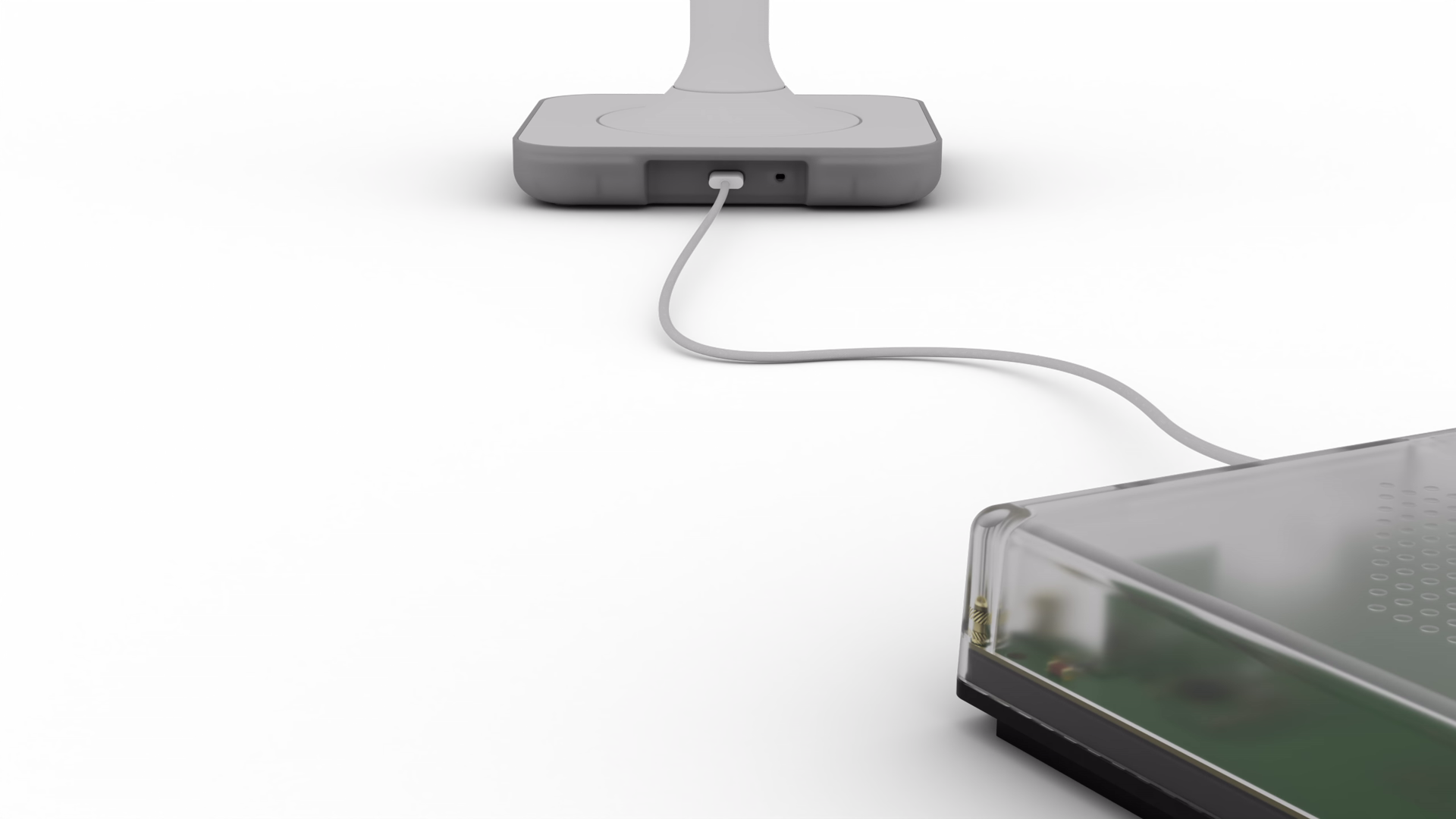
Get the ultimate Z-Wave experience for just
$69/€59*
Buy now
*Recommended MSRP. Prices differ between regions due to varying local market costs and conditions, and subject to individual retailers.
Brought to you by
Every purchase supports the Open Home
Nabu Casa designs and builds official Home Assistant hardware. As a commercial partner of the Open Home Foundation, Nabu Casa contributes the majority of its profits to the foundation. This means every purchase supports the development of projects like Home Assistant and ESPHome.
Z-Wave has range
Z-Wave empowers you to connect with confidence while exploring a world of smart home options.
Silence the noise
While Wi-Fi, Bluetooth, Zigbee, and Thread are all vying for the same airspace, Z-Wave has its own much quieter spectrum.
Physics is on its side
Z-Wave uses sub-GHz radio waves better suited for getting through thick walls and across large households.
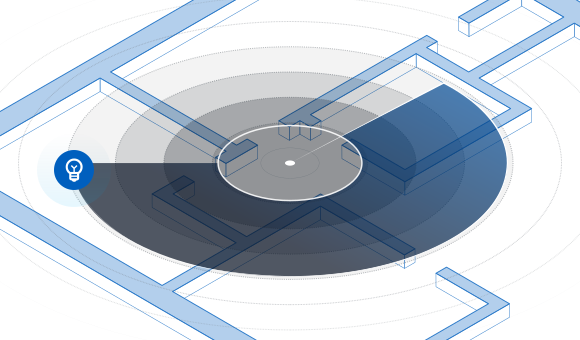
ZWA-2 is the best listener
ZWA-2 has the most optimized antenna for Z-Wave. This allows it to hear even the faintest signal with clarity, making your network more responsive and stable.
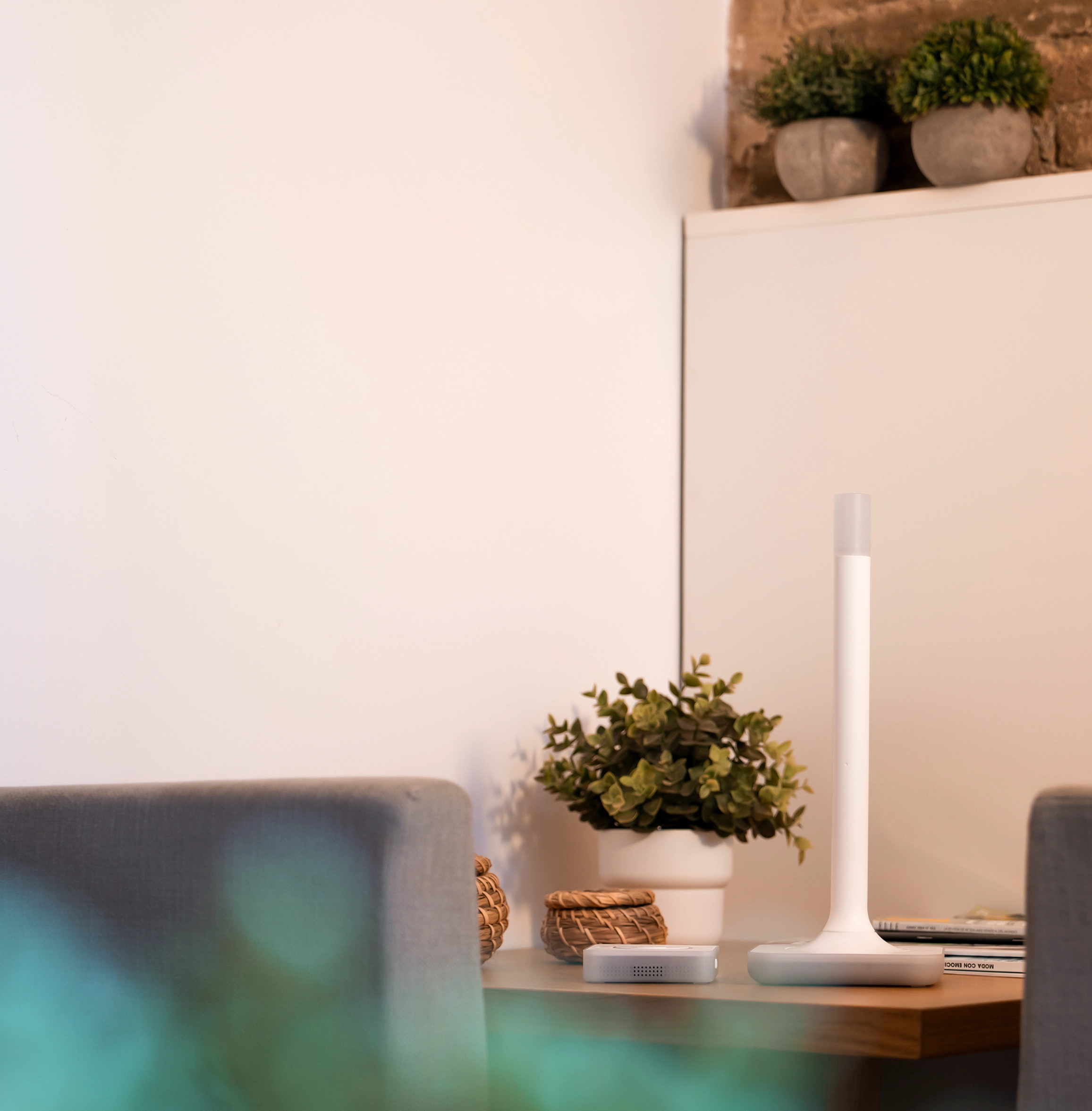
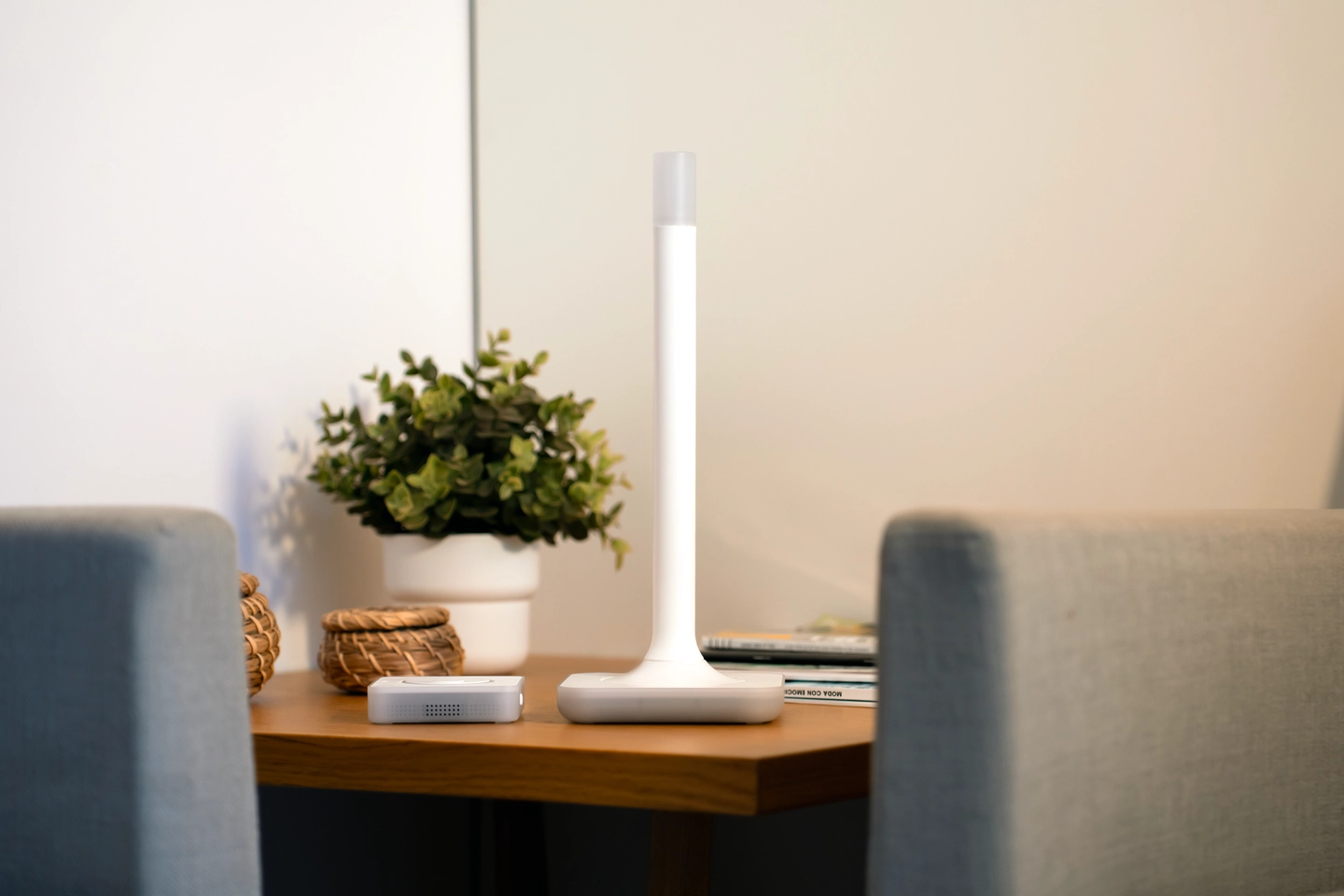
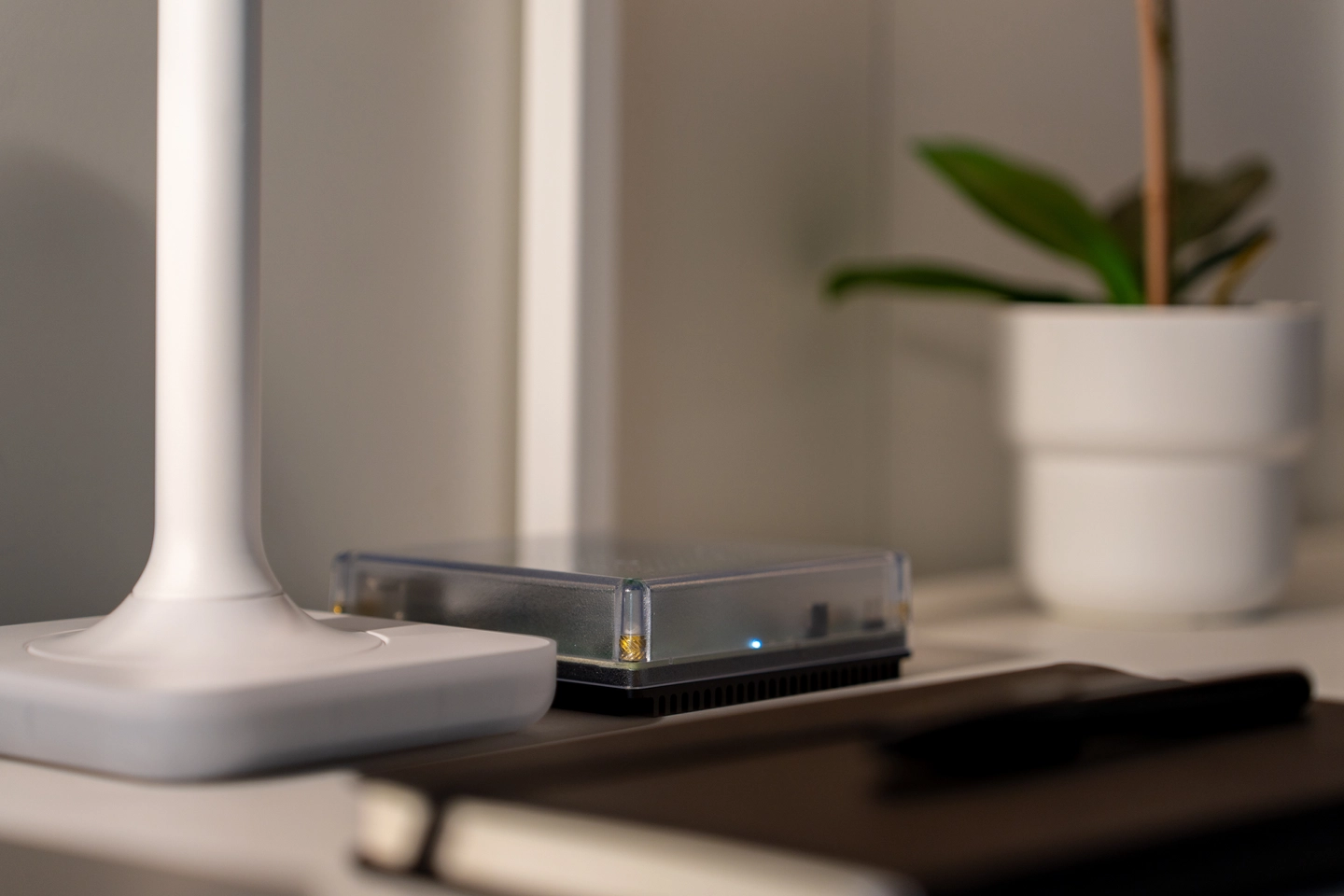
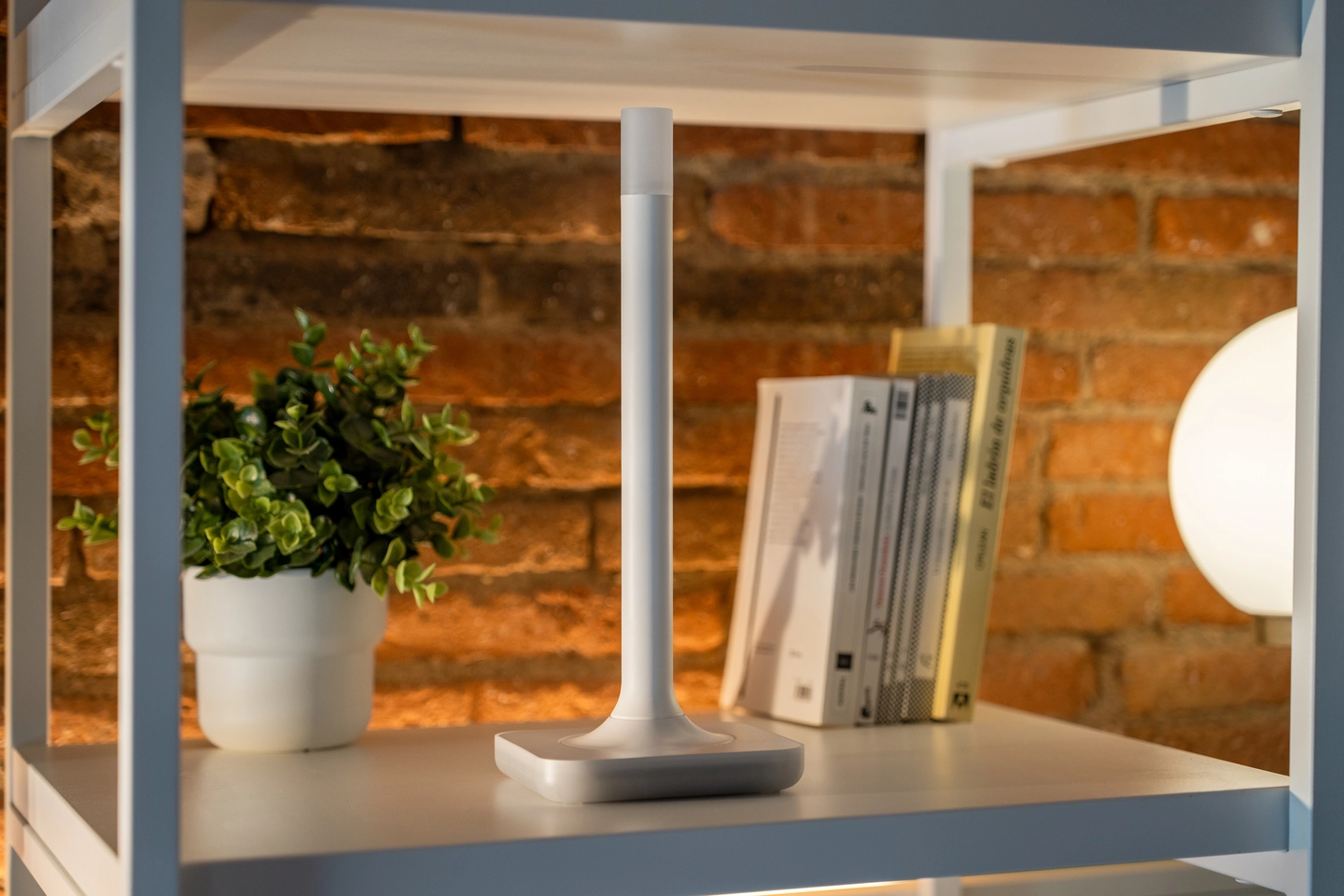
Designed for the home
From its injection molded case, to sleek lines, it's designed to blend into home decor.
Specifications
Dimensions and weight
Device
Material
Enclosure
Colors
White and semi-transparent
Dimensions and weight
Material
Colors
White and semi-transparent
Product details
SoCs
Silicon Labs ZG23
ESP32-S3 (USB-serial bridge)
Supported protocols
Z-Wave, Z-Wave Long Range
Antenna characteristics
Frequency range: 860-930 MHz
The frequency used by end devices depends on the region, e.g:
US: 908.42/916MHz (mesh), 912/920MHz (LR)
EU: 868.4/869.85 MHz (mesh), 864.0/866.0 MHz (LR)
AU: 919.8/921.4 MHz
Peak gain:
3.38 dBi
Radiation pattern:
Omnidirectional
Environmental conditions for operation
Indoor use only
0 °C to 65 °C | 32 °F to 149 °F
Humidity: non-condensing
Keep in dry, not excessively dusty environment as this can cause damage to the unit
Do not leave the unit in direct sunlight or near any heat source, as this can cause overheating.
In the box
Antenna + Base
1.5m USB-Cable (USB 2.0/3.0)
Quickstart guide
Warranty and Safety Information
Got some questions?
The Connect ZWA-2 was designed from the ground up to be perfectly tuned to the wavelength used by the Z-Wave standard. Many other Z-Wave adapters use the smaller USB “stick” form factor. These use tiny postage-stamp-sized antennas that can limit their ability to connect over distance. Getting the most out of Z-Wave requires a big antenna and base, and this allows Connect ZWA-2 to be one of the best-performing Z-Wave adapters on the market.
Connect ZWA-2 was built on our second-generation platform, which prioritizes high performance and openness in its design. It is a big leap from our first-generation Connect ZBT-1, and all Connect line products going forward will use this new platform. There is no ZWA-1, as we jumped directly to 2 to represent the generation of technology inside this adapter.
Yes, it runs these networks simultaneously. If you’re not familiar, Z-Wave Long Range is not a mesh standard and builds a separate “star-type” network (more on the technology here). This dual-mode operation allows you to have the best of both worlds — a strong mesh network based on older devices, and the reach of Long Range for the newest devices that support the latest standard. Whenever you connect a Long Range capable device to Home Assistant, the connection wizard will give you the choice between connecting it to your Z-Wave and Z-Wave Long Range networks.
There are times when connecting a device to Long Range makes the most sense (if it is far away from other devices, or that spot has had connection issues in the past), and times when using this new device to strengthen your mesh is more beneficial. Z-Wave Long Range also provides a more responsive connection, and with specific devices, more battery life. Try both out; you can always remove and pair the device again to switch which network it connects to.
You will be able to automatically migrate from most modern Z-Wave sticks. Detailed instructions and any special steps are available in our documentation.
Every home and situation is different, and we can’t definitively say how far you can go with your devices. Our testing has found that with line of sight (so nothing in between), we were able to get 1.5 kilometers (0.9 of a mile) of range. In more real-world situations, our tests using Z-Wave Long Range were able to connect devices through several concrete floors. Indoors, we have seen 50-100 meters horizontally, but this also relies on the end-device having a good antenna. Our testers were most impressed by existing devices' increased reliability and responsiveness.
The Connect ZWA-2 supports all regions (there are no regional variations of this adapter, just one for the whole world). By default, it is set to the European region, and if you are using Home Assistant, it will set the region automatically based on the location details in your settings. If you’re not using Home Assistant, you may need to manually set the region and transmit power settings. You can find more information in our documentation.
Yes, you can. However, Connect ZWA-2 is optimized to work with the Home Assistant platform and standard Z-Wave JS. If you use it with another smart home platform or a custom Z-Wave app, you will miss Home Assistant-specific features such as easy migration or automated region setting. You will need to set up the adapter manually in the platform or app of your choice. You can find more information in our documentation.
Connect ZWA-2 can work with Z-Wave JS UI, but Home Assistant will not be able to migrate your existing network automatically. In Z-Wave JS UI, you must back up your existing adapter and restore it on Connect ZWA-2. You will also need to manually change the frequency or transmit power settings via the UI. Detailed instructions are available in our documentation.
For the best performance, place Connect ZWA-2 upright, away from any radio-blocking obstructions. Avoid placing Connect ZWA-2 on its side or mounting it sideways on a wall. There is even an accelerometer inside it to ensure people position it correctly, with the top status light blinking quickly if placed at a suboptimal angle.
No, while the Connect ZWA-2 does contain an ESP32 chip, it does not run an ESPHome-based firmware. Though it includes a Wi-Fi/Bluetooth antenna, it is inactive. It uses the ESP32 chip as a USB controller. The firmware for the ESP32 in the Connect ZWA-2 is open source and can be found here, and the firmware for the Z-Wave chip can be found here.
During the development of Connect ZWA-2, we tested several ways of connecting Z-Wave adapters to Home Assistant. We found that, currently, the most reliable method is a direct USB connection, and this is all to do with latency.

For Z-Wave devices to work with Home Assistant, three parts need to communicate: Home Assistant, the Z-Wave JS app, and the adapter (e.g., Connect ZWA-2). The connection between the app and the adapter is latency-sensitive, so USB is the best option. Network connections can introduce latency, which can cause issues. In contrast, communication between the app and Home Assistant is less sensitive and works fine locally or over the network.
If you need to place Connect ZWA-2 far away from your Home Assistant system, you can run Z-Wave JS on another machine, plug your Connect ZWA-2 into it via USB, and then connect that machine to Home Assistant over the network. More on that process here.
Thanks to its optimized antenna design and Z-Wave’s use of the sub-GHz frequency, Connect ZWA-2 works great in most places around the house, even if your Home Assistant system is in a basement, a far corner room, or an attic. Every home is different, but our testing shows it should cover an average-sized home, regardless of location.
If placement in your home becomes an issue, and you need to place Connect ZWA-2 far away from your Home Assistant system, there is a solution. It is possible to run Z-Wave JS on another system, and plug Connect ZWA-2 into that system via USB. Then you can connect that system over the network to Home Assistant. More on that process here.
Nabu Casa, a commercial partner of the Open Home Foundation, is the manufacturer of the Connect ZWA-2. A significant part of Nabu Casa’s revenue on Home Assistant-branded products is paid to the Open Home Foundation as a partnership fee. Purchasing products from commercial partners supports the Open Home Foundation and the development of all its projects, such as Home Assistant, Z-Wave JS, ESPHome, and Music Assistant.