Auto-Suggest LLM Prompts
When creating a chatbot or AI copilot, which supports Q&A across ingested content, a common user problem can be knowing where to start asking questions.
With Graphlit, we now offer a new GraphQL mutation suggestConversation which makes this easy.
Ingest OpenAI Blog
First, let's load some content into Graphlit, by using a 'web feed' pointed to https://openai.com/blog.
Completing this tutorial requires a Graphlit account, and if you don't have a Graphlit account already, you can signup here for our free tier. The GraphQL API requires JWT authentication, and the creation of a Graphlit project.
Creating a web feed will read the sitemap.xml from the website, and ingest all web pages at or below the specified page in the uri field.
For example, in the OpenAI sitemap (https://openai.com/sitemap.xml), we find several pages, which start with https://openai.com/blog.
We are limiting this to just the first 10 web pages, via the readLimit field.
Once the feed is created, Graphlit asynchronously identifies the web pages, and ingests them into the knowledge graph.
Text and metadata are automatically extracted from each web page, and the text is added to the vector search index, by creating a vector embedding with OpenAI Ada-002 model.
Create Conversation
Next, we create a conversation, which is filtered against all content ingested from this feed.
It will only answer prompts related to the 10 web pages ingested by this feed.
Auto-Suggest Prompts
Now, before prompting the conversation ourselves, we can ask an LLM (Azure OpenAI GPT-3.5 16K) to come up with suggested questions to ask.
Let's pick the first suggested question, and prompt the conversation.
Without any user input, we've generated a useful response from the LLM, with a prompt auto-suggested by the LLM itself.
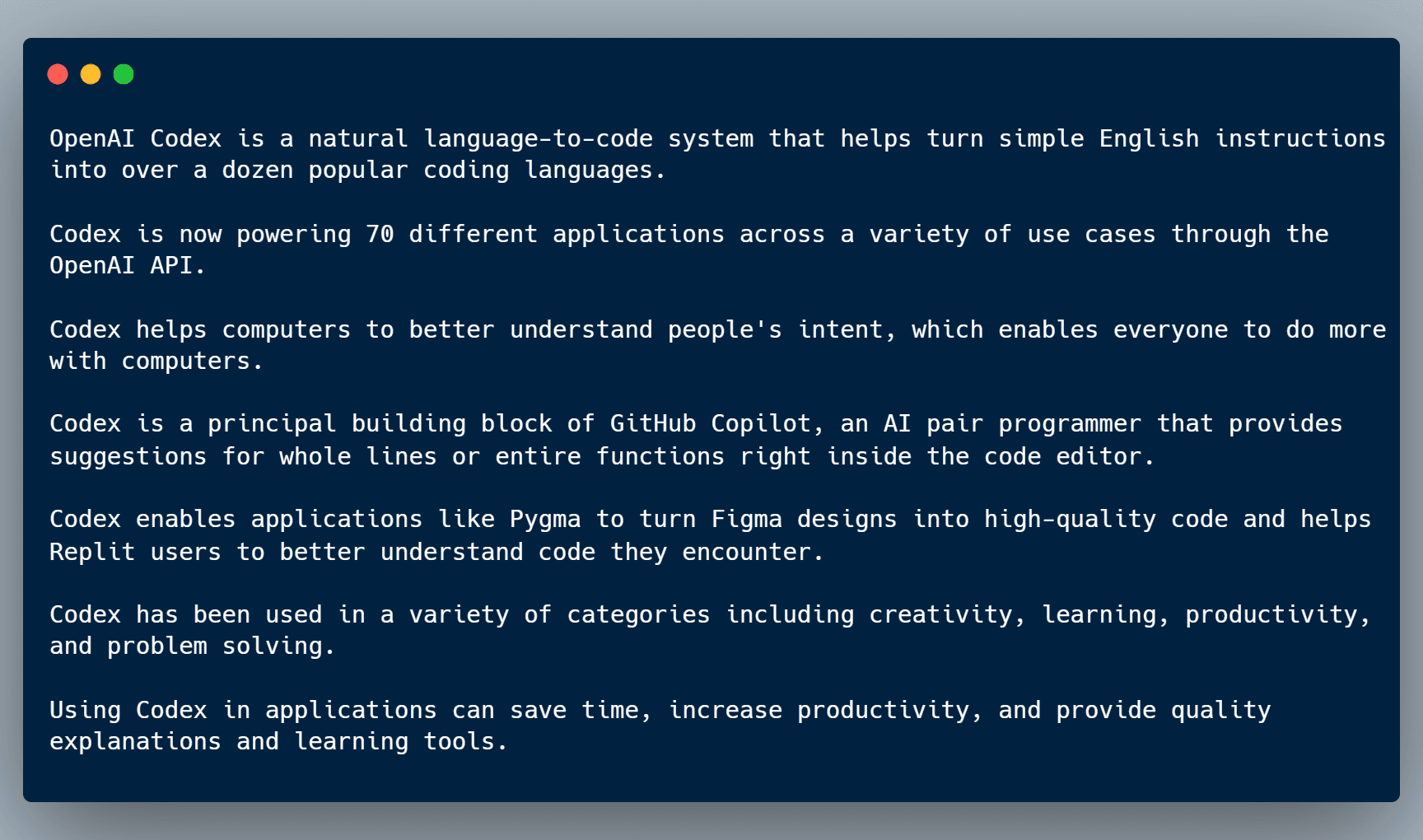
This shows off the power of using LLMs, such as OpenAI GPT-4, for automatic content generation.
Summary
Please email any questions on this tutorial or the Graphlit Platform to questions@graphlit.com.
For more information, you can read our Graphlit Documentation, visit our marketing site, or join our Discord community.
Ready to Build with Graphlit?
Start building AI-powered applications with our API-first platform. Free tier includes 100 credits/month — no credit card required.
No credit card required • 5 minutes to first API call