Motion. A production-grade
animation library for the web.
Free and open source. Create stunning web animations for React, JavaScript and Vue.
Animations that move
Create high-performance web animations with Motion’s easy-to-use API — from simple transforms to advanced interactive gestures.
Simple API
Motion’s pick-up-and-play API is easy to start and fun to master.
Independent transforms
Animate
x,y,rotateZetc independently, without wrapper elements.Scroll animation
Smooth, hardware-accelerated scroll animations.
Exit animation
Motion's
AnimatePresencemakes it easy to animate elements as they exit.
Gestures
Hover, press and drag gestures that feel native, not “webby”.
Layout animation
Animate between different layouts with Motion’s industry-leading layout animation engine.
Timeline sequences
Variants, stagger and timelines make it easy to precisely orchestrate animations.
Spring physics
Real spring physics for great-feeling animations.
Made with Motion
Everything's possible with Motion. Here are some of the best creations from our expert Motion+ community.
Trusted by the world's leading teams
Motion is deployed and sponsored by the best teams in the industry, powering UI animations across millions of sites.
Partners
Platinum sponsors
Next-level animation APIs
Build previously complex effects, like magnetic cursors or infinite scrolling tickers, with Motion+ components. These next-level Motion APIs are built for maximum performance and customisation.
Whether it's a unique cursor, an animated counter, or a split-text reveal: These components will save you hours of dev time.
Production-ready animations
Unlock a vault of 330+ pre-built animations for JavaScript, React and Vue to copy & paste directly into your own project.
Plus, an ever-growing library of 100+ step-by-step tutorials written by the creator of Motion will teach you the official best practices and core principles behind each effect.
Master Motion
Level up with official examples, in-depth tutorials, and courses from top industry leaders.
Your complete animation workflow
Building beautiful, performant animations is hard. You can waste hours tweaking curves, fighting AI with outdated information, or not knowing where to find help.
Motion+ provides the ultimate professional toolkit, empowering you to design with immediate feedback, code with AI-driven confidence, and collaborate with a vibrant community of 1000+ Motion experts.
3
You're an expert in Motion, React and TypeScript.
7
- If animating a `transform` like `transform`, `x`, `y`, `scale` etc, then add style the component with `willChange: "transform"`.
8
- If animating `backgroundColor`, `clipPath`, `filter`, `opacity`, also add these values to `willChange`.
9
- Inside functions that will or could run every frame (hot functions), like the `motion` component's `onUpdate` prop, `useTransform` etc:
" transform="translate(6 1)" width="3.0000000000001785px"/><path d="M 1.5 9 C 0.672 9 0 9 0 9 L 0 0 C 0 0 0.672 0 1.5 0 L 10.5 0 C 11.328 0 12 0 12 0 L 12 9 C 12 9 11.328 9 10.5 9 Z" fill="transparent" height="9px" id="idgKFZ7Io" stroke-linecap="round" stroke-linejoin="round" stroke-width="1.52" stroke="rgb(255, 255, 255)" transform="translate(3 4)" width="12.000000000000178px"/><path d="M 0 0.75 L 1.5 0.75 M 13.5 0.75 L 15 0.75 M 9.75 0 L 9.75 1.5 M 5.25 0 L 5.25 1.5" fill="transparent" height="1.499999983439908px" id="YikxxnO0a" stroke-linecap="round" stroke-linejoin="round" stroke-width="1.52" stroke="rgb(255, 255, 255)" transform="translate(1.5 8)" width="15px"/></svg>)
Expert AI
Enhance your AI context with the latest docs, custom rules, and source code of 330+ examples.
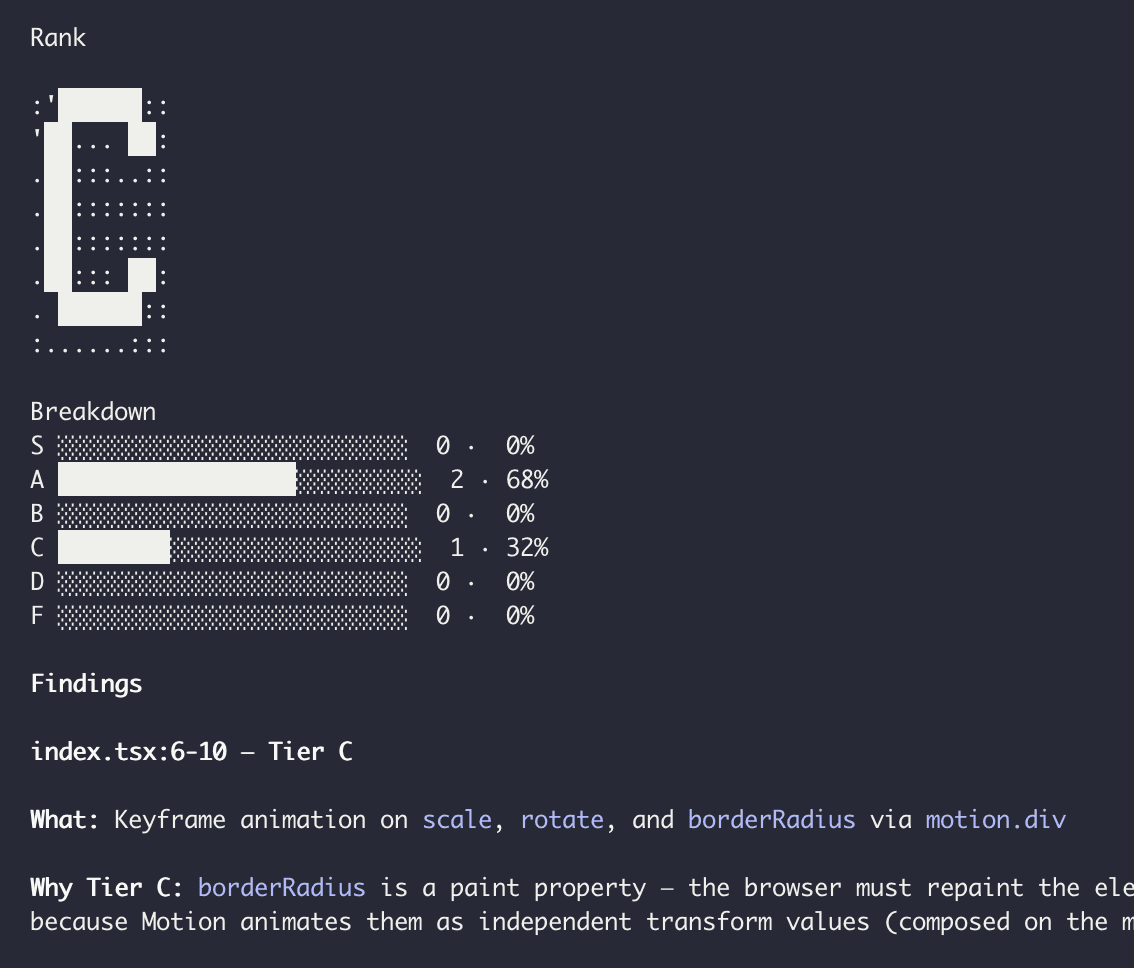
Performance audit
An AI skill for identifying and improving Motion & CSS animation performance.
Motion+
" height="12px" id="B8X6A97SB" transform="translate(0 0)" width="16px"/></svg>)
Private Discord
Join 1000+ developers sharing, helping, and building with Motion.
Selected by millions
Motion is the fastest-growing animation library in the world, with over 30 million monthly downloads on npm.
Always in Motion
Follow the latest library releases, inspiring examples, and step-by-step tutorials.
Changelog
Examples
Tutorials
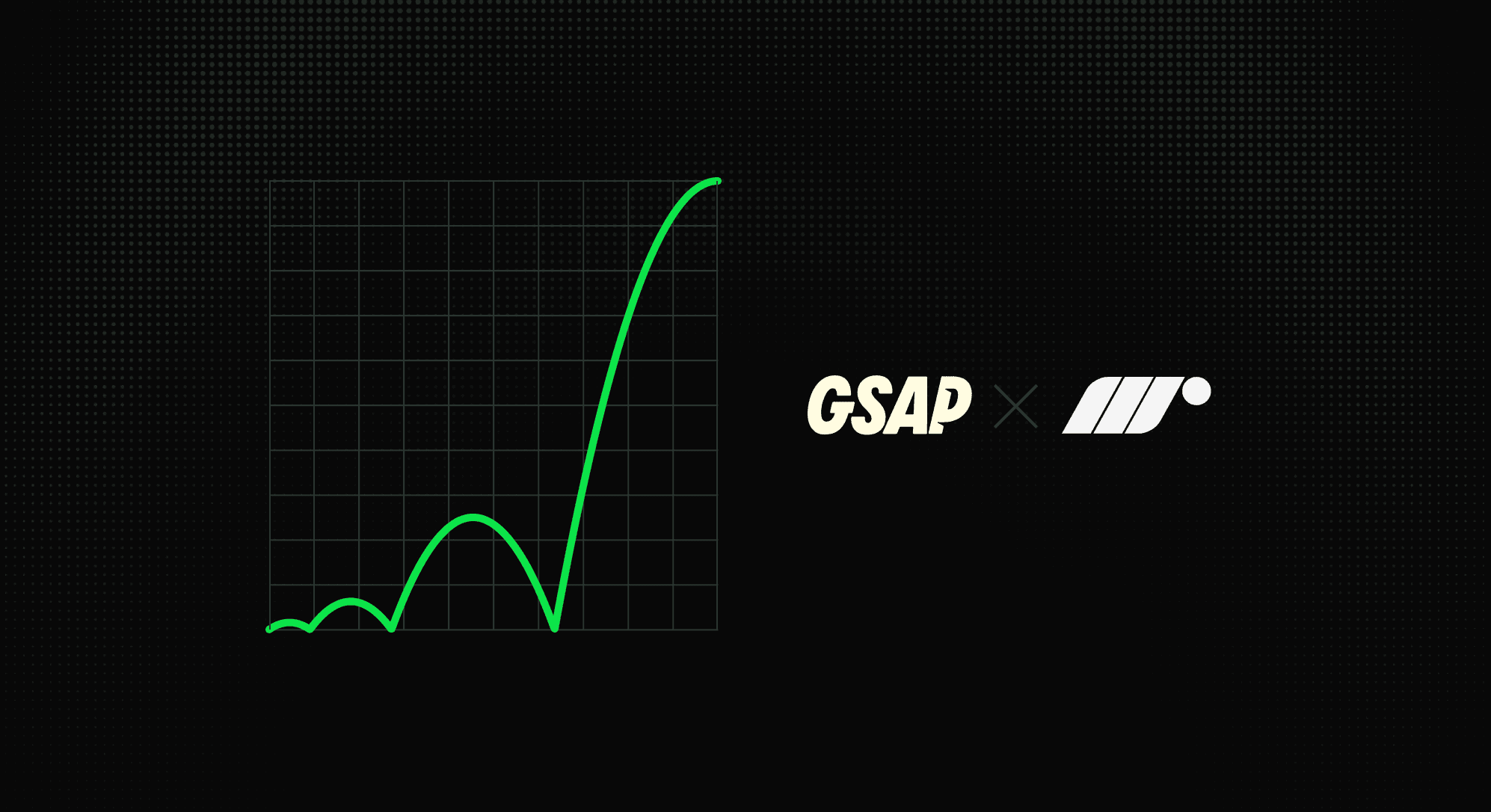

The Web Animations API is included with every browser, but only supports CSS timing functions. Let's supercharge it with GSAP's easing functions!
Motion integrates with your favourite tools
From the biggest UI libraries to popular website builders, Motion works with them all.

Motion is supported by the best in the industry.