Build better sites, faster
Create, collaborate, and go live
AI
Generate site layouts and advanced components in seconds with AI, so you can skip the blank canvas and start designing with confidence.
Design
Craft responsive layouts and bring them to life with smooth effects, interactions, and animations. Build exactly what you imagine, visually.
CMS
Manage and update your content effortlessly with a built-in CMS. Keep your site fresh without touching code.
Collaborate
Whether you’re collaborating on the canvas or editing copy directly on the page, updates are seamless and handoff-free.


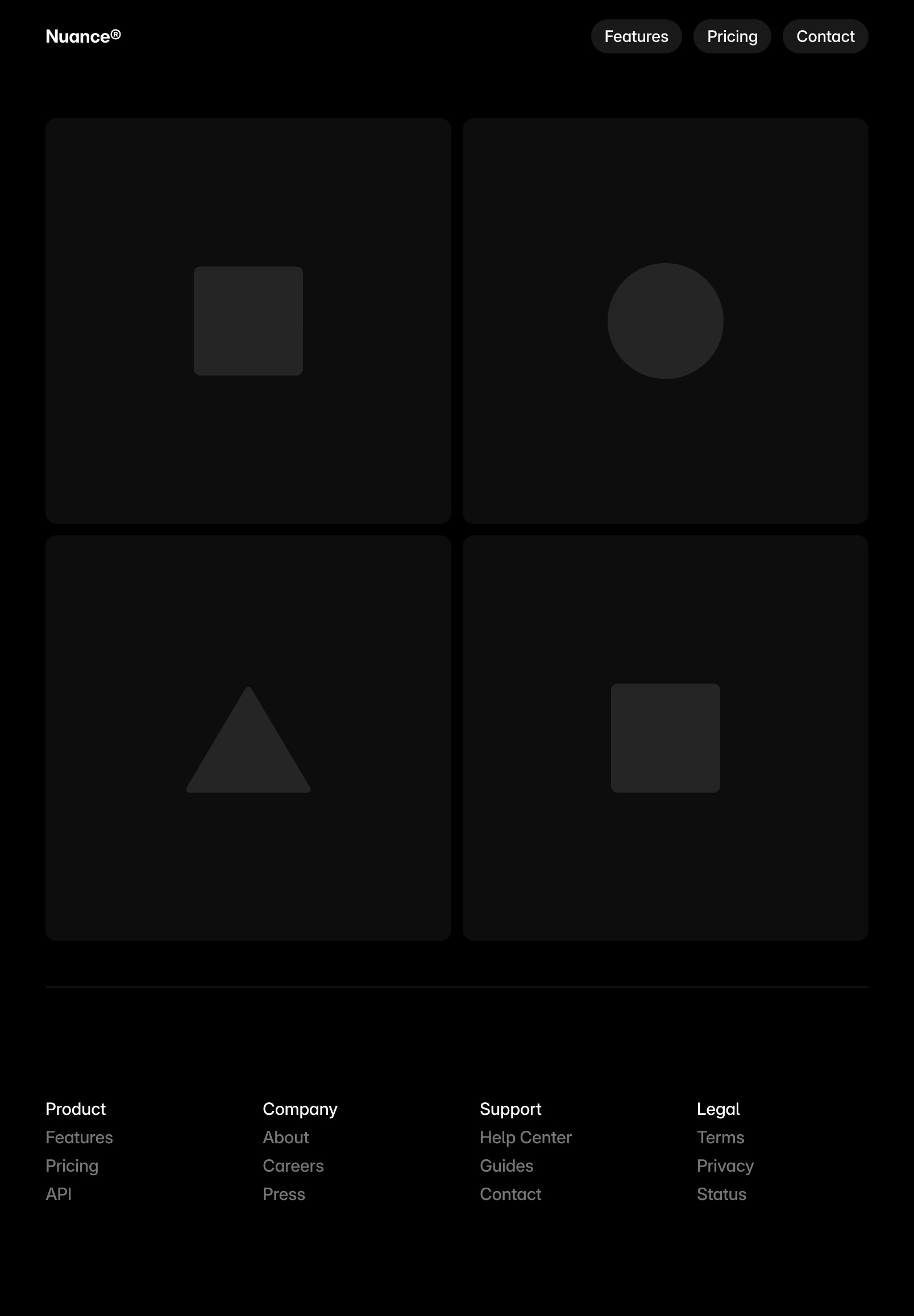
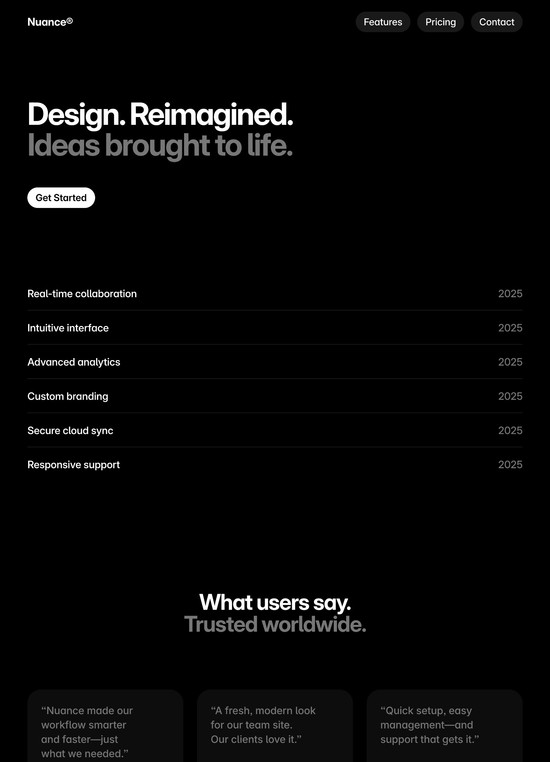
I created three unique landing pages in dark mode for your modern design startup: a main landing page, a creative-focused page, and a studio showcase page.

Landing Page 1

Landing Page 2





Title
Image
Date
Category
Slug

Dec 15, 2025
Publishing
custom-code

Dec 11, 2025
Effects
flow-effect

Dec 11, 2025
Localization
localized-page-paths
December Update: Squircle

Dec 10, 2025
Design
december-update-2025

Nov 27, 2025
Design
masonry

Nov 21, 2025
Design
font-drop-16

Nov 13, 2025
AI
ticker-effect

Nov 11, 2025
CMS
relative-dates

Nov 11, 2025
AI
auto-rename

Nov 7, 2025
Performance
faster-interactivity

Image

custom-code.jpg
Slug
framer.com/updates/custom-code
Content
We’ve updated Custom Code in Framer with a new section in your Project Settings dedicated to custom code. With this update, you get a single overview of all the custom code added to your pages, and you can split it up into individual snippets. This makes it much easier to add, find, and update code on your site. We’ve also improved how custom code runs by adding the option to run code “On Every Page Visit”, which is great for tracking events. By default, code is set to execute “Once”, which is similar to how code ran previously and can be used for third-party scripts. You can find this new Custom Code section under Project Settings → Custom Code. Learn more.
Click to edit
·
Changes are auto-saved
Site saved
·
Collaborators are notified. Changes will be visible once the project is published.