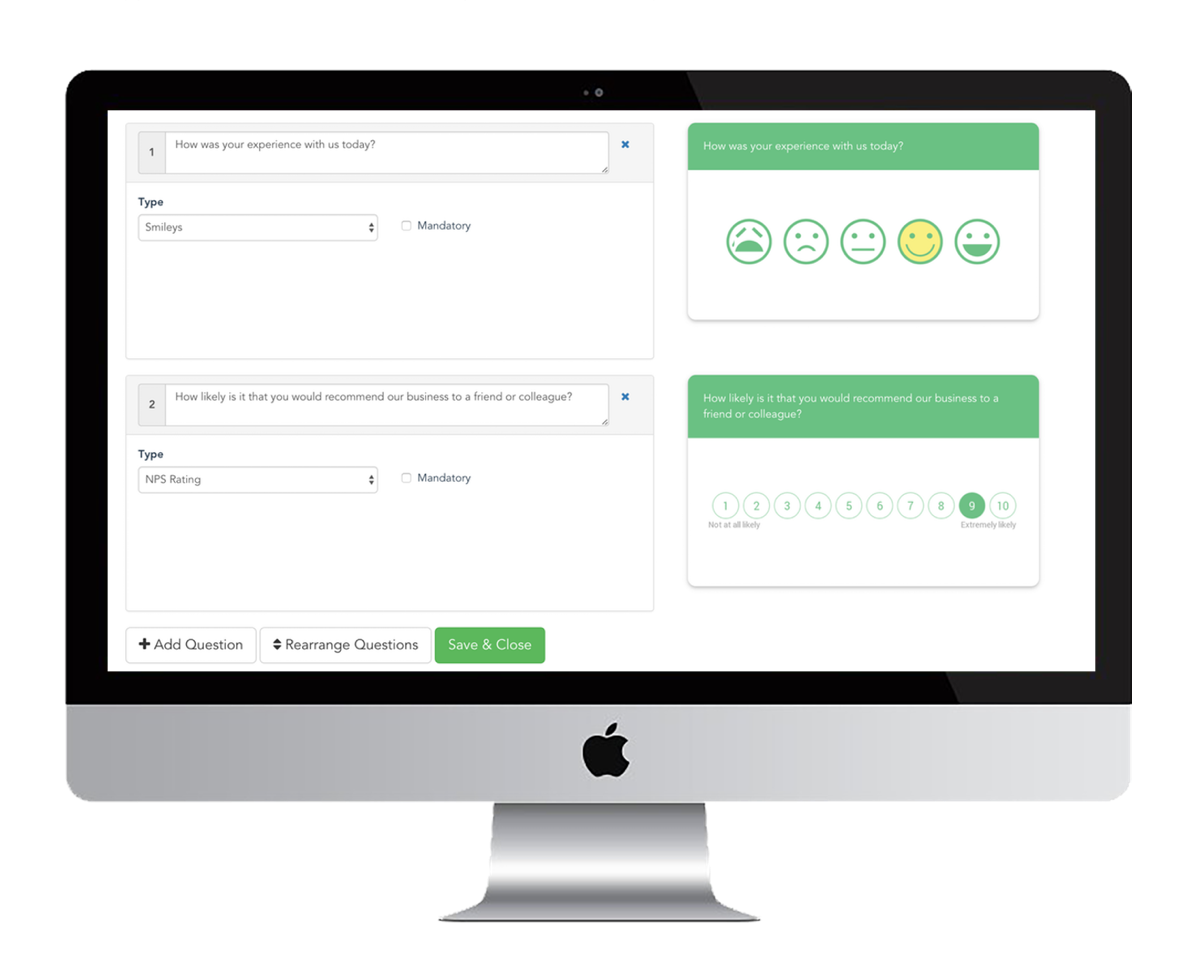
1. Setup your Account
After you register, you'll be able to connect a tablet/iPad device and choose a survey that works for you.
Customize the look and feel by adding your logo and branding on the device.
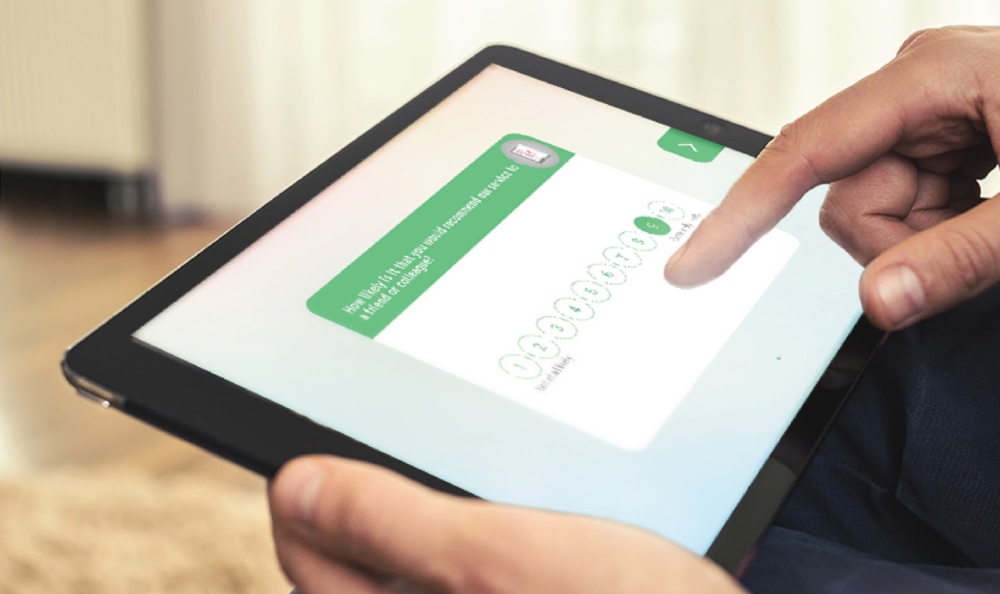
2. Collect Responses
Hand over the tablet/iPad to your customers or set it up on a kiosk. The application automatically syncs data to your account when internet is connected.
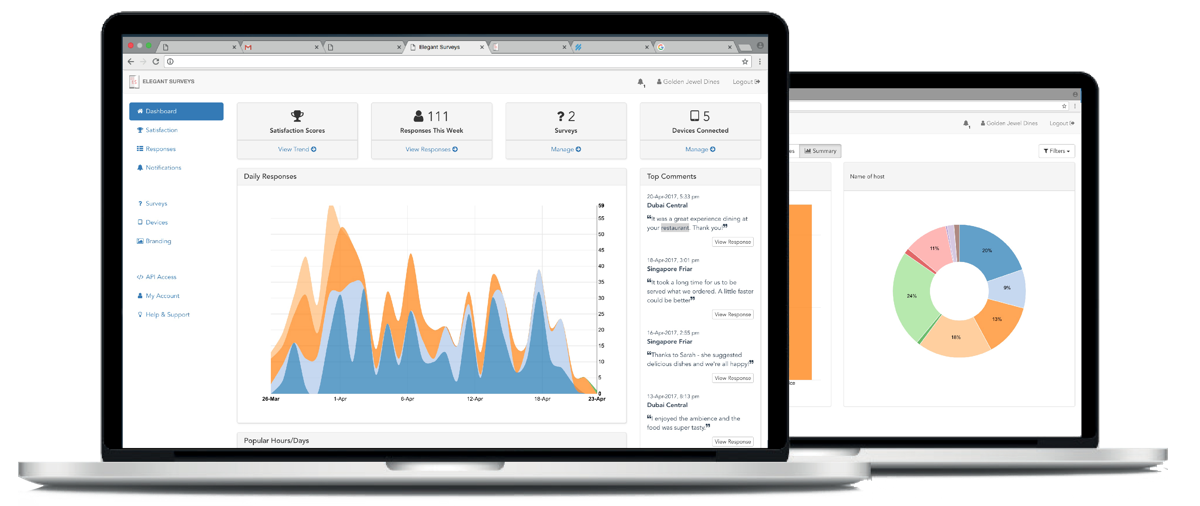
3. Get Reports & Insights
Login to your dashboard to see graphical reports generated from the data collected. See aggregated customer comments and respond to unhappy customers.