A paper-like monitor for reading, writing, and focused work
$591,856 raised
of $175,000 goal
338% Funded! Order Below
Recent Updates
- Jul 09, 2026 Fully Funded & Moving Forward
- Jul 01, 2026 Hacking Guide
- Jun 24, 2026 How We Designed the Chassis
- Jun 18, 2026 Comparing the Paper Dev Kit with Flow
Most of us spend our days at a computer reading, writing, and working in browsers, documents, and spreadsheets. Hours in front of a bright, glowing display can wear on both comfort and concentration over time. When we want to read for a while, many of us reach for a book or an e-reader because the experience feels calmer and easier on the eyes. We asked: why shouldn’t a computer screen feel the same?
Calm Computing for Daily Use
Over the last few years, we have worked to make computer screens feel more paper-like and comfortable without giving up the responsiveness people need for everyday use. E-readers already show how comfortable reflective displays can be for reading. A computer screen, however, has to support interactive tasks like typing, scrolling, and navigation.

A Paper-Like Display Built for Everyday Use
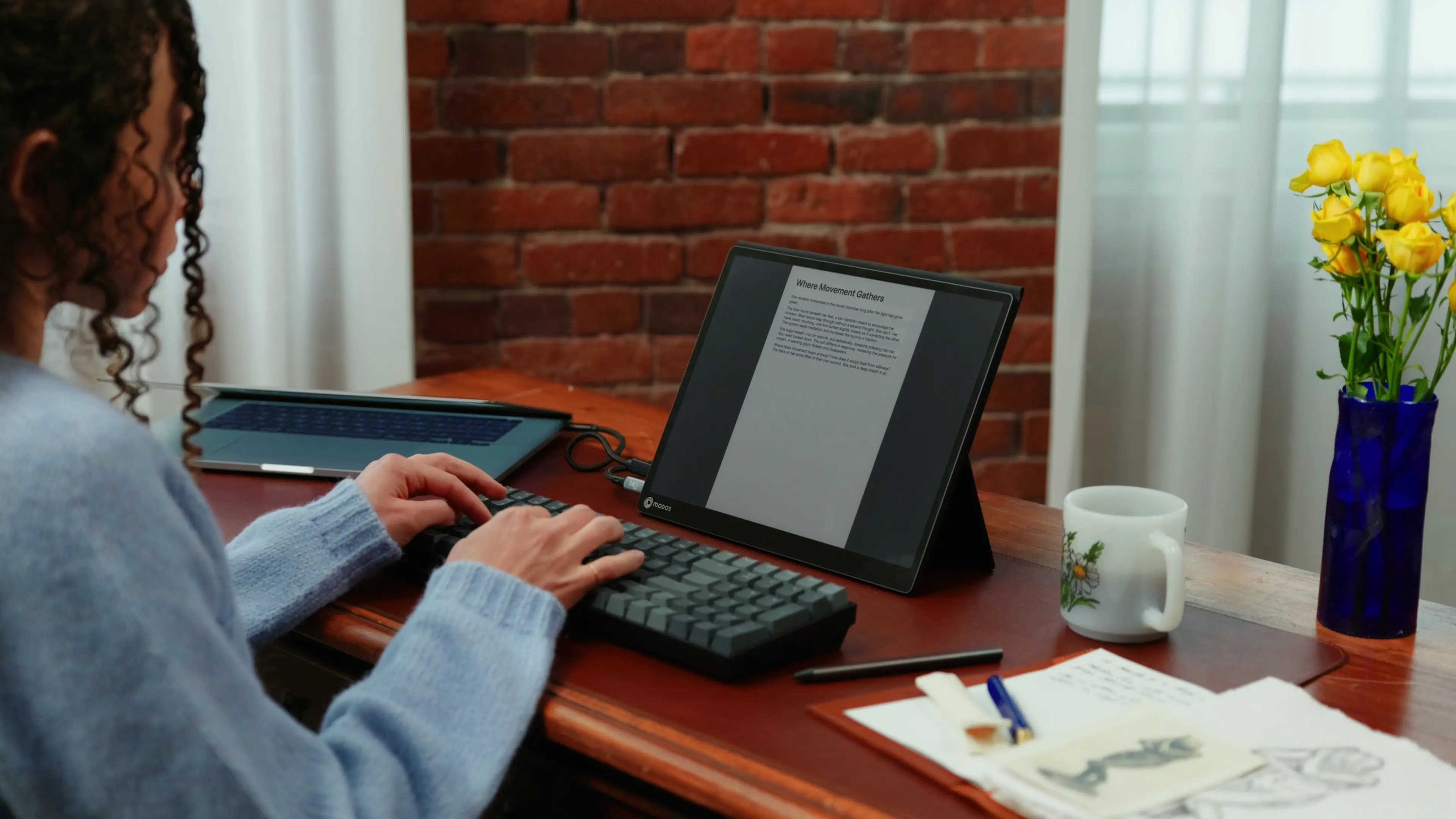
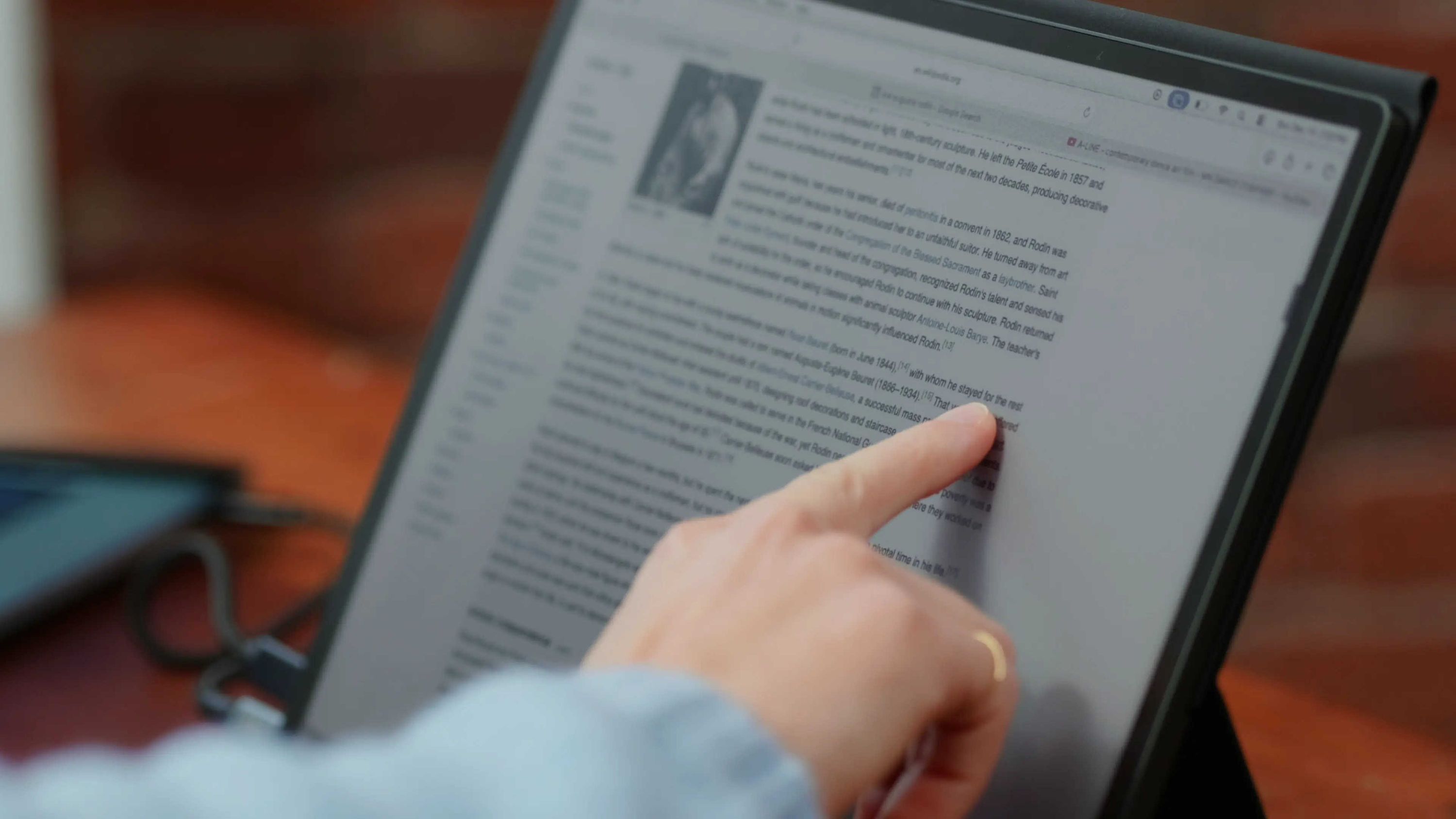
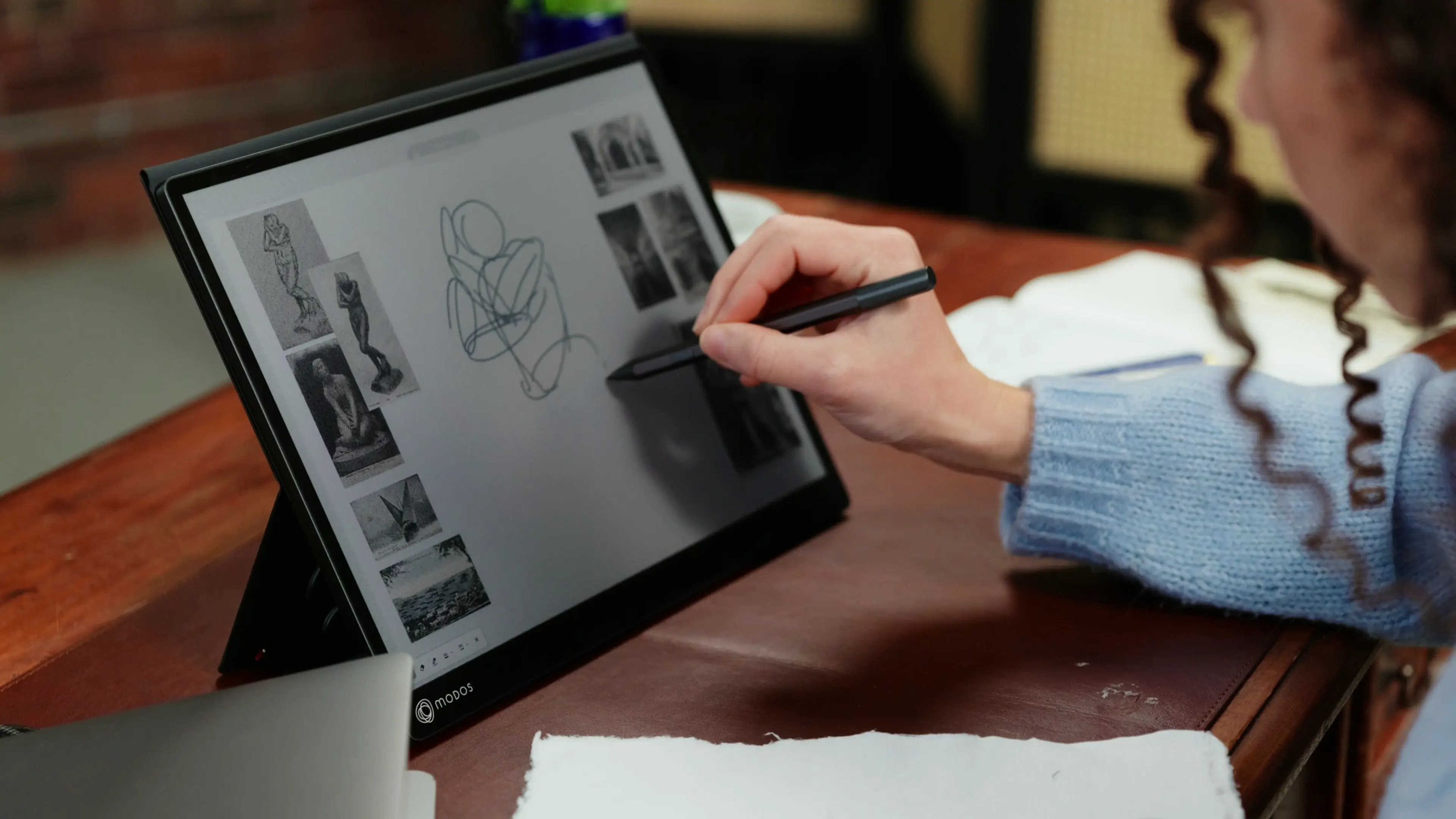
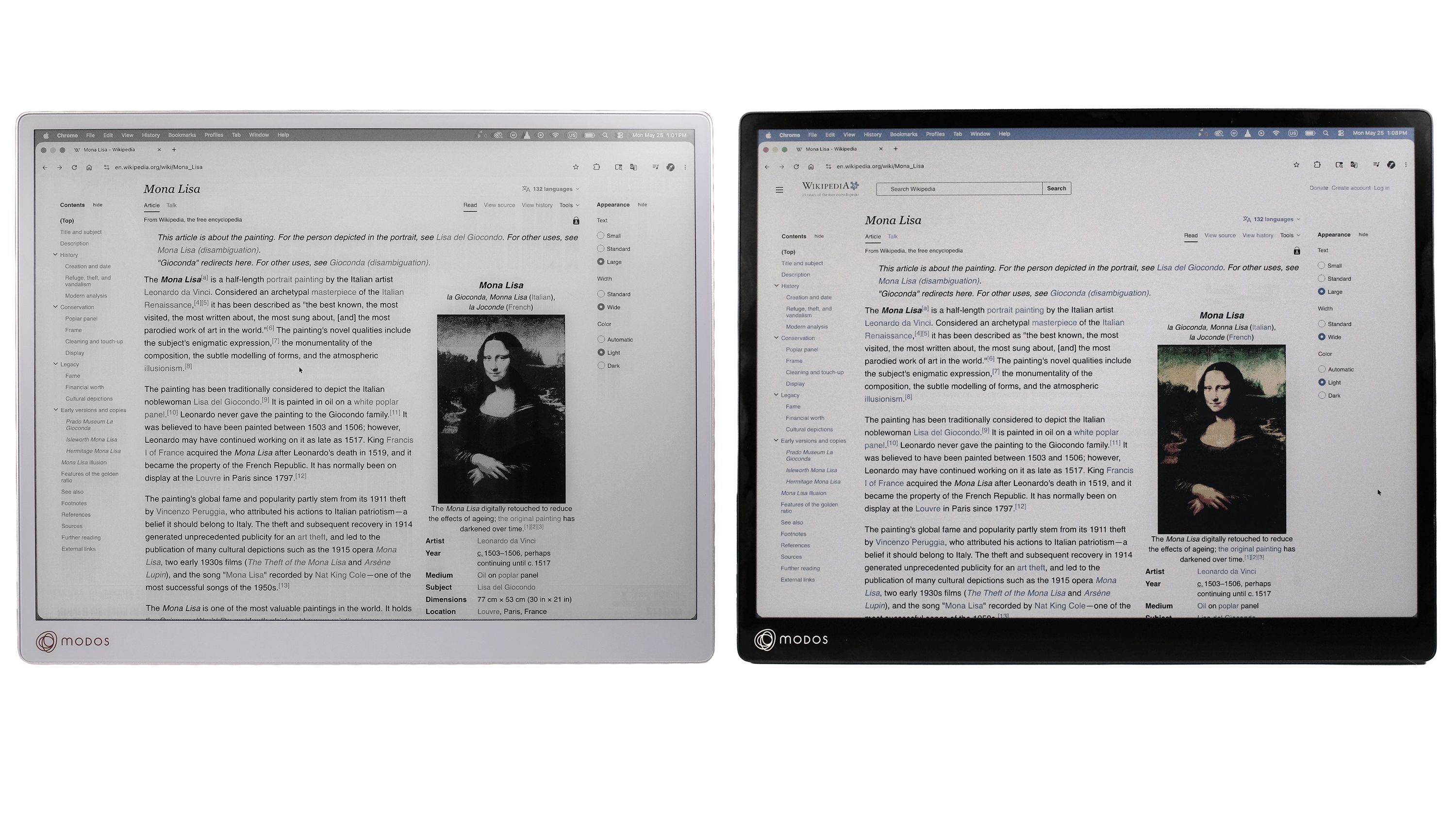
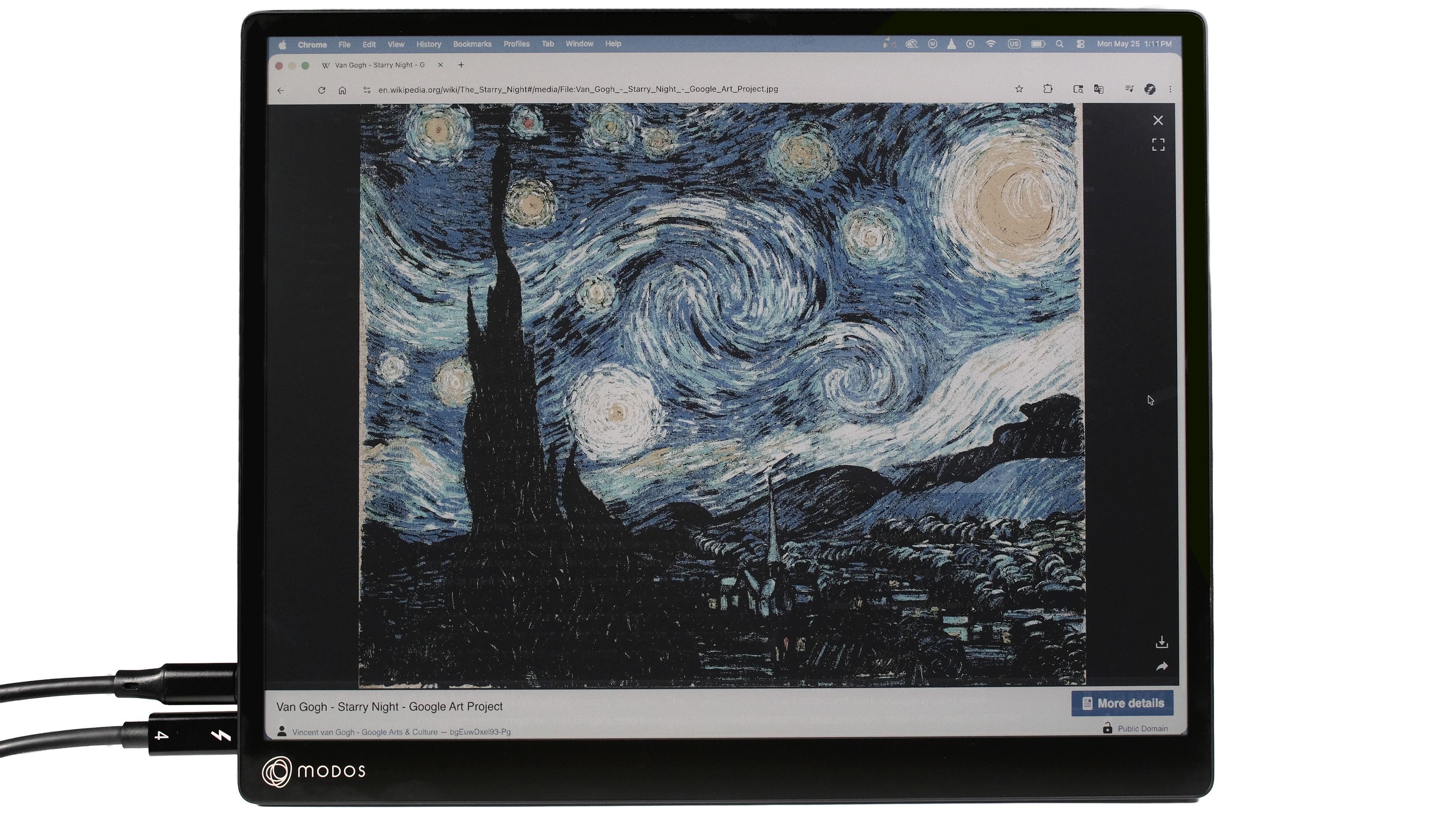
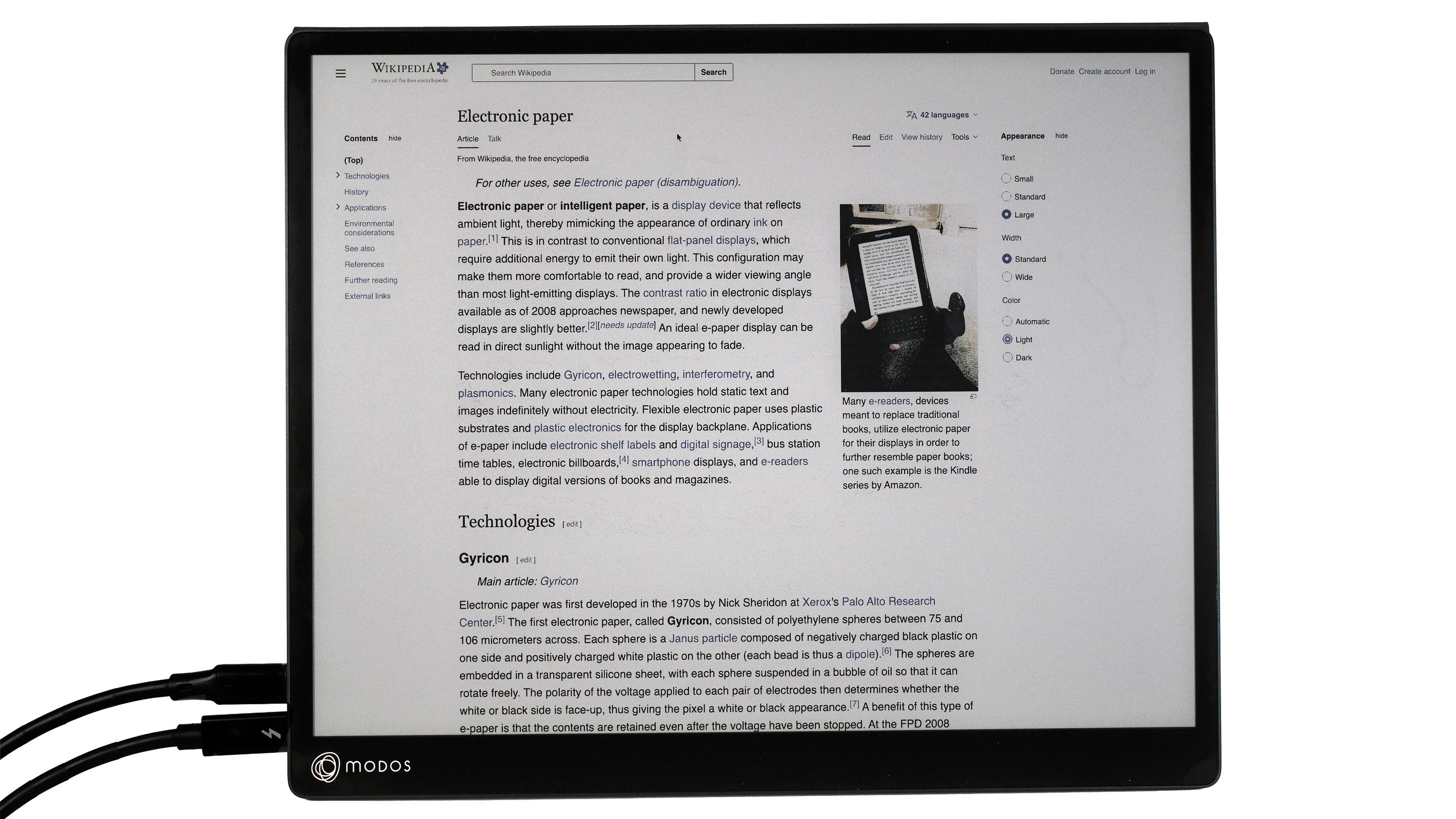
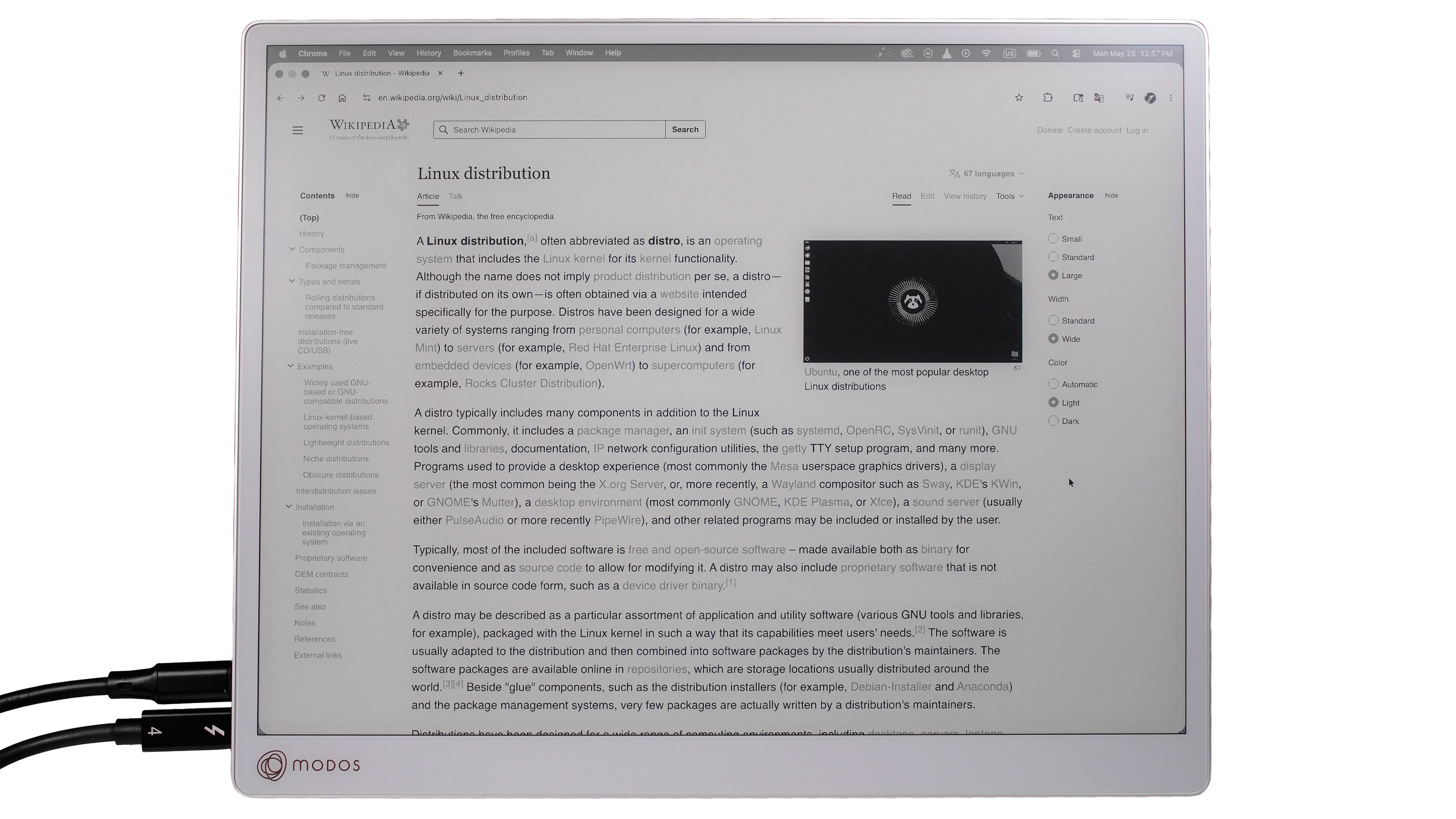
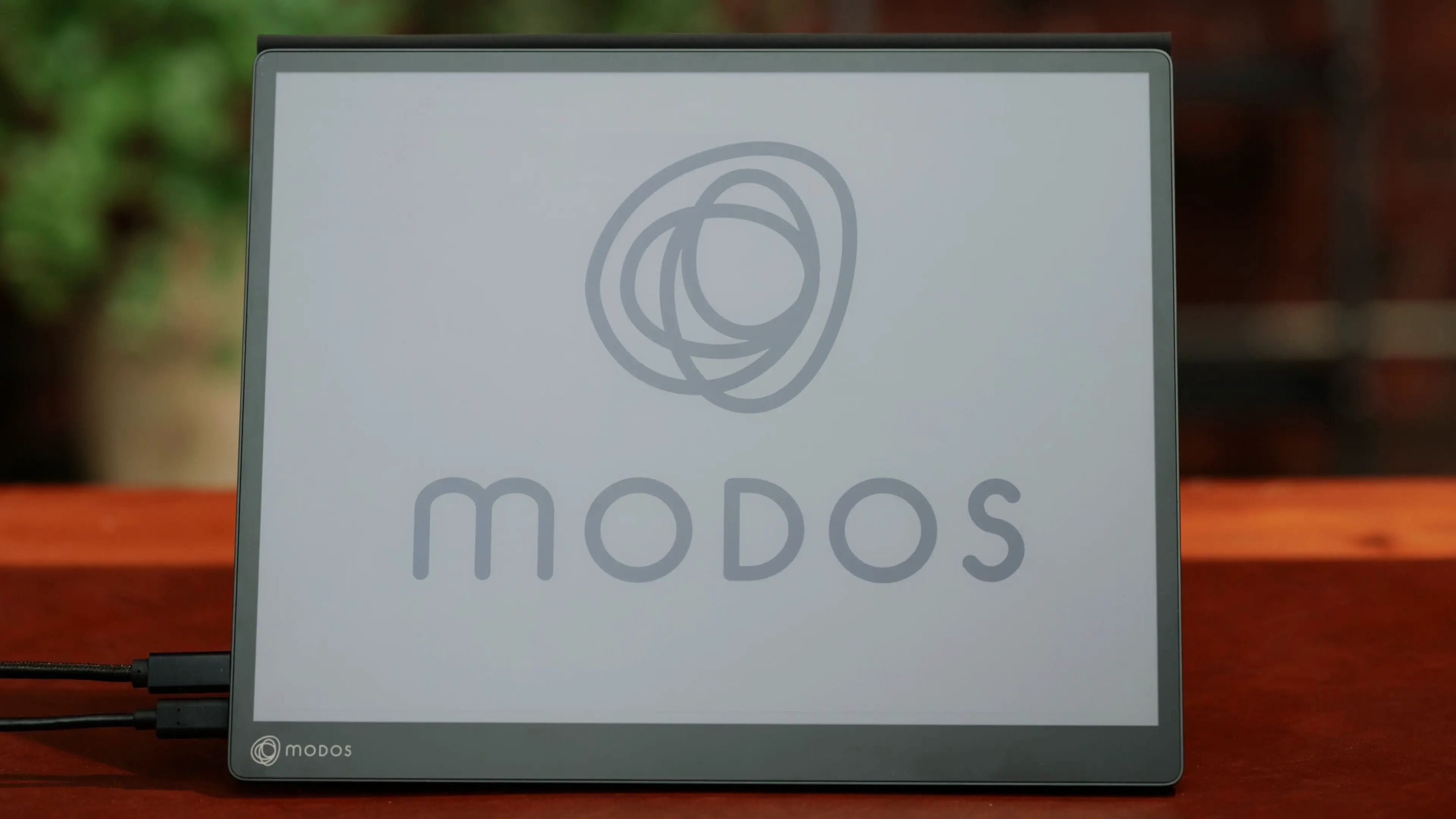
Modos Flow is the result: a responsive, paper-like, 13.3-inch monitor built for everyday reading, writing, and focused work. This product uses an E Ink® display. It connects over USB Type-C’s DisplayPort Alt Mode and supports touch as part of everyday use. The color model also includes a built-in frontlight and stylus support.
Color & Mono Versions Available
See the Difference
Flow is built for everyday. Many e-paper screens feel slow because they refresh the entire display. Flow can update only what’s changing—like the cursor or the text you’re editing—so interaction doesn’t have to wait for a full-screen refresh. Different tasks call for different update behavior, which is why Flow does not rely on a single fixed refresh pattern.
The clearest way to demonstrate this responsiveness is to show it in action:
Fast Refresh & Panel Longevity
Fast refresh naturally raises questions about long-term wear. In normal use, we do not expect it to significantly reduce the lifetime of an E Ink panel.
The key distinction is between the E Ink material itself and the electronics that drive it. The material is long-lived, so frequent updates are usually not what causes failure. The bigger stress point is the driving electronics, which move the particles during each refresh. If those circuits are pushed aggressively or continuously for long periods, they can see more stress.
Our implementation does not increase the total number of refresh cycles. Instead, the display begins responding sooner, which improves perceived speed without adding extra refreshes.
In our testing so far, fast refresh has not been the main cause of failures. Physical damage, pressure, bending, excessive heat, and moisture are generally bigger risks.
Modes for Different Kinds of Work
Each mode changes the balance between update speed, image quality, and visual stability:
- Reading favors clarity and stability
- Browsing balances detail and responsiveness
- Watching prioritizes faster updates
- Writing minimizes latency while you type.
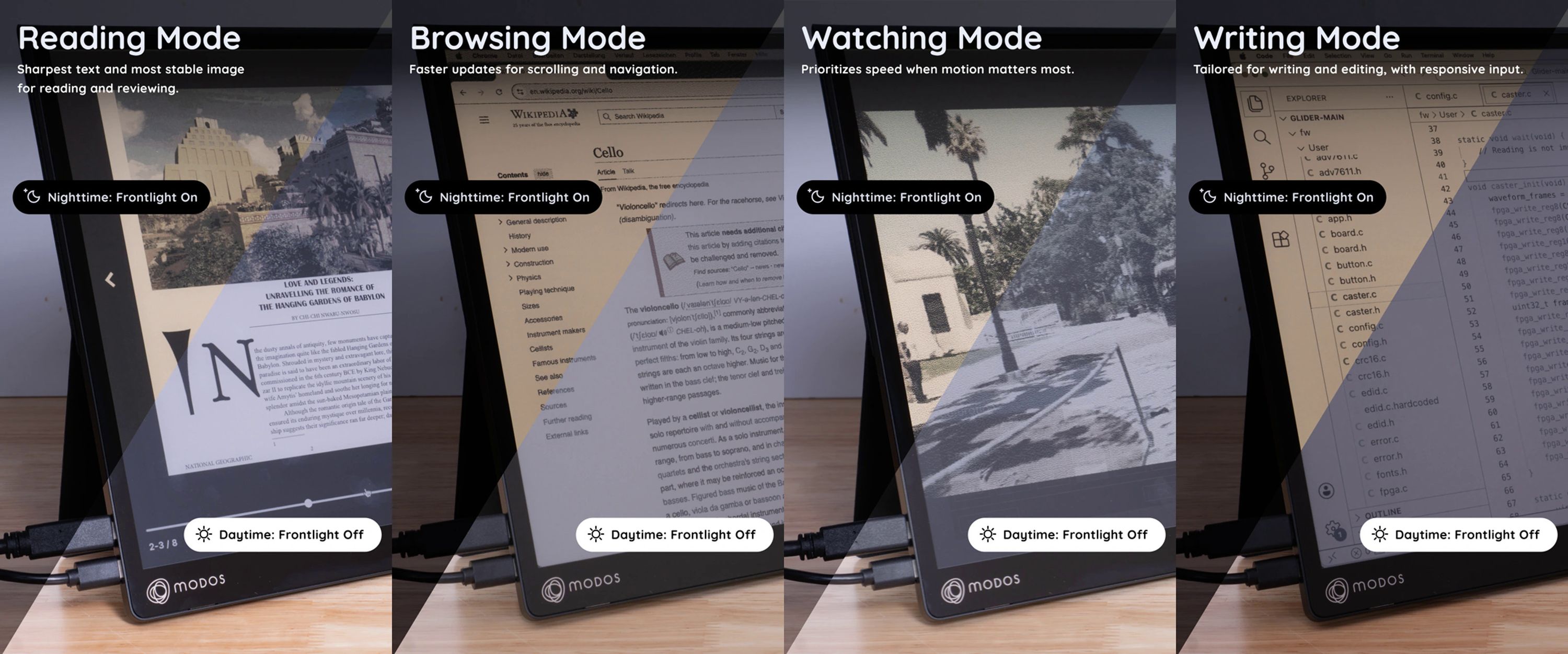
You can use the physical buttons to switch modes based on what you’re doing. Or, with the Modos Flow API, you can bind keys to modes, letting you switch with a shortcut. That gives you more than manual control. It lets you match the display behavior to the task instead of forcing every workflow into the same update mode.
For example, you can map a key to Reading Mode and another to Video Mode, then adjust those bindings to match your workflow. The result is fewer interruptions and a display that adapts without pulling you out of what you’re doing.
A More Comfortable Way to Work
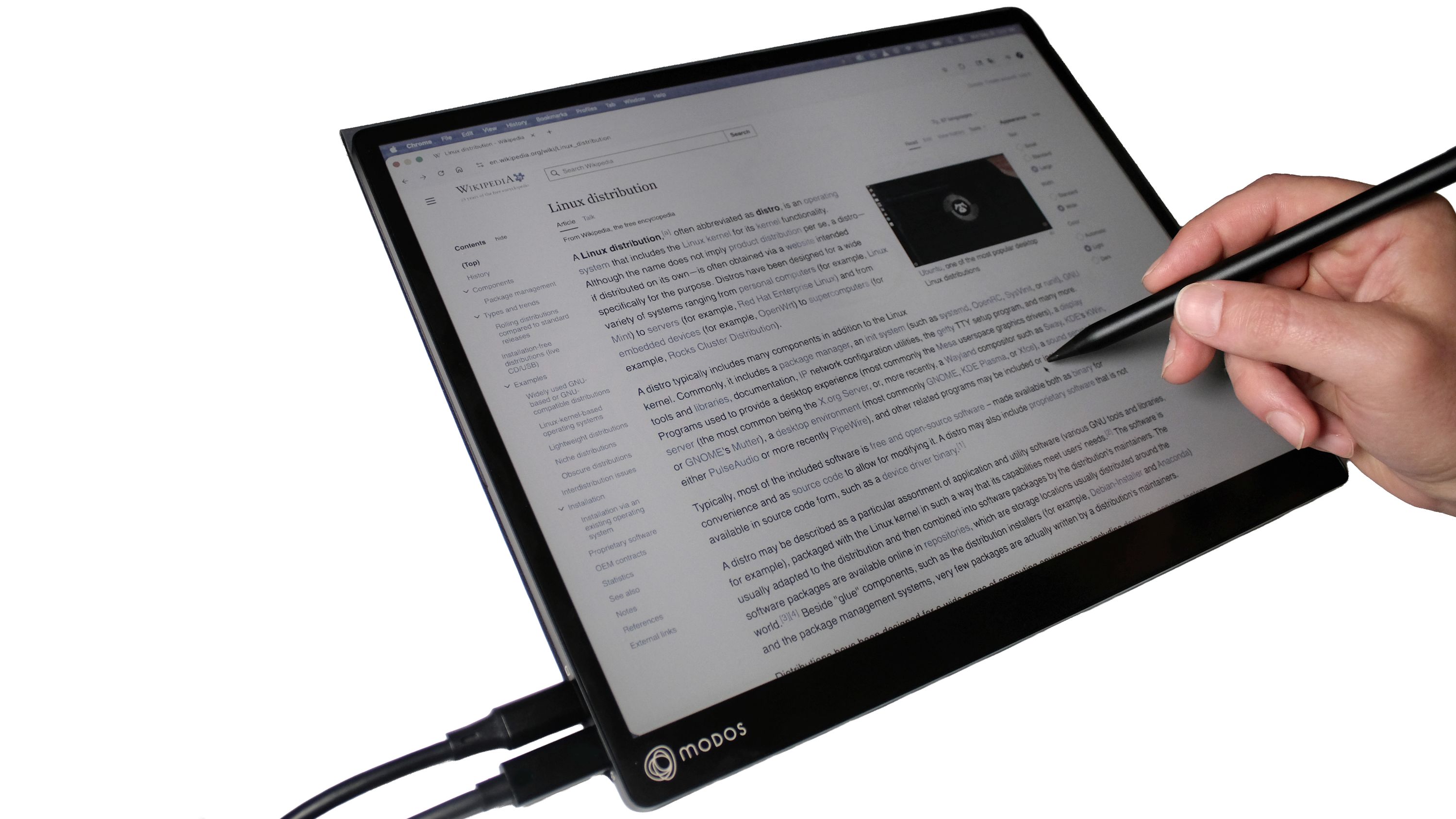
E Ink has another quality that matters once you start relying on it: it stays readable in direct sunlight. A bright day doesn’t turn your screen unreadable. Because the display is reflective rather than backlit, bright ambient light works with it instead of washing the screen out. That changes where and how you can work. Instead of spending all day under artificial light, you can work comfortably in natural light by a window. You can take a document outside and keep reading. You can write on a balcony or in a shaded outdoor space, and the display still feels calm and comfortable.
The strain of bright screens often builds gradually over time, especially across years of reading, writing, and scrolling. A calmer, paper-like screen can make long sessions feel less visually intense and more comfortable. Think of it like investing in a better chair or an ergonomic keyboard: you choose it because it supports the way you work over time.
Modos Flow is an investment in a more comfortable, sustainable workspace – one that pays you back every day you sit down to work.
Designed for Both Mobile & Desktop Use
Flow’s 3200 x 2400 display is optimized for sharpness and readability while still remaining portable. On the go, you can power Flow at up to 40 Hz with a single USB Type-C cable. At a desk, you can connect additional power and take advantage of its full 60 Hz refresh rate. Flow adapts to the way you work, whether you are moving between places or settling in for a longer session.
Features & Specifications
- 13.3-inch E Ink Carta ™ 1300 Display or E Ink Kaleido ™ 3 Display
- Touch support
- 3200 x 2400 resolution (300 PPI)
- Up to 60 Hz refresh rate
- Sub-100 ms latency
- USB Type-C with DisplayPort Alt Mode
- Compatible with Linux, macOS, and Windows
- Optimized display modes for reading, browsing, watching, and writing
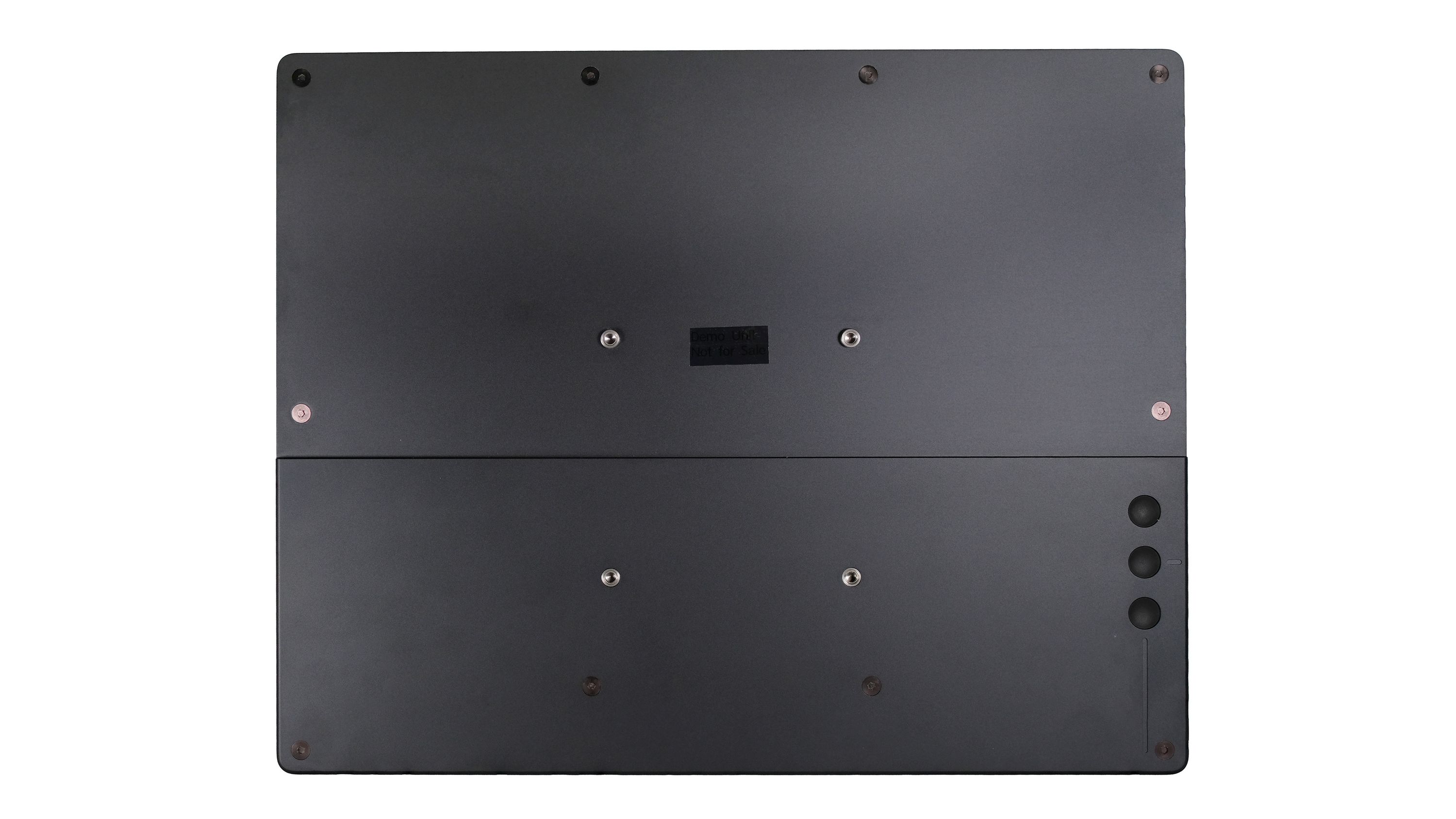
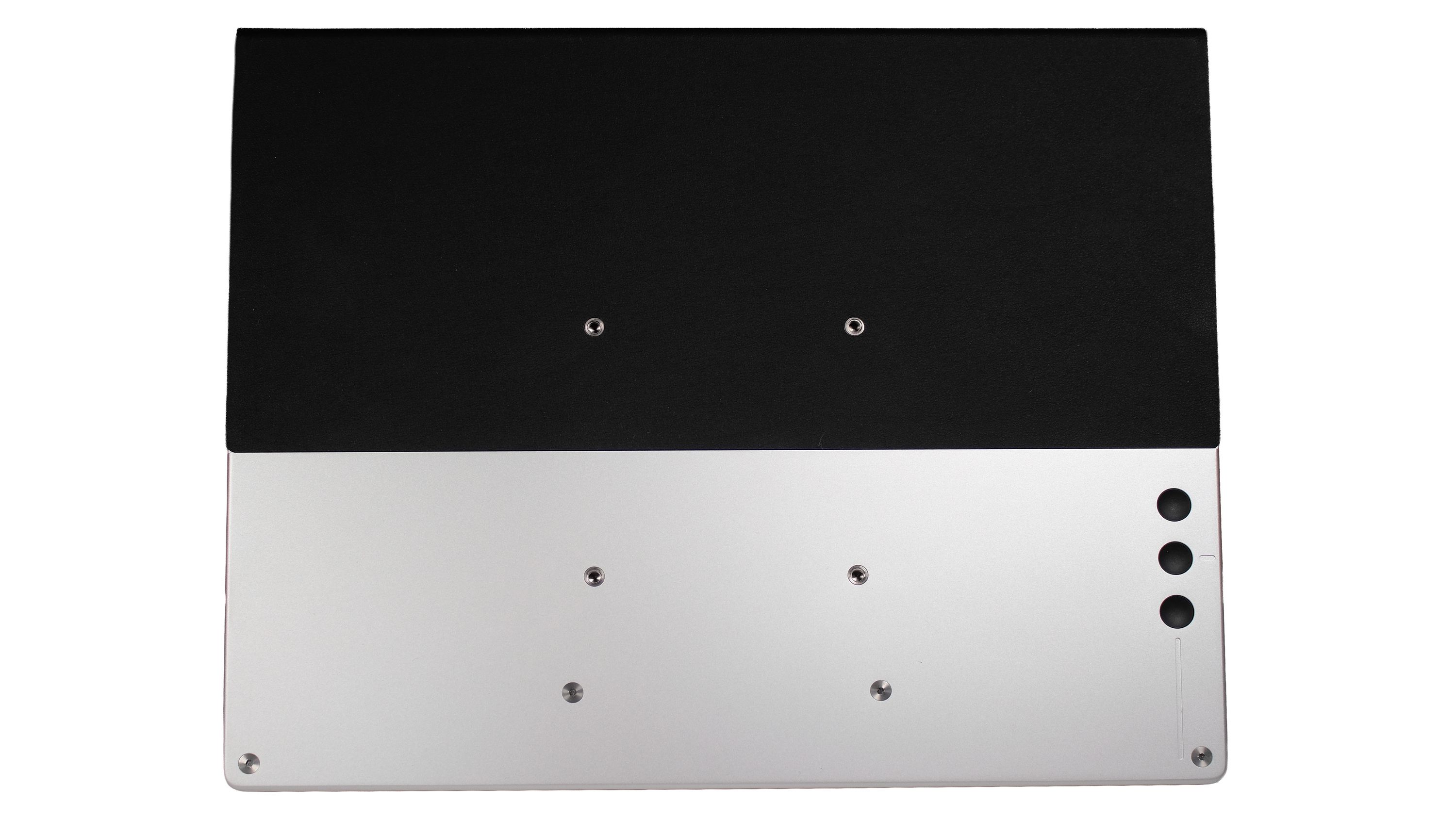
- VESA-compatible mounting support
- Available in monochrome or with support for 4,096 colors and 16 levels of grayscale
- Available with or without stylus support
- Available with or without an amber-tinted frontlight
- Dimensions: 31.5 x 25.4 x 1.6 cm (12.4 x 10.0 x 0.65 in)
- Weight: 0.69 kg (1.54 lbs), 1.19 kg (2.64 lbs) with cover & stand
Comparisons
E-Paper Monitors
| Feature | Modos Flow | Modos Paper Dev Kit | Dasung Paperlike 13K | Bigme B13 | Boox Mira 13.3” | Waveshare EINK DISP 133 |
|---|---|---|---|---|---|---|
| Screen Size | 13.3” | 6.0” / 13.3” | 13.3” | 13.3” | 13.3” | 13.3” |
| Pixel Density | 300 PPI | 300 PPI / 150 PPI | 300 PPI | 300 PPI | 207 PPI | 150 PPI |
| Maximum Frame Rate | 60 Hz | 75 Hz | 37 Hz | 30 Hz | ~20 Hz | ~15 Hz |
| Interfaces | USB Type-C | HDMI, USB Type-C, GPIO | HDMI & USB Type-C | HDMI & USB Type-C | HDMI & USB Type-C | HDMI |
| Touchscreen | Yes | No | Yes | Yes | Yes | No |
| Stylus | Yes (Color Model) | No | No | No | No | No |
| Color | Yes (Color Model) | No | Yes (Color Model) | Yes | No | No |
| Frontlight | Yes (Color Model) | No | Yes (Color Model) | Yes | Yes | No |
| Open Hardware | Yes | Yes | No | No | No | No |
| Programmable Modes | Yes | Yes | No | No | No | No |
| API for Display Controller | Yes | Yes | No | No | No | No |
| Standalone Operation | Yes | Yes | No | No | No | No |
| Single USB Type-C Operation | Yes | Yes | No | No | Yes | No |
| Price | $699 (B&W) or $799 (Color) | $199 (6") or $599 (13") | $679 (B&W) or $749 (Color) | $699 | $799 | $679 |
E-Paper Dev Kits
| Feature | Modos Flow | Modos Paper Dev Kit | Waveshare e-paper HAT | Inkplate 6 MOTION | EPDiy |
|---|---|---|---|---|---|
| Controller | FPGA-based | FPGA-based | None | ESP32-based | ESP32-based |
| Display Technology | E Ink | E Ink | E Ink | E Ink | E Ink |
| Screen Size | 13.3” | 6” / 13.3” | 6” | 6” | 9.7” |
| Programming Language Support | Rust, Python, C | Rust, Python, C | Python, C, C++ | MicroPython, C, C++ | MicroPython, C, C++ |
| Pixel Density | 300 PPI | 300 / 150 PPI | 300 PPI | 212 PPI | 150 PPI |
| Maximum Frame Rate | 60 Hz | 75 Hz | <2 Hz | 11 Hz | Unknown |
| Interfaces | USB Type-C | HDMI, USB Type-C, GPIO | SPI, GPIO | USB Type-C, GPIO | GPIO |
| Touchscreen | Yes | No | No | No | N/A |
| Frontlight | Yes | No | No | No | N/A |
| Open Hardware | Yes | Yes | Yes | Yes | Yes |
| Programmable Modes | Yes | Yes | Yes | Yes | Yes |
| API for Display Controller | Yes | Yes | No | No | No |
| Standalone Operation | Yes | Yes | No | Yes | Yes |
| Works With Other Panels | No | Yes | No | No | Yes |
| Customized Casing / Integration | No | Yes | Yes | Yes | Yes |
| Power Consumption | High | High | Low | Low | Low |
| Price | $699 / $799 | $199 / $599 | $113 | $195 | N/A |
The Power of Open Hardware & Open Source Software
As an open-hardware running open-source software, Flow is designed so you can inspect, extend, and improve how it works. That means testing ideas, sharing improvements, contributing code, and helping to refine its real-world behavior.
Community member @Inkredible created a video called "Making Eink Look Good - Atkinson Dithering" that shows his implementation of Atkinson Dithering on Modos Flow. His contribution sharpens text, code, browsing, user interface rendering, and video playback by tuning pixel behavior, error diffusion, and artifact reduction for everyday use.
Built to Last
We build tools for people who spend hours a day reading, writing, and thinking. For that kind of work, trust and longevity matter. That’s why Modos is open hardware and open source. You can inspect how it works, fix what breaks, and adapt it to your workflow. That matters here because a tool you use every day should be understandable, maintainable, and adaptable over time.
- Inspectable by default: Source files and documentation let you see how it works.
- Modifiable and repairable: You can keep fixing, updating, and improving it over time.
- Shareable improvements: Fixes and refinements can be shared and reproduced by others.
What’s Included
- Source files and schematics
- Documentation for modes, recommended usage, and tradeoffs
- Firmware source, public changelogs, and versioned releases
- A public issue tracker for bugs, compatibility notes, and fixes
We’ve Done This Before
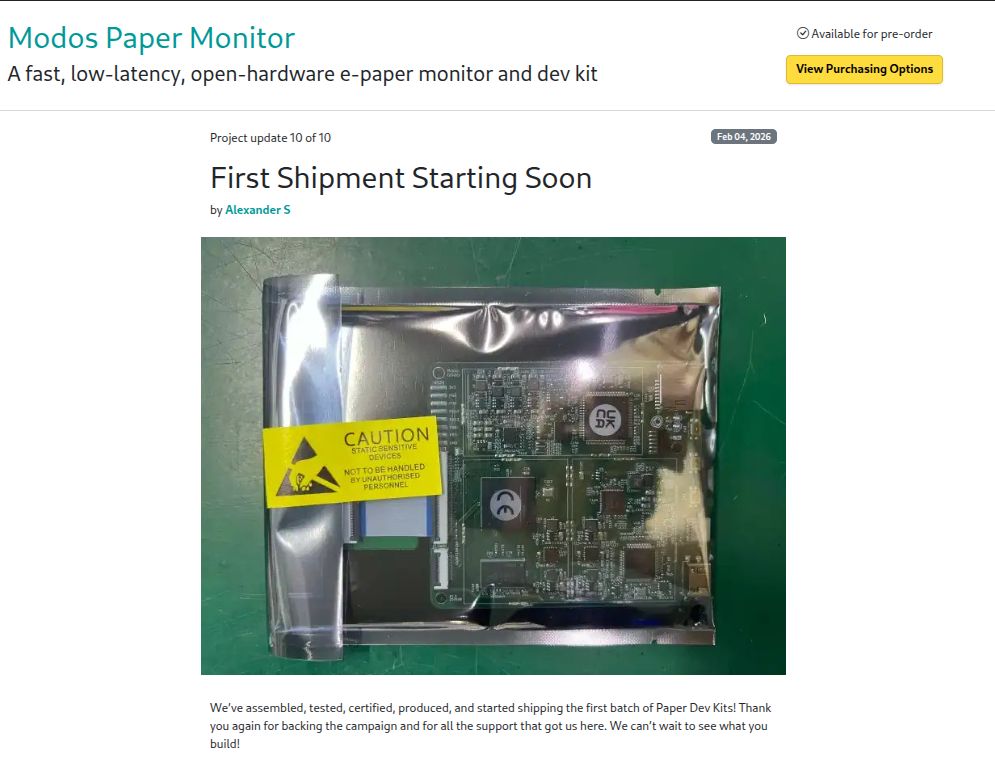
We launched our Paper Dev Kit here on Crowd Supply. The lessons we learned while manufacturing that product and shipping it to backers has shaped how we’re preparing for Flow.
Support & Documentation
Modos Flow is open hardware and built using open-source software, with firmware source code available on GitHub. Our documentation explains how the display works, how the modes behave, and what tradeoffs to expect in daily use.
You can also join us on Discord or follow along on Mastodon, Bluesky, Matrix, and Twitter.
Manufacturing Plan
Modos Flow has passed pre-production revisions and undergone thorough validation and testing. We have established partnerships with contract manufacturers in China, and our chosen partner will handle board manufacturing and assembly. The panels are sourced directly from E Ink Corporation. With the design finalized, we now have a full Bill of Materials (BoM), supplier quotes, and tooling in place as we prepare for production. Once the campaign concludes, manufacturing will begin, and we’ll keep you updated via campaign emails.
Fulfillment & Logistics
After production is complete, we will package everything and send it to Crowd Supply’s fulfillment partner, Mouser Electronics, for distribution to backers worldwide. For more details about Crowd Supply’s fulfillment service, please refer to their guide under Ordering, Paying, and Shipping.
Risks & Challenges
Modos Flow has been in development for over a year. During that time, the core functions of our display controller board have proven stable, allowing us to focus on refining the hardware design and solving engineering challenges.
That said, as with any hardware project, the production process and supply-chain management present inherent risks. To mitigate these risks, we have built strong partnerships with our suppliers and manufacturers. In the event of any setbacks, we are committed to minimizing delays and will keep our backers informed with transparent, timely updates throughout the process.
Built by People Who Care About the Work
We began building Modos for the same reasons many people look for alternatives: long hours in front of bright displays, distraction, and tools that pull attention away from our work. We wanted a screen that felt as calm and readable as paper without giving up the responsiveness we rely on every day. We also wanted it to be open hardware running open-source firmware, so it could be understood, improved, and maintained in the long run.
Over the past few years, we’ve been attending conferences, giving talks, and sharing what we’ve been working on. These talks have documented the project in public, covering everything from our early ideas and prototypes through the shipment of our Paper Dev Kit.
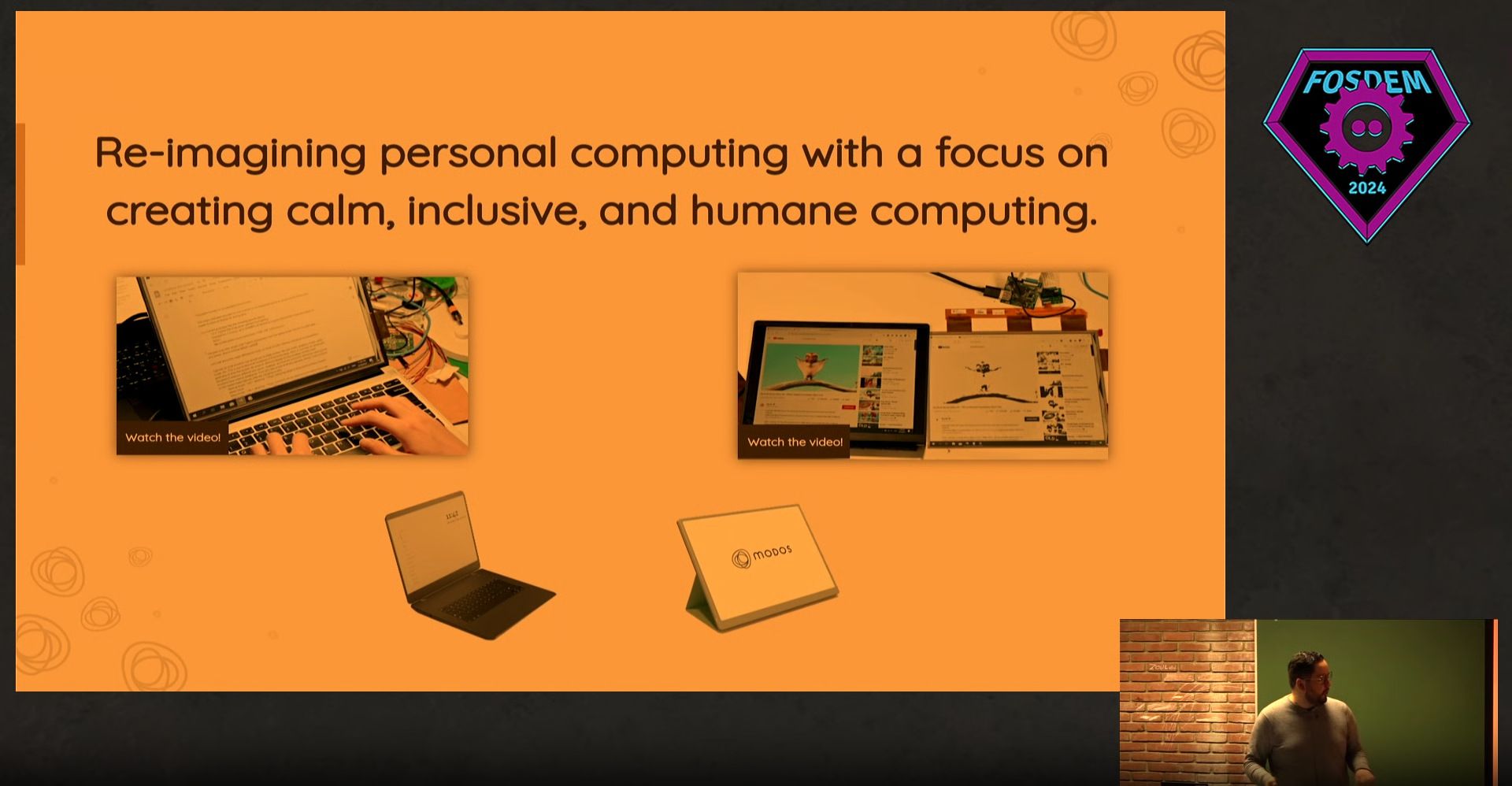
FOSDEM 2024: Modos: Building an Ecosystem of Open-Hardware E Ink Devices
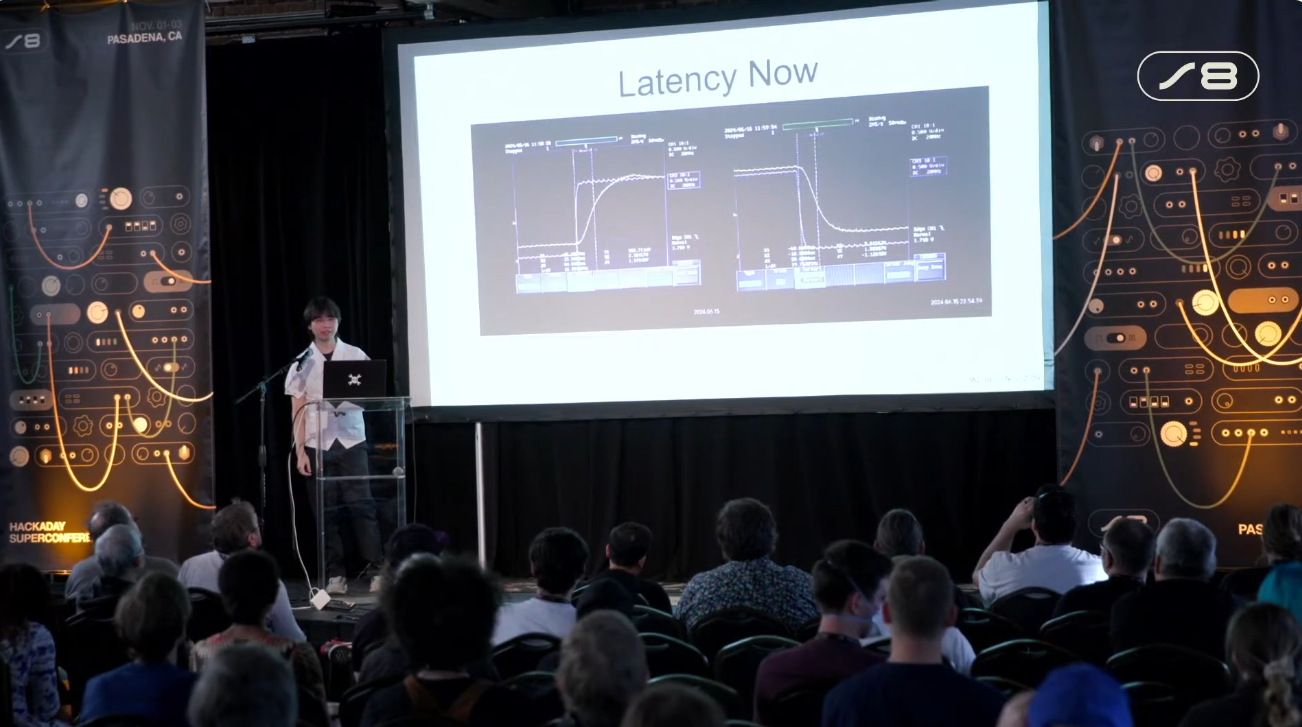
Supercon 2024: Making E-Ink Go Fast
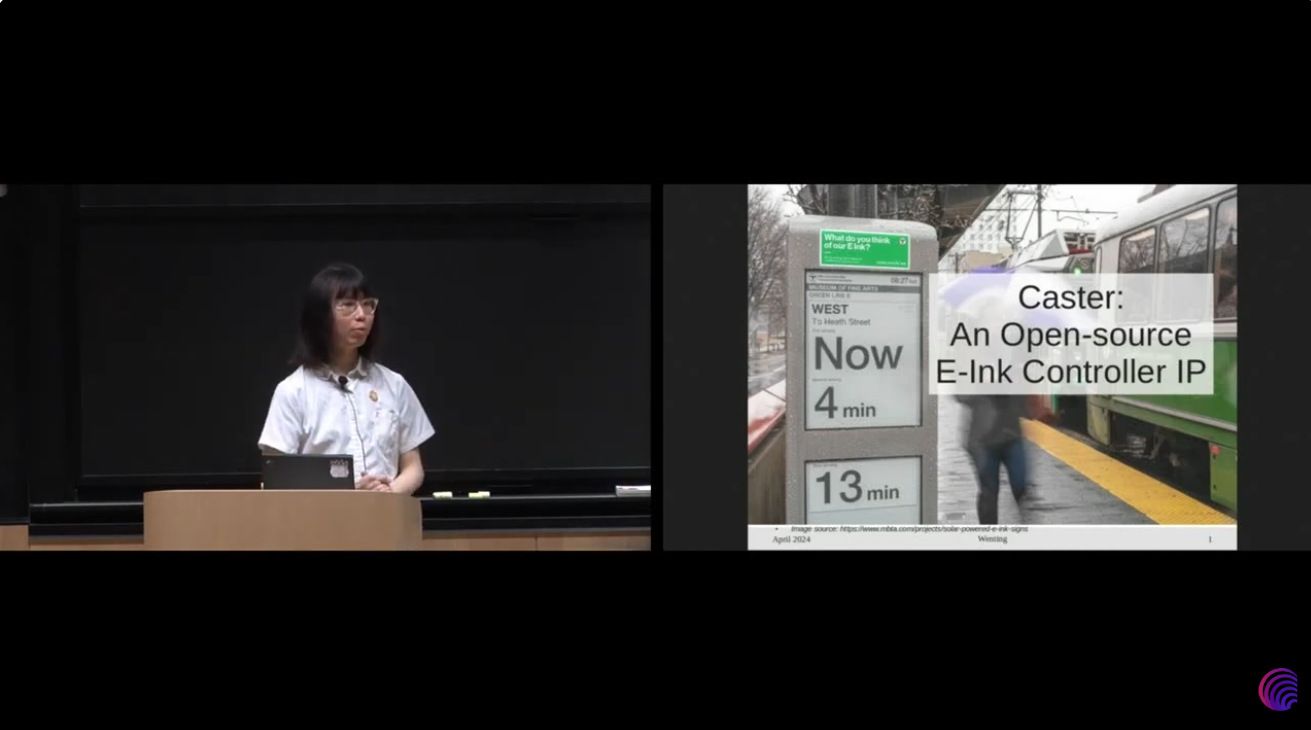
Latch-up 2024: Caster: An Open-source E-Ink Controller
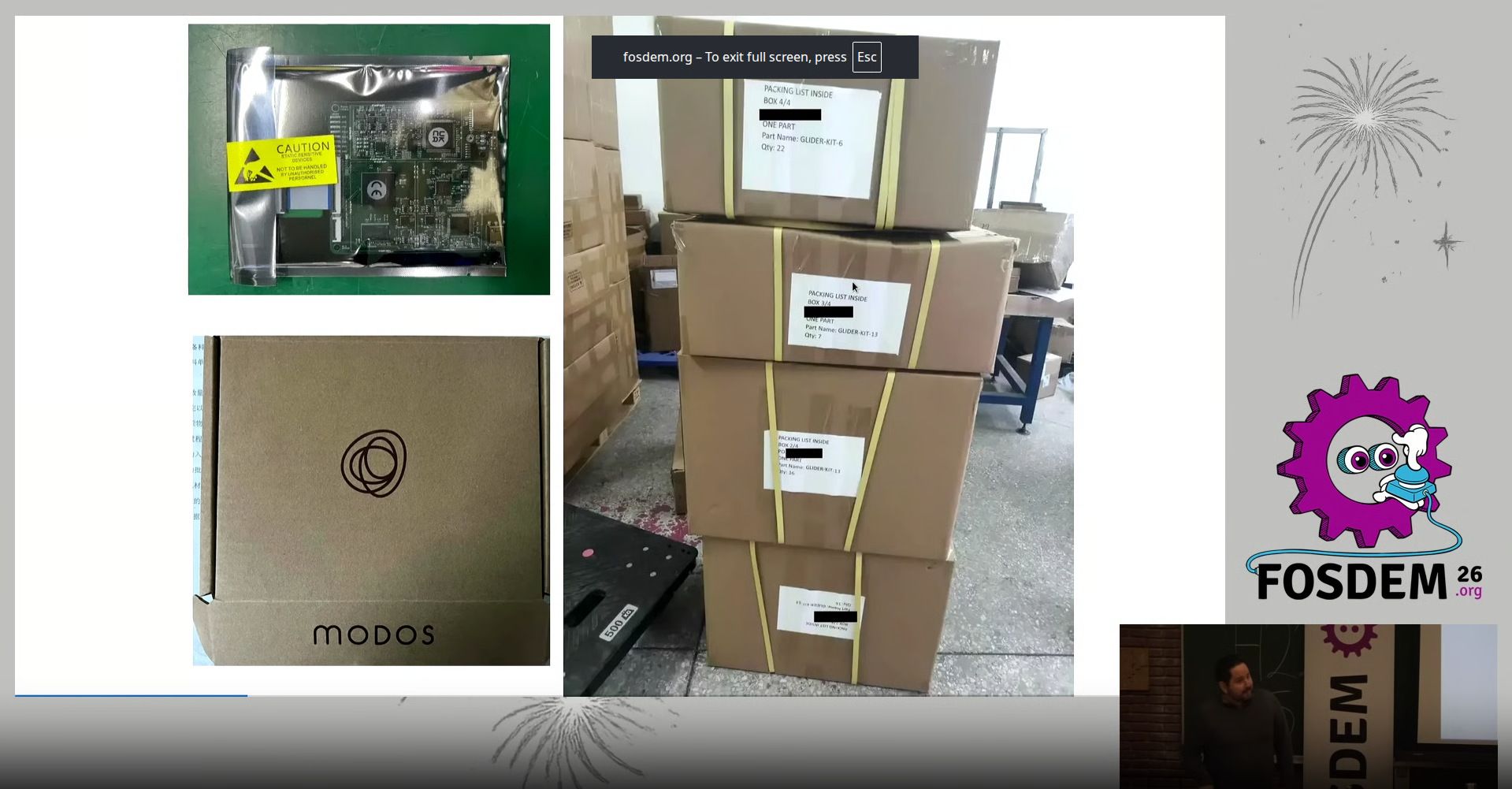
FOSDEM 2026: From Prototype to Production: Crowdfunding and Shipping the Modos Paper Dev Kit
E Ink and the E Ink logo are registered trademarks of E Ink Corporation.
In the Press
Ask a Question
Produced by Modos Tech in Boston, MA.
Sold and shipped by Crowd Supply.
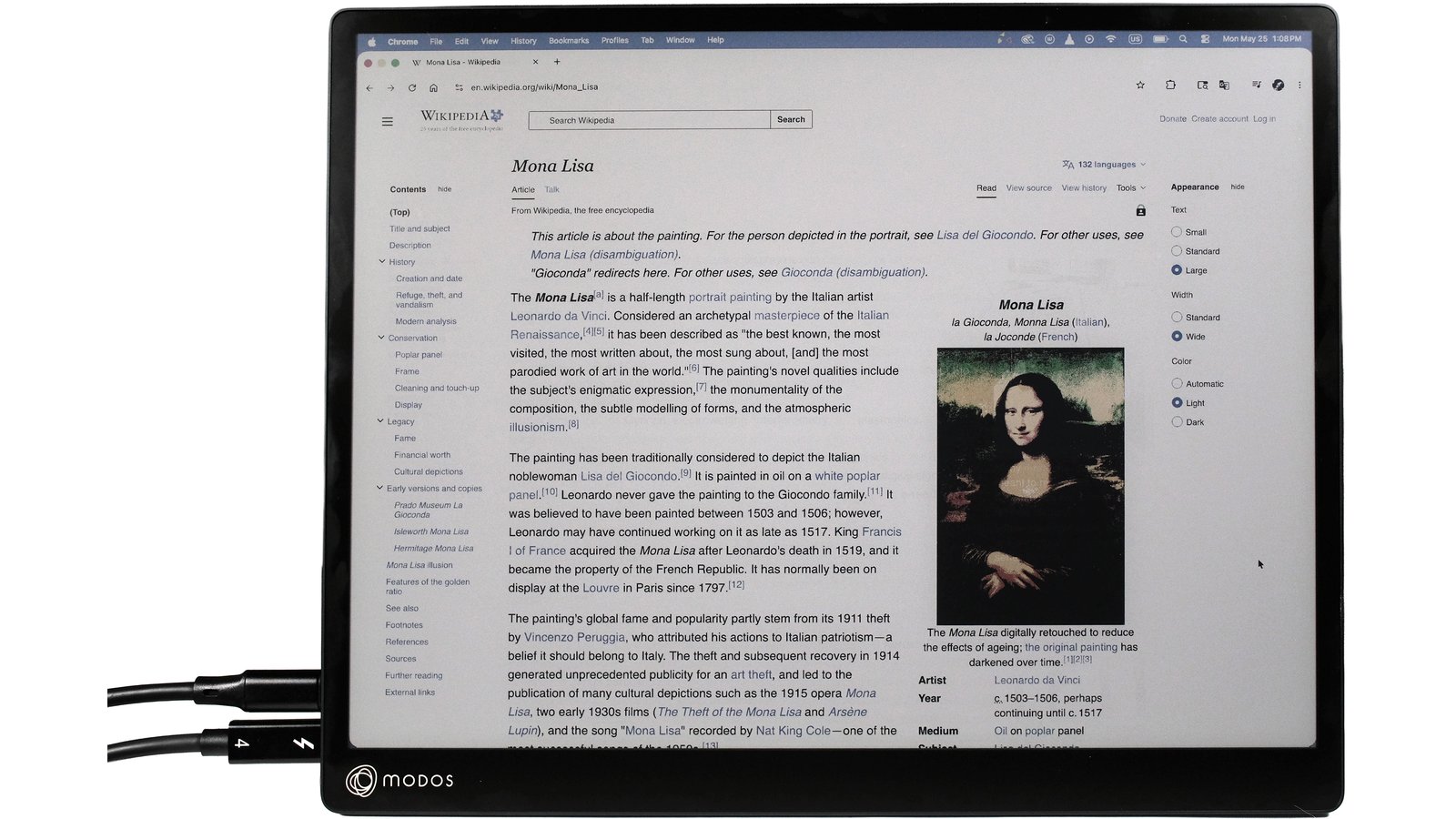
Modos Flow Color
13" color e-paper monitor with a touchscreen, stylus support, and a frontlight. Comes with a USB Type-C cable, a stylus, and a folding screen cover that doubles as a monitor stand
$799 Free US Shipping / $18 Worldwide
Orders placed now ship Dec 31, 2026.
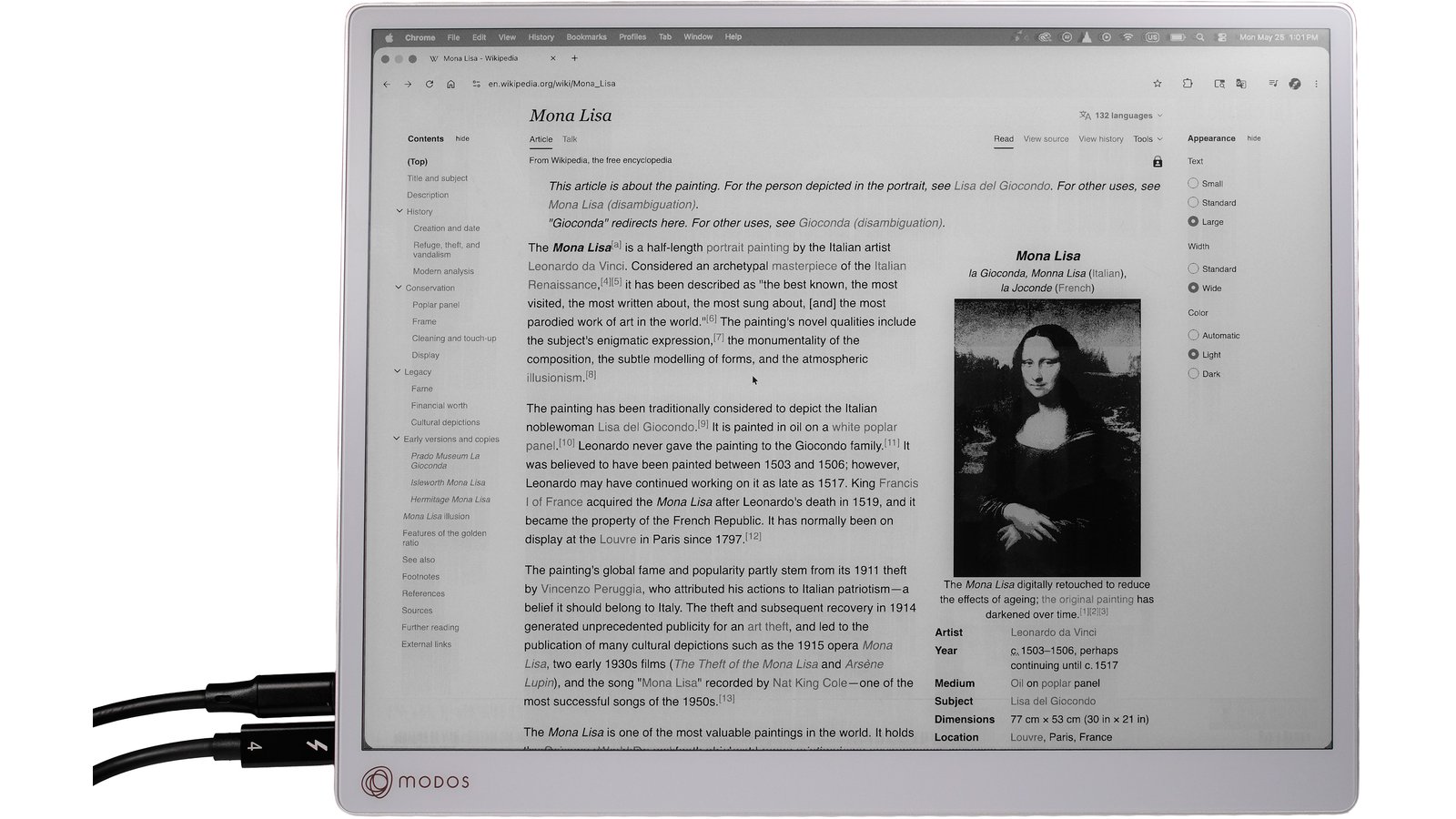
Modos Flow Mono
13" monochrome e-paper monitor with a touchscreen. Comes with a USB Type-C cable and a folding screen cover that doubles as a monitor stand
$699 Free US Shipping / $18 Worldwide
Orders placed now ship Dec 31, 2026.
About the Team