
One keyboard,
all your devices
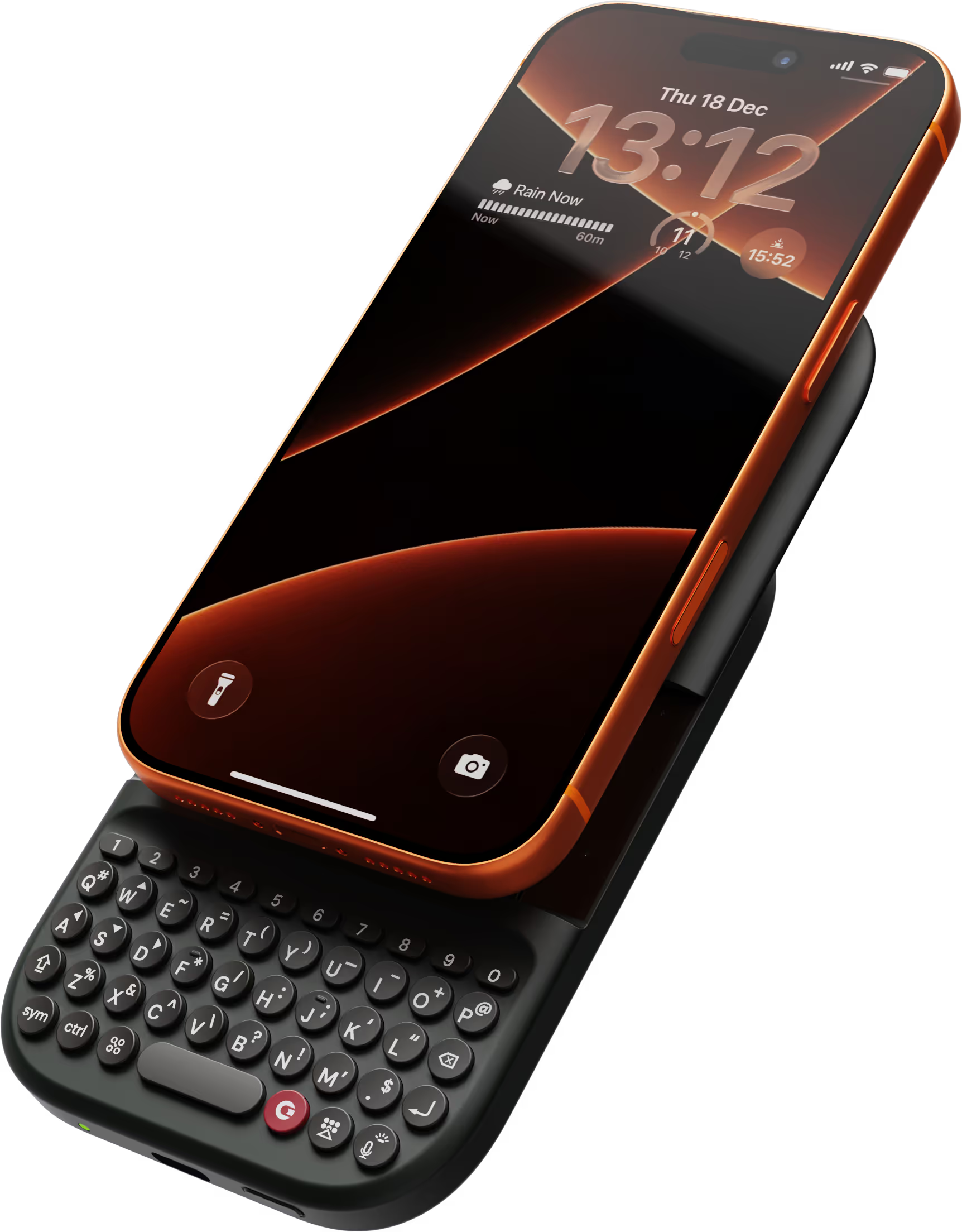
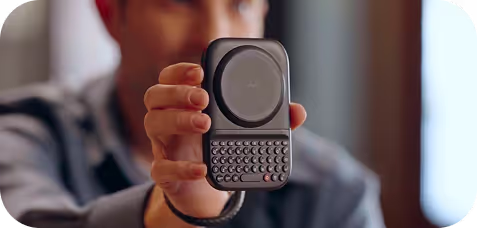
Slide out typing. Built-in power. It’s the most versatile keyboard ever.
Discover Clicks Power Keyboard
Get the highlights
Premium typing experience
Slide out keyboard
Tackle typing tasks anywhere, any time.
Wireless power
Top up your phone’s battery on the go.
Premium typing experience
Satisfying tactile feedback plus dedicated number keys & more symbols.
One keyboard,
multiple devices
Bluetooth keyboard for your phone, tablet, smart TV, and gaming devices.
One keyboard, every screen
Power Keys moves seamlessly from phone to tablet to TV to spatial computing so wherever ideas appear, typing just works.
Go wide screen
Accurate input meets more space for spreadsheets and documents.
Tactile tablet typing
Travel light with a premium bluetooth keyboard for your tablet, great for long emails and quick replies.
Confident input for smart TVs
Power Keyboard makes passwords less frustrating and searching for your favourite show a breeze.
Real typing in AR
A real keyboard makes productivity in AR/VR a reality. Say goodbye to air typing and hello to tactile feedback.
Compatibility
Try Power Keyboard on
Works with iPhone and Android phones with wireless charging.
Specifications
Keep exploring Power Keyboard

Battery
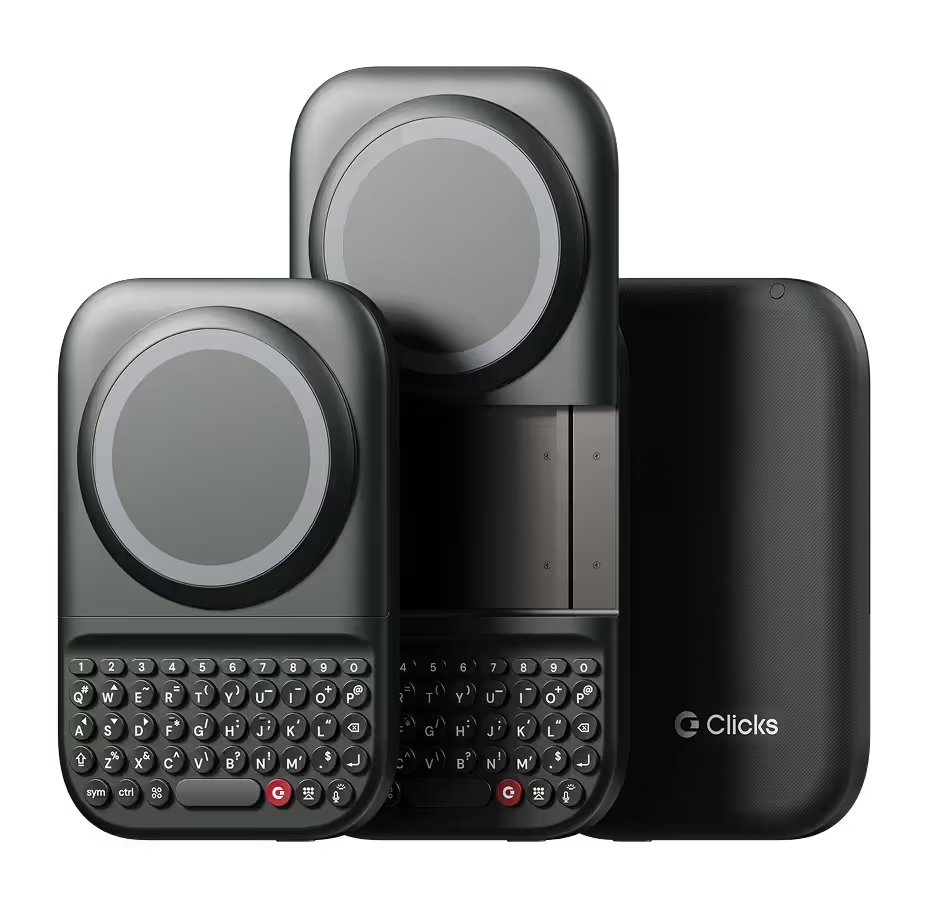
Built-in 2300mAh battery

Wireless charging
5W Qi wireless charging for phones

Backlit keyboard
Adjustable LED backlight

Power reserve
Designated battery for keyboard use

Bluetooth
BLE 5.4 for low-power performance

Size & weight
119.7 × 76.6 × 15.2mm | 180 g
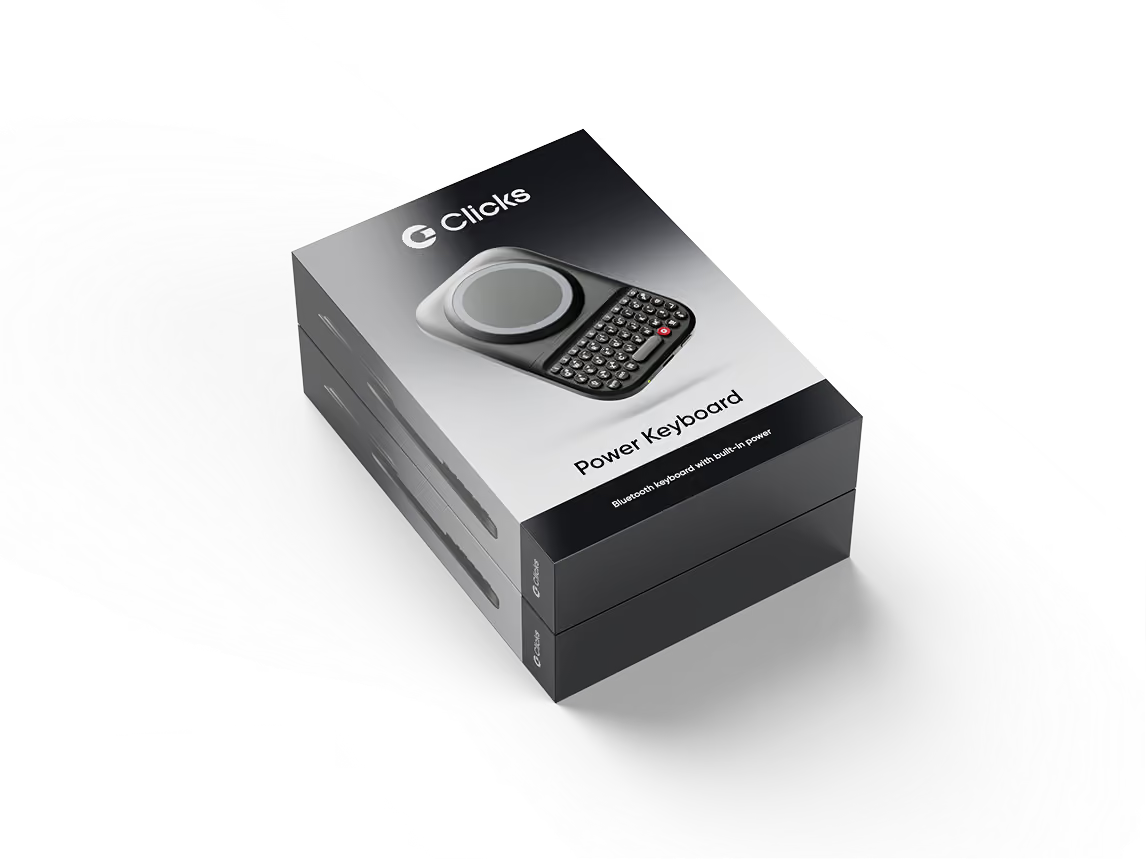
Shipments are underway.
We're currently processing deliveries as manufacturing ramps up. Check back for the latest updates on progress.
Check Your Order Status
Enter your Power Keyboard Order ID to view its latest status.
Thank you! Your submission has been received!
Oops! Something went wrong while submitting the form.
FAQs
Does Power Keyboard support both regular and large size phones?
Power Keyboard offers multiple slider positions that allow it to adjust to different phone sizes, from standard models to large “Ultra” and “Pro Max” devices."
How big is the battery?
Power Keyboard has an onboard 2300 mAh battery. By default, 500 mAh of the battery is reserved for the keyboard to help ensure you have a premium typing experience when you need it. This can be adjusted in the Clicks App.
What phones are compatible with Power Keyboard?
Power Keyboard has been tested with a variety of iPhone models (iPhone Air, 17 Pro, 17 Pro Max, 16 Pro, and all other MagSafe compatible iPhones), Pixel 9, Galaxy fold, and more. It can serve as a bluetooth keyboard to devices that support external bluetooth keyboards, and will provide wireless charging to products with MagSafe and Qi2.
What if my phone doesn’t support MagSafe or Qi2?
Power Keyboard connects to your phone via Bluetooth, so it will work with any device that supports Bluetooth keyboards. For magnetic attachment, if your device does not have built-in magnets, you can use a MagSafe/ Qi2–compatible case or adhesive ring for secure mounting.
Can I disable wireless charging?
Yes. Wireless charging can be disabled through the Clicks App in order to preserve battery for bluetooth keyboard use.
Can I reserve a portion of the battery for the bluetooth keyboard?
Yes. You can designate a portion of the battery for the bluetooth keyboard. That way, you can charge your phone, but ensure that Power Keyboard will retain power for typing.
What other products are supported?
As a bluetooth keyboard, Power Keyboard should pair with any products supporting external bluetooth keyboard. To date, Power Keyboard has been tested with smartTVs including Apple TV and AR/VR headsets including Apple Vision pro. As compatibility with more products is confirmed, we will update the list.
How many bluetooth profiles are supported?
Power Keyboard can be paired with up to 9 different devices simultaneously.
How does pairing and switching between paired devices work?
While holding down the 123 key, press 0 to put power keys into pairing mode. Select Clicks Power Keyboard from your devices bluetooth pairing menu. Once paired, the first product will be stored to the ‘1’ key. Subsequent devices will be saved to the 2, and 3 keys respectively. Switch between connected devices by pressing the power key and then the 1,2 or 3 key to choose the appropriate smart device.
Can other products be charged by Power Keyboard through the USB-C port?
Not at this time. The on-board battery is designed to top up your phone and power the bluetooth keyboard.
Where can I find updates about my Power Keyboard pre-order?
You can find the latest information about your Power Keyboard pre-order on our dedicated Updates page: https://clicks.tech/updates-powerkeyboard We regularly post updates covering manufacturing progress, shipping timelines, certifications, and order fulfilment.