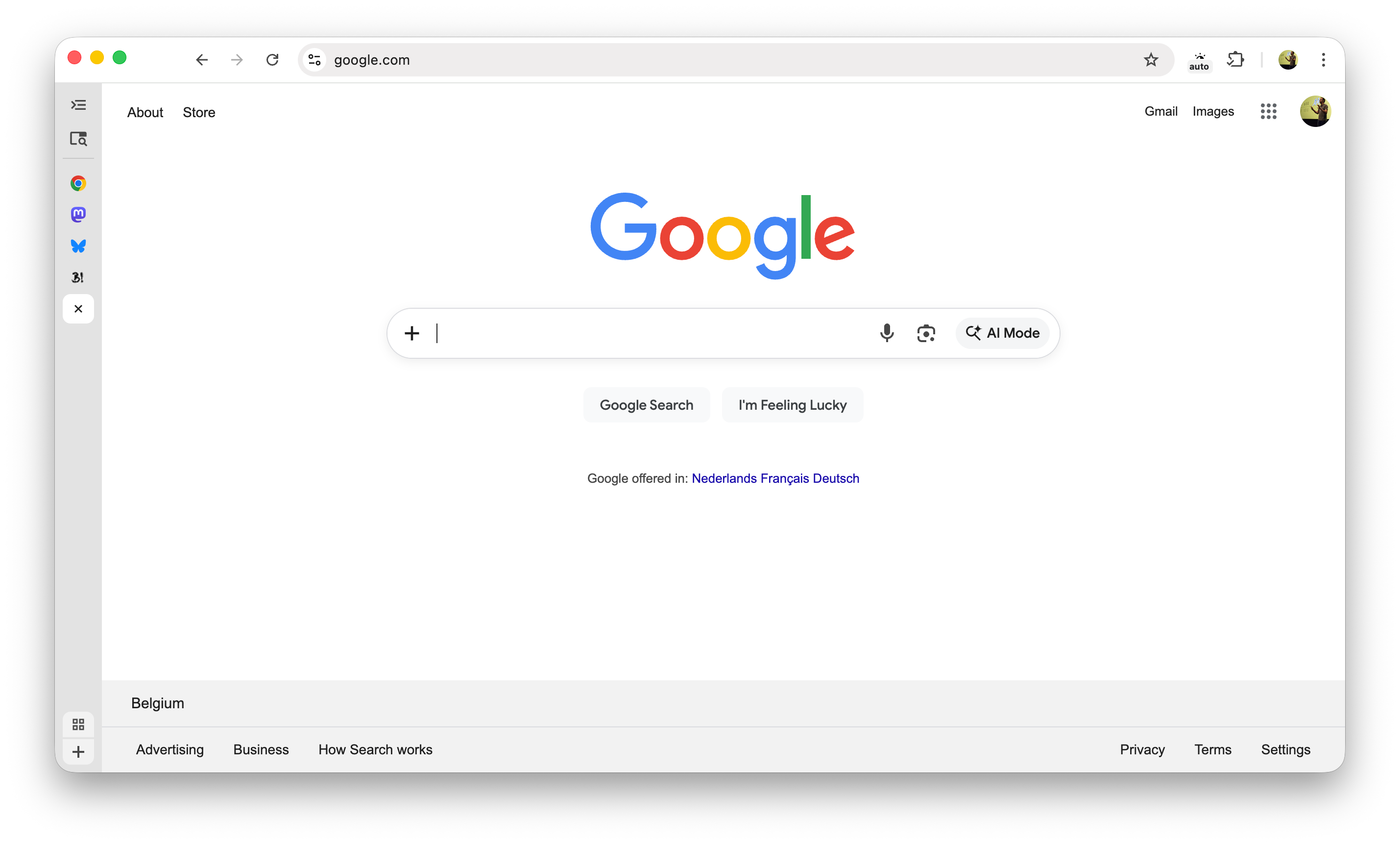
Vertical Tabs are available behind a flag in Chrome 145 (current beta)
~
The feature is available in preview behind a feature flag. First you need to flip the flag (to enable the feature) and then choose the vertical tabs layout (to apply the feature):
- Navigate to
chrome://flags/#vertical-tabs - Set the dropdown to enabled
- Relaunch Chrome
- Right click the tabbar and choose “Move Tabs To The Side”
Here’s screenshots:
If you want, you can collapse the tabs bar to a minimal form, as shown at the top of this post.
~
Bramus is a frontend web developer from Belgium, working as a Chrome Developer Relations Engineer at Google. From the moment he discovered view-source at the age of 14 (way back in 1997), he fell in love with the web and has been tinkering with it ever since (more …) View more posts