
Released March 17th, 2026
Watch the Recap Video
RENDERING
El Rey Cast
The new Raycast node allows you to cast rays against scene geometry.
Similar to the existing Geometry Nodes node but now available for shaders in both Cycles and EEVEE.
This enables a wide range of effects, including NPR stylization integrated with scene shading. When using EEVEE, it is currently limited to screen-space tracing.
EEVEE & VIEWPORT
Quick Start
EEVEE materials now compile faster by precompiling GPU pipelines in parallel.
GPU shaders also compile more quickly across all platforms thanks to preprocessing of the shader sources.
- Blender 5.1
- Blender 5.0
-
Vulkan
-
OpenGL
-
Metal
- 0
- 5
- 10
- 15
- 20
- 25
- 30
- 35
- 40
- 45
- 50
- 55
- Time to cold start Barbershop Interior scene. Lower is better.
- Unit: seconds
- Blender 5.1
- Blender 5.0
-
Vulkan
-
OpenGL
- 0
- 50
- 100
- 150
- 200
- 250
- 300
- 350
- 400
- Memory used in Mr. Elephant scene. Lower is better.
- Unit: MiB
Memory Savings
Memory is getting expensive these days, so it might as well multitask.
EEVEE now saves texture memory by overlapping framebuffer and render textures at different points within a frame.
MORE EEVEE & VIEWPORT
ANIMATION
PLAY FAST
Blender 5.1 delivers a major boost to animation playback performance.
Shape Keys
Shape Key evaluation has seen a significant performance boost since Blender 5.0, especially on high-poly meshes.
All tests are an average time per frame when playing back. The tests were run on a 12 core 24 thread CPU (AMD Ryzen 9 9900X) on Linux. For benchmarks on different systems see the daily benchmarks.
- Blender 5.1
- Blender 5.0
-
24 Threads
-
8 Threads
-
4 Threads
- 0
- 20
- 40
- 60
- 80
- 100
- 120
- 140
- 160
- Frames per second (more is better)
- Unit: fps
- Blender 5.1
- Blender 5.0
-
4 Threads
-
8 Threads
-
24 Threads
- 0
- 10
- 20
- 30
- 40
- 50
- 60
- 70
- 80
- Frames per second (more is better)
- Unit: fps
Actions
Actions now evaluate much faster now, especially on armatures with many bones keyed.
These tests were done with an armature of 2600 bones that are keyed for ~1000 frames.
Smooth Sailing
Meet “Smooth (Gaussian)“, a new F-curve modifier to reduce detail and noise in a curve, the same operation as the Smooth operator, but in a non-destructive way.
Be Precise
When “Show Subframes” is enabled, decimal values for frames will be displayed in the playhead.

Color Match
Quickly see the interpolation type between keyframes at a glance.
Interpolation lines in the Dope Sheet are now colored to indicate their type, matching the theme colors used by the corresponding icons.
MORE ANIMATION
I/O
OpenUSD
- Improved UsdPreviewSurface import/export with support for transparency and translucency.
- UsdUIAccessibilityAPI support for authoring and loading on all data-block types that allow Custom Properties.
- Mesh export now writes indexed UV coordinates, enabling UV island connectivity reconstruction in other apps.
-
Python Hooks (Export): New
get_prim_mapAPI inon_export, providing a mapping between Blender objects and created USD prims.
glTF
Stability is a feature.
It’s not just about shiny new tools. Reliability is a feature too.

Winter of Quality
During the past December-January, similar to last year, Blender developers focused on improving quality of the code base and overall stability through a coordinated effort called the “Winter of Quality.”
More than 350 reported issues were fixed. Additionally, developers worked on addressing technical debt, as well as improving documentation.
Issues Addressed per Module
COMPOSITOR ❤ SEQUENCER
Strip, tease
Unleash your creativity with node-based transition effects thanks to the new “Sequencer Strip Info” node.

Simple, yet powerful.
This new node provides timing and transform data such as frame range, position, rotation, and scale.
Note: Blender 5.1 computes Sequencer Compositor effects on the CPU. In the upcoming Blender 5.2 LTS, they run on the GPU.
Smooth
Dat
Form
The new “Mask to SDF” node lets you turn any image or shape into signed distance fields.
It’s time to revisit those masks.
MORE COMPOSITOR
EXPAND
YOUR BLENDER
The Blender Extensions platform keeps growing, with over 900 free add-ons and themes to customize your workflows.
You can also share your own add-ons and themes!
CYCLES
Faster All Over
- Improved GPU rendering performance by up to 10% on various benchmark scenes.
- CPU rendering performance on Windows up to 20% faster.
- For AMD GPUs, hardware ray-tracing is now enabled by default through HIP RT.
Better Custom Normals
Cycles now uses per-corner normals instead of splitting geometry, improving consistency with Blender and fixing sharp-edge shading issues. Learn more.
Smoother Denoise
Albedo and normal denoising passes now use smooth transitions instead of hard cutoffs, reducing artifacts in both the passes and the final denoised render. Learn more.
Aligned Views
Cycles render results and Blender overlays now line up better when moving the camera. Learn more.
Not-so Normal Maps
Normal Map node now includes an option to apply the normal map to either the smooth undisplaced mesh or the displaced mesh. Learn more.

GREASE PENCIL
Filling good.
Blender 5.1 overhauls the fill workflow, making it easier to use while adding support for holes and operators to assist with selection and editing.
Free from Materials
Previously, materials determined whether strokes and fills were used. Now, you can decide as you draw.
Adding or removing strokes and fills is now handled by drawing tools and dedicated operators to select and edit, rather than materials.
Fills & Holes
Because fills are defined per point, joining them can generate holes, similar to how curve objects behave when curves are nested inside each other.
Two operators make this easy: Join Fills, Separate Fills.
Not So Primitives
The primitives drawing tool has also been updated to let you draw strokes, fill, or both.
Support All Over the Place
The new fills workflow is supported throughout Blender, from import and export to the internal operators familiar from working with curves and meshes.
- Stroke -> Set Stroke Type: Similar to “Set Curve Type”, lets you define points as stroke, fill, or both.
- New Select Fill operator to select all the stroke/points that are part of the same fill. Similar to Select Linked.
- Select -> By Stroke Type
- Trace Image now creates holes when needed.
- SVG Importer, SVG Exporter, and PDF Exporter now handle fills with holes too.
- When in Stroke Selection mode, selecting a stroke automatically selects the entire fill.


Find What You’re Looking For
Dealing with too many layers? The Move to Layer menu now features a “Search…” entry to find what you’re looking for, faster.

MORE GREASE PENCIL
INDUSTRY READY
Several libraries in Blender 5.1 have been updated to align with the VFX Reference Platform 2026, making studio pipeline integration and maintenance easier.
Updated libraries include Python 3.13, OpenColorIO 2.5, OpenEXR 3.4, and OpenVDB 13.0, among others.
GEOMETRY NODES
Bonegiorno
Meet Bone Info, a new node that provides Geometry Nodes access to armature bone transforms, opening the door to rig-driven node setups and armature deformation.

Bare Bone
The Bone Info node reads a bone from an armature and outputs its Pose, Local Pose, Transform Pose, Rest Pose, and Rest Length.
Note: Watch out for dependency cycles! They may occur if the node reads one bone while another bone in the same armature depends on the modified object (e.g. through a Geometry Attribute constraint).
GEOMETRY NODES
Say More
Blender 5.1 improves text motion graphics with a better String to Curves node and improved text and curve rendering.
More Than Words
The String to Curves node takes a leap in customization.
Every input is now an adjustable field, including Font, a new socket type in Blender 5.1.
The new Word output gives you even more control to level up your motion graphics.


UV News
The UV Unwrap node now supports Minimum Stretch (SLIM), and a new “No Flip” setting.
The Pack UV Islands node now has inputs to define a custom pack region.
MORE GEOMETRY NODES
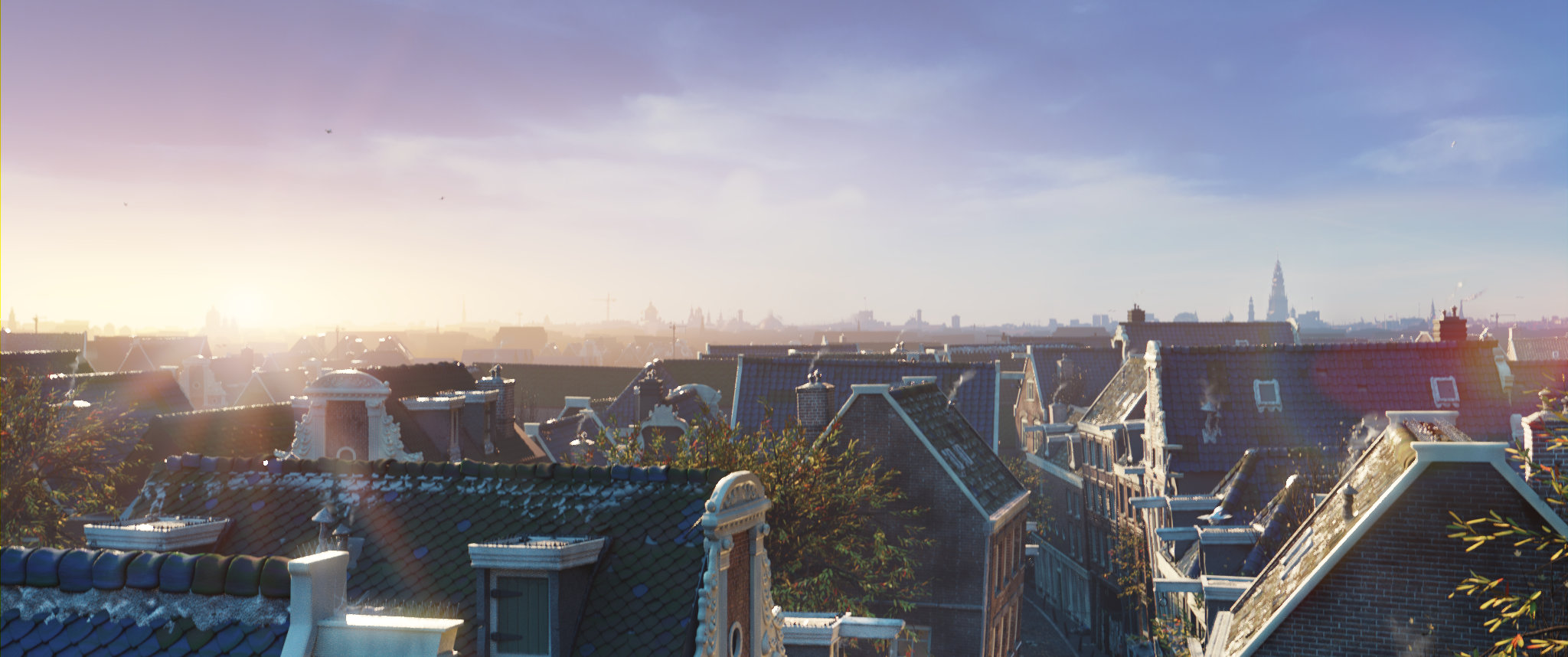
Get the Artwork
Blender splash artwork source files are available for you to play with!
MODELING & TEXT
Next-Gen Text
3D Text now uses a new fill algorithm that improves rendering, correctly handling modern fonts with overlapping outlines.
This is the default for new objects, while the previous algorithm (Sweep Line) is still available for compatibility and performance.
MODELING
Find Your Center
A highly requested feature, snap to Face Center has been added to Blender 5.1.
It snaps the selection to the centerpoint of the face under the mouse cursor.
MODELING
Set Your Limits
Loop and ring selection now support delimiters, giving you more control over where a selection stops.
- Edge Ring selection can stop at:
- Seams, sharp edges, and material boundaries.
- Option to step over even-sided n-gons.
- Face Loop selection can stop at:
- Seams, sharp edges, and material boundaries.
Boundary Loop selection can stop at:
- Inner corners: boundary vertices with more than three connected edges.
- Outer corners.
- Plus the existing n-gon stopping behavior.
These options are available in the Adjust Last Operation panel after performing a selection.

MODELING
Flip Out
A common workflow after mirroring an object is to apply its transforms, which can result in flipped normals. A new option now fixes the normals automatically and is enabled by default.
Find Corrective Flip Normals in the Adjust Last Operation panel after running Apply Object Transform.
MORE MODELING & UV
PLATFORMS
Windows
- User fonts now show System fonts too.
- File Browser: USB and cloud storage volumes now show corresponding icon.

macOS
- Added iCloud Drive support.
- Cursors improvements.
- Cmd +/- can now be used to zoom in/out the Animation Player.
Linux
- Client-side decoration support under Wayland.
- Better-centered Blender icon.
WAIT, THERE’S EVEN MORE
Editors
User Interface
Assets
Rendering
Core
Sculpt, Paint, Texture
- Boundary-aware brushes (Smooth, Relax, Automasking) now correctly handle face strips.
- Texture Paint strokes can be cancelled with Esc.
- Texture Paint property changes create undo steps.
- New “Paint Debug” option available when Developer Tools is enabled.
- Vertex Paint color sampling now reads mesh attribute data.
- Sculpt mode color sampling can add to the palette.
- Color sampling now accumulates for smoother blending.
- Sculpt mode includes a new Blur brush.
- Temporary Mask toggle (Alt+LMB) and mask erase (Ctrl+Alt+LMB) in Sculpt mode.
-
sculpt.face_set_change_visibilitynow supports anactive_face_setparameter. - Overlay warnings appear if face sets or masks are hidden.
Python
In memory of Germano Cavalcante
CREDITS
Blender is a community project.
Learn more on how you can contribute to Blender.
List of developers who contributed to Blender 5.1 and all-time contributors.
Splash artwork: CC-BY – Blender Studio
Huge thanks to everyone involved! 🧡
The Blender team. March 17th, 2026