
What’s New Recap
Color me impressed.
Blender 5.0 introduces a completely overhauled color management pipeline that natively supports wide-gamut and HDR color spaces.

HDReady
Blender can now display and export HDR and wide-gamut colors for both images and video.
New display and views:
- ACES 1.3 and 2.0 views as an alternative to AgX and Filmic and for compatibility with ACES pipelines (both standard and HDR).
- Rec.2100-PQ and Rec.2100-HLG displays. May be used for color grading for HDR video export.
- AgX HDR view.
Your Safe Space
Introducing: Blend file Working Color space.
With support for Linear Rec.2020 and ACEScg, it is now possible to use a wider gamut of colors for materials, lights and compositing, and to follow common ACES workflows.
Rendering in the Rec.2020 working space allows for the use of a wider internal color gamut.

Team Player
Blender 5.0 includes essential support for ACES 1.3 and 2.0 workflows with the ACEScg working space.
ACES 2.0 view transform and OpenEXR images saved in the ACES2065-1 and ACEScg color spaces.
This covers most needs when working in an ACES pipeline. For more complete support, the official ACES configurations can be manually installed and set through the OCIO environment variable.
MORE COLOR MANAGEMENT
The sky is not the limit.
The Sky Texture node now supports multiple scattering, providing more realistic effects procedurally out of the box.
The new sky model works great for accurate reflections indoor too. The old “Nishita” model is still available as “Single Scattering”.
Night & Day
Generate a sunset scene instantly by animating only one parameter.
Beautiful out of the box, in both Cycles and EEVEE.
Radial Tiling
The new Radial Tiling node is a building block for creating shapes and tilings, including rounded corners.

Multiresolution Baking
Baking from meshes that use the Multiresolution modifier has been greatly improved in Blender 5.0.
- Added support for baking Vector Displacement.
- Added support for n-gon faces.
- Bake only to selected and active images (as opposed to all active images).
- Subdivision Level and UV Interpolation matches the Subdivision Surface modifier.
- Several issues related to baking at non-zero subdivision levels have been resolved.

On and on and on…
Shading nodes now support Repeat Zones, just like Geometry Nodes.
EEVEE supports dynamic iteration count, while Cycles is limited to a fixed number at the moment, with plans to improve this in the future.
Download this background .blend file and try it out yourself!
MORE RENDERING
CYCLES
Unbiasedly
Smooth
A new unbiased null-scattering volume rendering algorithm is now the default. It removes blocky artifacts in overlapping volumes and eliminates the need for step size, max steps, and homogeneous volume settings.
Scene where the new unbiased sampling is more efficient.
Both renders took 30 seconds.
CYCLES
Subsurface
Scattering
Blender 5.0 introduces a more accurate random walk subsurface scattering algorithm with multiple bounces, reducing darkening artifacts at the cost of some render time.


CYCLES
Metallic
Thin Film Iridescence
The physically-based iridescense effects caused by dielectric thin film introduced in Blender 4.2 LTS, is now supported by metals too (Metallic BSDF and Principled BSDF).
CYCLES
Subdivide and Conquer
Adaptive Subdivision is no longer an experimental feature, and always available in the Subdivision Surface modifier.
It features a new Object Space option to set edge length in object space instead of pixel size. This allows object instancing to use minimal memory by subdividing the mesh once, independent of camera size, and instancing it many times.

Quick demo using a wireframe shader on a simple plane mesh (four vertices).
MORE CYCLES

EEVEE
Quick Start
Materials now compile much faster across all backends. This means a faster startup and overall experience.
Configurations using NVIDIA and Vulkan backend are up to 4 times faster.
- OpenGL
- Vulkan
-
Blender 4.5 LTS
-
Blender 5.0
- 0
- 10
- 20
- 30
- 40
- 50
- 60
- 70
- Material Compilation Time in Seconds (lower is better)

3D VIEWPORT
Better MatCaps, no cap
Blender 5.0 features new and updated MatCaps that include optional specular light. This increases shading quality and readability on dark surfaces.
MORE EEVEE

Free to Play
New demo files and updated asset bundles by the community!
The Human Base Meshes asset bundle has been updated with a new fully realistic skeleton asset.
Use it to study, practice, or even in commercial projects! It’s public domain, free as in freedom.

COMPOSITOR
Drag & Comp
The Compositor in Blender 5.0 features a new asset shelf, filled with built-in effects to get from nothing to stunning in no time.

Simulate color fringing caused by lens chromatic aberration.
Tint highlights and shadows with different colors.
Enhance contrast, color, clarity and sharpness.
MORE COMPOSITOR
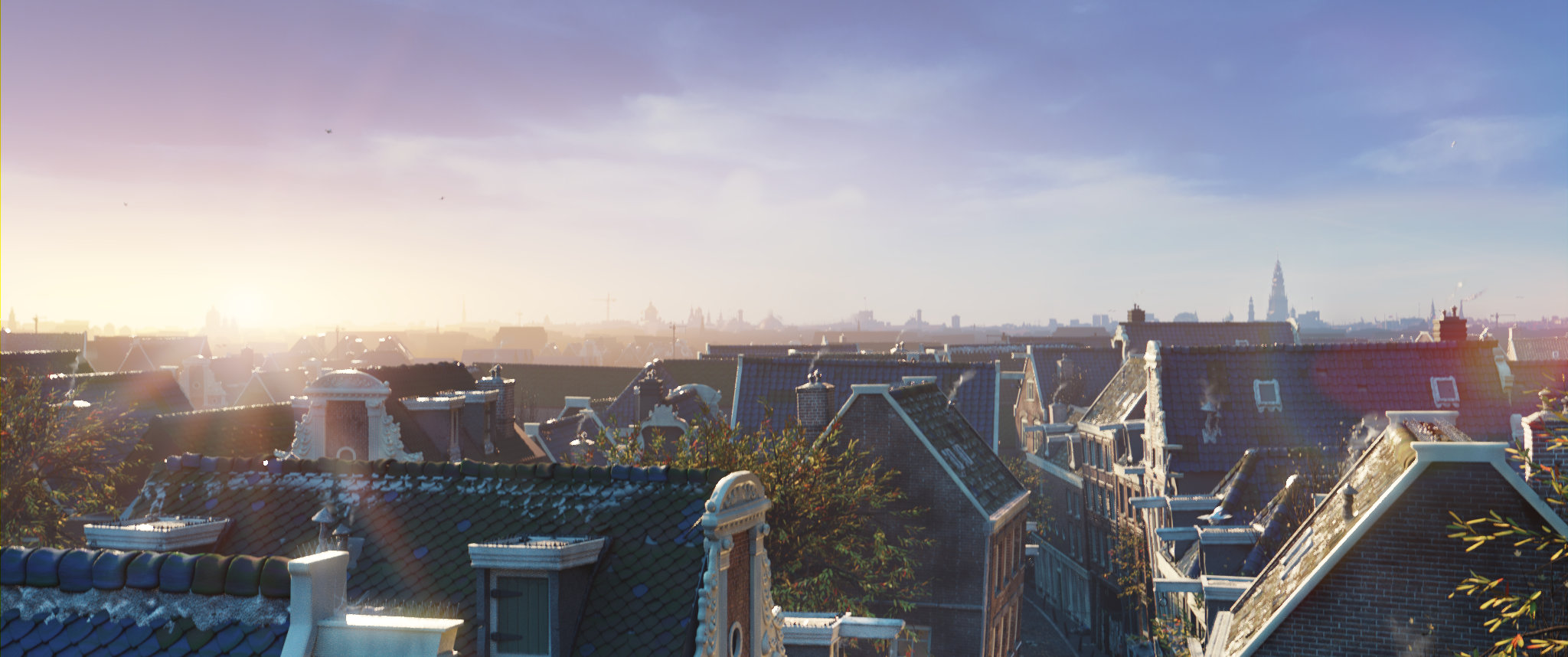
INDUSTRY READY
Just like all other Blender releases in 2025 (Blender 4.4 and Blender 4.5 LTS), all libraries in Blender 5.0 are aligned with the VFX Reference Platform 2025, making studio pipeline integration and maintenance easier.
GREASE PENCIL
A Little Blurry
Grease Pencil objects now support motion blur.
The number of motion blur steps can be adjusted for better quality.
Sharp Corners Ahead
Grease Pencil strokes can now have different corner types set per point.
- Flat
- Sharp
- Round (default)


Go Full Circle
Cyclical strokes now correctly connect start and end segments without gaps or overlaps.

MORE GREASE PENCIL
SEQUENCER
OVERHAUL
Blender 5.0 brings unprecedented integration of the Video Sequencer across areas.

New places, new tools, new workflows, the same good ol’ Sequencer.
1. Proper Properties
Strip properties now appear where you’d expect them: the Properties Editor.
A dedicated Strip tab contains all the settings previously located in the Sequencer sidebar.
A new Strip Modifiers tab lists all modifiers in a familiar stack layout, including drag & drop support.
The Add Modifier menu now includes icons, search functionality, and a new modifier*…


2. Set the Scene
Previously, the Sequencer was tied to whichever scene was currently active. With Blender 5.0, you can now choose a different scene for the Sequencer allowing multi-scene workflows.
Turn on the new Sync Scene Time option to switch the active scene as you scrub through your edit.
3. Bound to Slip
Sliding or slipping strips now clamp to the content’s limits by default. This can be overridden by pressing C (Clamp). It also works with the new sidebar Slip tool.
Two new selection tools were added: Select Circle and Select Lasso.
4. Time on Your Side
Meet: Playback Controls, a region built-in the Sequencer (and other animation editors). No need to have a Timeline editor just for playback or set frame range.

*…Compositor Modifier
The power of hundreds of nodes from Blender’s production-ready compositor is now available in the Video Sequencer. Meet your new favorite modifier.
EVEN MORE SEQUENCER GOODIES
Video Sequencer + Grease Pencil: Ultimate Storyboarding
MODELING
Array Renewed
Say hi to the new Array modifier! With support for circular distribution, randomization, gizmos, and more.
This modifier is built using Geometry Nodes, allowing you to customize and expand them as you like.
…plus these five new modifiers built using Geometry Nodes!
MORE MODELING & UV
EXPAND
YOUR BLENDER
The Blender Extensions platform keeps growing, with over 700 free add-ons and themes to customize your workflows.
You can also share your own add-ons and themes!
VR & XR
Turn for the Better
New features were added to the movement system in VR Scene Inspection.
- Vignette Effect: To help reduce motion sickness.
- Snap Turning: Flicking the right thumbstick left or right now moves the camera in discrete amounts by default.
- Control Fly Speed in VR Session settings.
- New VR Navigation Preferences.
Additionally, Teleportation has received some quality of life improvements:
- Improved visuals for valid/invalid teleport targets.
- Teleport ray now arcs downward.
- If no object is hit, the ray will collide with the ground for easier navigation in sparse scenes.

BUT WAIT, THERE’S MORE
Geometry Nodes
Core
- Longer data-block names.
- Introducing Packed Data-blocks
- Support for larger buffers in .blend files.
- New Path Template Variables
- Saving with .blend file compression is now enabled by default
- Node Groups Custom Properties UI
- Command Line Argument for GPU VSync
- Improved debug logging
- Big Endian Support Removed
Keymap
Linux
Assets
User Interface
Animation
- The Copy Global Transform add-on is now built-in Blender.
- New Playback Controls region in animation editors.
- Jump Time by Delta: Jump forward/backward in time by a user-specified delta, in frames or seconds.
- Timelines in all animation editors now draw grid lines always on full frames.
- Cache visualization is now available in Dope Sheet (all modes)
- The Timeline editor now has the channels region hidden by default, better filtering, and its (empty) sidebar removed.
- The W axis color can now be themed.
- Keying popover now displays active Keying Set name and keyframe type.
- Slot selectors now show the slot type icon.
- New Show Scene Strip Range overlay in Dope Sheet editor.
- Backward Compatibility breaking changes.
Rigging
- New constraint: Geometry Attribute.
- Bone Custom Shape Affect Gizmo: Places the Gizmo at the location of the Override Transform bone.
- Bone Custom Shape Use As Pivot: When rotating, the bone will pivot around the origin of the Override Transform bone.
- Improvements to working with multiple Armatures instances.
- Shape Keys now support “Copy to Selected” and adjusting multiple shape keys at once, by selecting multiple shape keys and holding Alt while adjusting.
I/O
- Collada (.dae): support has been removed.
- Alembic: Import additional point cloud attribute types as geometry attributes.
- USD: Improved UsdGeomNurbsCurves(NURBS) I/O
- FBX: The much faster C++ importer is now default.
- FBX: Added Material Name Collision import option.
- BVH: Always use the name “Slot” for Action Slots of imported animation.
- OBJ: Added Material Name Collision import option.
- OBJ: New Apply Tranasform import option.
- OBJ: Improved Bézier/NURBS knot patterns I/O.
Sculpt & Texture Paint
- New Paint Pixel Art and Erase Pixel Art brushes.
- Multiresolution modifier: New “Conform Base” operator
- Brush size, strength and jitter properties now have a customizable pen pressure curve.
- Updated template with some overlays by default.
- Grab, Snake Hook, Elastic Deform, Pose, Boundary, Thumb, and Rotate brushes no longer show pressure sensitivity toggles.
Images & Movies
- Video: Added support to read and write HDR and wide gamut video files.
- Multilayer OpenEXR now saves multi-part files by default for more efficient interoperability.
- OpenEXR files now support Color Interop ID metadata, to automatically detect the file colorspace.
- Save wide gamut images in P3 and Rec.2020 colorspaces.
On December 16th 2025, Blender 5.0.1 was released featuring 132 additional bug fixes. See the changelog.
CREDITS
List of developers that contributed to Blender 5.0
Blender is a community project.
Learn more on how you can contribute to Blender.
Splash artwork: CC-BY-SA – Juan Hernández
Working Color Space teapot and Sky scattering reflections demo by Christopher 3D. SSS demo by Metin Seven. Thin Film by geedoubleu. Grease Pencil motion blur demo by Dedouze.
Huge thanks to everyone involved! 🧡
The Blender team. November 18th, 2025