Released November 19th, 2024
Video Recap
Round-up of what’s new, in detail.
Christopher 3D, and Aidy Burrows from Creative Shrimp.
EEVEE
It’s (real-)time for
LIGHT LINKING
The real-time renderer EEVEE now supports Light Linking and Shadow Linking—features previously available only in Cycles.
More control than eeveer before.
With light linking, lights can be set to affect only specific objects in the scene.
Shadow linking additionally gives control over which objects acts as shadow blockers for a light.
This is now feature parity with Cycles.
SHADERS
METAL TO THE PEDAL
A new Metallic BSDF node has been added to the shader editor.
Metallic BSDF
This new node exposes existing, but hard to access metallic material configurations in a small node.

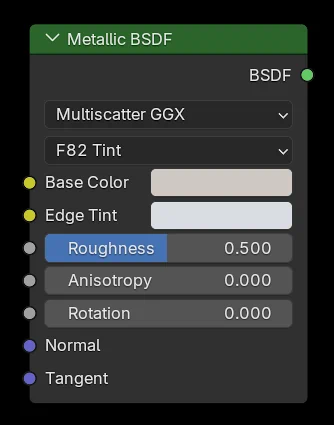
F82 Tint
The F82 Tint approximation is artist friendly, taking colors as inputs. This is currently in use by the Principled BSDF.
Conductor Fresnel
This method is more complex to use, requiring IOR and Extinction coefficients per color channel as inputs. However, it can produce subtly more accurate results for real-world metals, previously achievable only through custom OSL scripts.
EEVEE does not yet support the Conductor Fresnel type, so it internally remaps the IOR and Extinction coefficients to colors and uses them with the F82 Tint approximation.
TEXTURES
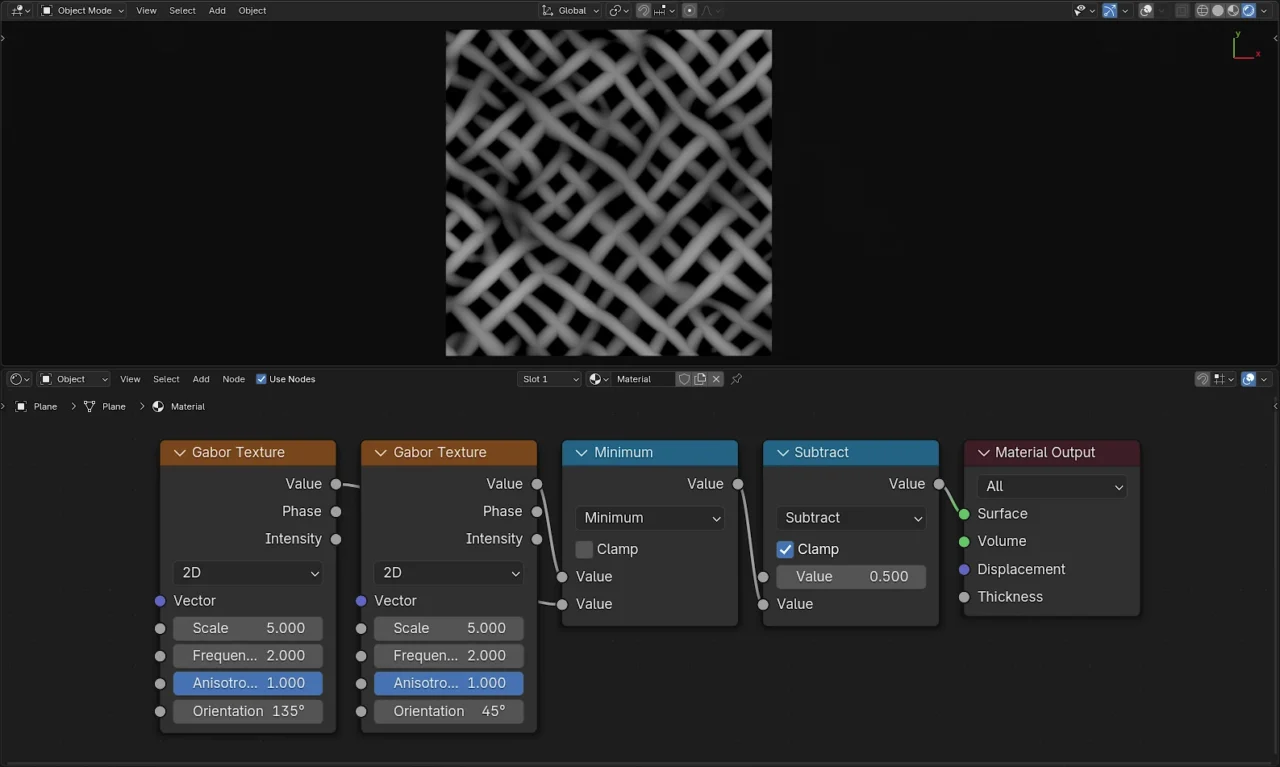
Make Some (Gabor) Noise
A new texture node was added that can create procedural Gabor noise for random interleaved bands with controllable direction and width.
COMPOSITOR
YOU SHALL PASS
Forget F12. EEVEE passes are now available for interactive compositing.
MORE COMPOSITOR
BLENDER EXTENDED
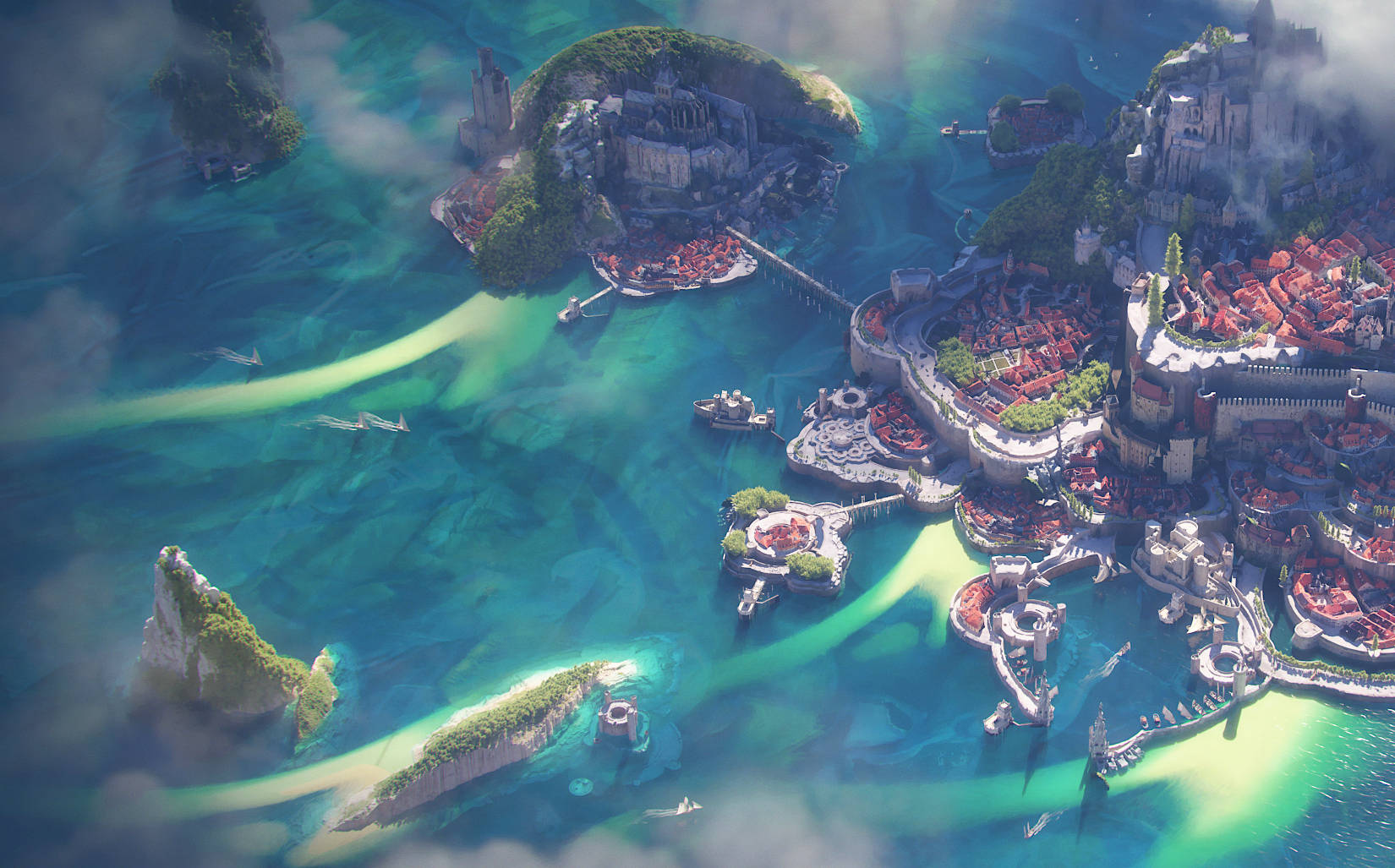
The Blender Extensions platform continues to grow, offering hundreds of free add-ons and themes that enable endless customization of workflows.
You can also share your own add-ons and themes!
UV EDITING
SLIM UVs
A new method makes unwrapping organic shapes a breeze.
Minimum Stretch,
Minimal Effort
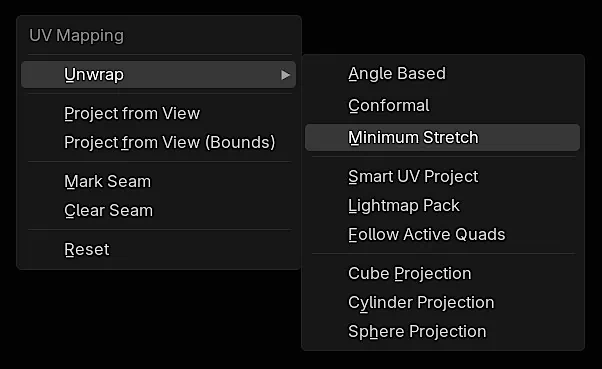
A new iterative unwrapping method “Minimum Stretch” has been added which can deliver results with less distortion by iteratively refining the result.
Ideal for organic shapes. This uses the SLIM algorithm (Scalable Local Injective Mappings) internally, see the research publication.
It can be used from the Unwrap menu as well as “Live Unwrap”.
PLUS

STUDIO FRIENDLY
Thanks to portable installation, new environment variables, custom bundling of extensions, Blender 4.3 is easier than ever to integrate in studio pipelines.
GEOMETRY NODES
SO MUCH IT
DOESN’T FIT THIS TITLE
For Each Element Zone. Gizmos. Support for Grease Pencil. Packed Bakes. Custom Warnings. Geometry Names. New Nodes.
Simon Thommes offers a delightful sneak peek into the abundance of Geo Goodies packed into this Blender update!
EFFORTLESS ITERATION WITH
FOR EACH ELEMENT
A new type of loop zone is available now! The For Each Element zone will make it easy to iterate over elements of a geometry in parallel, making repetitive processes a breeze to handle.
GET HANDS-ON
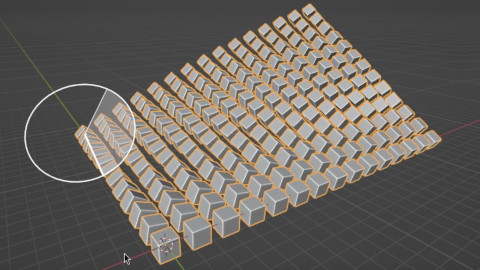
You can now add gizmos to node groups! This means you can edit the inputs to a node tree right in the 3D viewport – no need to dive into the node editor or modifier stack. It’s a game-changer for a more intuitive and hands-on experience!
TRY IT YOURSELF
Get the file used in this video to play with the new node gizmos.
Although built-in nodes aren’t using this power yet, the future looks bright. Advanced users will benefit now, and soon everyone will enjoy Blender’s growing procedural capabilities!
GEOMETRY NAMING MADE EASY
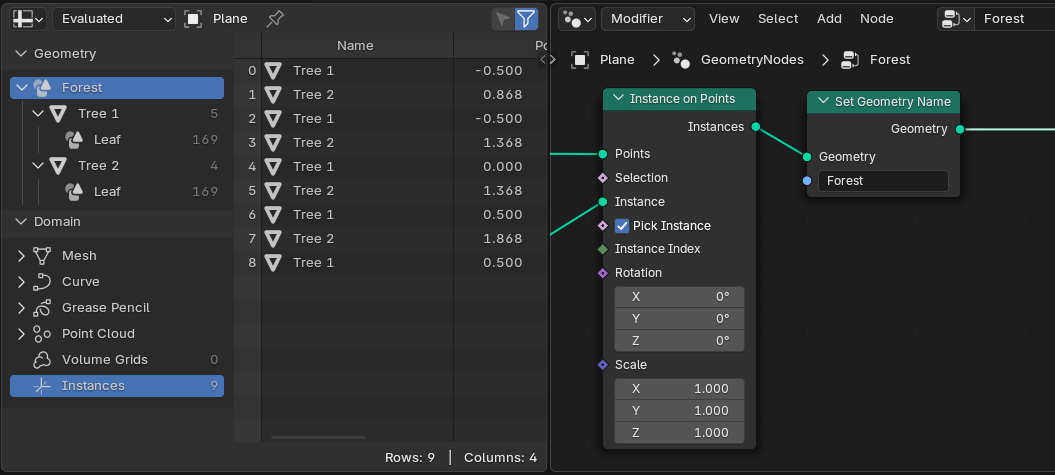
Introducing the Set Geometry Name node, a new node designed to enhance your workflow. This node allows for the easy assignment of names to geometries, with automatic initialization based on object and collection names.
GEO NODES MEETS GREASE PENCIL
Geometry Nodes now work smoothly with Grease Pencil data, breaking it down into layers with curves and custom attributes. Updated nodes can now handle Grease Pencil data seamlessly, processing each layer separately.
NEW UTILITY NODES
Hash Value
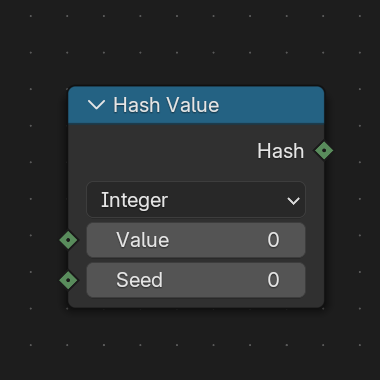
Hashes various types into an integer. Useful to generate stable randomness.
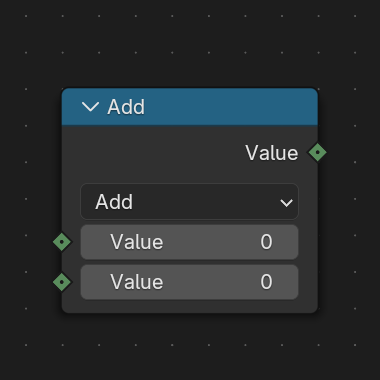
Integer Math
Provides building block support for integer operations
WARNINGS UI
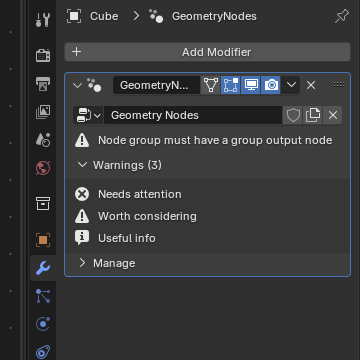
Introducing the Warning Node, which allows custom warnings to be added to node groups, allowing dynamic messaging directly on the interface.
BE ALERT
The display of warnings in the Geometry Nodes modifier has been reorganized. They are now in a panel and ordered by severity and alphabetically.
OTHER GEO GOODIES
PACKED BAKES
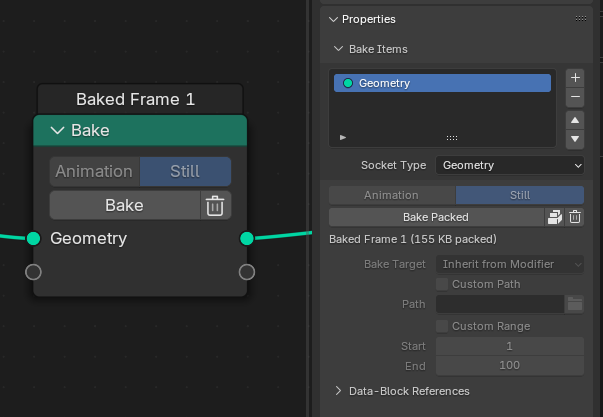
Bakes created with the Bake node or Simulation zone can now be packed into the .blend file.
MORE GEOMETRY NODES

GREASE PENCIL
GREASE LIGHTNIN’
The Grease Pencil engine was completely rewritten for better performance and to remove deeper limitations.
Pencils down up.
Group Hug
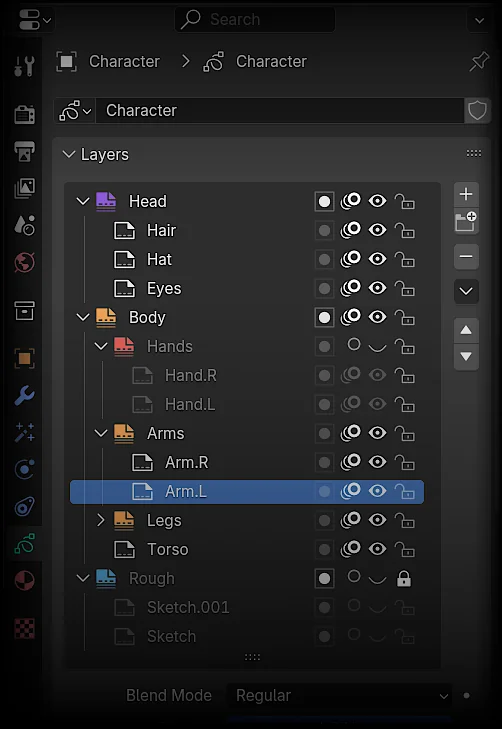
Organize your layers into Layer Groups! A new way to keep your Grease Pencil objects tidy.
They allow for easy toggling of visibility, locking, and onion skinning for all the layers in the group.
Additionally, they can be color-coded using color tags, similar to Collections in the Outliner.
Filling Great
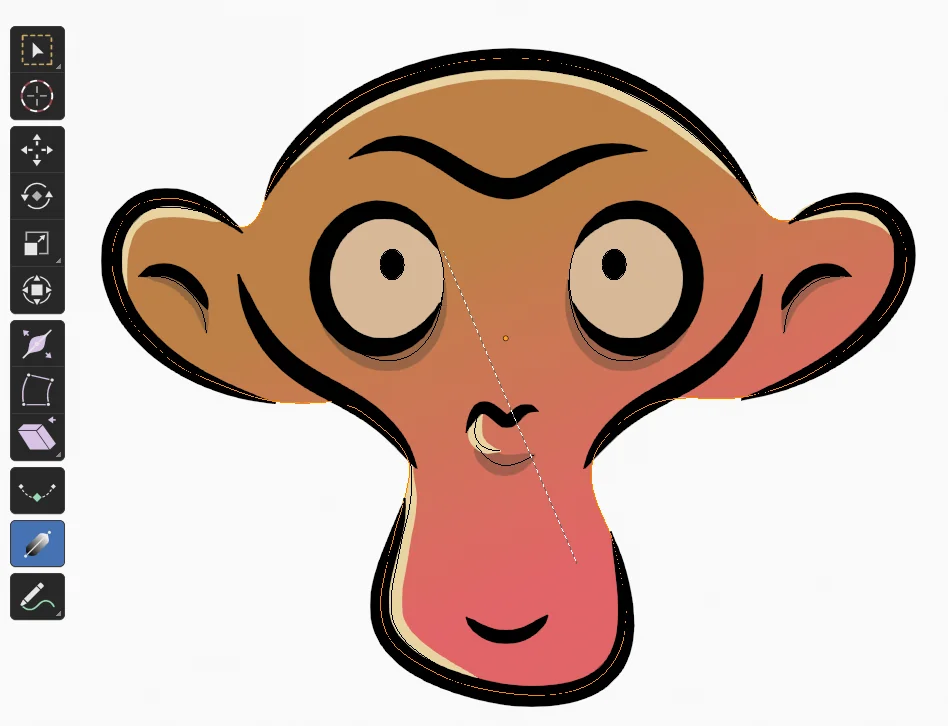
A new Fill Gradient tool is here!
Found in Edit Mode below the Interpolation tool, it lets users change the fill gradient (set in material settings) by selecting fill strokes and click-dragging with the Gradient tool.
No Trace Left Behind
The eraser has been rewritten to allow strokes to be “cut”.
Instead of just deleting points, it now correctly solves for the intersections of the eraser’s edge and creates new points on the stroke.
The Soft eraser also does this but for multiple levels of transparency radiating outwards from the center of the eraser.
MORE GREASE PENCIL
INDUSTRY READY
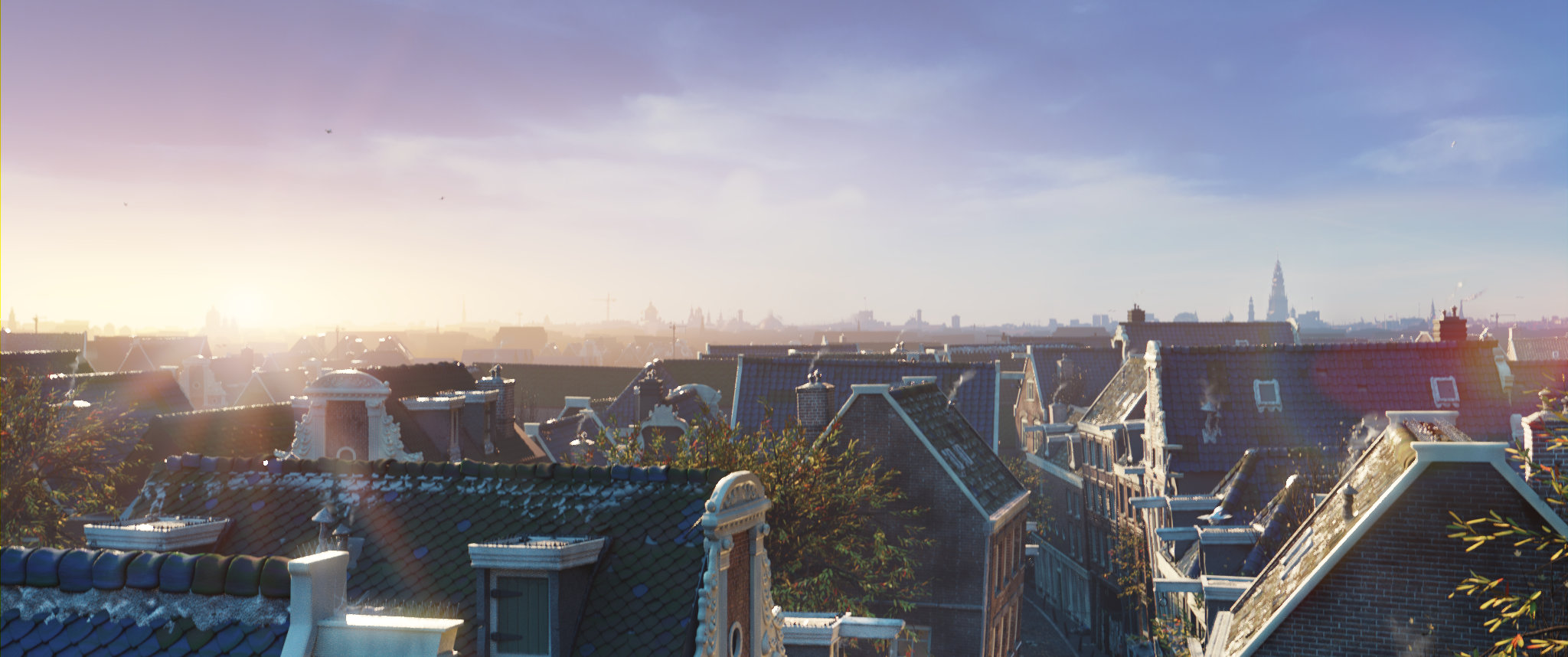
All Blender releases this year align with the VFX Reference Platform 2024, making integration and maintenance in studio pipelines easier.
BRUSH UP
YOUR WORKFLOW
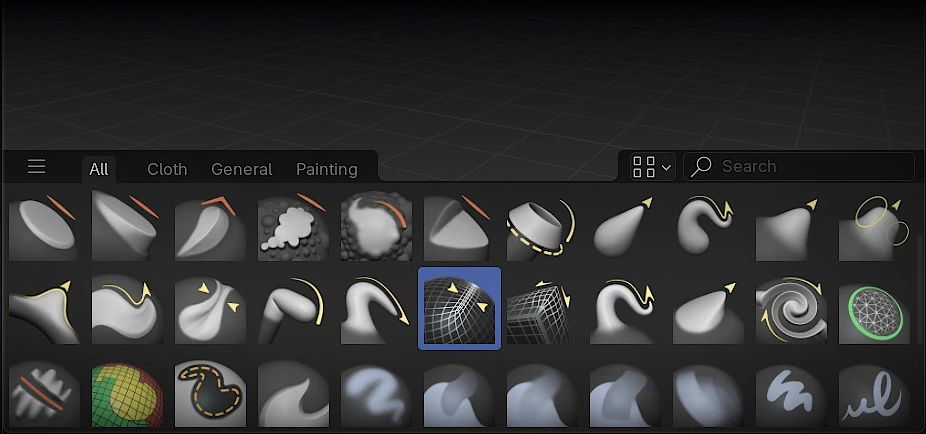
With over a hundred default brushes and an improved interface, Blender 4.3’s new brush workflow makes management, customization, and sharing across projects easier than ever.
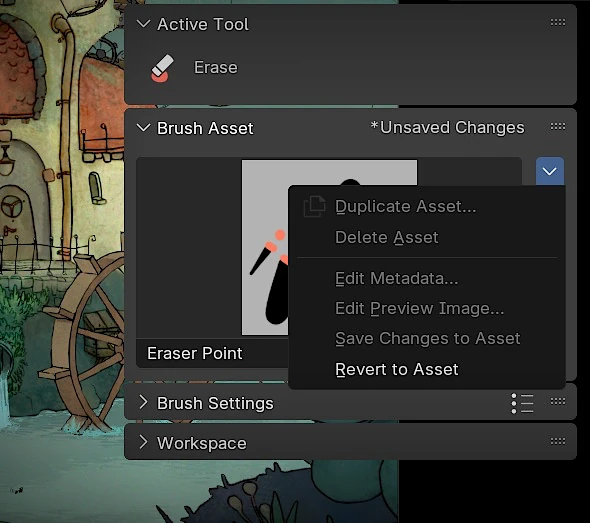
BRUSH = ASSET
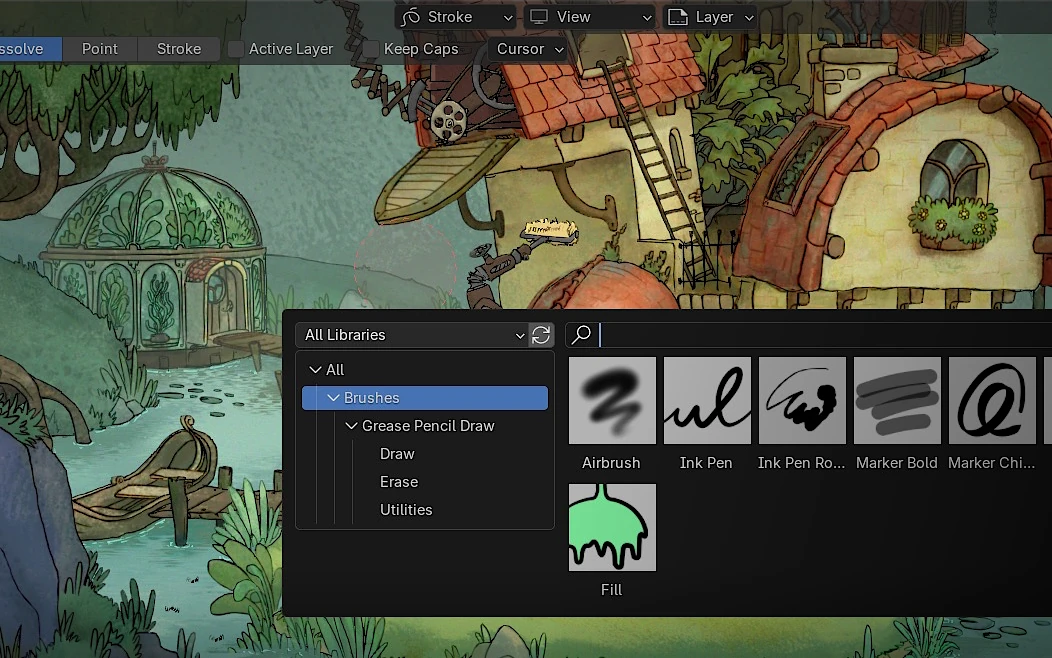
Brushes are now assets, making them easy to save, share, and reuse through the Asset Browser.
Organize custom libraries and access your favorite brushes across projects.
AND MORE
USER INTERFACE
USER INTERFACE
Dock-on
Dock-off
Introducing: Area Docking!
Tear an area into its own (now neatly named) window, or dock it back into another area.
Lots to Say
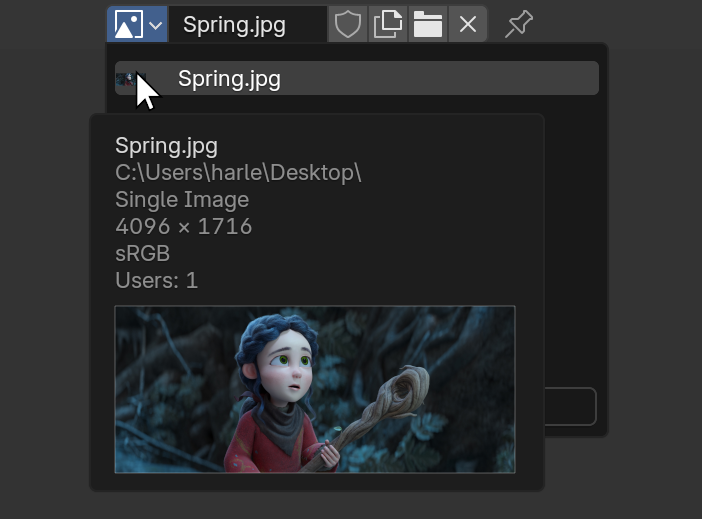
Tooltips now provide much more information than before.
Images display their resolution and color space, movies show their duration, and fonts include previews.
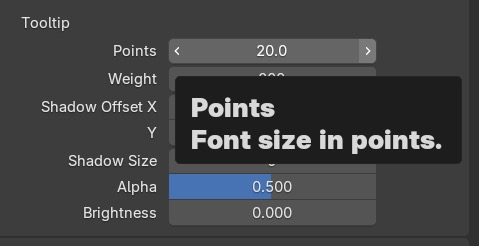
To improve accessibility, tooltips now have dedicated style settings for font size, weight, and shadows.
Clarity
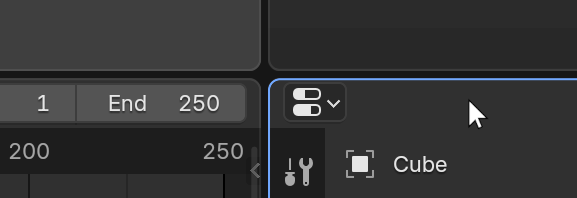
A new theme option allows for enhanced highlights around an area when the mouse is over it, for better accessibility.
Non-active areas can also have a custom border color.
MORE UI
Nodes
Cursors
Status Bar
General
- Improved Color Picker layout.
- Wider data-block search lists.
- Dialogs: Change the cursor on hover when a dialog can be dragged.
- Timeline (and similar editors) hide the scroll-bars when they are sized very short.
- Maximum UI resolution scale increased to 6x.
- Prevent tooltips from changing size on zoom.
- Viewport color picking in Rendering mode now returns the linear color value, without view transform applied.
- The Auto-Keying button is now colored red when active.
- Windows with a single editor now have descriptive titles.
- Better padding all over the place.
- File Browser thumbnail file type icon moved to corner of item bounds.
- Color sampling performance improvements.
- Hit size for resizing areas increased.
Menus

ARMED
FOR THE FUTURE
Blender 4.3 runs natively on Windows on Arm, thanks to integration by Qualcomm, which recently joined the Development Fund.
BRINGING STRIPS
TOGETHER
Blender 4.3 is another fantastic release for the Video Sequencer, with numerous performance improvements and features you won’t want to live without.
CONNECTED STRIPS
Connect strips for easy selection and transformation.
Hold Alt to select and transform only one strip while keeping the connection.
Quickly toggle connection using Ctrl+Alt+C.
OH SNAP!
Sequencer Preview now supports snapping, with source points at corners and origins of all selected, visible strips.
Targets include preview boundaries, center, and other strip corners/origins.
FASTER EVERYTHING
- Color Balance is several times faster.
- Saturation and Multiply strip color controls are several times faster (multi-threaded now).
- Tonemap modifier is 10-15 times faster (multi-threaded luminance estimation, color conversion optimizations).
- Faster processing of alpha-over strip at the bottom of strip stack.
- Various parts of image processing related to color transformations (particularly for float/HDR images) are faster now.
- Drawing the timeline has been improved for complex timelines:
- Faster drawing of the channels list.
- Faster drawing of waveforms and animation curve overlays.
- Faster drawing of retiming keys.
- Other optimizations.
- Multi-threaded video proxy downscaling.
- Thumbnails now draw much faster.
- Faster and more consistent thumbnail cache.
EVEN MORE SEQUENCER

GET THE ARTWORK
Blender splash artwork source files are available for you to play with, not only for Blender 4.3 but for previous versions as well.
BUT WAIT, THERE’S MORE
Sculpt
Animation
- Properties Editor: Added Action selectors for data-blocks.
- Motion Paths: New theme entry to drive the color of the lines before/after the current frame.
- Keyframing: When inserting keys, all other keys get deselected leaving only the newly created keys selected.
- Bones Eyedropper: Properties where a bone can be chosen now have an eyedropper button that allows to pick bones from the 3D Viewport or the Outliner.
Core
Cycles
- Linux: Support for hardware accelerated ray-tracing using HIP-RT.
- Volume Scatter: New phase functions.
- Oren-Nayar BSDF is now energy-presserving and accounts for multiscattering, matching matches OpenPBR.
- Principled BSDF: New Diffuse Roughness input.
- macOS: AMD and Intel GPU support from Metal backend has been removed.
- Panoramic Camera: Support for cylindrical projection mapping.
- NVIDIA: Performance and memory optimizations for B-Spline curves when using OptiX.
- NVIDIA: Minimum driver required is now version 495.89
- AMD: Support for Vega in Cycles AMD HIP backend has been removed.
EEVEE
USD
glTF
- Import: Enable Draco mesh compression
- Import: Fixed importing Vertex Color on point/edges
- Export: Set UDIM material names with tile number.
- Export: Manage Quaternion & Matrix attribute types for custom attributes.
- Export: Better logging
- Export: Enable exporting joint leaf at tail of leaf bones.
- Hook UI: distinct import & export draw code
- Several bug fixes
Python API
-
Handlers: Added new
blend_import_preandblend_import_postcalled before/after any linked-data-related operation. - Grease Pencil Python API migration guide
- Data-Blocks: New rename function
- New functions for Curves
-
Added
bpy.app.python_argsto support calling Python in an environment matching Blender’s Python environment. -
uiLayout.template_search()now supports a custom text label - Breaking changes
Plus hundreds of bug fixes, code cleanups and refactors.
See the full list of changes.
Corrective releases:
Blender 4.3.1 was released on December 10th 2024 addressing 95 issues. Updating is highly recommended.
Blender 4.3.2 was released on December 17th 2024 addressing 7 issues. Updating is highly recommended.