Released March 26th, 2024
Show & Tell
Round-up of what’s new, in detail.
GEOMETRY NODES
BAKING NEWS
Save and load data from inside node groups so that its inputs don’t have to be recomputed, allowing for performant geometries without losing the procedural workflow.
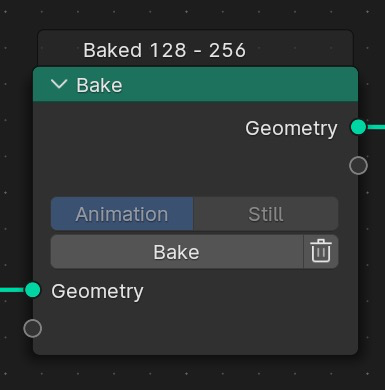
Both still frames and animations are supported, as well as volume objects, and it has been optimized to deliver small file sizes.
Baked frame-range is displayed on top of the node, and as a cache line in the Timeline.
Additionally, baking (also simulations) no longer loses materials, and doesn’t get lost after undo.
NEW NODE
SWITCHEROO
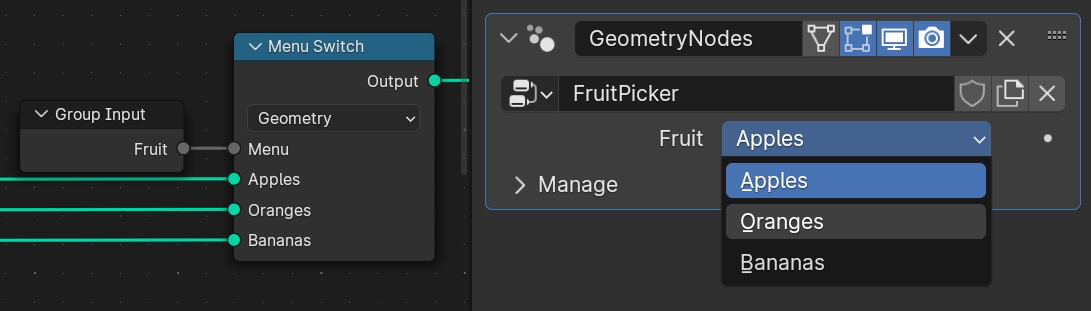
The Menu Switch node allows creating custom “enum” menus to allow switching between options in the group interface.
NEW GEOMETRY NODES
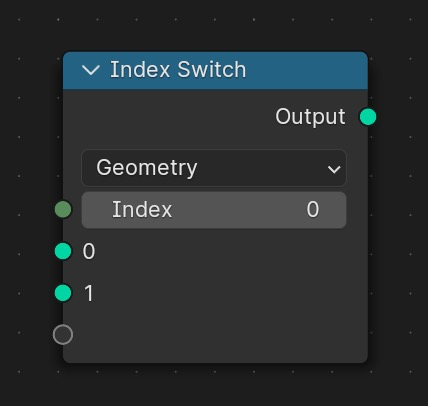
Index Switch
Outputs one of its inputs depending on an index value. Only the input that is passed through the node is computed.
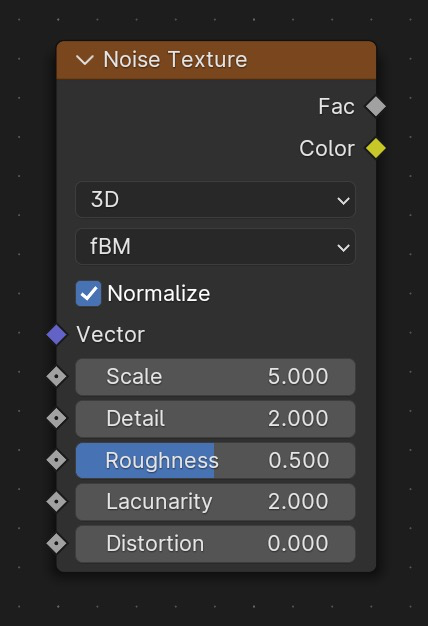
Musgrave
The Musgrave texture node was replaced by the Noise Texture node, which includes all the same functionality.
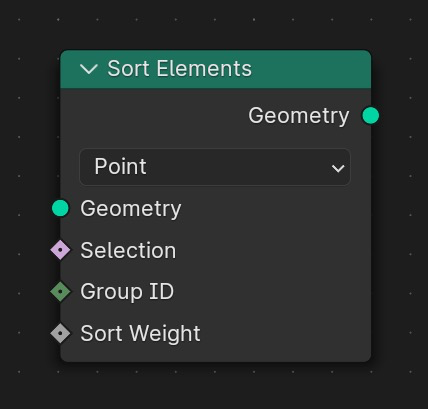
Sort Elements
Rearranges geometry elements by changing their indices.
NEW MODIFIER
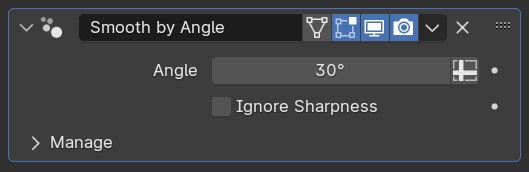
Smooth by Angle
The mesh “Auto Smooth” option has been replaced by a modifier node group asset.
This means geometry nodes now has the ability to set edge sharpness and create split normals without the need for an “original” mesh with the auto smooth option.
For more information on the impact to modeling, see the Modeling release notes.
MORE GEOMETRY NODES
CYCLES
INSTANT CLARITY
OpenImageDenoise is now GPU accelerated on supported hardware, making high quality denoising available at interactive rates in the 3D viewport.
It is enabled automatically when using GPU rendering in the 3D viewport and for final renders.
- CPU (Intel i9-13900K)
- GPU (NVIDIA RTX 3090)
- GPU (Intel Arc A770)
- CPU (Apple M2 Ultra)
- GPU (Apple M2 Ultra 76 cores)
- Denoise time in seconds (lower is better)
- Unit: seconds
PLUS
COMPOSITOR
PRETTY, FAST.
The viewport compositor now supports Cryptomatte, Defocus, Vector Blur and Keying Screen, completing support for all nodes with the exception of Render Layers passes (other than Image, Alpha, Depth).
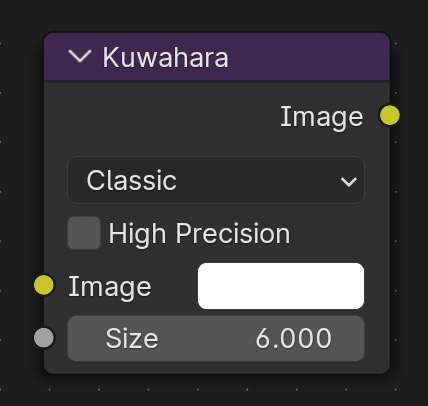
A new Size input to the Kuwahara node was added to allow variable sizing.
Additionally, a new High Precision option was added to the node in the Classic mode, which produces more accurate results for high resolution and high dynamic range images.
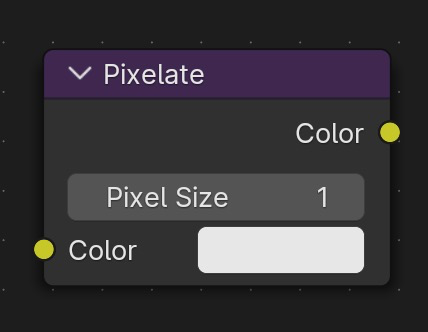
A new size property was added to the Pixelate node, which allows the node to be used without being surrounded by scale-down and scale-up nodes.
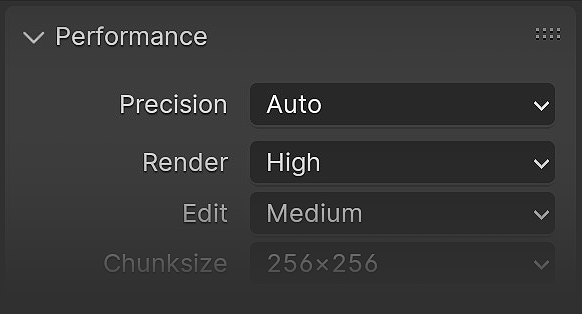
A new option was added to the Performance panel to allow choosing between Full or Automatic precision.
Automatic uses half precision for the viewport and interactive compositing, while Full uses full precision for both viewport and render.
Half precision runs faster with less memory usage, albeit with reduced precision and value ranges.
MORE COMPOSITOR
KEY TO SUCCESS
Blender 4.1 introduces a new way for inserting animation keyframes, for a simpler and more intuitive workflow.
RIGGING
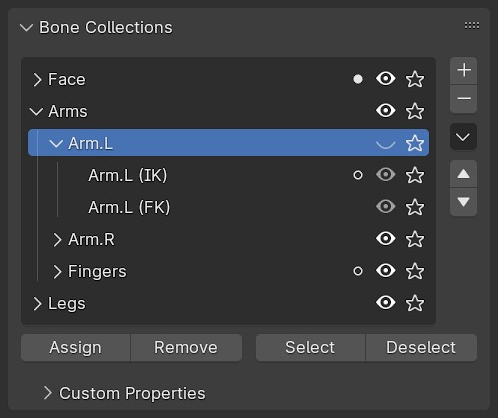
Bone collections are now hierarchical. The collections are shown in a tree instead of a flat list, where they can be rearranged and nested via drag-and-drop.
Visibility is determined by the bone collection itself, and its ancestors: a bone collection is only visible when its parent elements are visible. Bone collections can also be ‘solo‘ed now.
SELECT & PAINT
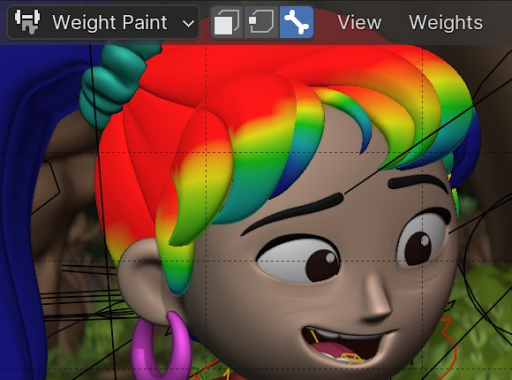
A new selection mode allows to easily switch bones without leaving Weight Paint mode.
It’s available when you enter Weight Paint mode on a mesh while its armature is selected, and can be accessed via the Bone icon in the header or by pressing the hotkey “3“.
WYSIWYG
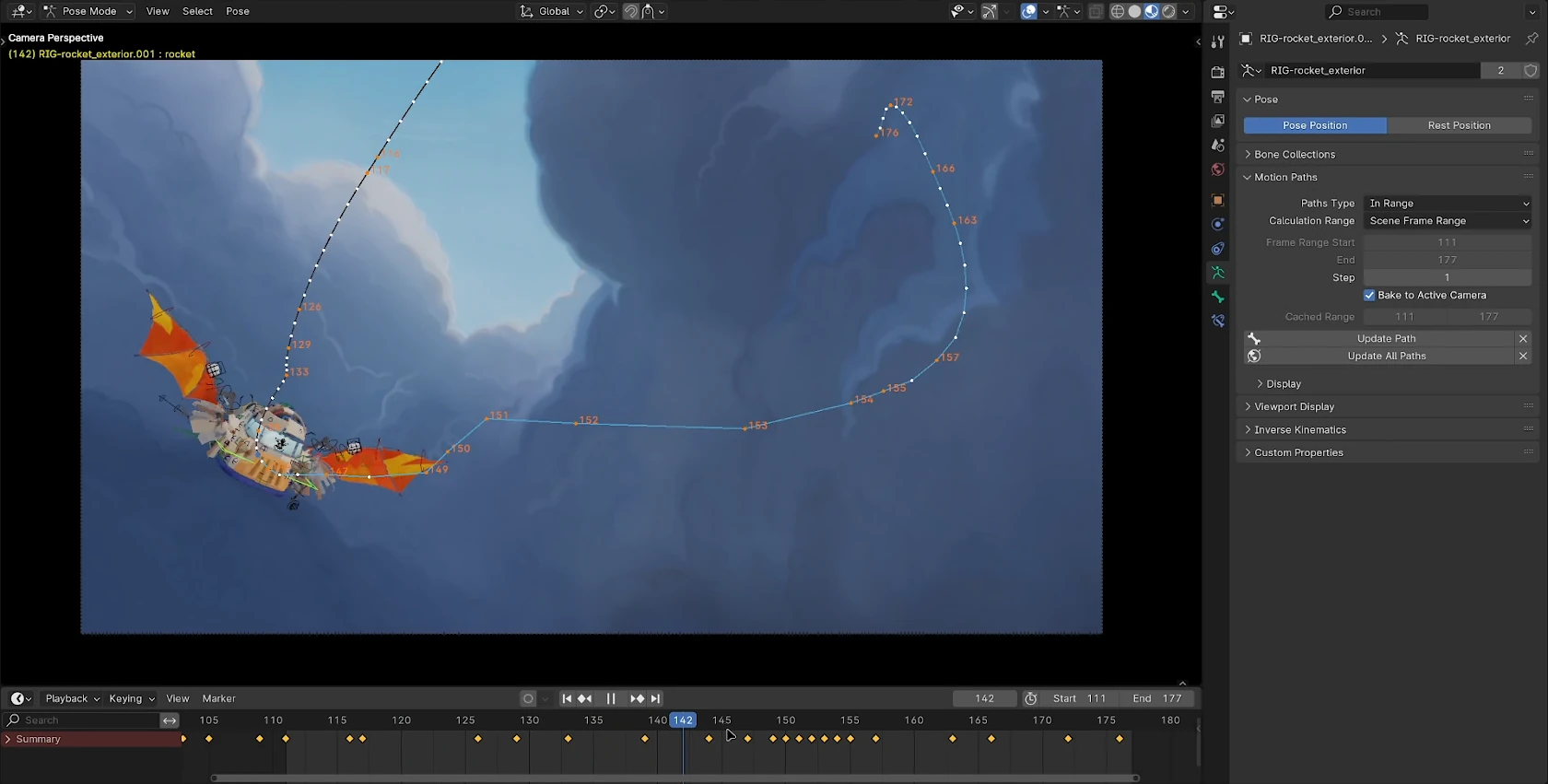
Motion Paths can now be generated in screen space from the camera view. Making it much easier for animators to see how arcs will look in the final piece.
GRAPH EDITOR
CLICK & SLIDE
Adjust keys with ease with these new slide operations.
NEW OPERATOR
Scale from Neighbor
Scale the selected key segments from either their left or right neighbor key. Press D to switch the reference key from one end to the other.
WORKFLOW
Auto-Lock
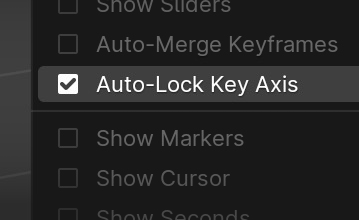
Add an option to automatically lock key movement to either the X or Y axis. This can be found under View » Auto-Lock Axis.
USER INTERFACE
Expose
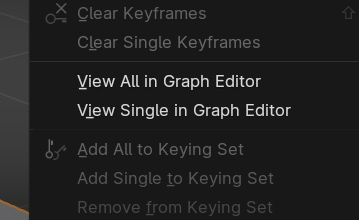
Add option to right click menu on animated properties to view the FCurve that animates it. For this to work the object/node has to be selected.
BAKE OFF
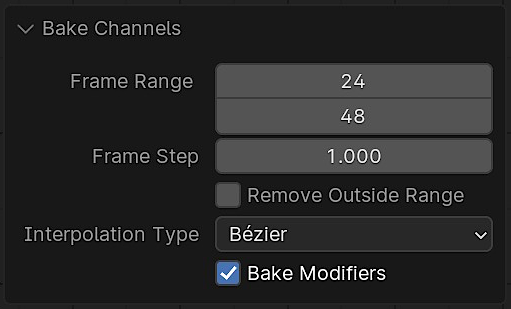
A new operator has been added to the Graph Editor to bake channels, with options to:
- Specify a frame range to bake.
- Define the distance between keys (e.g. in 2s)
- Remove keys outside the range.
- Define the interpolation type.
- Bake modifiers.
Find it under Channel » Bake Channels in the Graph Editor.
MORE ANIMATION & RIGGING GOODIES
MAKING WAVES
The Video Sequencer is now faster than ever, sporting sleek scopes and improved image filtering for a smoother editing experience.
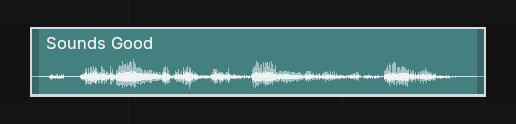
Audio waveform previews are now displayed by default.
AUTO NICE
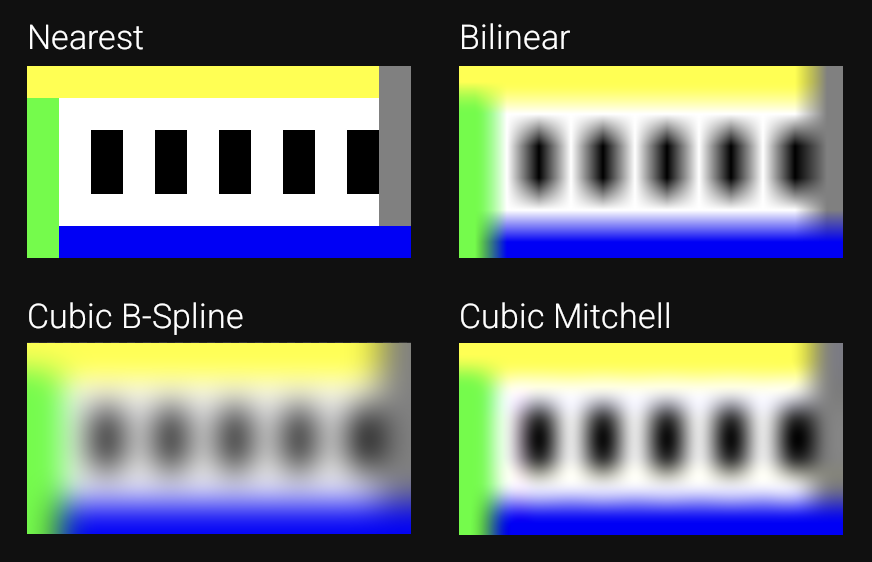
Image/movie filtering when scaling/rotating strips has been greatly improved.
Strips now automatically use to the most appropriate filter based on scaling factors:
- Nearest: When there is no scale/rotation and positions are in integers.
- Cubic Mitchel: When scaling up by more than 2x.
- Box: When scaling down by more than 2x.
- Bilinear: Fallback if no other rule applies.
PLUS

USD
IN MOTION
Blender 4.1 can now export armatures and shape keys as USD skeletons and blend shapes.
Additionally, support has been added to import scene graph instancing and point instancing.
Importing USD can now be extended with Python scripts through hooks. See the USDHook API documentation for details and example code.
MORE USD


BENCHMARK IT
Share and compare your computer’s score with openly accessible benchmarks provided by the Blender community.
GET THE ARTWORK
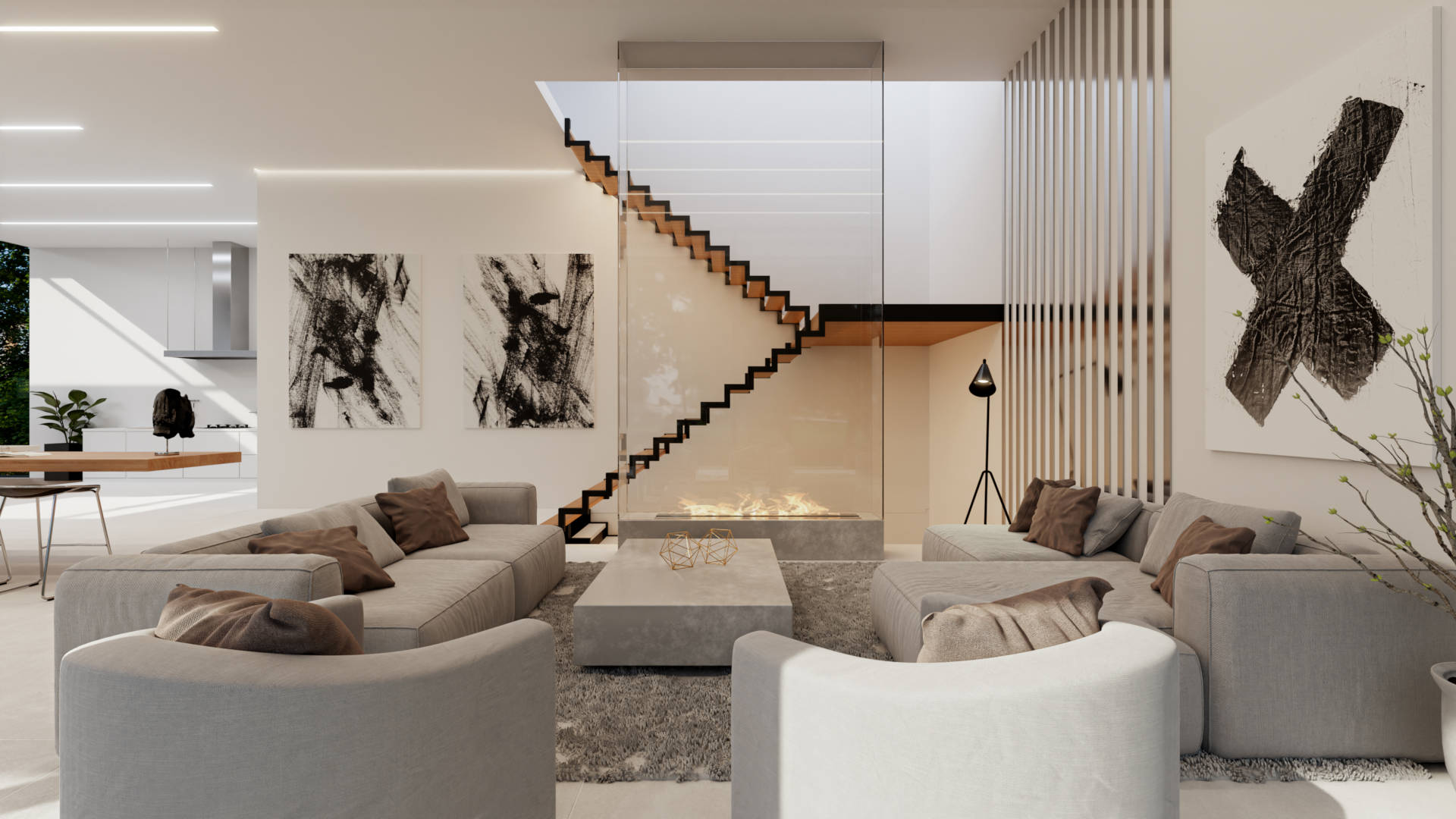
Blender splash artwork source files are available for you to play with, not only for Blender 4.1 but for previous versions as well.