
As users become more concerned about their privacy and being tracked online, they have begun to use ad blockers and script blockers to block JavaScript tracking scripts. A new method has been discovered that allows a site to track the mouse movements of their visitors by using only HTML and CSS, which can bypass tracking protection.
Most online tracking is done through JavaScript scripts loaded into web sites and advertisements. This allows advertisers and sites to track where you go on the web, how you use a site, or other online behavior.
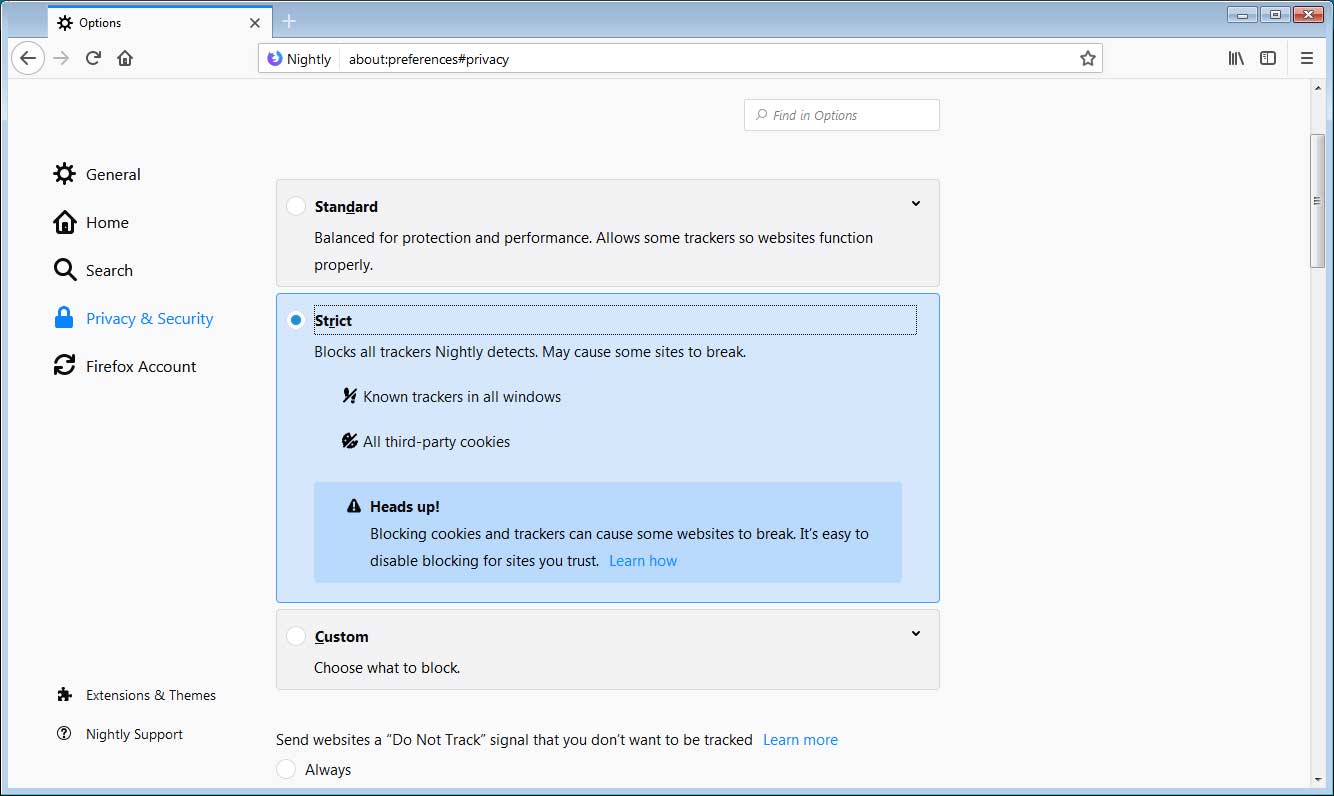
These scripts can be blocked by using Ad Blockers, browser tracking protection such as Firefox's Content Blocking, or blocking JavaScript altogether.

A researcher has found a new method that can be used to track a web site visitor's mouse movements on a page without the use of any JavaScript, but instead by using only HTML and CSS. This makes it very difficult to block tracking performed in this way.
Security researcher Davy Wybiral recently demonstrated on Twitter how web sites can use HTML and CSS to watch the mouse movements occurring in one browser window from within another browser window.
Wybiral was able to do this by creating a grid of HTML DIVs that utilize CSS :hover selectors to request a new background image when your mouse moves over a box on the grid. As the image requests are done in the background, the browser does not indicate that they are making a connection and thus all the requests are hidden from the user.
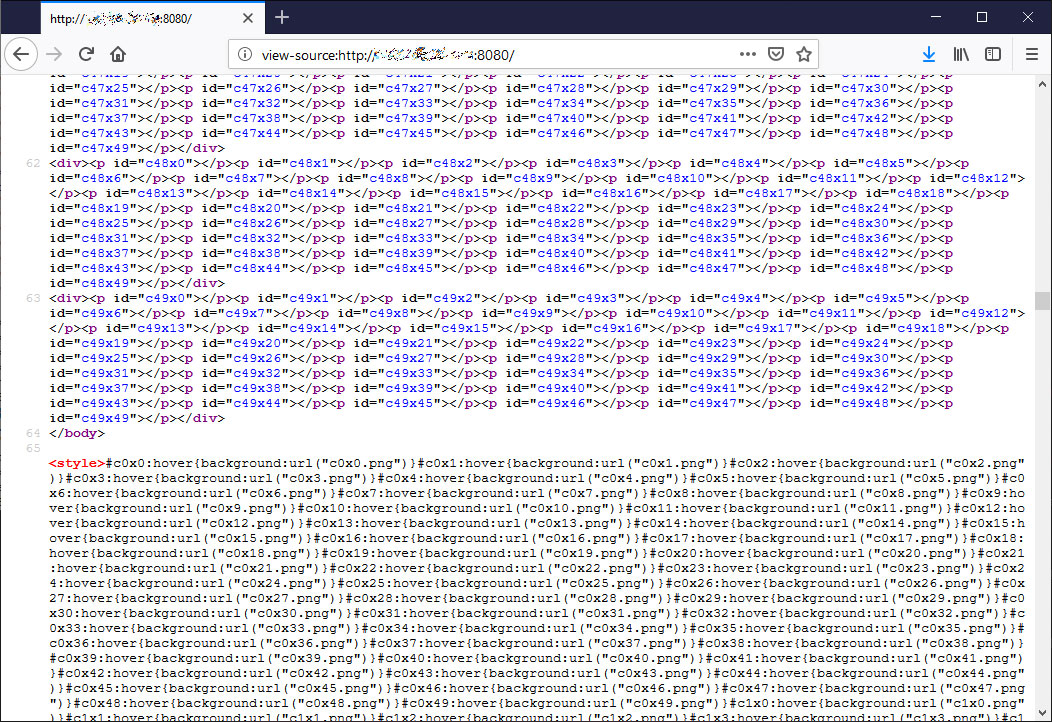
When a user hovers over a box and a new background image is requested, the script will record the location on the grid that was hovered over. A user in another browser can then use the /watch URL to watch in in real time what grid box is currently being hovered over as shown in the video above.
This technique can be used for a variety of reasons including determining hot spots on a site or for user interface studies.
Wybiral has also told BleepingComputer in a conversation that this method can useful for the following
- motion (gait) analysis is an active field of research
- people use different resting positions for the cursor
- identifying mouse motion vs touchpad should be possible
- can give insight into other behavioral traits of visitors
The researcher also told us that the :hover selector is not the only one that can be used for tracking browser behavior.
"Aside from mouse tracking there's a lot of other CSS selectors that could give away analytics for browsing behavior. :focus, for instance should be able to monitor which elements the user has active focus on, and the [value] selector has been known for a while to be able to effectively query input element. The rules around [value] changed to make it less powerful, but it can probably still be used just to tell if the user has started typing or has changed something (haven't PoC'd that yet, but it should be possible)"
For those who are interested in seeing the code for Wybiral's script, he has shared it on his GitHub page.
Other CSS tracking techniques created in the past
Wybiral's method is not the only one that shows how CSS and HTML can be used to track users on web sites.
Last year a project was released called CrookedStyleSheets that allows sites to gather information such as their screen resolution, which browser is being used, when a user clicks on a link, and potentially what operating system they are using based on supported fonts.
Just like Wybiral's method, this is all done using HTML and CSS. No JavaScript.

Automated Pentesting Covers Only 1 of 6 Surfaces.
Automated pentesting proves the path exists. BAS proves whether your controls stop it. Most teams run one without the other.
This whitepaper maps six validation surfaces, shows where coverage ends, and provides practitioners with three diagnostic questions for any tool evaluation.