MERMAID · PLANTUML · DRAW.IO EDITOR WITH A BEAUTIFIER
Your diagrams
render fine.
We make them beautiful.
Beauty Diagram is a Mermaid online live editor, PlantUML editor, and diagram beautifier for draw.io workflows. Paste source, preview it live, clean up the layout in one click, and export beautiful diagrams as SVG or PNG.
Beauty Diagram
ClassicSVGPNG
Try a sample:
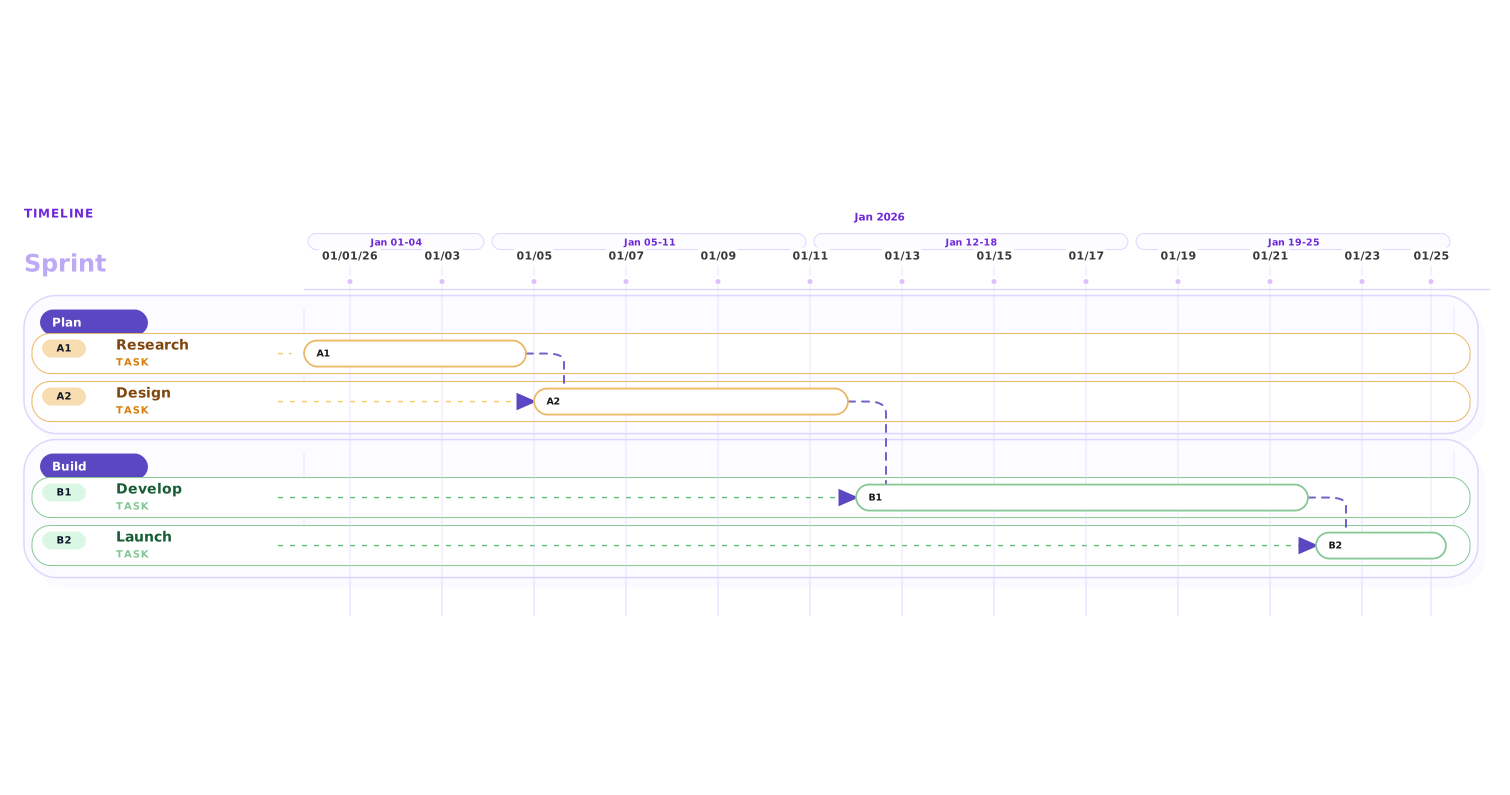
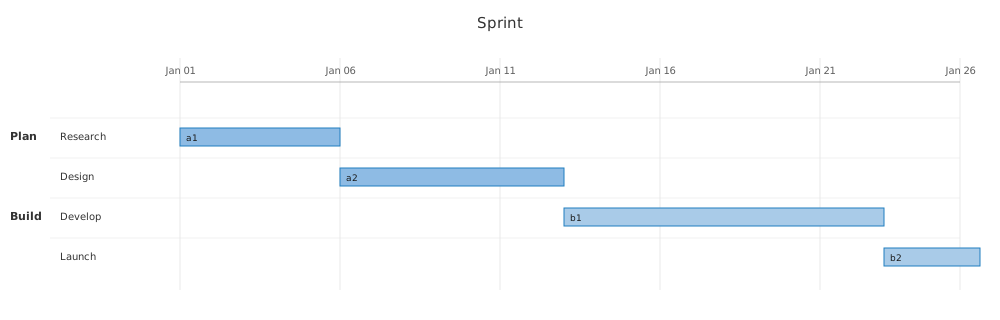
Native renderer
Beauty Diagram
Drag to beautify
Re-layout for flowcharts
Mermaid, PlantUML, and draw.io flowcharts get re-laid out on a grid with orthogonal routing — no diagonal arrows cutting through nodes.
9 themes you can swap
Switch between modern, atelier, atlas, obsidian, and more without editing the source. The same Mermaid renders for a deck, a doc, or a dark-mode README.
Editorial-grade typography
Geist at 14px / 500 with OpenType ligatures and baseline-aligned labels. The diagram looks like a slide, not a wiki page.
AI generate / refine
Describe what you want in plain English — AI drafts the Mermaid or PlantUML source, then refine an existing diagram with the same loop. No prompt engineering required.
Embed straight into READMEs
Drop a Beauty Diagram image URL into any markdown (GitHub, Notion, Medium) — the rendered SVG loads on every view. No save, no re-export when you tweak the source.
5 animated SVG styles
Layer subtle, lightning, laser, charge, or pulse motion onto the same Mermaid source. Clarifies sequence and direction without rewriting the diagram.
14 types →FlowchartSequenceGanttMindmapActivitySwimlaneClassStateERPieGit GraphC4JourneyTimeline
| Beauty Diagram | Mermaid Live | Excalidraw | Figma / Sketch | |
|---|---|---|---|---|
| Input is code you already have | ||||
| Supports Mermaid + PlantUML + draw.io | ||||
| Sleek, modern styling out of box | manual | |||
| Re-layout (orthogonal routing, lanes) | ||||
| AI generate / refine from a prompt | ||||
| Embed via image URL (GitHub README, Notion) | ||||
| No manual drawing required | ||||
| Version-controllable source | ||||
| Animated SVG preview (no rewrite of source) | ||||
| Export 4× PNG without watermark |
How do I beautify a Mermaid flowchart?
Paste your Mermaid source into the editor. Beauty Diagram re-lays it out with orthogonal routing, applies a sleek, modern palette, and exports SVG in under 400ms. You keep the original code; only the render changes.
How do I improve a PlantUML activity diagram?
Same flow — swap the tab to PlantUML, paste, click Beautify. The diagram formatter realigns swimlanes, normalizes node sizes, and fixes the cramped default spacing that PlantUML ships with.
Mermaid vs PlantUML — which should I use?
Mermaid is easier to read in Markdown and has wider native support (GitHub, Notion). PlantUML is more expressive for UML — class, sequence, state, activity. Beauty Diagram supports both, so pick whichever your source tree already uses.
Can I import a draw.io file?
Yes — free, no signup needed. Drop a .drawio or .xml export into the editor — compressed or uncompressed both work — and we convert flowcharts, sequence diagrams, class and entity-relationship diagrams, mindmaps, and git branching diagrams into Mermaid source, then beautify from there. An optional AI-enhance toggle for messier diagrams is included with Pro and Premium, or payable per use from a credit pack. You stay in the Mermaid workflow after import, with the original file untouched.
SVG vs PNG for diagrams — which export format?
SVG for anything that will be viewed on screen (docs, websites, Figma embeds) — it stays crisp at any zoom. PNG for decks that will be exported to PDF or printed, or when the destination tool does not support SVG. Beauty Diagram exports 4× PNG on Pro — no watermark.
Can I export Mermaid to SVG or PNG without rendering manually?
Yes. Every beautified diagram gets a one-click export to both SVG and PNG. No CLI, no puppeteer, no Node dependency to install.
Is this just a Mermaid Live editor clone?
No. The Mermaid live editor renders what Mermaid gives you. Beauty Diagram post-processes that render — re-layout, spacing, typography, palette — so the result is something you would actually paste into a deck.
Can I tweak colors without editing the source code?
Yes. Click any node or line on the canvas and a floating toolbar appears — change background, border, line color, width, and text color with one tap. Your source stays untouched; the customizations save with the diagram and travel with the shared link.
Works with the formats you already write →
MERMAIDPLANTUMLDRAWIOSVG
Renders inside the tools you already use →
§04 · Pricing
Secure checkout opens in a new page and may take a few seconds to appear.
Prices are in USD; VAT / sales tax is added at checkout based on your billing country.
Not ready to subscribe? Pay as you go.
Buy credits once, use them anytime in the next 12 months. Skip the subscription entirely, top up when your monthly cap kicks in, or grab a pack for that one urgent slide deck. No recurring charges — just pick what fits.
How credits work
- 1 credit = 1 complete Pro export (HD, no watermark, any Pro theme)
- 5 credits = 1 AI generate or refine
- 10 credits = 1 permanent save slotnew
Subscribers: monthly quota is used first; credits kick in as backup.
Premium signature themes (Blueprint, Memphis) require a Premium subscription — credits don't unlock them.
Credits expire 12 months after purchase.
Prices are in USD; VAT / sales tax is added at checkout based on your billing country.