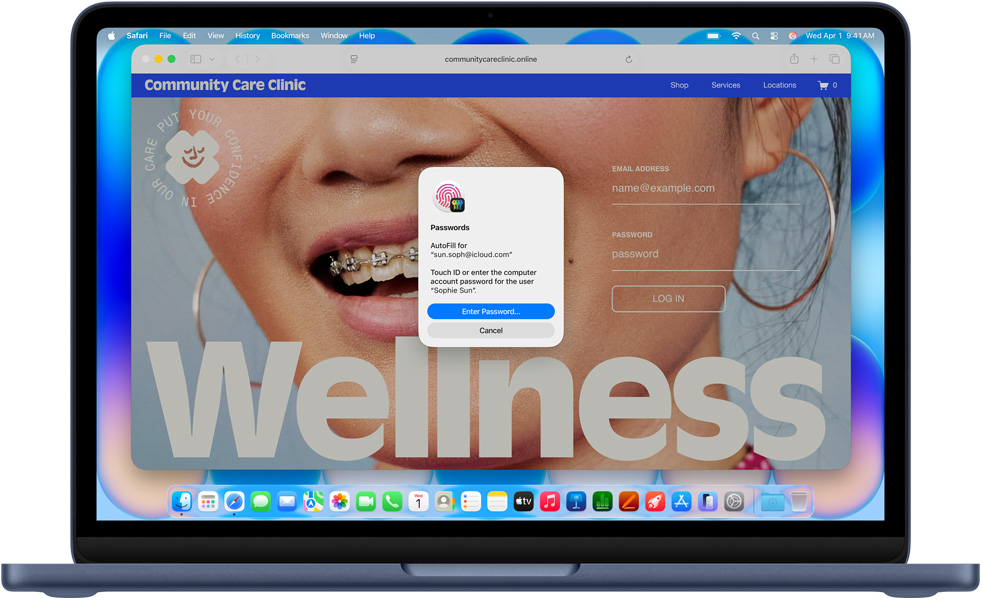

Everyday productivity.
Answering email, taking video calls, browsing the web, updating after-school schedules, sharing photos — master your to-do list with MacBook Neo.

Conquer your courses.
MacBook Neo is perfect for learning, whether you’re cramming for finals, using Apple Intelligence to summarize class notes,3 or creating presentations.

Make work feel like play.
From building spreadsheets to managing payroll, MacBook Neo gets the job done.

Amusement perks.
With impressive graphics and a vibrant Liquid Retina display, your movies, shows, videos, and games are incredibly detailed.

Fly through everyday tasks.
The A18 Pro chip breezes through your go‑to apps and AI activities, putting power and efficiency at your fingertips.
Your constant companion.
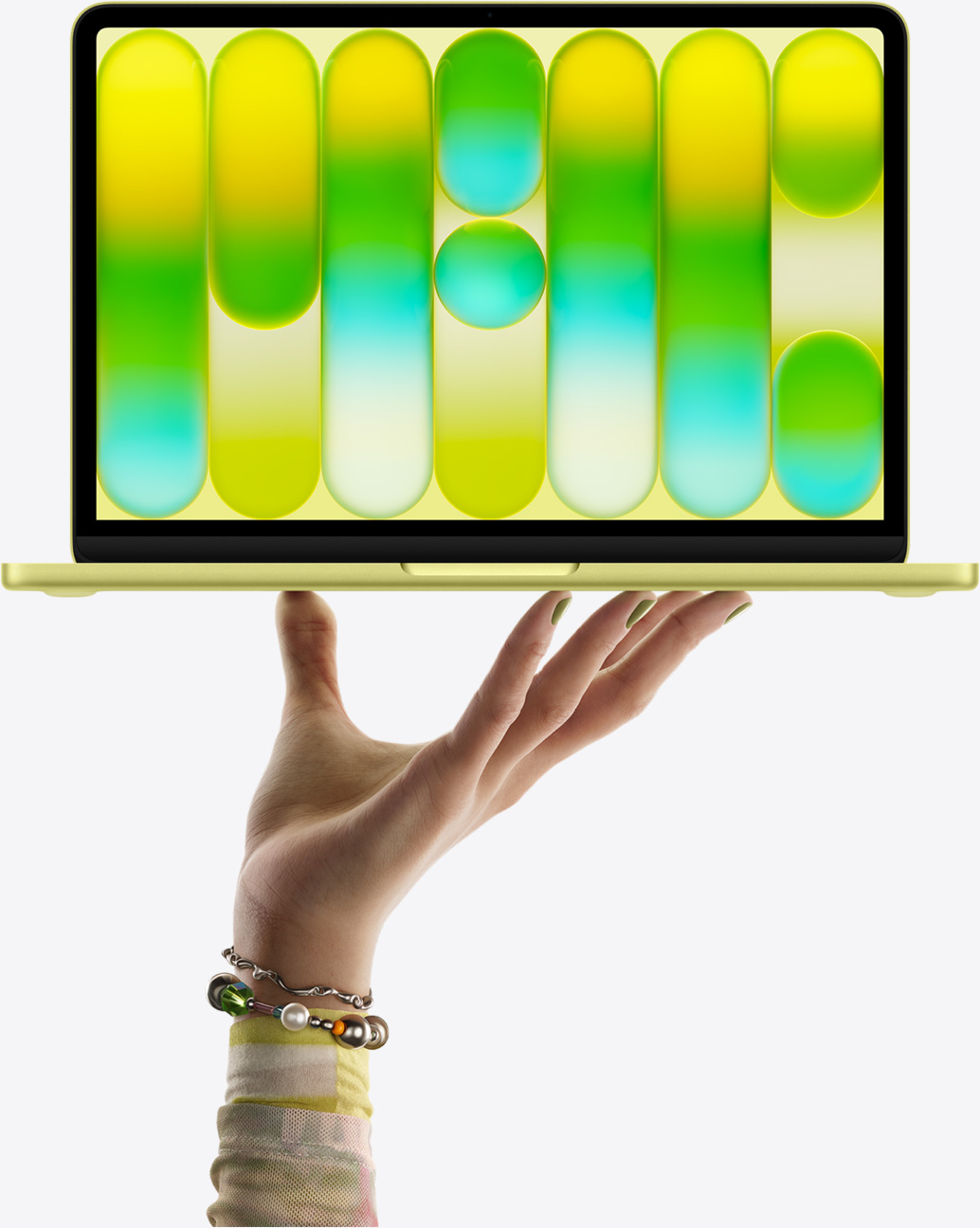
MacBook Neo is ready to go where you go, from early-morning classes to late-night browsing.
Up to 16 hours battery life on a single charge1
13” Liquid Retina display with support for 1 billion colors.2
3.6 million pixels for incredible resolution
500 nits of brightness
Stream Pluribus on Apple TV with a subscription.

The 1080p FaceTime HD camera delivers vibrant video so you always look your best.
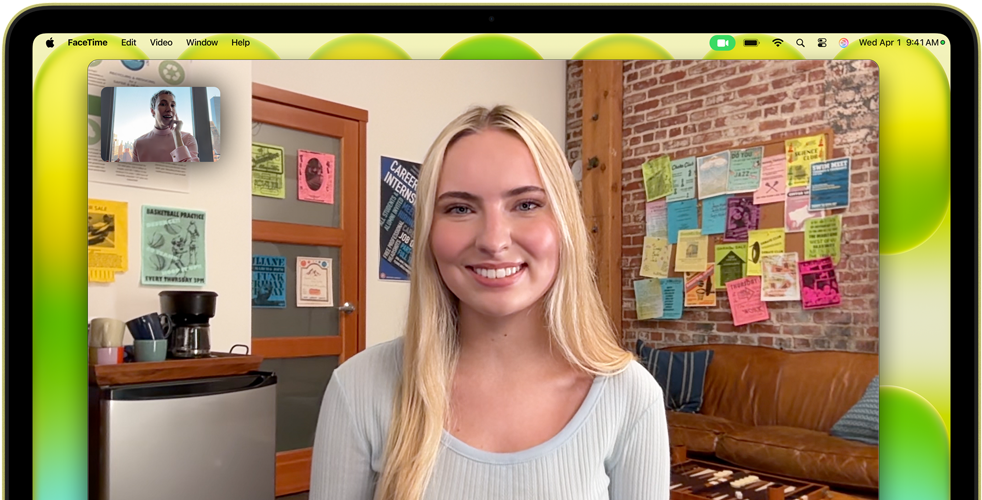
A dual-mic array with beamforming technology isolates and enhances your voice while minimizing background noise. Your voice sounds focused and clear.
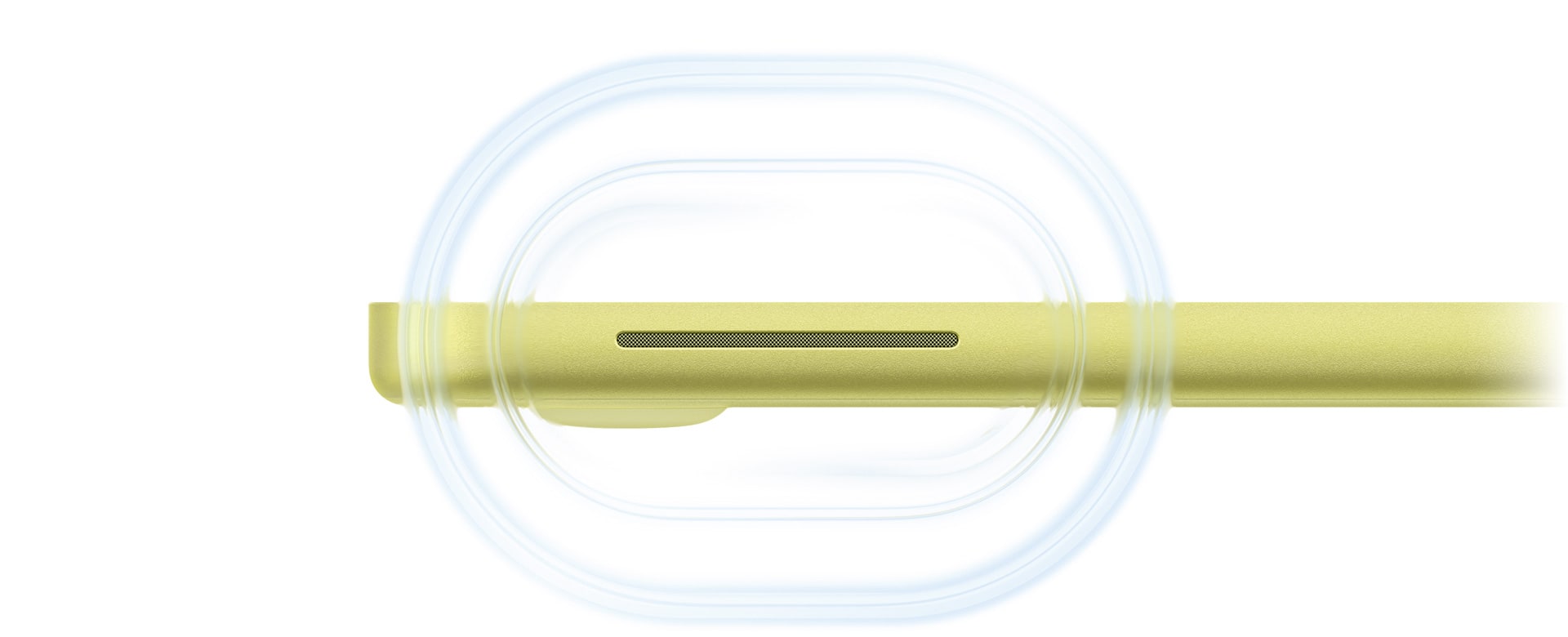
Dual side-firing speakers deliver immersive sound. And Spatial Audio with support for Dolby Atmos creates a 3D listening experience for music, shows, and movies.
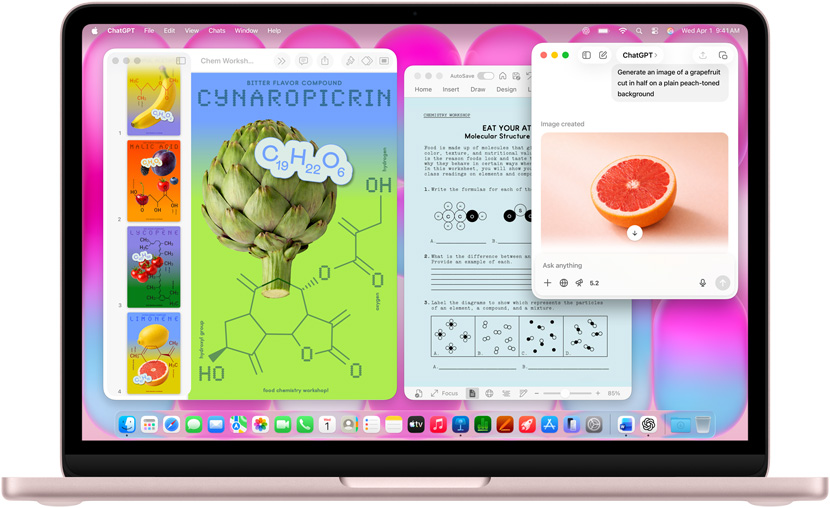
Built for Apple Intelligence.
Apple Intelligence is the personal intelligence system that helps you write, express yourself, and get things done.3 And it comes fully integrated into MacBook Neo.

Great powers come with great privacy.
Apple Intelligence is designed to protect your privacy at every step. It’s integrated into the core of your Mac through on-device processing. So it’s aware of your personal information without collecting your personal information. And with groundbreaking Private Cloud Compute, Apple Intelligence can draw on larger server-based models, running on Apple silicon, to handle more complex requests for you while protecting your privacy.
Call and text from your Mac.
Make or take calls directly from your MacBook Neo just like you do on your iPhone. And the texts on your iPhone also appear on your Mac, so you can continue conversations across devices.7
Start here. Finish there.
With Handoff, when your devices are near each other, you can seamlessly pass your works-in-progress from one device to the other — like starting an email or editing a note on your MacBook Neo and finishing it on your iPhone.8
Use your iPhone from your Mac.
iPhone Mirroring lets you see and use the screen of your iPhone on your MacBook Neo display.9 And when you’re playing music, running a timer, or tracking a delivery, you can view and control these Live Activities on your iPhone and your Mac.
Share by air.
With AirDrop, you can quickly share large files between your MacBook Neo and iPhone. You can also choose to share with others around you who have a Mac, iPhone, or iPad. It’s never been easier to send and receive photos, documents, and more — even without a Wi‑Fi network.
No Wi-Fi? No problem.
With Instant Hotspot, you can share the cellular connection on your iPhone with your nearby MacBook Neo. So you can get online even when you don’t have a Wi‑Fi signal.
Copy and paste across devices.
Use Universal Clipboard to copy images, video, or text from an app on your iPhone. Then paste into another app on your nearby Mac — or vice versa.