Within 47 seconds:
Share summary. Keep CRM updated. Plan action items. Schedule next meeting.
Meeting Notes
Summarize any meeting, without a bot
Why Amie?
There are 27 meeting notes apps out there. If summaries is all you need, any of them will do. Many of them will even be cheaper.
If you want to use them to become better at your job, you'll need Amie. An app that knows your conversations, should be able to take over your busy work.


Quentin di Silvestro, GTM Lead • beam.ai
We use Amie daily, and without it, we'd be at least 50% less productive. It helps me to follow-up faster, which directly translates into more revenue closed.

Arnaud Mun, Co-founder • dev-id
Because of Amie we understand our customer's projects better: It summarizes all our meetings and we ask AI questions to speed up our workflow. There is not tool better than Amie to save time. And that is priceless
Summaries & Action Items
When meetings go undocumented, progress rarely happens. Topics resurface week after week. But every conversation should move your team forward. AI summaries often miss the mark because they don't understand your business. Ours do, and turn every meeting into clear next steps.
The common problem with AI summaries is that they don't know the context of your meeting and company. We ensure great summaries in two ways.
No more bot in your calls
When you record with Amie, you control everything from your notch. Without the weird bots joining, we can offer a better experience:
Pause recording to speak off the record
Stops automatically if microphone is unused
Split recordings if you're staying in the same room
Separates speakers and remembers their names
If you don't have a notch, you'll instead see a floating UI. It's a good reason to upgrade your Mac though.
The notch-like overlay UI is super neat and out of the way, the transcription works great and is multilingual which is super powerful. The automatic todo suggestions that can just add to my tasks in one click is a killer feature.
Gabriel Saillard•Software Engineer
Works wherever you have meetings
Recording works for calls across all providers. Whether you use Zoom, Google Meet, Slack Huddle, or Microsoft Teams, we'll get the notes.
Amie works with any video call provider.
When you join meetings through Amie, we'll automatically record them. If you join them through eg. Google Calendar, we'll automatically ask you to start recording the call. We'll also auto-stop the recording.
If you want Amie to work fully in the background, you can enable fully-automatic recordings. This will record every call without you having to do anything.
Customize the summary with private notes
Take notes in private, before or during the meeting. We'll then use those raw notes as focus points for the summary. You can define the headings we should use. List out key numbers as emphasis. Or use it to prepare the agenda.
Private notes taking in the dedicated tab are not visible to anyone else. This makes them great for time-based notetaking.
Meetings take a lot of time, follow-ups workflows shouldn't
What you can achieve with
Amie in just 7 days
AI Chat
Ask Amie to do or find anything
It's like ChatGPT, but it has full context about my company and job. It's integrated with Gcal and Gmail. So no more copy+pasting.
Dennis Müller•Founder, Amie

Nish really was too kind with his review.
Chat Actions
Saving you time is our priority. And chat actions is the way we achieve that. You can ask Amie to draft emails, create or update meetings, rewrite summaries, create mind maps from summaries, and more.
One of my favorite use cases: "I'm sick, move everything to Thursday." and Amie will do it for you.
Integrations
Keep your tools updated, with one click
Too many tools require you to use them all the time to be useful. Amie works just as well in the background. The integrations with Google and Apple Calendar make sure every meeting gets recorded.
The Gmail integration lets us re-create your writing style. To AI-draft your emails just like you wrote it.
We know that you likely have a system of record already. We've built integrations with Slack, Notion, Hubspot and Pipedrive. So that you can get the summaries there with a few clicks.
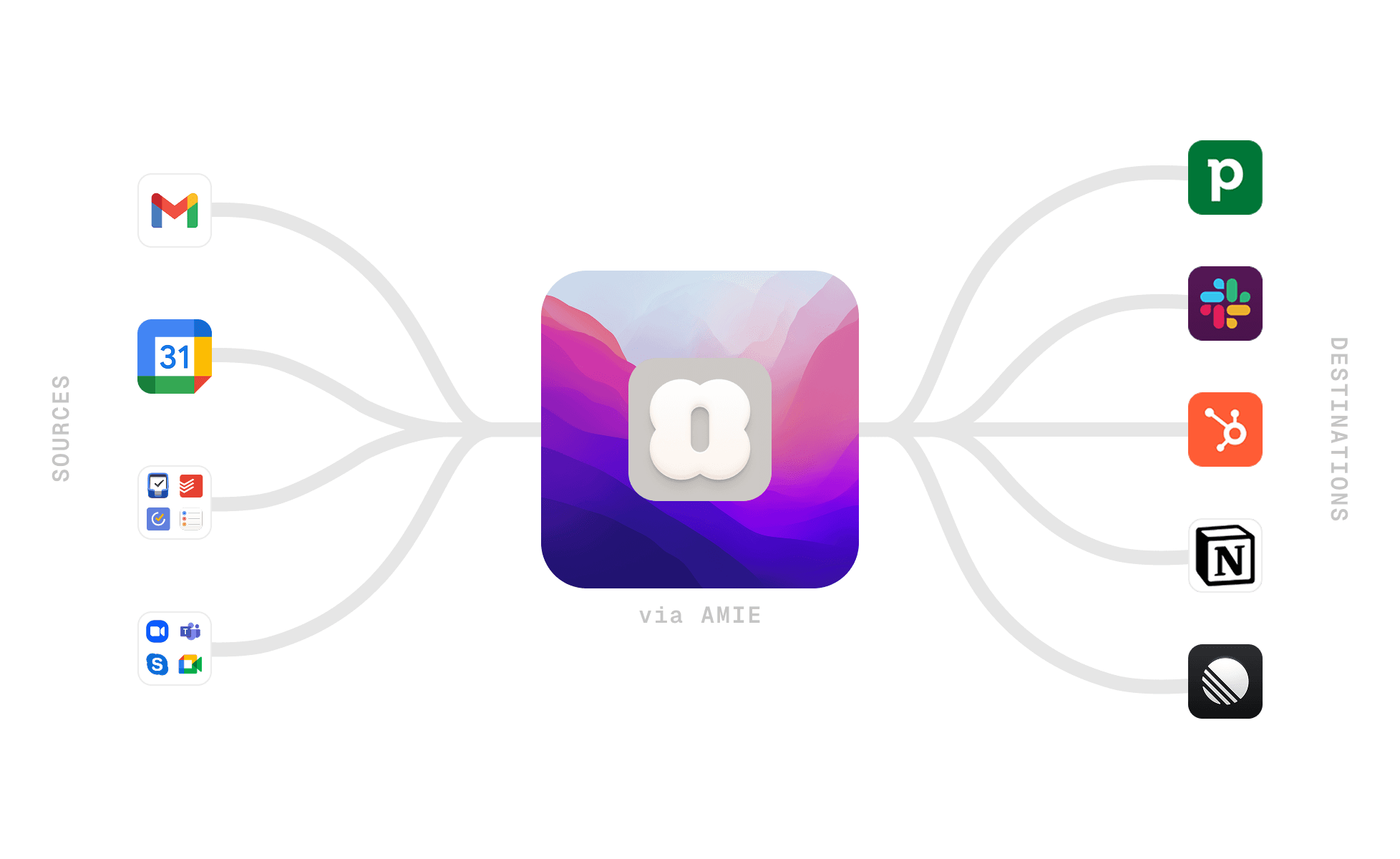
Export meeting notes to Pipedrive, Notion, Slack, Hubspot, Linear. Request integrations at care@amie.so

Hubspot
Add to leads/meetings

Slack
Send to any channel or person

Linear
Create tickets from transcripts

Pipedrive
Add to leads/customers

AttioSoon
Add to leads/customers

PersonioSoon
Add to applicants

AshbySoon
Add to applicants

GreenhouseSoon
Add to applicants
Shareable Pages
Shared with colleagues and customers
Recording all your meetings is a great start. And most tools stop there. The context that many notes create over time is a goldmine.
When you ask the AI chat questions, we pull in all the context from the pages. Wherever you are, you can always ask questions about any meeting.
Wow, auto-generated pages are the kind of thing that you don't even know you need until you see it. It's like an AI-native CRM.
Victor Fteha•Founder, Fundmore
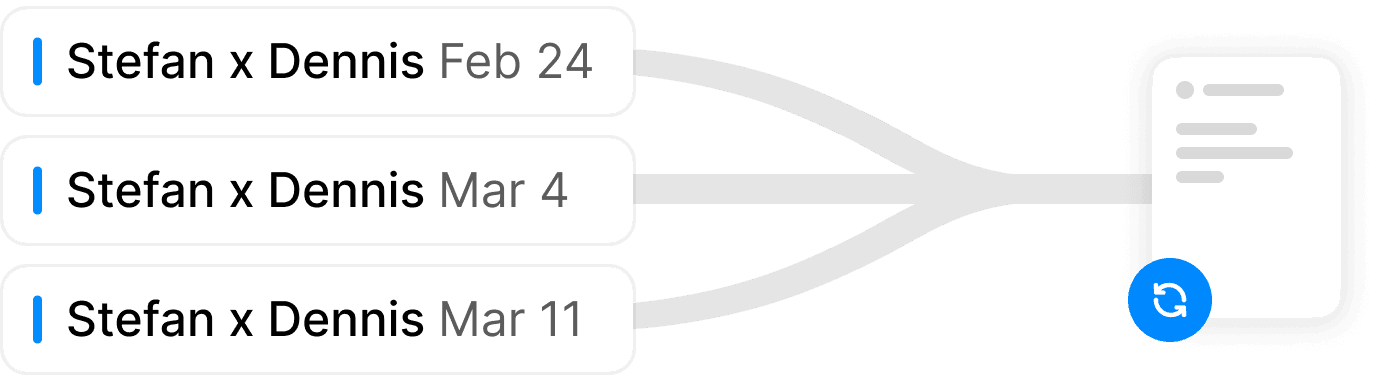
By recurring event
See how your project is progressing over time.
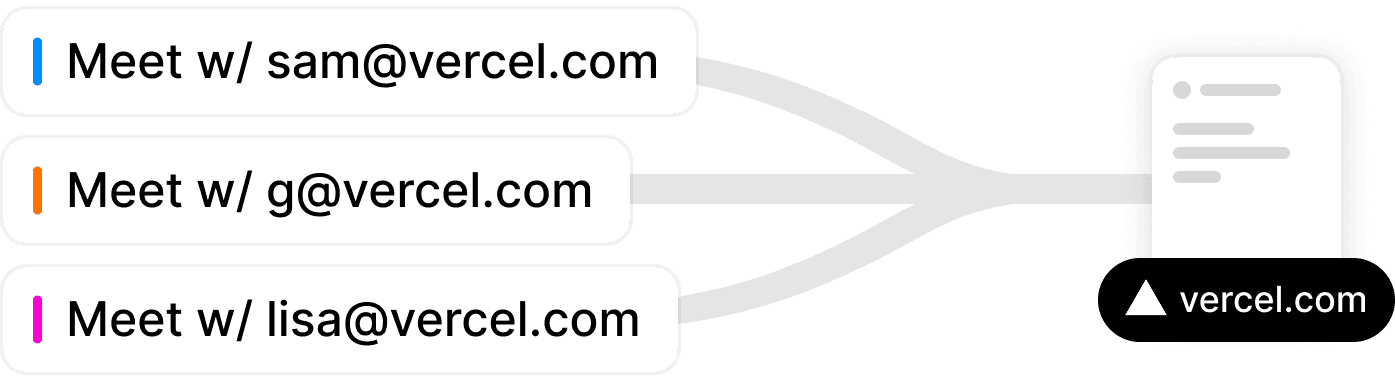
By domain
Make sure your customers get the care they deserve.
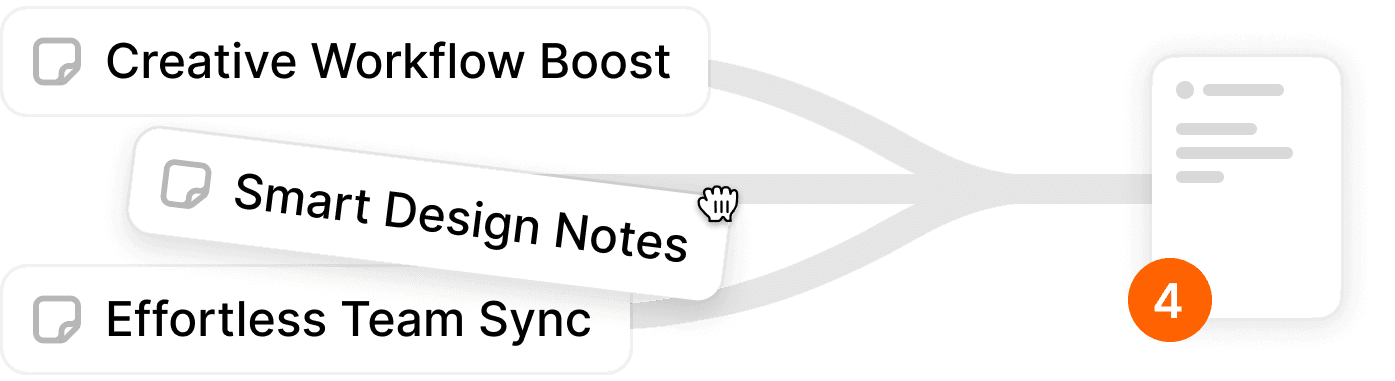
Manually
Keep track of topics, projects, or anything else.
Calendar & Todos
Organize your day on autopilot
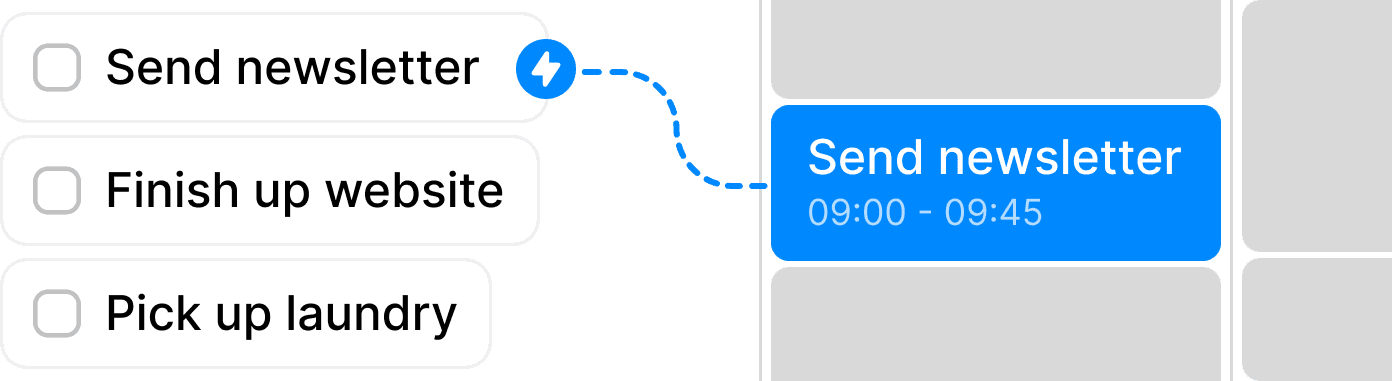
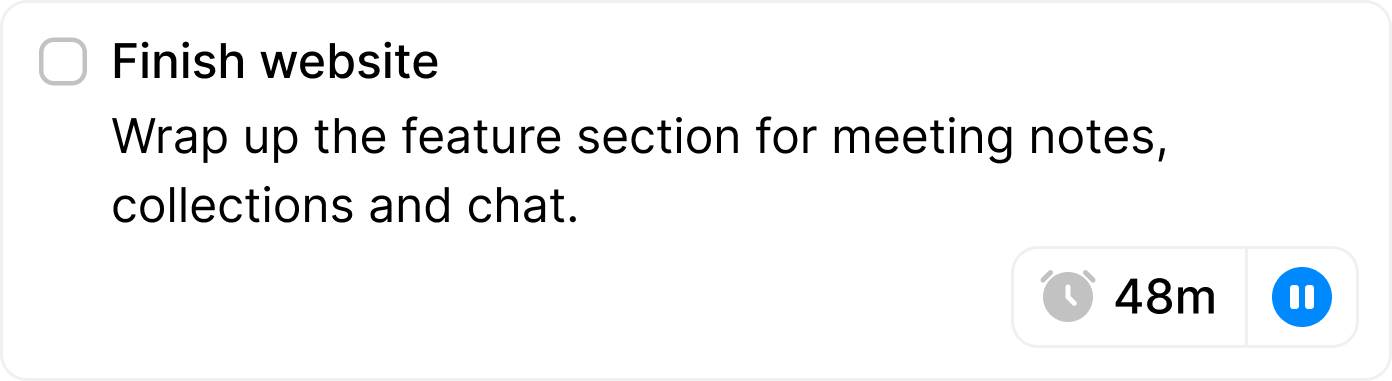
Combine action items from your calls with todos from eg Notion or Todoist in one place. From there, we use AI to schedule your day. Whenever your plans change, we shuffle around your schedule to keep you on track.
AI Scheduling
We'll put together your schedule on automatically. You'll keep app deadlines, and will work on the highest priority items first.
AI Calendar
Ask the chat to create or update your events. Ask it how much time you've spent on demo calls last week. Or have it prepare today's agendas.


Oz, Founder
It doesn't have to suck to be productive, Amie reminds you of that

Raf, Designer
nothing but joy. opening a calendar shouldn't be stressful. can't imagine to go back

Noah, Founder
I can finally do time blocking and to-do lists from one interface.
FAQs
If you can't find the answer to your question below, email us at care@amie.so