The Ultimate AI 3D Model Generator - Free and Zero Skills Required
Use our advanced image-to-3D AI tech to convert your 2D pictures into high-quality, ready-to-use models
 Drop an image
 Generate
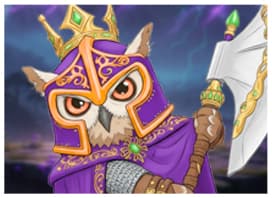


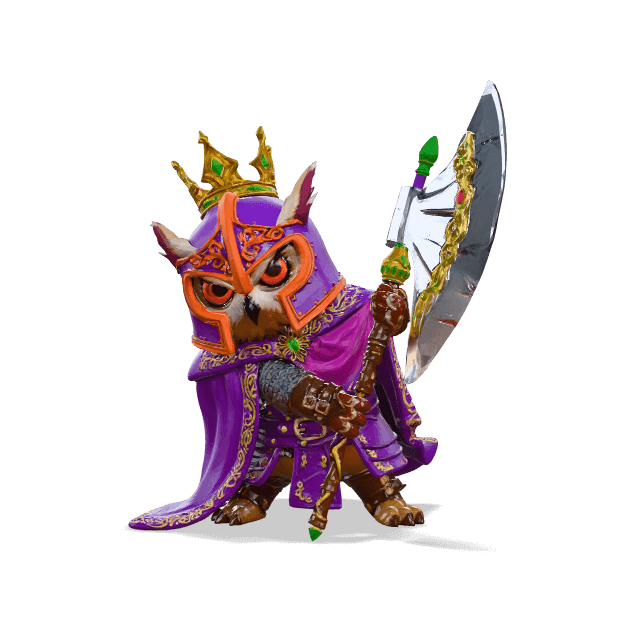
Image in, Model out
Automatically transforms images into OBJ/STL/GLB models.
🔮 No signup needed. Upload once, claim the 3D model files — free, fast, zero skills.
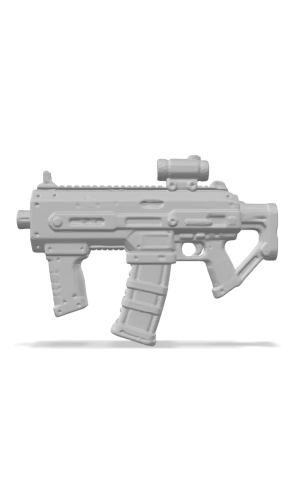
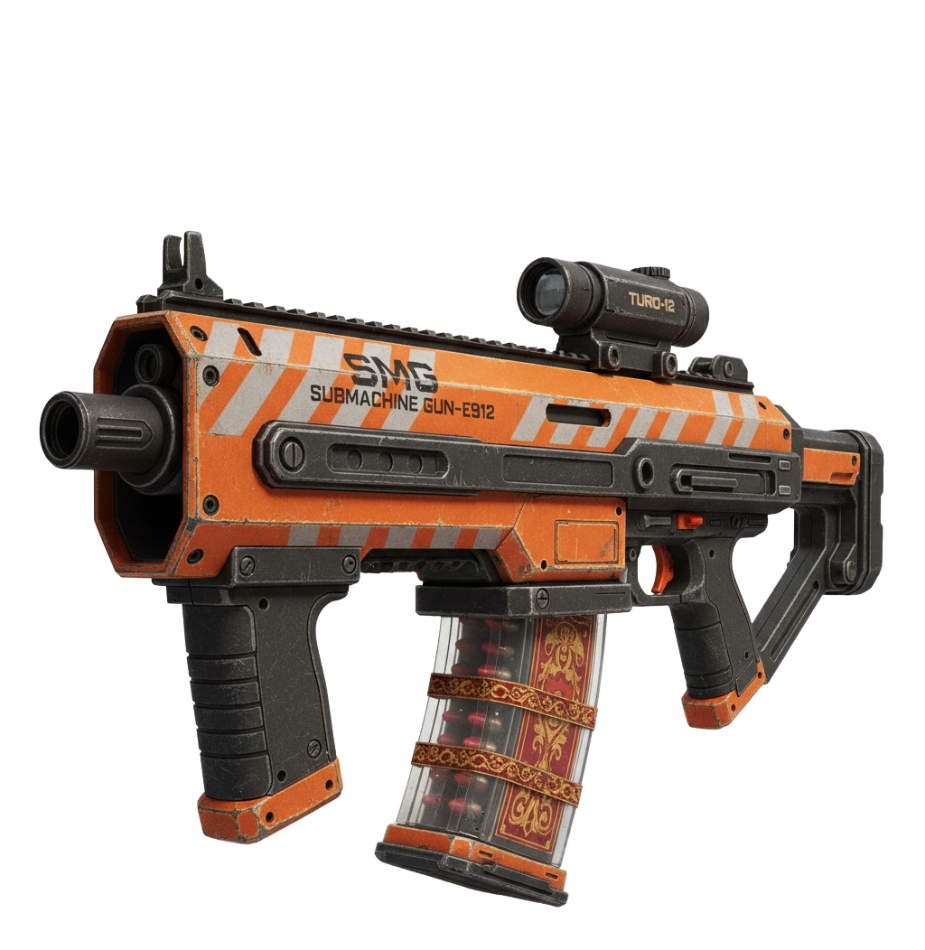
Free 3D Model Generator
Turn your ideas or pictures into 3D models for free with AI.
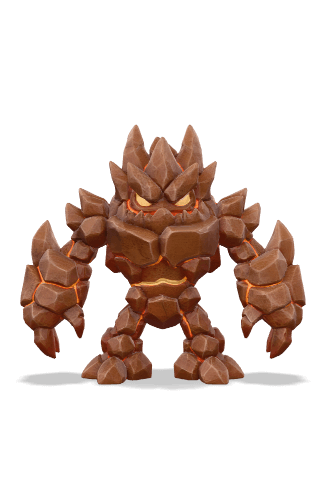
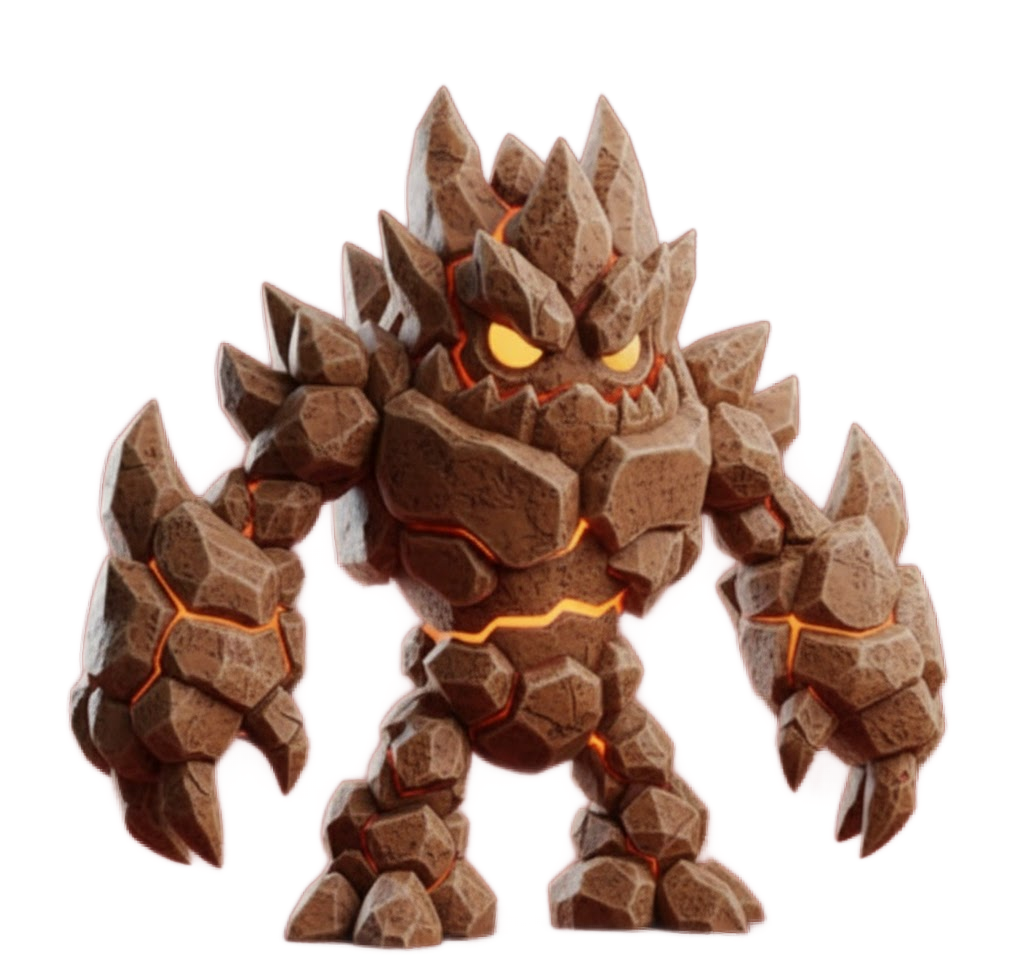
Drawing to 3D Model
Convert 2D art, or digital drawings into 3D models.
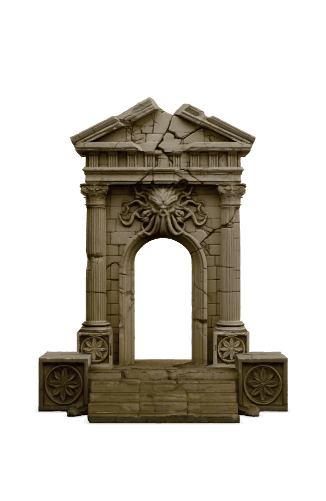
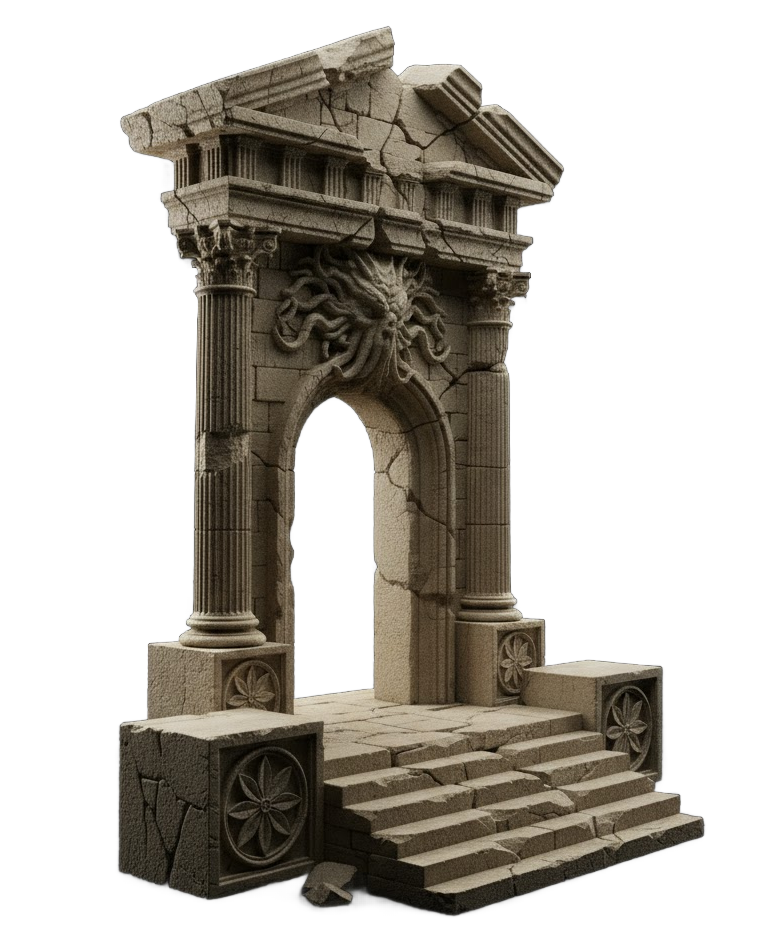
AI 3D Model Generator
Upload any image (JPG, PNG) to instantly generate a 3D model.
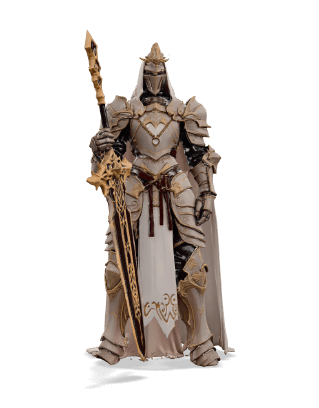
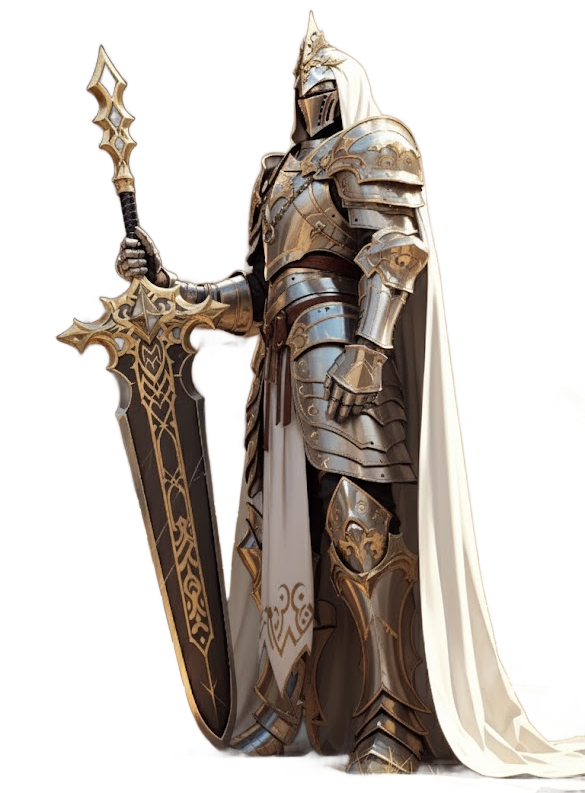
Pro 3D Model Generator
Unlock max detail, high-res textures, and priority processing.
From 2D Concept to Production-Ready 3D
Export high-quality, textured models. Save hours of manual modeling time.
A Feature-Rich 3D Generation Platform
Turn flat pictures into production-ready 3D assets—textured, multi-format — in one click.
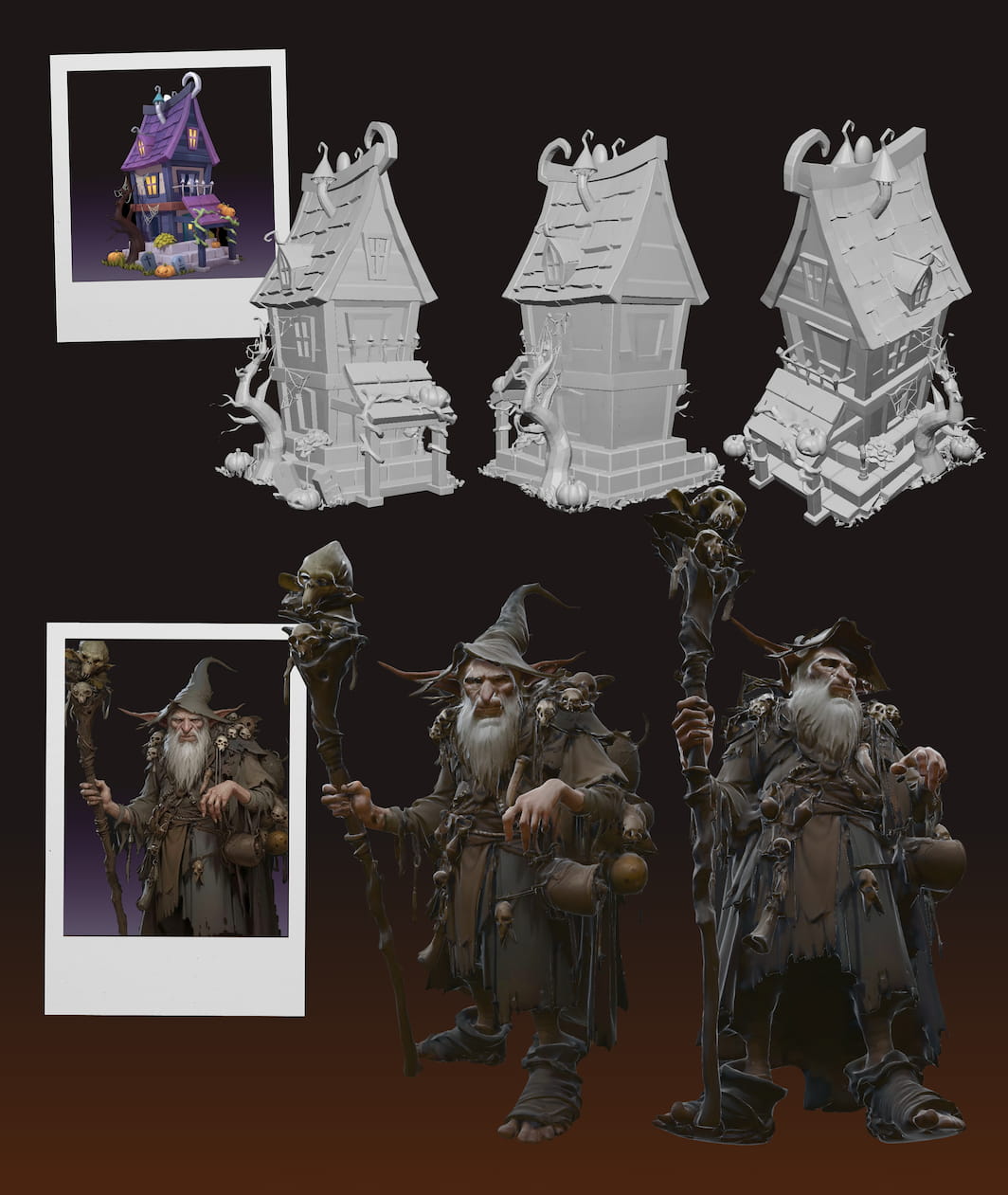
High-Precision Reconstruction
Our advanced models accurately reconstruct the geometry and depth from your 2D input, ensuring the 3D output maintains the precise visual details, proportions, and likeness of the original image.
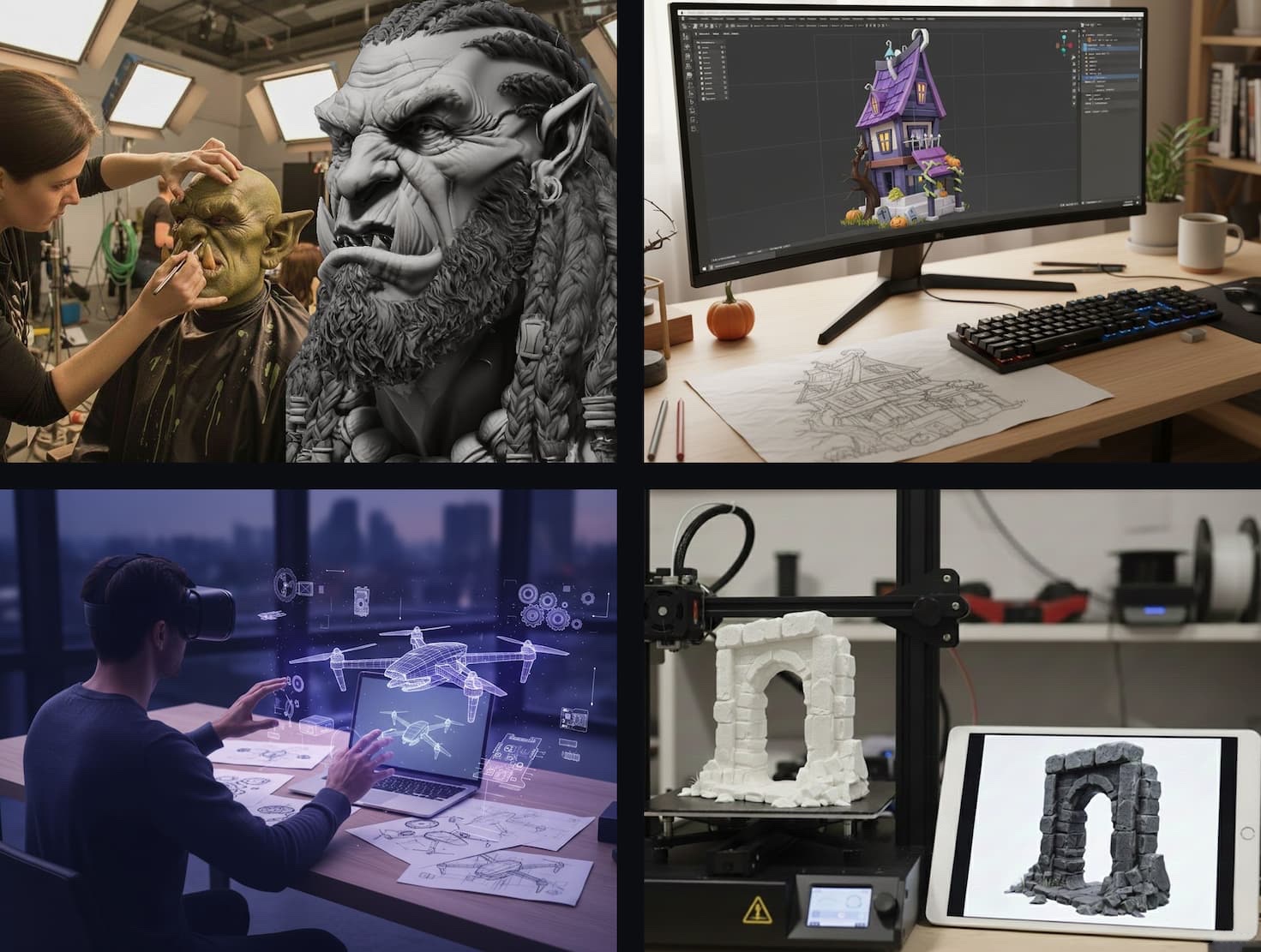
Ultra AI: Optimized for Pro Assets
Trained on millions of professional assets (mecha, monsters, game props, and architectural scenes), our AI 3D Model Generator delivers unparalleled quality for film, high-end game design, and detailed 3D printing.
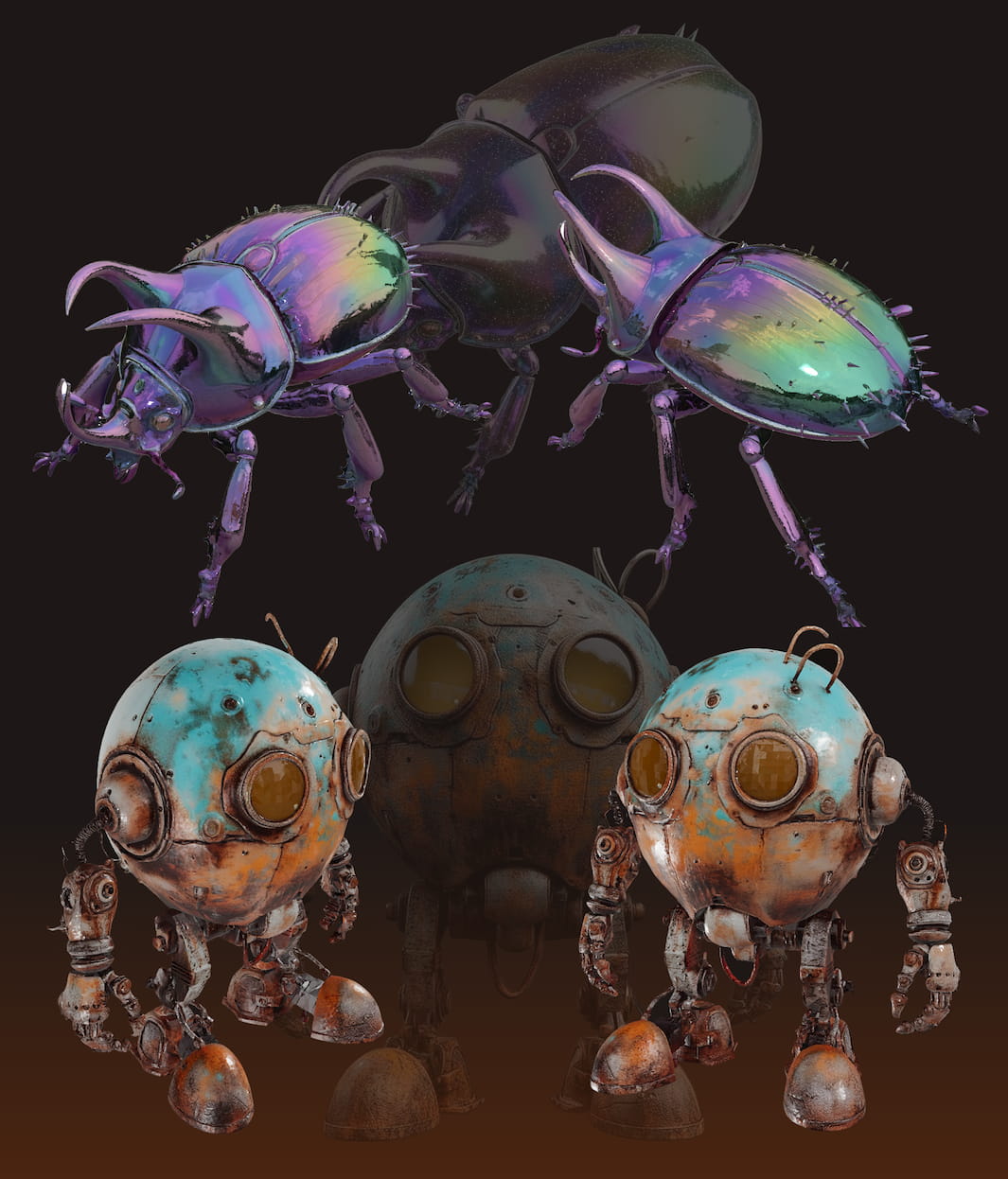
High-Fidelity Textures
Go beyond simple color. Our AI automatically generates detailed PBR textures and clean UV maps, delivering photorealistic, production-ready models that look stunning in any renderer.
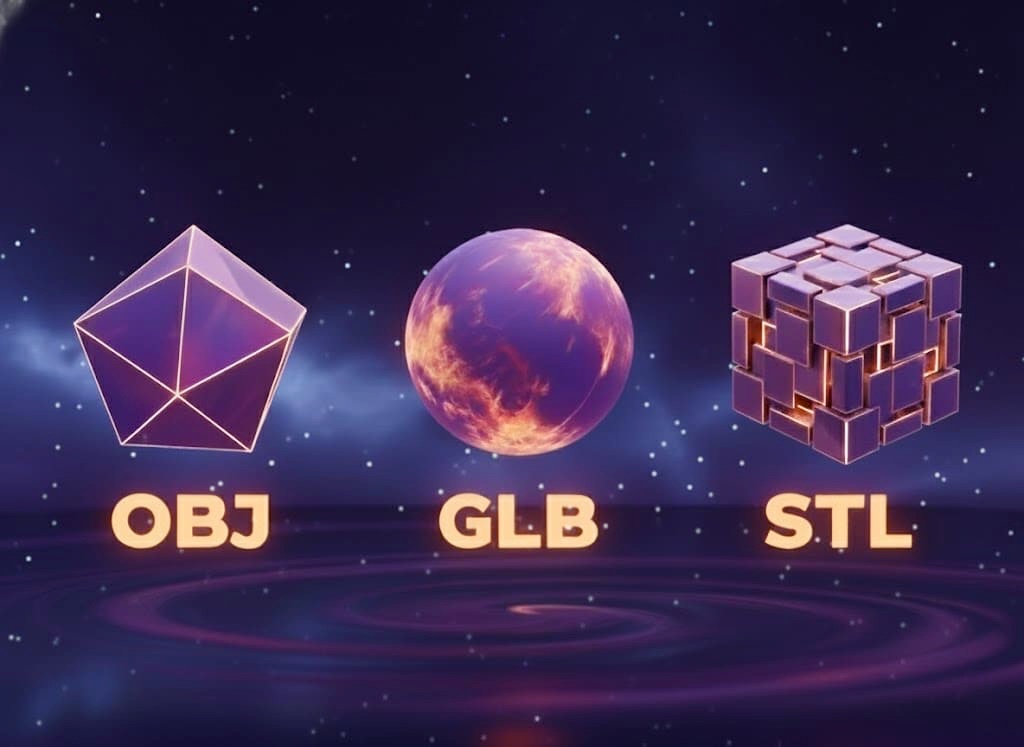
Multi-Format Export
Export your 3D models in universally compatible formats. Download instantly as .GLB, .OBJ, or .STL to seamlessly integrate into Blender, Unity, Unreal, or any other part of your creative pipeline.
What is an AI 3D Model Generator
An AI 3D model generator is a sophisticated software tool that uses artificial intelligence to automatically create three-dimensional models from simple inputs like text descriptions or 2D images. Unlike traditional 3D modeling software that requires hours of manual work, technical skill, and complex manipulation, an AI generator interprets the user's prompt and builds the 3D asset—including its shape, structure, and often textures—autonomously in a fraction of the time.
This technology is powered by advanced machine learning models, such as generative adversarial networks (GANs) or diffusion models, which have been "trained" on massive datasets containing 3D shapes and their corresponding 2D images. When a user uploads a photo of an object, the AI analyzes its features, lighting, and shading to understand its geometry. It then constructs a new 3D mesh (the model's "skeleton") and applies textures (its "skin") based on this learned data, effectively "imagining" the object's full 3D form from a flat picture. For a dedicated image-to-3D experience.
The primary impact of AI 3D model generators is their ability to democratize 3D content creation. They dramatically lower the barrier to entry, allowing game developers, designers, artists, and hobbyists to quickly prototype ideas or generate assets without extensive specialized training. This technology is rapidly accelerating workflows in game design, film production, product design, virtual reality (VR), augmented reality (AR), 3D printing, and e-commerce by making the creation of 3D content faster and more accessible than ever before.
Generate 3D Model in 3 Simple Steps
Our AI makes 3D creation simple. Follow these steps to bring 2D images to life in full 3D.
 step 1
1. Upload Your Image
Upload your JPG, PNG, or WebP. For best results, use a clear, well-lit photo of a single object. Simple, plain backgrounds work much better than busy scenes, helping our AI focus on your subject.

 step 2
2. Generate Your Model
Click 'Generate' and let our AI work. It will analyze your image's geometry, depth, and details to build your 3D asset. This process usually takes about 60 seconds.
 step 3
3. Export & Use
Once complete, your model is ready. Download it in standard formats like .GLB, .OBJ, and .STL. Your asset is compatible with creative software like Blender, Unity, and Unreal.
Experience Pro-Grade 3D Magic
Move beyond basic models. Generate production-ready assets with our most powerful AI engine.
Zero-Setup Freedom
Start creating in seconds. Our platform is fully cloud-based, meaning no downloads, no installations, and no powerful hardware required. Just open your browser and start generating.
Production-Ready Assets
Move beyond messy point clouds. Get clean, optimized meshes and high-fidelity PBR textures ready for direct use in Blender, Unity, Unreal, and other professional software.
Secure & Private by Design
We respect your intellectual property. Your uploaded images and generated models are kept confidential and are never shared publicly or used for training without your permission.
Built for Every Workflow
Our AI 3D model generator is a powerful asset for any creative field. Accelerate your pipeline in game design, film production, product design, VR/AR development, and 3D printing.
Why Choose Our AI 3D Model Generator?
Need Help? Browse Our FAQs
What is AI3DGen.com?
AI3DGen.com is an advanced, cloud-based AI 3D Model Generator that uses artificial intelligence to automatically convert your 2D images or text descriptions into high-quality 3D models. It's designed to be fast and easy to use, allowing anyone to create 3D assets for games, design, or VR/AR with no downloads required.
Is this service really free to use?
Yes, we offer a free version to get you started. However, the free version has limitations on the number of uses. For more features and unlimited access, you can upgrade to our Pro or Ultra plans.
What are the differences between the 'Base', 'Pro', and 'Ultra' 3D model generators?
We provide three separate generators for different needs: The 'Base' generator is ideal for creating simple 3D models. The 'Pro' generator offers enhanced detail and capabilities. The 'Ultra' generator is our most powerful tool, creating complex, high-detail models suitable for professional game or film production.
What kind of image should I upload for the best results?
For the best results, use a clear, well-lit photo of a single object. Simple, plain backgrounds work much better than busy scenes, as they help our AI 3D model generation focus on your subject.
How long does it take to generate a 3D model?
The generation process typically takes between 60 and 180 seconds, depending on the complexity of the model you are creating.
What file formats do you support for export?
You can download your generated 3D models in standard formats like .GLB, .OBJ, and .STL.
Do I need to download or install any software?
No. Our AI 3D model generator is 100% cloud-based. There are no downloads or installations required. You can start generating models directly from your web browser.
Is my data secure? Will you use my uploaded images?
Yes, your privacy is a priority. Your uploaded images and generated models are kept confidential. They are never shared publicly or used for training without your explicit permission.