Standalone, portable, immediate

Move helps you capture your best ideas whenever they appear, and shape them into something great. Touch-sensitive encoders, pressure-sensitive pads and a built-in speaker, mic and battery make it the ideal companion for on-the-go music creation. Pick it up, start playing, and follow your intuition wherever it leads.
Instruments and sounds
Turn any of Move’s tracks into a drum kit, sampler or synthesizer. Build rhythms and patterns with the step sequencer, or play freely across 32 pads with polyphonic aftertouch. Dive deep into subtractive synthesis with full control over Drift’s oscillators, filters, envelopes and modulation. And transfer your own Drift and effects presets from Live to Move.
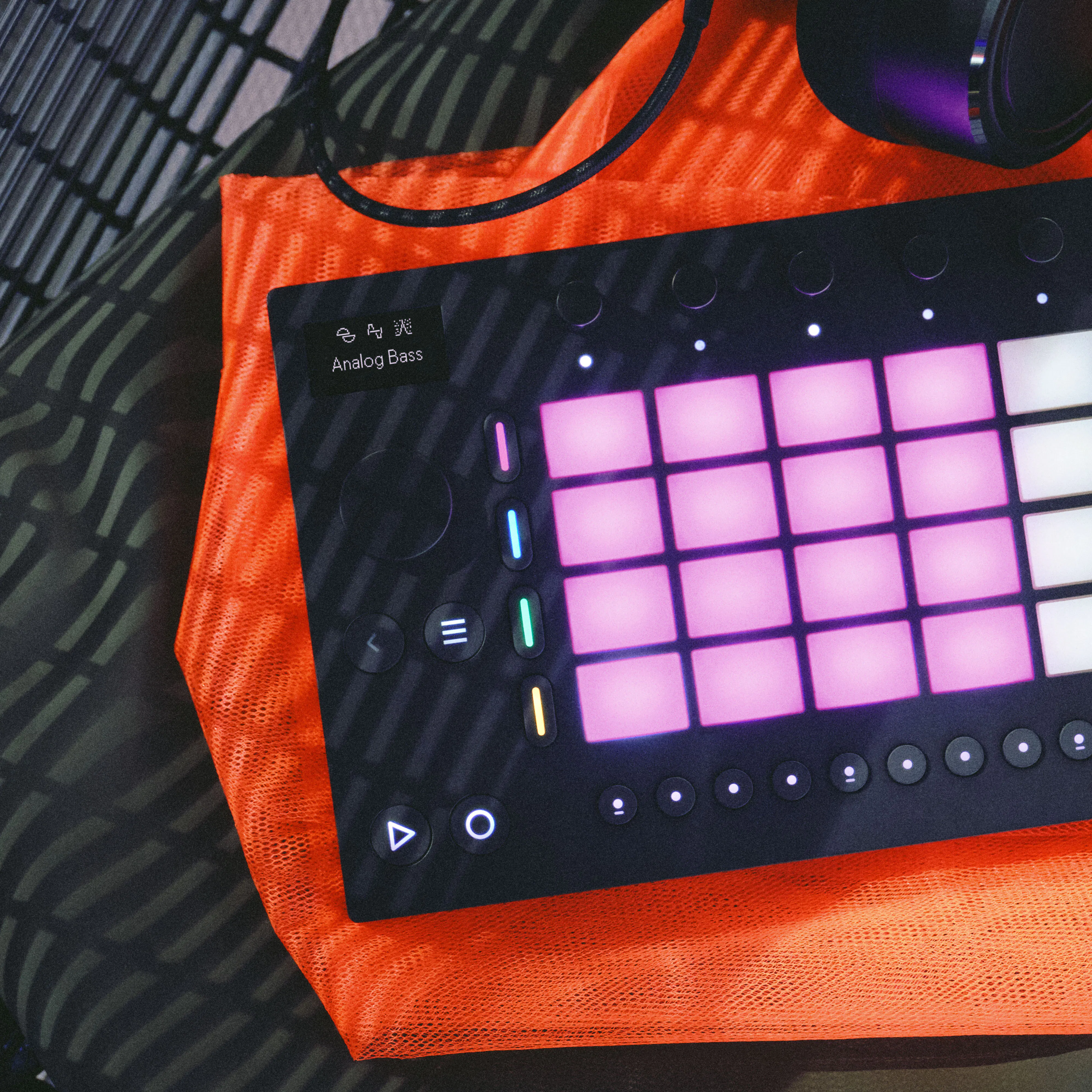
Move comes with all the sounds you need to start or flesh out a track. Explore over 1500 samples, presets and drum hits curated by Ableton’s sound design team and made in collaboration with BADSISTA, BNYX, DECAP, L.Dre, Sound Oracle, Tamuz and more. Or get inspiration from third-party packs and presets.

Add some color
Move's growing suite of built-in high-quality effects lets you add depth and texture to your sound without reaching for another device. Move comes with many of the same effects found in Live – like Reverb, Delay, Saturator, Auto Filter, Auto Pan-Tremolo, Erosion and Auto Shift.

16 pitches for drums
Break out of the standard drum layout. Transpose a drum hit across 16 pitches to turn a kick or a snare into a bassline or melody.
Record, bounce and warp
Audio tracks let you record, process and perform with audio, not just MIDI, and turn Move into a fully-fledged effects box. Add clips from the library, capture your voice, synth or another source through the microphone or line input, and run your sound through Move’s effects chain. You can also bounce any MIDI clip to audio to free up Move’s tracks, and warp your clip to retain the original pitch while changing the tempo – or vice versa.
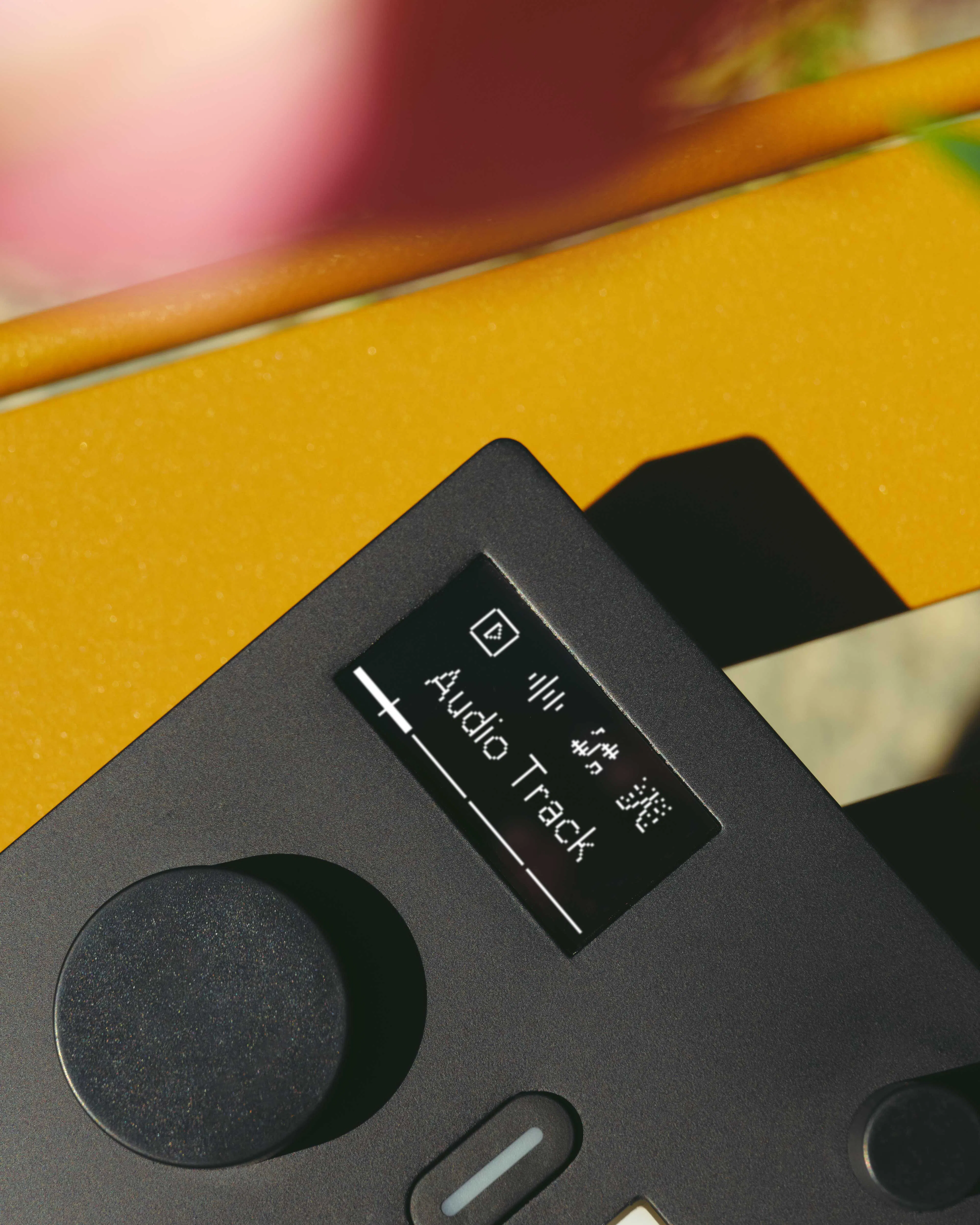
Warp recordings to fit, bounce clips to free up processing and lock in a take. Or skip the recording altogether: monitor incoming audio through a track's effect chain and use Move as a standalone effects box in a live set.

Sample, slice, repeat
Found a sound you like? Plug in your phone or use the built-in mic to capture it, then slice your sample into playable notes or hits. Add effects, reverse it, or resample anything already playing. Move also comes with a library of sliced loops – drum breaks, guitars, pianos and more – ready for you to chop and rearrange.
Built into your setup
Move connects to the rest of your setup.

Inputs and outputs
Move has two 3.5 mm stereo ports for headphones, speakers and external microphones, and a USB-C port for power, audio and data transfer.

MIDI
Send and receive MIDI simultaneously with per-track channel routing. Move outputs polyphonic aftertouch for expressive play with external instruments, including modular gear via a MIDI-to-CV adapter.

WiFi connectivity
Connect to Wi-Fi to transfer your Sets to Live and to and from Note via Ableton Cloud, manage Sets and files with Move Manager, use Ableton Link, and get the latest software update.

Link and Link Audio
Ableton Link keeps Move in sync with compatible apps and devices over a local network. Link Audio goes even further, letting you stream audio in real time from Move's main output or individual tracks to audio tracks in Live.

Live controller
Connect Move to a computer and it becomes a tightly-integrated control surface for Live. Launch clips, play instruments and navigate sessions, with full two-way feedback between Move and Live.
Features at a glance
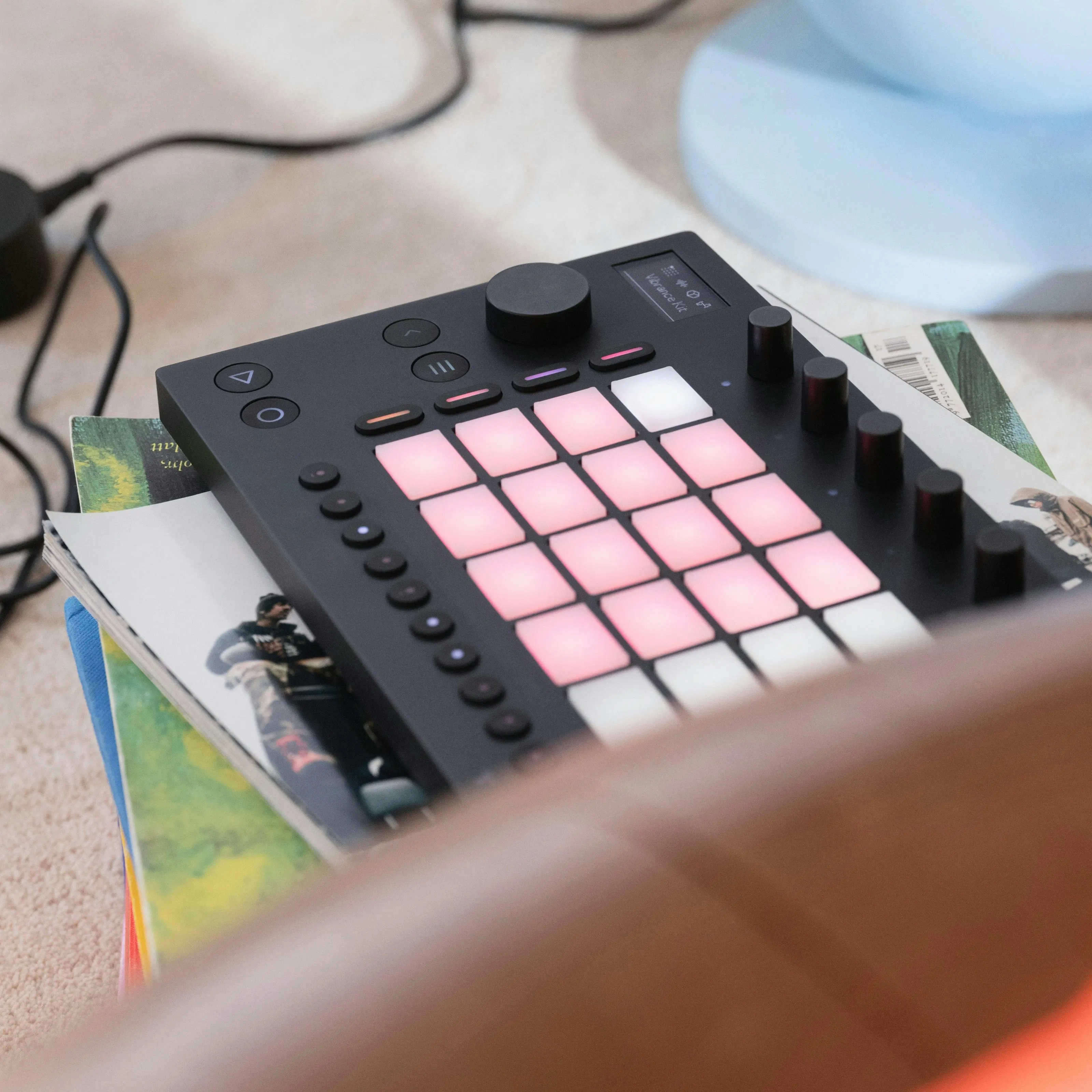
- 32 velocity sensitive, backlit pads with polyphonic aftertouch
- Built-in audio interface
- 4 instruments: Drift, Wavetable, Drum Sampler and Melodic Sampler
- 12 effects
- Over 1500 sounds and presets
- Quad-core ARM Cortex-A72 at 1.5 GHz with 2 GB of RAM
- Lithium (LFP) battery with up to 4 hours of play time
- Built-in 64 GB SD card
- Free practice lessons from Melodics